

Midpoint Endpoint Calculator – Find a Midpoint or Missing Endpoint in 2 Easy Steps
Midpoint & Endpoint Solver
Free midpoint calculator – calculate the exact center between two coordinates, or find a missing endpoint.
Point A (x₁, y₁)
Point B (x₂, y₂)
Use this free midpoint endpoint calculator to find the exact centre of a line segment – or work backwards to a missing endpoint.
Quick answer
The midpoint of (x₁, y₁) and (x₂, y₂) is M = ((x₁ + x₂) ÷ 2, (y₁ + y₂) ÷ 2). Example: (2, 4) and (8, 10) give M = (5, 7). To find a missing endpoint from A and M, use B = (2·Mx − x₁, 2·My − y₁): A (2, 4) and M (5, 7) give B = (8, 10). This midpoint endpoint calculator does both and also shows the segment length.
Table of Contents
The midpoint is the point exactly halfway between two coordinates. You need it for geometry homework, bisecting a line, finding the centre of a circle from a diameter, or placing an object halfway between two positions in design and game development.
Our free midpoint endpoint calculator has two modes: find the midpoint from two endpoints, or find a missing endpoint when you know one end and the midpoint. Each result includes the total distance between the endpoints.
Midpoint and Endpoint Formulas
| Find | Formula | Example |
|---|---|---|
| Midpoint | ((x₁ + x₂)/2, (y₁ + y₂)/2) | (2,4),(8,10) → (5,7) |
| Missing endpoint | (2Mx − x₁, 2My − y₁) | A(2,4), M(5,7) → (8,10) |
| Segment length | √[(x₂ − x₁)² + (y₂ − y₁)²] | √(36 + 36) ≈ 8.4853 |
Example with negative numbers
Points (−3, 5) and (4, −2): midpoint = ((−3 + 4)/2, (5 − 2)/2) = (0.5, 1.5), and the distance is √(49 + 49) ≈ 9.8995.
How to Use the Midpoint Endpoint Calculator
Pick a mode and get the answer in two steps.
Step 1: Find the Midpoint of Two Points
Select Find Midpoint, enter Point A and Point B – e.g. (2, 4) and (8, 10) – and click Calculate Now. The report shows the midpoint (5, 7) and the total distance 8.4853.

Step 2: Or Find a Missing Endpoint
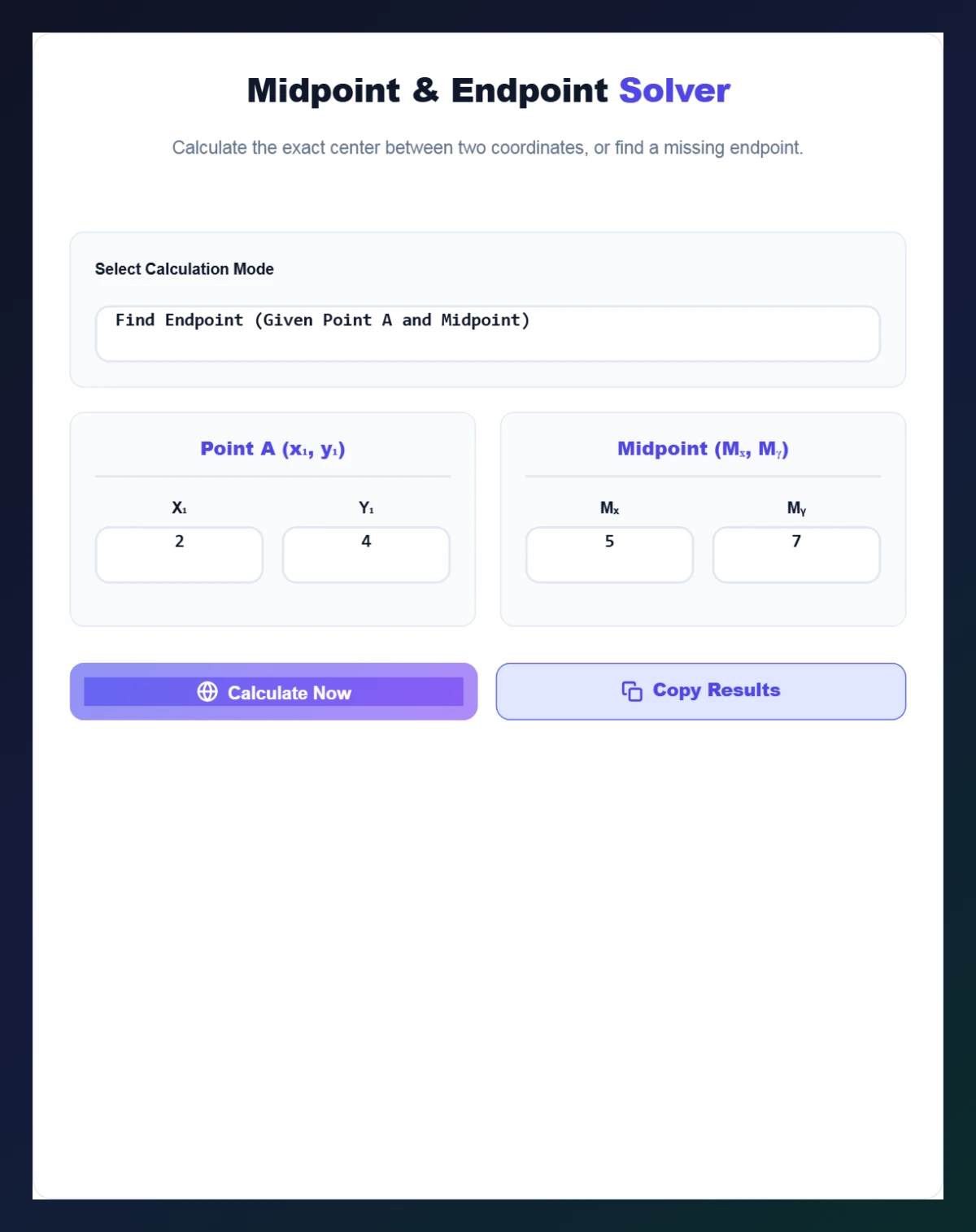
Select Find Endpoint, enter Point A and the Midpoint – e.g. (2, 4) and (5, 7) – and click Calculate Now. The calculator returns the missing Point B (8, 10). Use Copy Results to save it.
Where the Midpoint Formula Is Used
- Geometry: perpendicular bisectors and centres of circles from a diameter.
- Maps: a halfway meeting point between two grid locations.
- Design and CAD: centring objects between two guides.
- Game development: placing items or cameras between two players.
Tips
- Midpoint coordinates can be decimals – that is normal.
- The midpoint is always between the two x-values and between the two y-values; use that to sanity-check answers.
- For 3D points, average the z-coordinates as well, or use our 3D Coordinate Distance Calculator.
Work with full line equations using the Slope Calculator.
Why Use a Midpoint Endpoint Calculator?
Doing the averages by hand is quick for whole numbers, but fractions, decimals and negative coordinates make slips easy. A midpoint endpoint calculator removes arithmetic errors, gives the segment length at the same time, and lets you check homework answers in seconds. It is also handy when you only know one end of a segment and its centre – a common exam question that many students find confusing.
Frequently Asked Questions
How do you find the midpoint of two points?
Average the x-coordinates and the y-coordinates: M = ((x₁ + x₂)/2, (y₁ + y₂)/2).
How do you find an endpoint from a midpoint?
Double the midpoint and subtract the known endpoint: B = (2Mx − x₁, 2My − y₁).
Can the midpoint have decimals?
Yes. For example the midpoint of (−3, 5) and (4, −2) is (0.5, 1.5).
Does the calculator show the distance?
Yes. It shows the total distance between the two endpoints.
Does it work with negative coordinates?
Yes. Enter any positive, negative or decimal values.
Is the midpoint calculator free?
Yes. It is free, runs in your browser and needs no sign-up.