

Gradient Generator – Mesh, Aurora and Glow Gradient Images
Gradient Generator
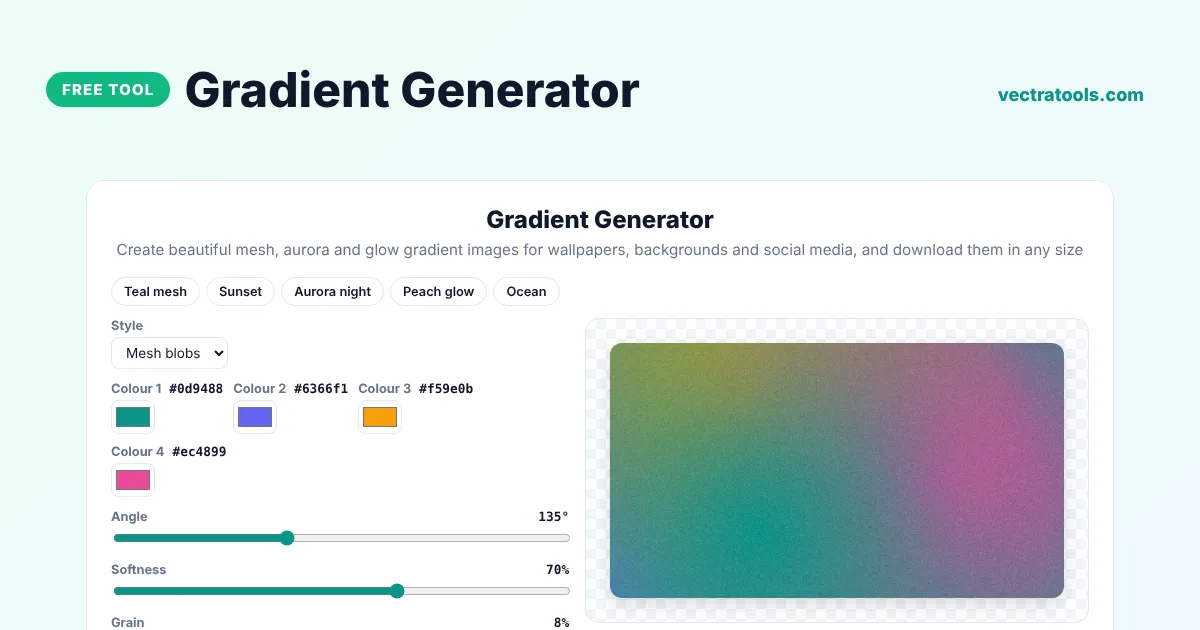
Create beautiful mesh, aurora and glow gradient images for wallpapers, backgrounds and social media, and download them in any size
Quick answer
A gradient generator creates smooth colour blends you can use as wallpapers, website backgrounds and social media graphics. Pick a style such as Mesh blobs or Aurora, choose four colours, adjust the softness and grain, and download a PNG at the exact size you need, from a 4K desktop wallpaper to an iPhone screen or a LinkedIn banner.
Our free gradient generator goes beyond simple CSS gradients. It paints soft mesh blobs, glowing aurora effects and radial glows on a canvas, adds optional film grain for a modern look and exports full-resolution images. You can shuffle the blob positions until the composition looks right.
Gradient Styles
| Style | Look | Good for |
|---|---|---|
| Mesh blobs | Soft overlapping colour clouds | App backgrounds, hero sections |
| Linear | Classic smooth blend at an angle | Simple wallpapers and banners |
| Radial glow | One soft glow from the centre | Product shots and quotes |
| Aurora | Bright light ribbons on a dark base | Dark mode wallpapers |
Download Sizes
| Size | Use |
|---|---|
| 1920 x 1080 | Full HD desktop wallpaper |
| 2560 x 1440 and 3840 x 2160 | QHD and 4K screens |
| 1080 x 1920 and 1170 x 2532 | Phone and iPhone wallpapers |
| 1080 x 1080 | Instagram posts |
| 1500 x 500 and 1584 x 396 | X header and LinkedIn banner |
How to Use the Gradient Generator
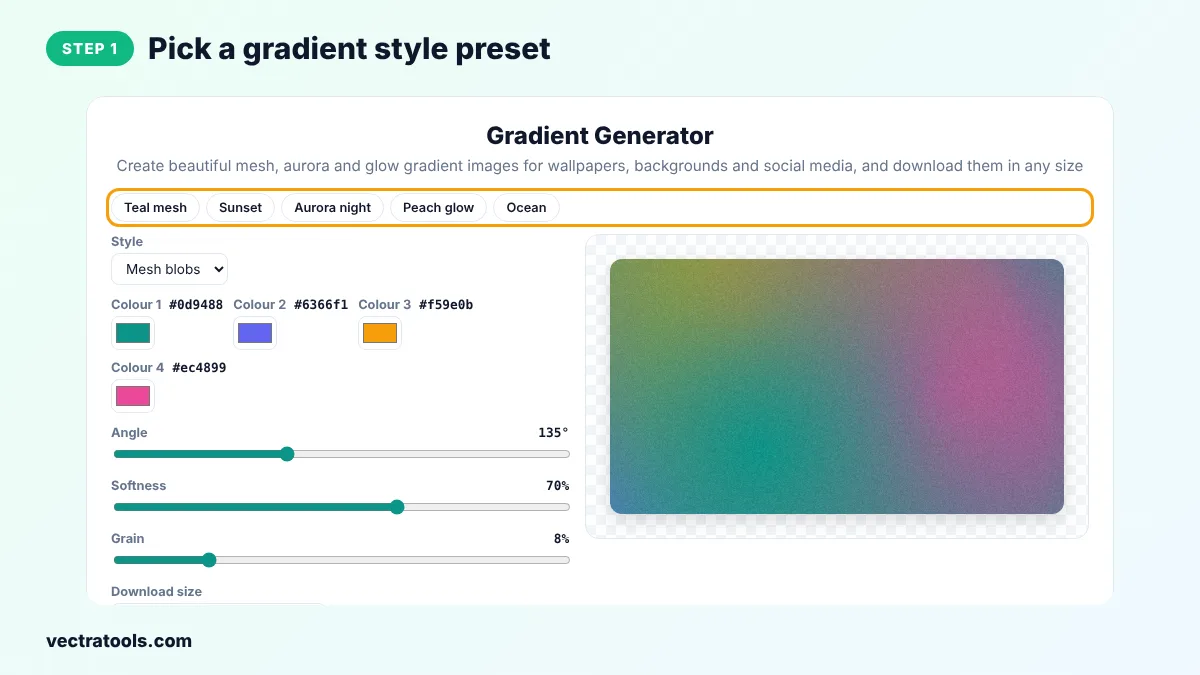
Step 1: Pick a Gradient Style Preset
Click Teal mesh, Sunset, Aurora night, Peach glow or Ocean to start from a ready-made look.
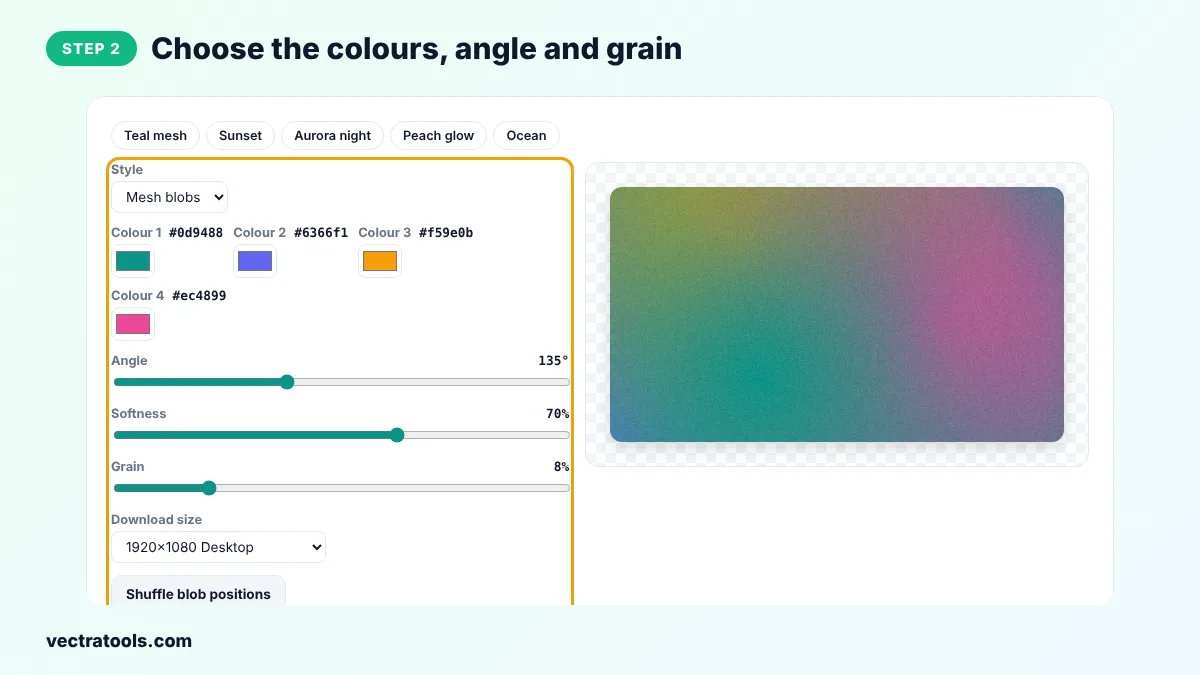
Step 2: Choose the Colours, Angle and Grain
Pick four colours, set the angle for linear gradients, the softness of the blobs and the amount of grain, and choose the download size.
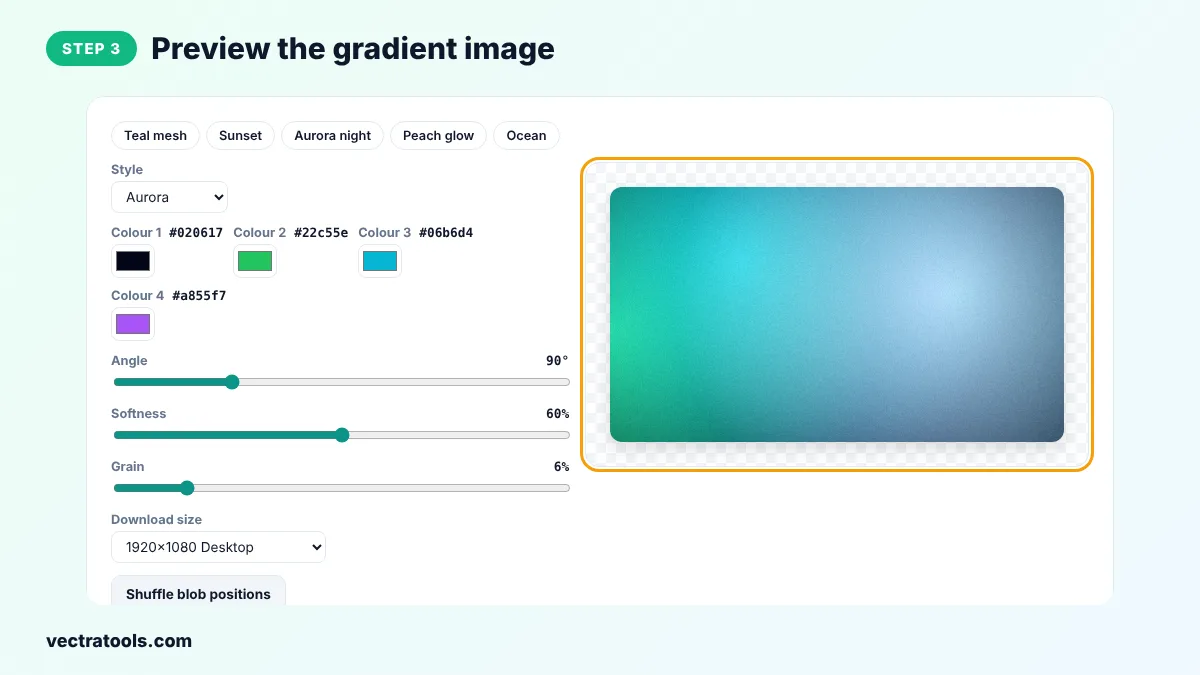
Step 3: Preview the Gradient Image
The preview shows the gradient at the shape of the size you chose. Click Shuffle blob positions to try a new layout.
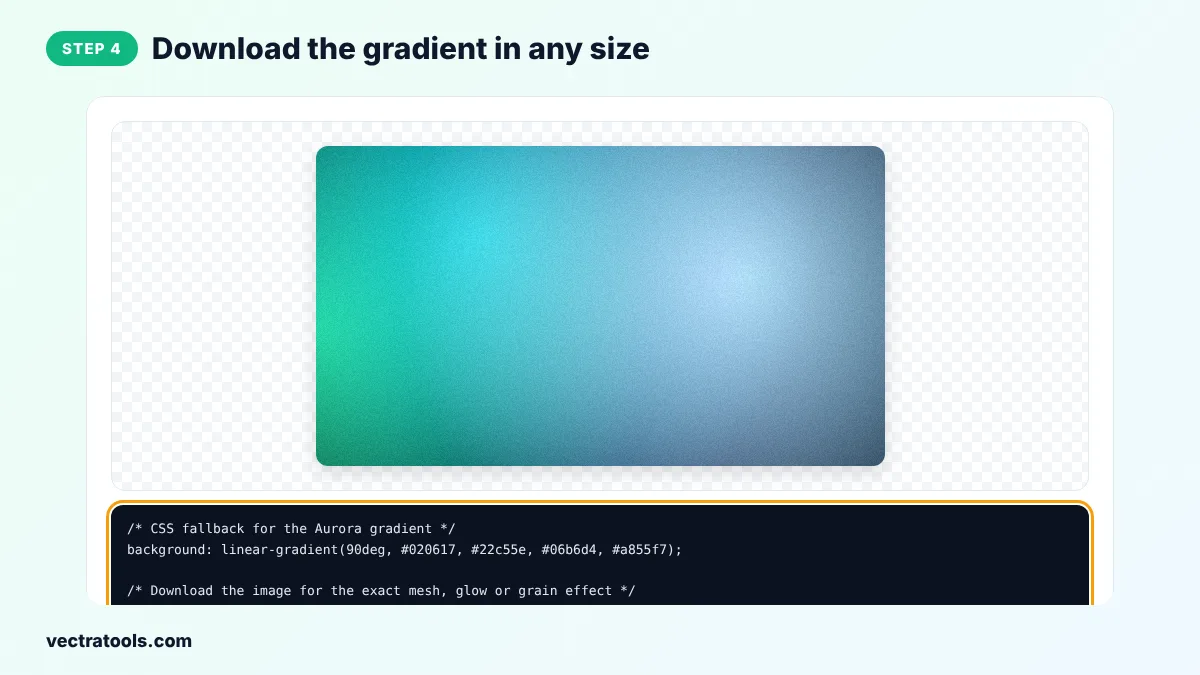
Step 4: Download the Gradient in Any Size
Click Download PNG to save the full-resolution image, or copy a CSS fallback for websites.
Every file from the gradient generator is created on your device, so it is fast and private. You can come back to the gradient generator at any time, change a single setting and download a new version in seconds, which makes it easy to keep a consistent style across a whole project.
Designers use a gradient generator for presentation backgrounds, YouTube end screens, app splash screens and phone wallpapers. Because the gradient generator renders in your browser, you can create as many images as you like for free.
Gradient Design Tips
- Use colours that sit near each other on the colour wheel for calm, smooth gradients.
- Add a little grain, around 5 to 10 percent, to avoid visible banding on large screens.
- Keep text areas on darker or calmer parts of the gradient for readability.
- For dark mode wallpapers, start with a near-black base colour and bright accent colours.
Gradient Generator vs CSS Gradient Generator
This tool creates images for wallpapers and graphics, with effects CSS cannot easily do, such as grain and soft mesh blobs. If you need pure CSS code for a website element, use our CSS gradient generator instead.
Frequently Asked Questions
Is this gradient generator free?
Yes. It is free with no watermark and no sign-up.
Can I use the images commercially?
Yes. The gradients you create are yours to use in personal and commercial projects.
What is a mesh gradient?
A mesh gradient blends several colours from different points, creating soft, organic colour clouds instead of a straight line.
What does grain do?
It adds subtle noise that makes the gradient look like printed paper or film and hides colour banding.
Which size should I choose for a phone wallpaper?
1080 x 1920 works on most Android phones, and 1170 x 2532 fits recent iPhones.
Can I get CSS code?
Yes. Copy the CSS fallback for a linear version of your colours. The mesh and grain effects need the downloaded image.
Are images uploaded?
No. Everything is created in your browser.