

Pattern Background Generator – Seamless CSS and SVG Patterns
Pattern Background Generator
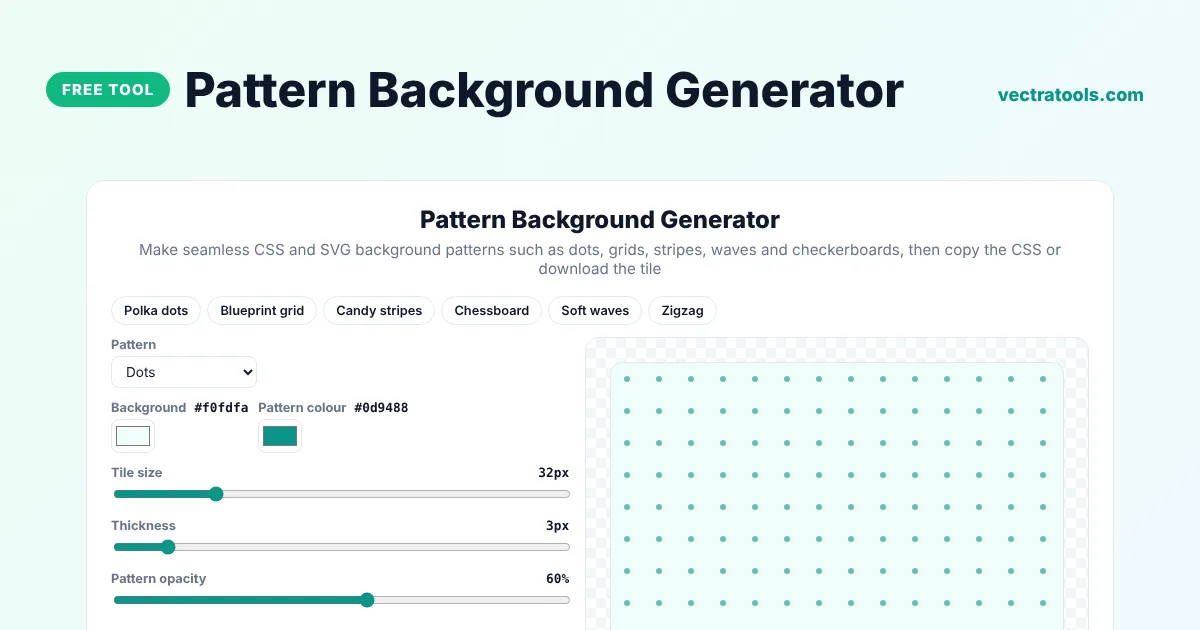
Make seamless CSS and SVG background patterns such as dots, grids, stripes, waves and checkerboards, then copy the CSS or download the tile
Quick answer
A pattern background generator creates repeating backgrounds that tile seamlessly. Choose a pattern such as dots, grid, stripes or waves, pick the background and pattern colours, set the tile size, thickness and opacity, and copy the CSS. The pattern is a tiny SVG embedded in the CSS, so it loads instantly and stays sharp on any screen.
Our free pattern background generator includes nine patterns and six presets such as Blueprint grid and Candy stripes. It writes ready-to-paste background-color, background-image and background-size CSS, and you can download the single SVG tile to use in design apps or as a file on your server.
Pattern Types
| Pattern | Good for |
|---|---|
| Dots | Friendly, playful sections and cards |
| Grid | Technical, blueprint and notebook looks |
| Stripes and diagonal stripes | Banners, badges and retro designs |
| Checkerboard | Transparency previews and bold designs |
| Waves and zigzag | Hero sections and dividers |
| Crosses and triangles | Subtle textures for backgrounds |
Why Use CSS Patterns?
- They are tiny: the whole pattern is usually under 1 KB.
- They scale perfectly on high-resolution screens.
- You can change colours by editing a few characters.
- They need no extra image request when embedded as a data URL.
How to Use the Pattern Background Generator
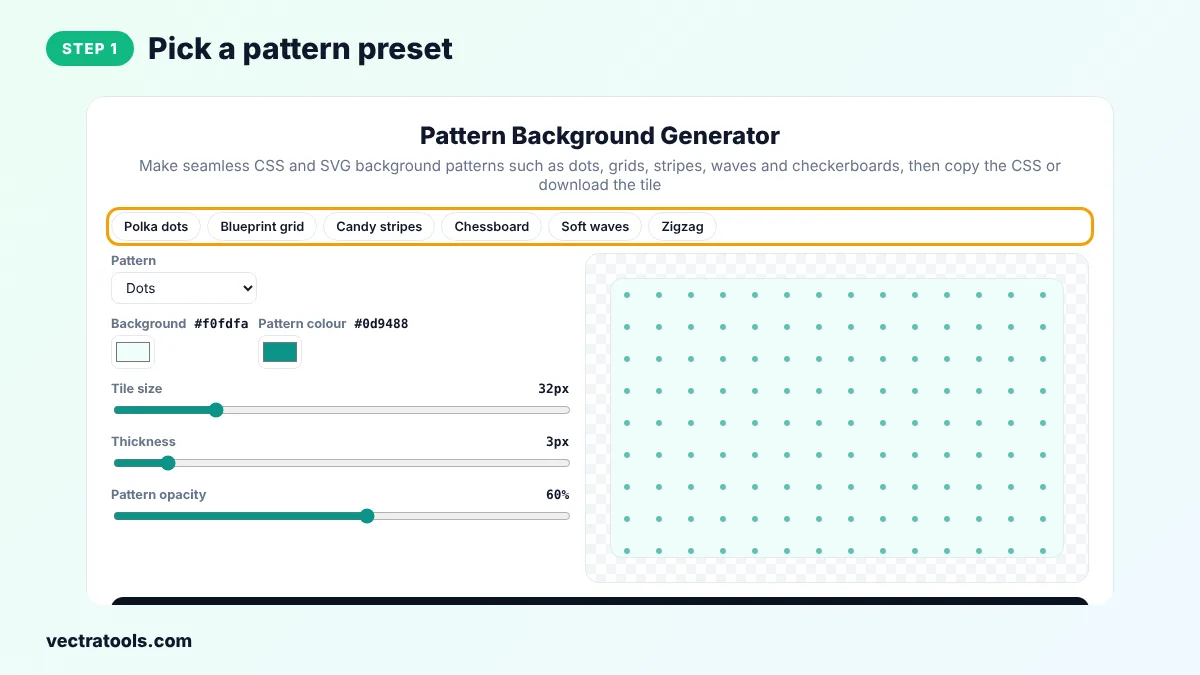
Step 1: Pick a Pattern Preset
Click Polka dots, Blueprint grid, Candy stripes, Chessboard, Soft waves or Zigzag to start quickly.
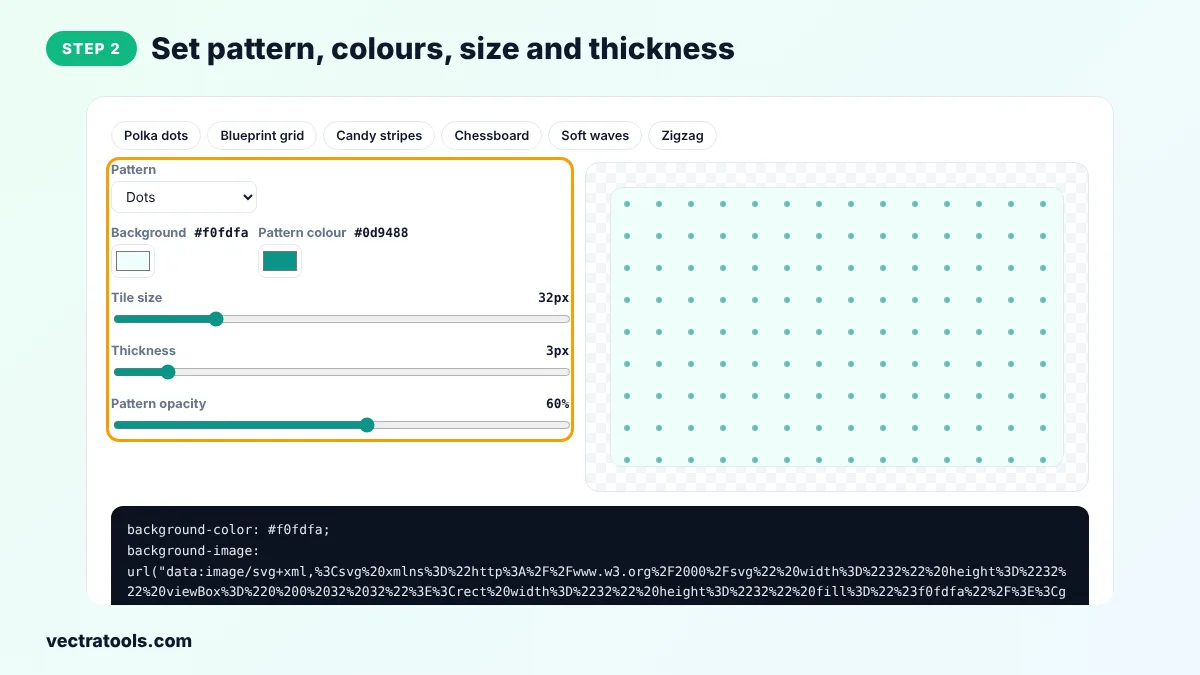
Step 2: Set Pattern, Colours, Size and Thickness
Choose a pattern, pick the background and pattern colours and drag the tile size, thickness and opacity sliders.
Step 3: See the Seamless Pattern Live
The preview tiles the pattern across a large area, so you can check it repeats without visible seams.

Step 4: Copy the CSS or Download the SVG Tile
Click Copy CSS and paste it into any element's style, or click Download SVG tile to save the single tile.

Every file from the pattern background generator is created on your device, so it is fast and private. You can come back to the pattern background generator at any time, change a single setting and download a new version in seconds, which makes it easy to keep a consistent style across a whole project.
A pattern background generator is a quick way to add texture to plain sections without heavy images. Use the pattern background generator for landing pages, email headers, presentations and app empty states.
Pattern Design Tips
- Keep pattern opacity low, around 10 to 30 percent, behind text.
- Use a larger tile size for calm backgrounds and a smaller one for texture.
- Match the pattern colour to your brand colour for a cohesive look.
- Test the pattern on mobile, where small details can look busy.
Frequently Asked Questions
Is this pattern background generator free?
Yes. It is free with no sign-up.
Are the patterns seamless?
Yes. Each pattern is designed as a tile that repeats without visible edges.
How do I use the CSS?
Paste the three lines into the CSS of a section, body or card. The pattern repeats automatically.
Can I use the SVG tile in Figma or Canva?
Yes. Download the SVG tile and use it as a repeating fill or pattern in your design app.
Do CSS patterns slow down my site?
No. The SVG is tiny and embedded in the CSS, so there is no extra file to download.
Can I make the pattern transparent?
Yes. Lower the pattern opacity. For a transparent background, edit the background colour in the CSS to transparent.
Are my designs uploaded?
No. Everything happens in your browser.