

Extra Space Remover – Remove Double Spaces and Tabs from Text
Extra Space Remover
Strip multi-horizontal spacing gaps, normalize messy text padding blocks, and trim margins instantly
Quick answer
An extra space remover cleans messy spacing in text. It turns double or triple spaces and tabs into a single space and trims spaces from the start and end, so "Hello world" becomes "Hello world". Paste your text, keep the default options, click Scrub Extra Spaces and copy the result. Line breaks are kept.
Our free extra space remover fixes text copied from PDFs, Word files, emails, websites and spreadsheets, where hidden double spaces and tabs are very common. It also shows the original character count, the cleaned count and how many spaces were removed. A force mode can even delete every space if you need one continuous string.
What Does an Extra Space Remover Do?
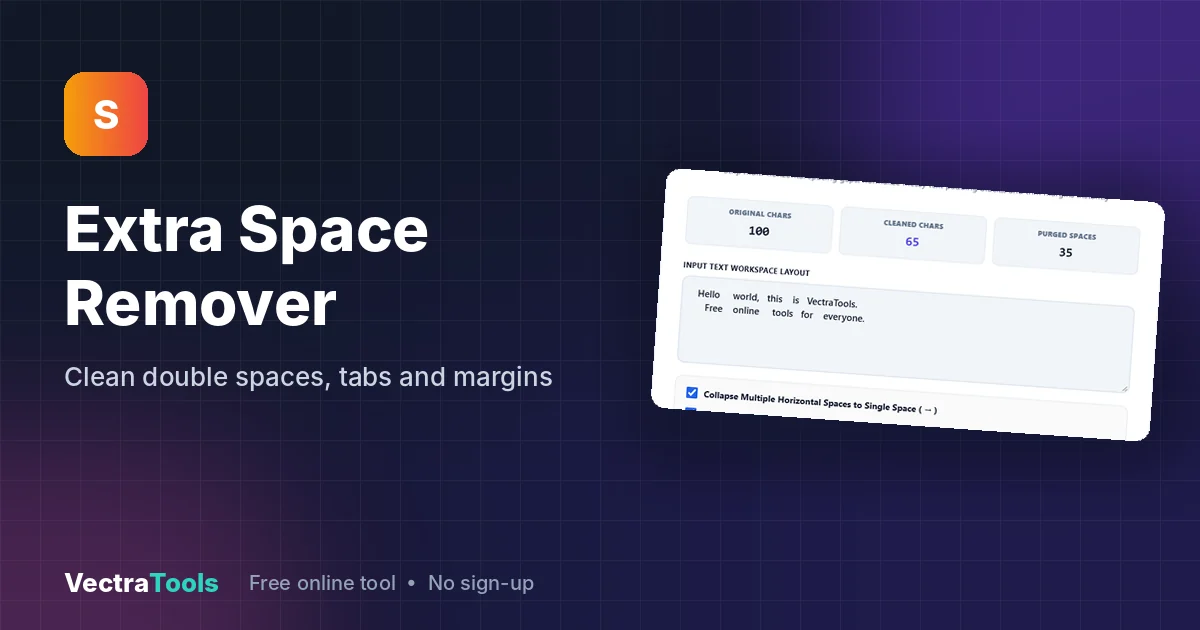
Extra spaces are hard to see but cause real problems: broken search matches, uneven layouts, failed form validation and messy data imports. An extra space remover scans the text and normalises the whitespace for you. Three options control how strong the cleaning is. In our test, two lines with 100 characters were reduced to 65 characters by removing 35 unneeded spaces.
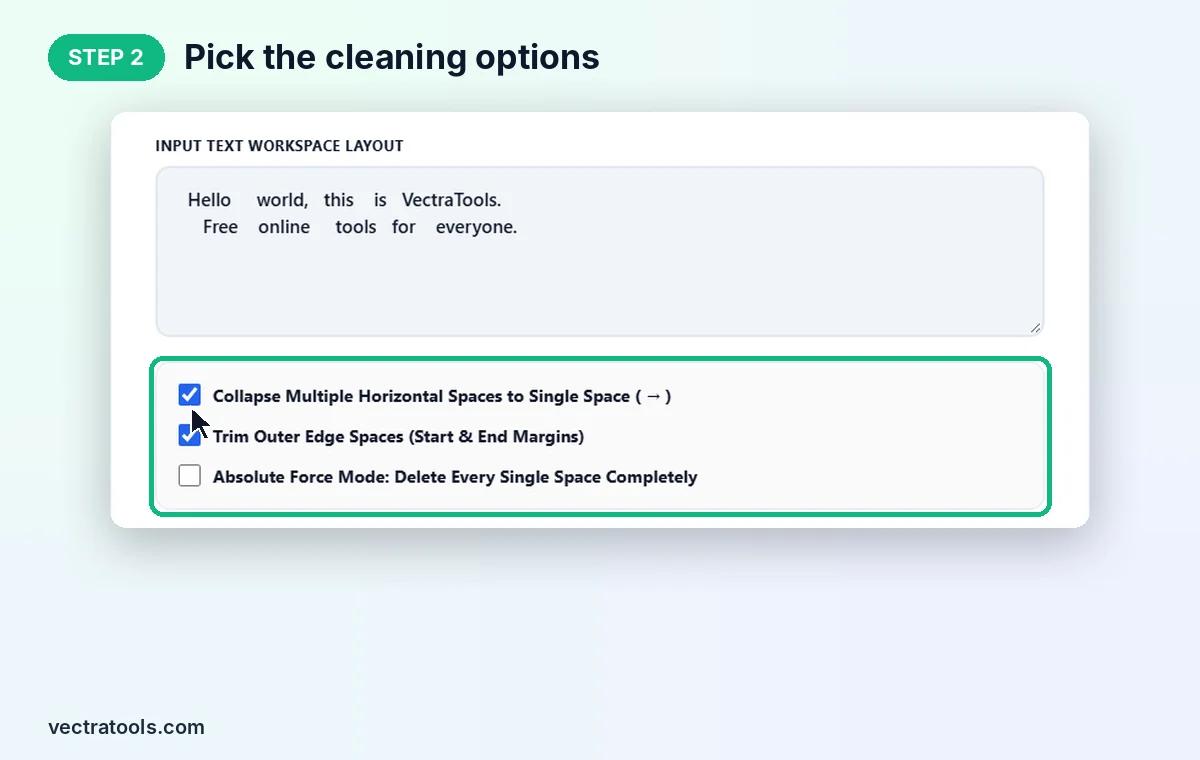
| Option | Default | What it does |
|---|---|---|
| Collapse Multiple Horizontal Spaces to Single Space | On | Turns runs of spaces and tabs into one space and tidies spaces around line breaks |
| Trim Outer Edge Spaces | On | Removes spaces at the very start and end of the text |
| Absolute Force Mode | Off | Deletes every space, tab and line break, joining everything into one string |
How to Use the Extra Space Remover
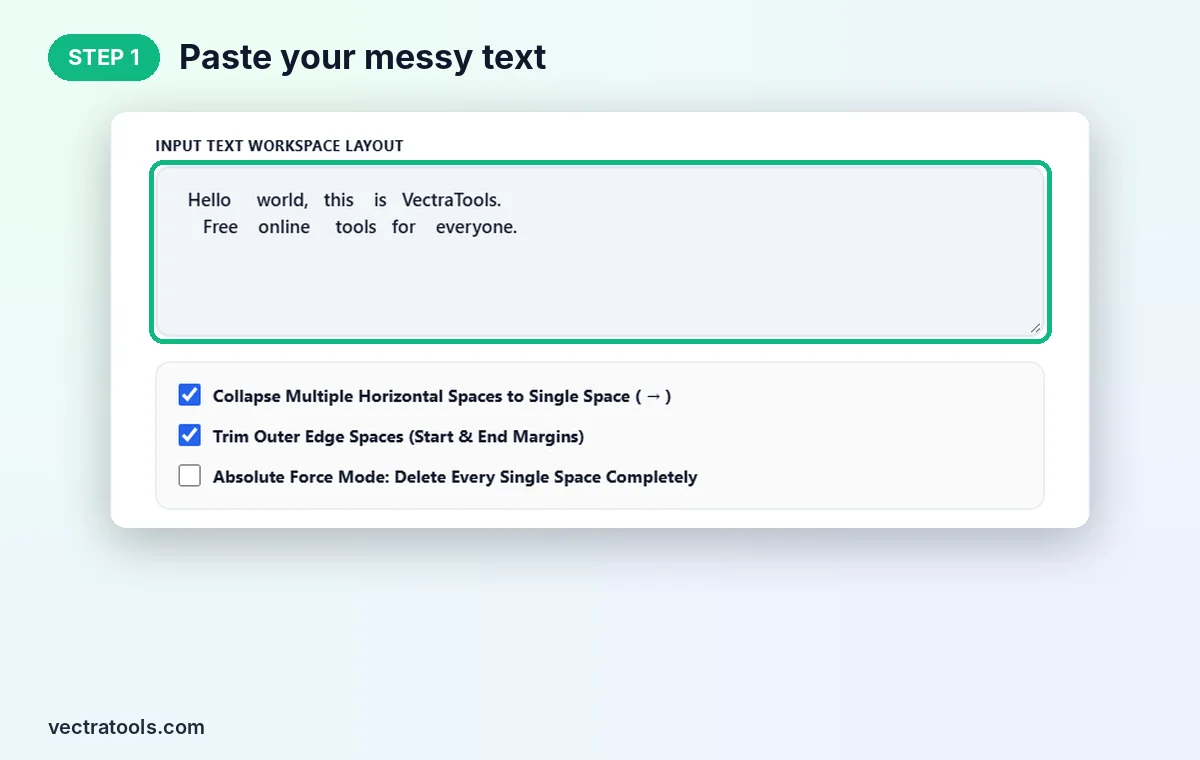
Step 1: Paste Your Messy Text
Open the extra space remover and paste your text into Input Text Workspace Layout. We paste two lines full of uneven gaps: "Hello world, this is VectraTools." and "Free online tools for everyone."
Step 2: Pick the Cleaning Options
For normal text keep Collapse Multiple Horizontal Spaces and Trim Outer Edge Spaces ticked. Only tick Absolute Force Mode when you want no spaces at all, for example to build a code or ID.
Step 3: Click Scrub Extra Spaces
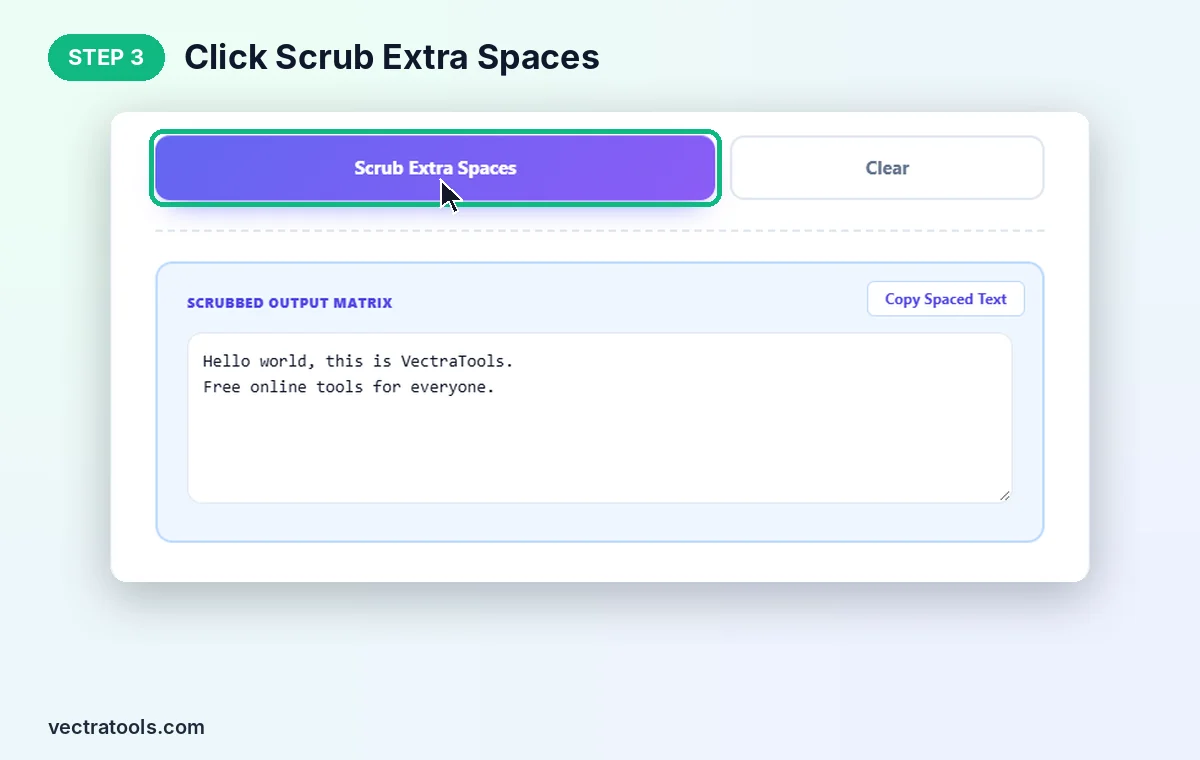
Click Scrub Extra Spaces. The counters show 100 original characters, 65 cleaned characters and 35 purged spaces. Clear empties the tool for the next text.
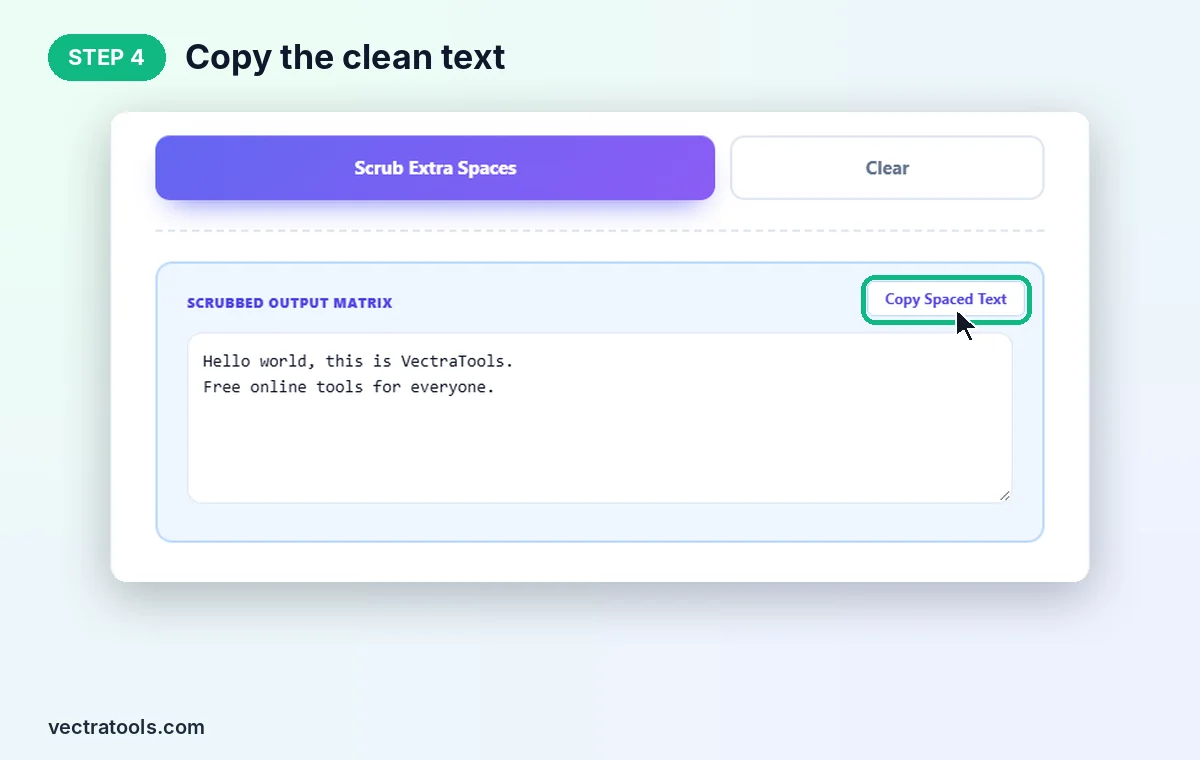
Step 4: Copy the Clean Text
The tidy version appears in Scrubbed Output Matrix with single spaces and the original line breaks. Click Copy Spaced Text to copy it.
Where an Extra Space Remover Helps
- Text from PDFs and scans: remove the random double spaces that appear when copying from PDF files.
- Website and blog content: clean copy before pasting into WordPress, so paragraphs look even.
- Spreadsheet data: stray spaces make "London" and "London " look like different values in Excel and Google Sheets.
- Forms and logins: trimmed emails and usernames avoid "invalid input" errors.
- Code and data strings: force mode joins values into one string with no spaces.
Extra Space Remover Tips
- Force mode also removes line breaks, so a multi-line list becomes one long line. Use it only when that is what you want.
- Tabs are treated as spaces, which is ideal for text but not for tab-separated data you want to paste into columns.
- Blank lines are kept. Use an empty line remover afterwards if you also want to remove gaps between lines.
- For code with meaningful indentation, untick the collapse option so leading spaces are not changed.
The extra space remover runs completely in your browser, so your text stays private. It is free, has no sign-up and no length limit for everyday use.
Frequently Asked Questions
What is an extra space remover?
It is a tool that replaces double spaces and tabs with single spaces and trims spaces from the start and end of your text.
Does it remove line breaks?
No, not with the default options. Line breaks and blank lines stay. Only Absolute Force Mode removes line breaks.
How do I remove all spaces from text?
Tick Absolute Force Mode: Delete Every Single Space Completely and click Scrub Extra Spaces. Every space, tab and line break is removed.
Does it handle tabs?
Yes. With the collapse option on, tabs are converted to a single space along with any repeated spaces.
What do the counters mean?
Original Chars is the length of your text, Cleaned Chars is the length after cleaning, and Purged Spaces is the number of characters removed.
Is this extra space remover free?
Yes. It is free, needs no sign-up, and runs entirely in your browser.