

Character Counter – Count Characters, Words and SEO Limits
Character Counter Hub
Real-time word metric calculation framework with integrated SEO safety limits
Quick answer
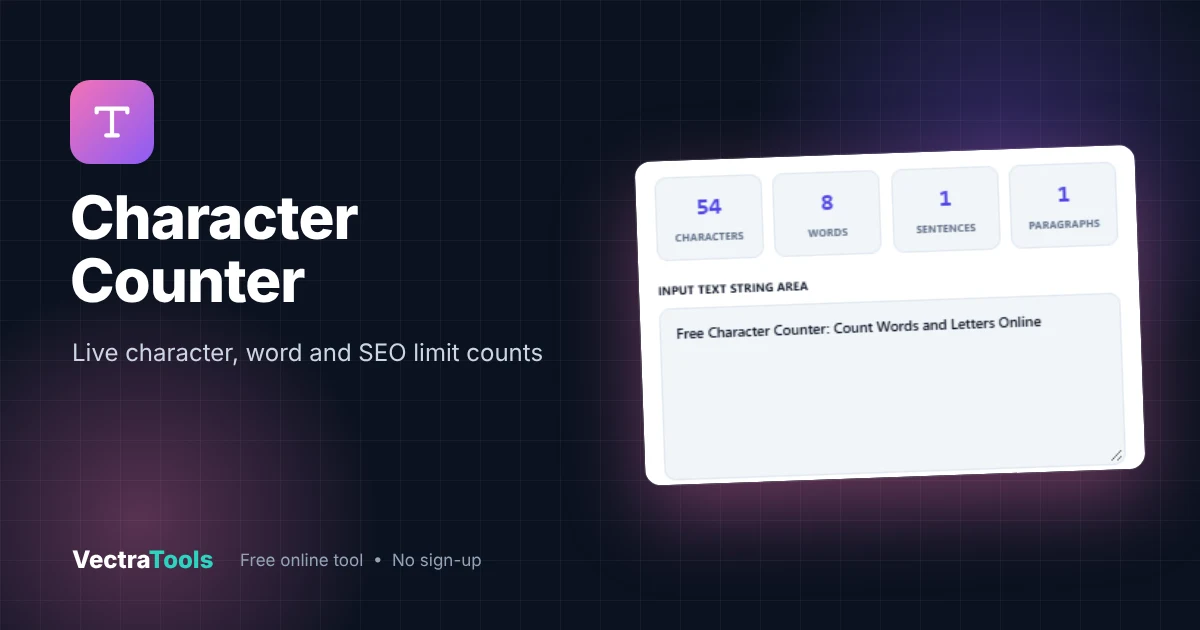
A character counter tells you how many characters, words, sentences and paragraphs your text contains. Paste or type your text and the totals update instantly. Spaces and punctuation count as characters, so "Free Character Counter: Count Words and Letters Online" is 54 characters and 8 words. Our tool also checks your text against Google's 60-character title and 160-character description limits.
Our free character counter works live, with no button to press. It is built for bloggers, SEO writers, students and social media managers who need to hit a word count, stay under a character limit or write a meta title that will not get cut off in search results.
What the Character Counter Measures
| Metric | What it counts |
|---|---|
| Characters | Every letter, number, space and symbol |
| Words | Groups of characters separated by spaces |
| Sentences | Text ending in . ! or ? |
| Paragraphs | Blocks separated by a blank line |
| Meta title bar | Your length against Google's ~60-character title guide |
| Meta description bar | Your length against the ~160-character description guide |
How to Use the Character Counter
Step 1: Type or Paste Your Text
Click into the Input Text String Area and type, or paste text from any document. In our example we paste a draft page title.

Step 2: Read the Live Counts
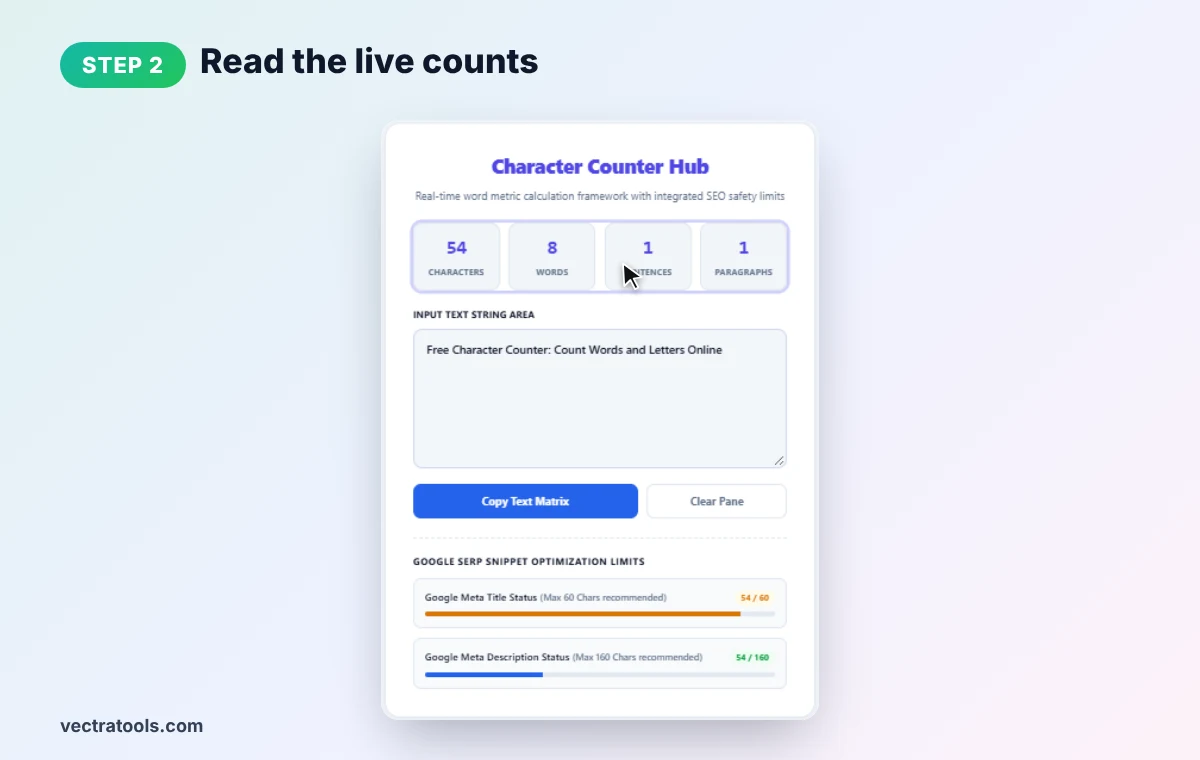
The four boxes at the top update as you type. Our title has 54 characters, 8 words, 1 sentence and 1 paragraph.
Step 3: Check the Google SERP Limits
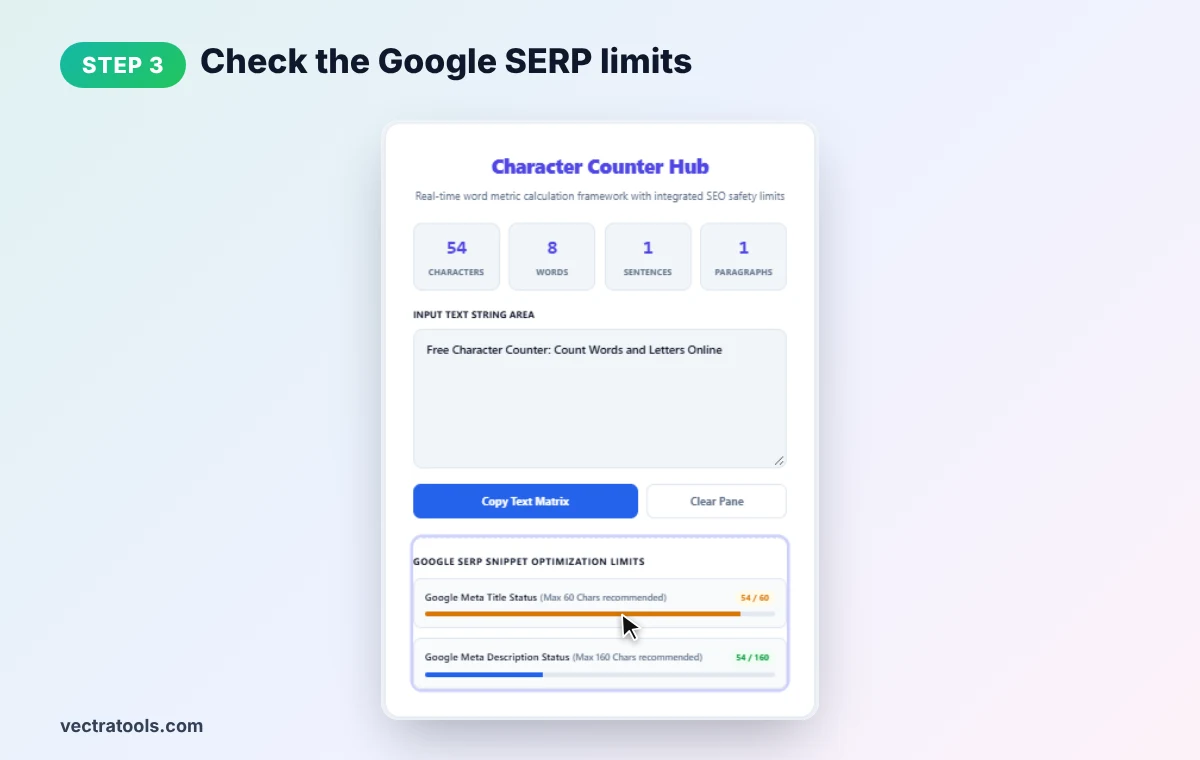
Under Google SERP Snippet Optimization Limits, two bars show your length against the meta title guide (60) and meta description guide (160). Our title reads 54 / 60, so it should display in full on most screens.
Step 4: Copy or Clear the Text
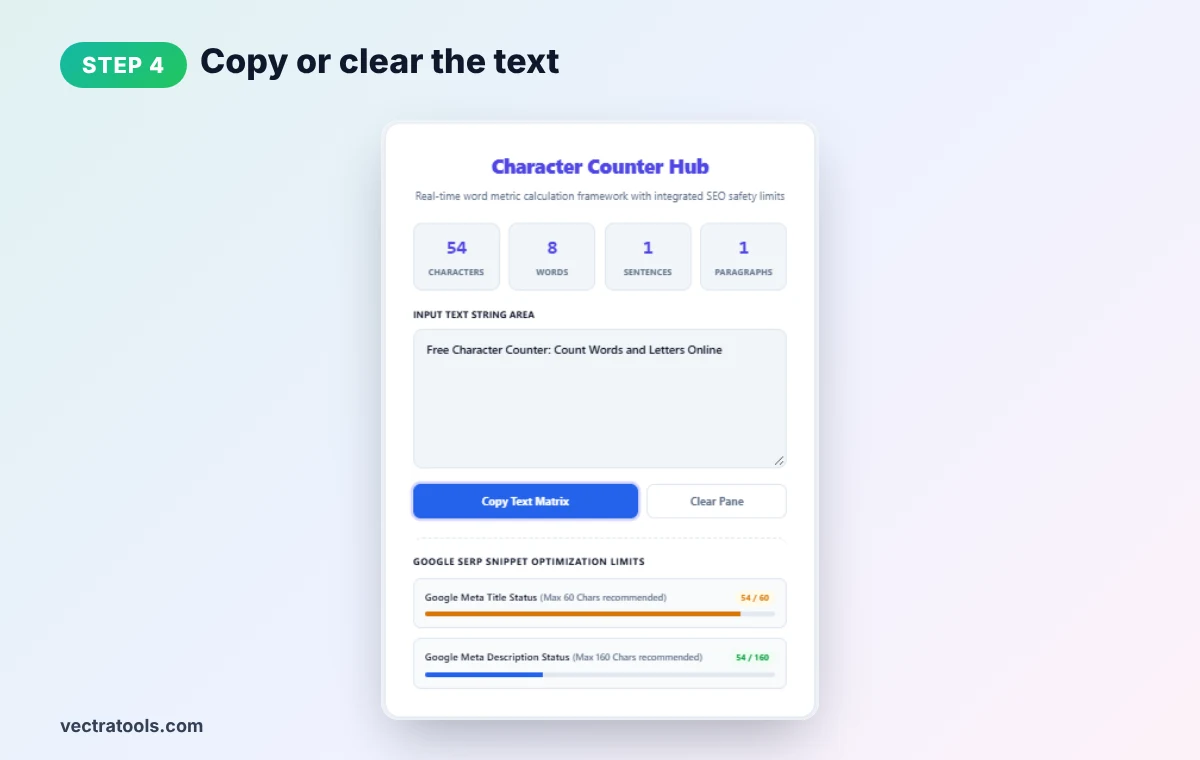
Click Copy Text Matrix to copy your finished text, or Clear Pane to start again. Your text stays in your browser and is never uploaded.
Character Limits Worth Knowing
| Where | Typical limit |
|---|---|
| Google title tag (displayed) | About 50–60 characters |
| Google meta description (displayed) | About 150–160 characters |
| X (Twitter) post | 280 characters (standard accounts) |
| SMS text message | 160 characters per segment |
| Instagram caption | 2,200 characters |
| YouTube title | 100 characters |
| URL slug (recommended) | Under about 75 characters |
Google actually trims titles by pixel width, not a strict character count, so 60 characters is a safe guide rather than a hard rule. Wide letters like W and M use more space than i or l.
Tips for Writing to a Character Limit
- Front-load keywords. Put the most important words first in case the end gets cut.
- Cut filler words. "In order to" becomes "to"; "very important" becomes "key".
- Use numbers. "10" is shorter than "ten" and stands out in results.
- Check after every edit. A live character counter lets you trim one word at a time.
Who Uses a Character Counter?
SEO specialists writing title tags and meta descriptions, students with essay word counts, social media managers drafting posts and ads, translators quoting by word, and developers checking database field lengths. To see how long your text takes to read, try our reading time calculator, and for slugs use the URL slug generator.
Frequently Asked Questions
Does a character counter include spaces?
Yes. Spaces, punctuation and symbols all count as characters, just as they do in Google titles and social media limits.
How many characters should a meta title be?
Aim for about 50 to 60 characters so the title is not cut off in Google search results.
How many characters should a meta description be?
About 150 to 160 characters is a good target for most search results.
How does the tool count words?
It counts groups of characters separated by spaces, so "free-tools" is one word and "free tools" is two.
Is my text saved or uploaded?
No. The character counter runs entirely in your browser and nothing is sent to a server.
Is this character counter free?
Yes. It is free and needs no sign-up.