

Title Case Converter – Capitalize Headlines Instantly
Title Case Converter
Capitalize the first letter of each word systematically to generate clean headline layouts
Quick answer
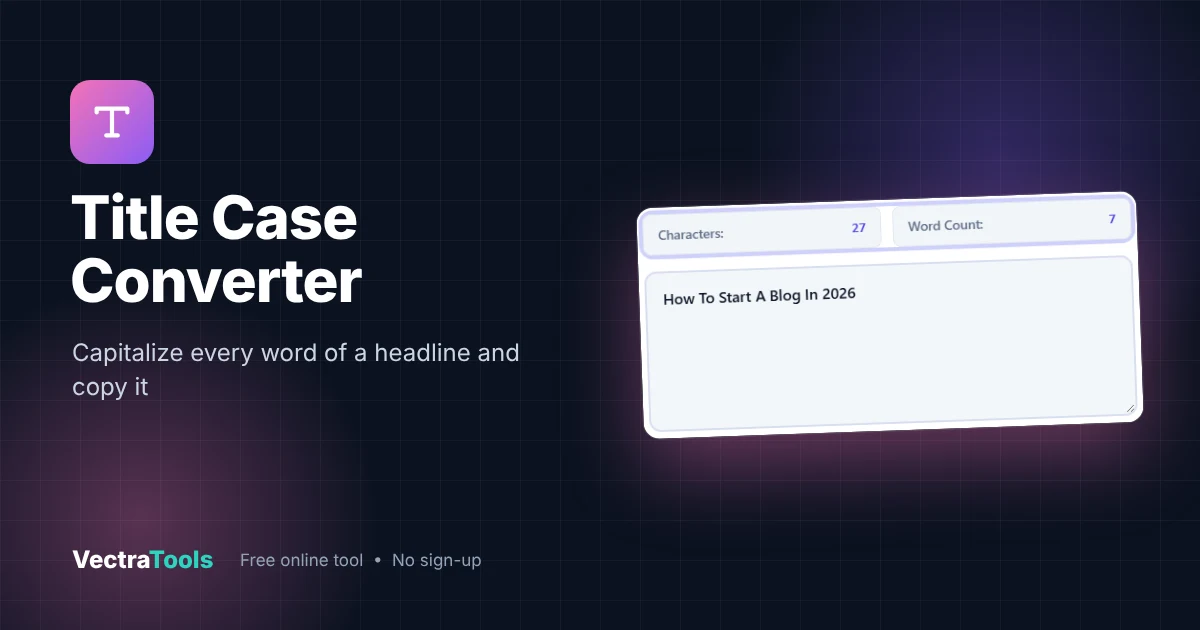
A title case converter capitalizes the first letter of each word in a headline. Paste your text and click Convert & Copy Layout: "how to start a blog in 2026" becomes "How To Start A Blog In 2026" and is copied to your clipboard. This style capitalizes every word, which suits buttons, product names and many blog headlines.
Our free title case converter turns lowercase or messy headlines into clean, consistent titles in one click. It shows live character and word counts, so you can keep SEO titles under about 60 characters while you edit. Everything runs in your browser.
What Is Title Case?
Title case is a capitalization style for headings where the main words start with a capital letter. There are two common versions:
| Style | Rule | Example |
|---|---|---|
| Capitalize every word (this tool) | First letter of every word is capital | How To Start A Blog In 2026 |
| Editorial title case (AP, Chicago, APA) | Short articles, conjunctions and prepositions stay lowercase unless first or last | How to Start a Blog in 2026 |
| Sentence case (for comparison) | Only the first word and proper nouns are capital | How to start a blog in 2026 |
This title case converter uses the first style. If your publication follows AP or Chicago rules, convert first, then lowercase the small words listed below.
How to Use the Title Case Converter
Step 1: Paste Your Headline
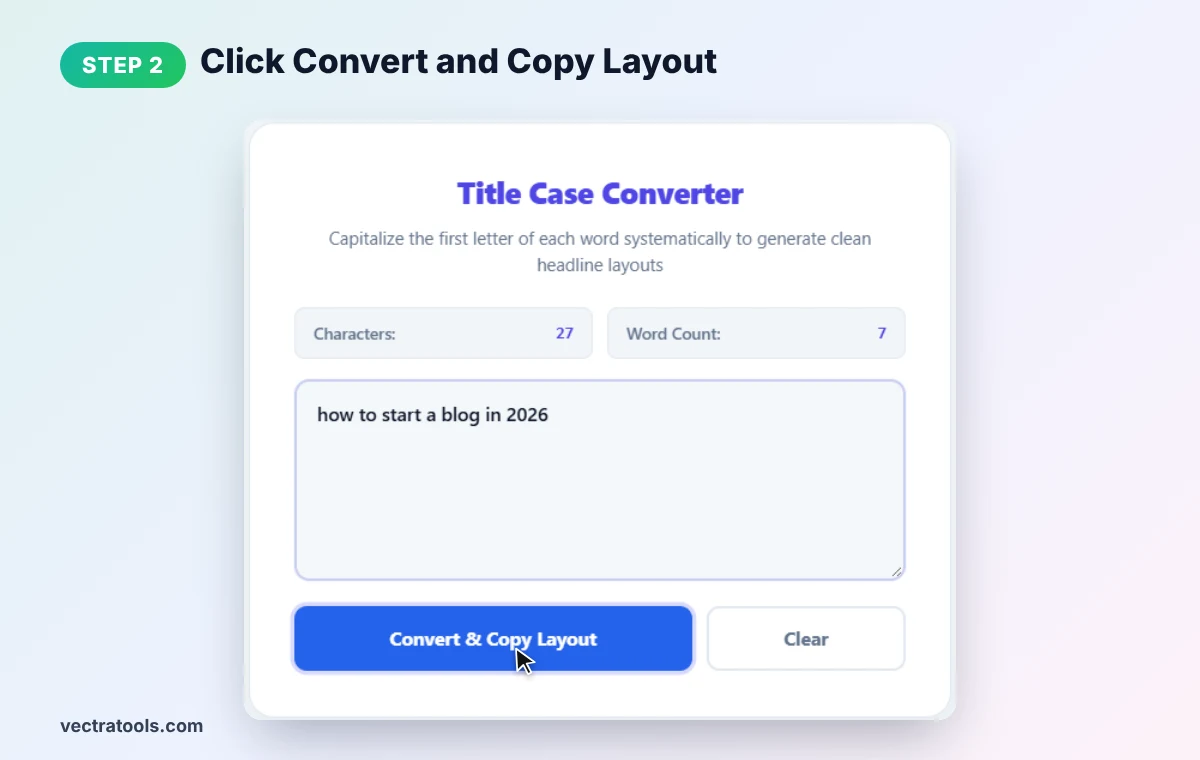
Type or paste your headline into the title case converter text box. We enter "how to start a blog in 2026".

Step 2: Click Convert & Copy Layout
Press Convert & Copy Layout. The tool converts the text and copies it to your clipboard at the same time.
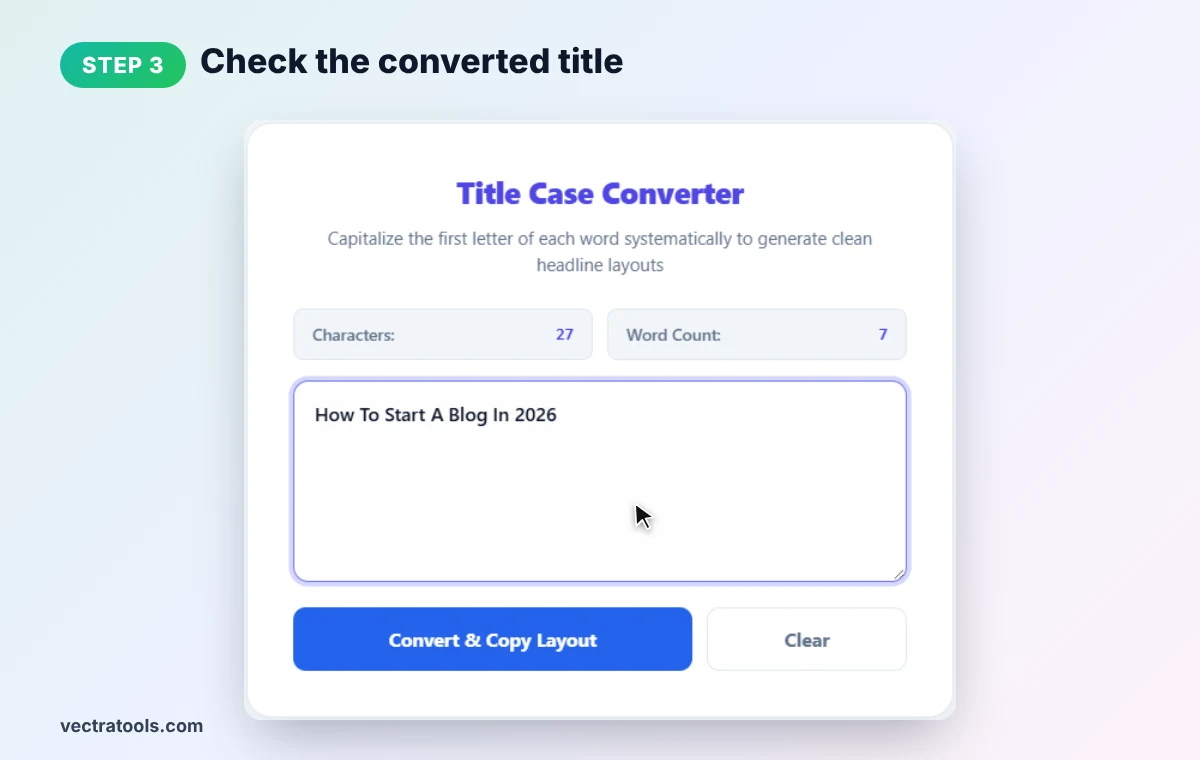
Step 3: Check the Converted Title
The headline now reads How To Start A Blog In 2026. Review brand names and acronyms: the title case converter lowercases letters after the first, so "SEO" becomes "Seo" and "iPhone" becomes "Iphone". Fix those by hand if needed.
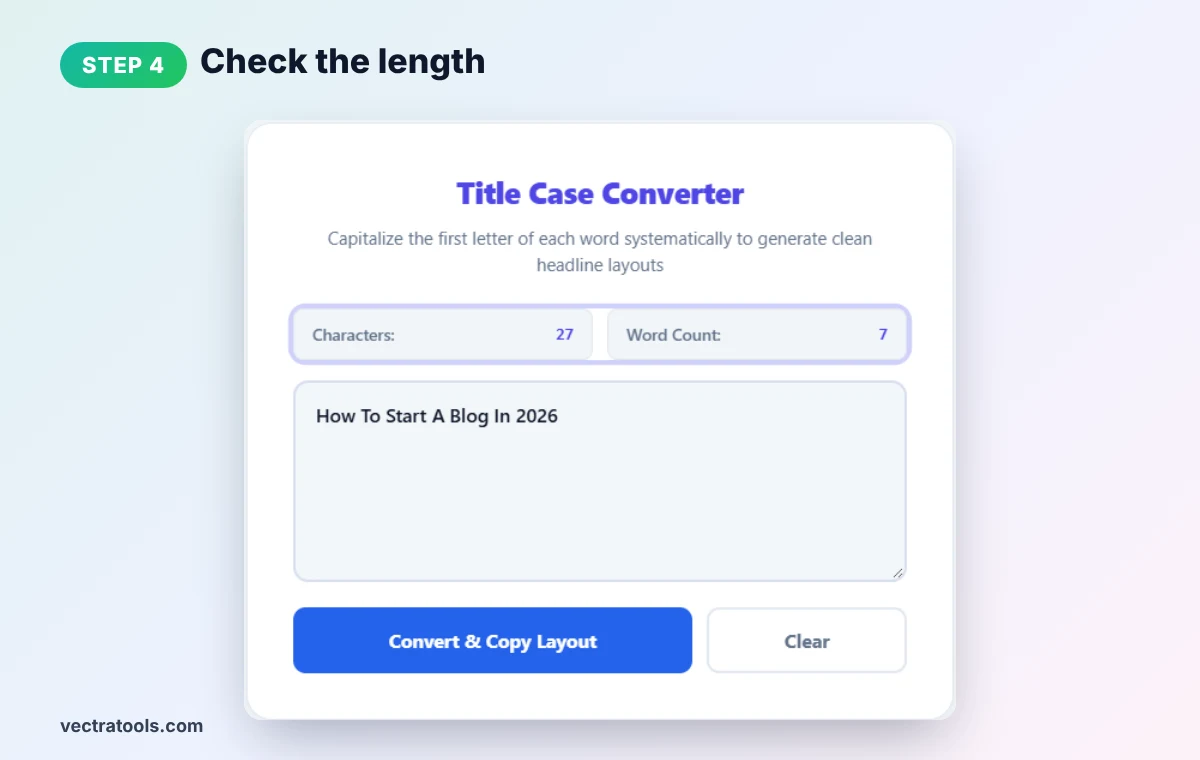
Step 4: Check the Length
The title case converter counters show 27 characters and 7 words. For a Google title tag, aim for about 50–60 characters. Click Clear to start another headline.
Words to Lowercase for AP and Chicago Style
| Type | Words usually kept lowercase |
|---|---|
| Articles | a, an, the |
| Coordinating conjunctions | and, but, or, nor, for, so, yet |
| Short prepositions | at, by, in, of, on, to, up, as |
Always capitalize the first and last word, and any word of four or more letters in AP style. Chicago lowercases all prepositions regardless of length.
Title Case Converter Examples
| Input | Tool output | AP style |
|---|---|---|
| how to start a blog in 2026 | How To Start A Blog In 2026 | How to Start a Blog in 2026 |
| the lord of the rings | The Lord Of The Rings | The Lord of the Rings |
| a guide to keyword research | A Guide To Keyword Research | A Guide to Keyword Research |
Title Case Converter Tips for Better Headlines
- Pick one style site-wide. Mixing title case and sentence case looks untidy.
- Put keywords first. Search engines and readers see the start of a title first.
- Use numbers. "7 Ways" stands out more than "Seven Ways".
- Stay under 60 characters for title tags so Google does not cut them off.
Need uppercase, lowercase or sentence case too? Try our text case converter, or check length with the character counter.
Frequently Asked Questions
What does a title case converter do?
It capitalizes the first letter of each word in your text so it can be used as a headline or title.
Does it follow AP or Chicago style?
No. It capitalizes every word. For AP or Chicago, lowercase short words such as a, the, and, of and to after converting.
Does it copy the result automatically?
Yes. The Convert & Copy Layout button converts the text and copies it to your clipboard in one step.
Why did "SEO" change to "Seo"?
The tool lowercases every letter after the first in each word. Re-type acronyms and brand names after converting.
What is the difference between title case and sentence case?
Title case capitalizes each word; sentence case capitalizes only the first word and proper nouns.
Is this title case converter free?
Yes. It is free, needs no sign-up, and runs entirely in your browser.