

URL Slug Generator – SEO-Friendly Slugs From Any Title
Multi-Function Slug Studio
Advanced routing matrix engine to customize word tokens, symbols, numbers, and dates
Quick answer
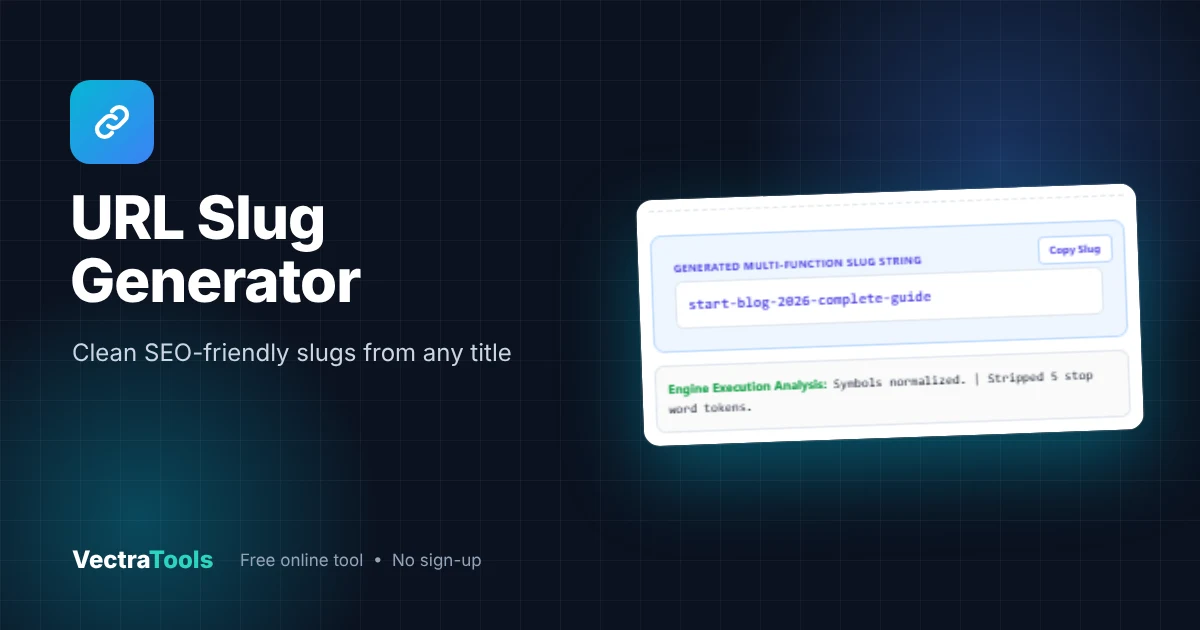
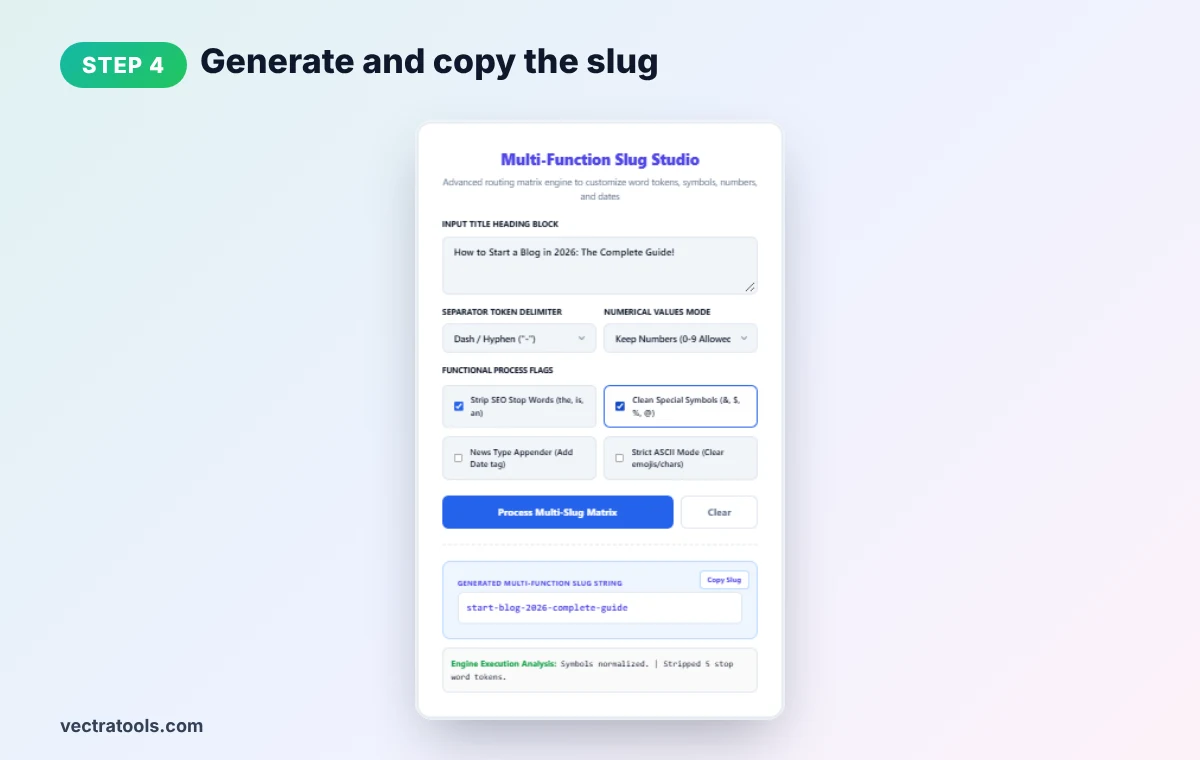
A URL slug generator turns a page title into the short, readable part of a web address. It lowercases the text, removes symbols and joins words with hyphens. With stop-word removal on, "How to Start a Blog in 2026: The Complete Guide!" becomes start-blog-2026-complete-guide. Without it, the slug is how-to-start-a-blog-in-2026-the-complete-guide.
Our free URL slug generator gives you more control than a basic slugify tool. Choose hyphens, underscores or no separator, keep or strip numbers, remove SEO stop words, clean special symbols, add a date tag for news posts, and force strict ASCII to drop emojis and accented characters. One click creates the slug, and another copies it.
What Is a URL Slug?
The slug is the last part of a URL that identifies a page in plain words. In vectratools.com/url-slug-generator/, the slug is url-slug-generator. Good slugs help people understand a link before they click, and they give search engines a clear hint about the page topic. Once a page is live and ranking, its slug should stay the same, so it is worth getting right before you publish.
How to Use the URL Slug Generator
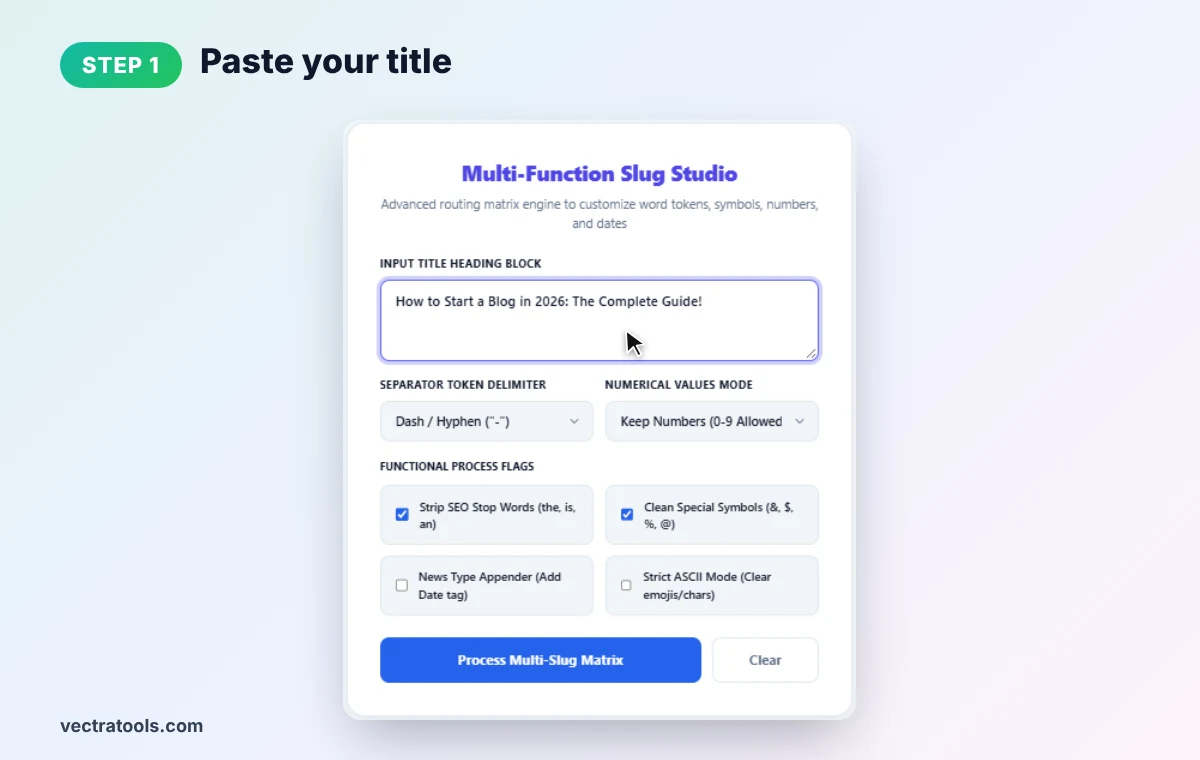
Step 1: Paste Your Title
Enter your post or page title in the URL slug generator Input Title Heading Block. We use "How to Start a Blog in 2026: The Complete Guide!".
Step 2: Choose Separator and Number Mode
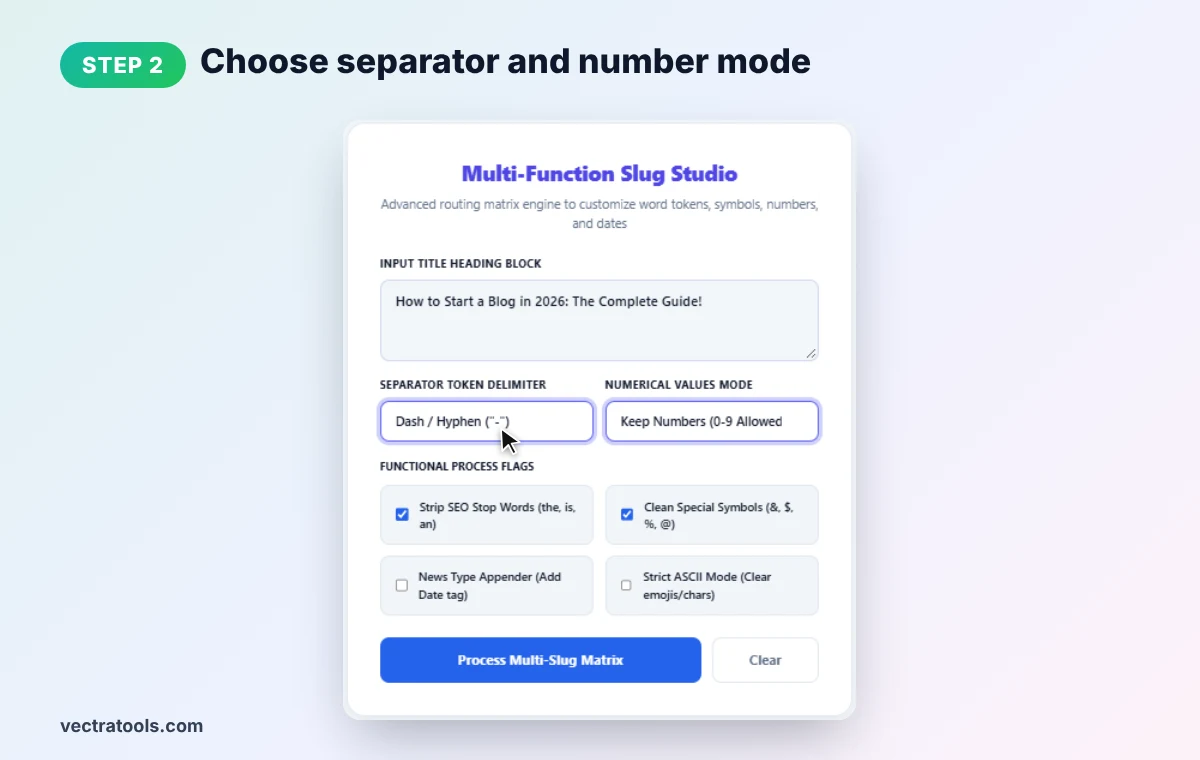
Under Separator Token Delimiter, pick Dash (recommended for SEO), Underscore, or Continuous. Under Numerical Values Mode, keep numbers (useful for years and list posts) or strip them for evergreen URLs.
Step 3: Set the Process Flags
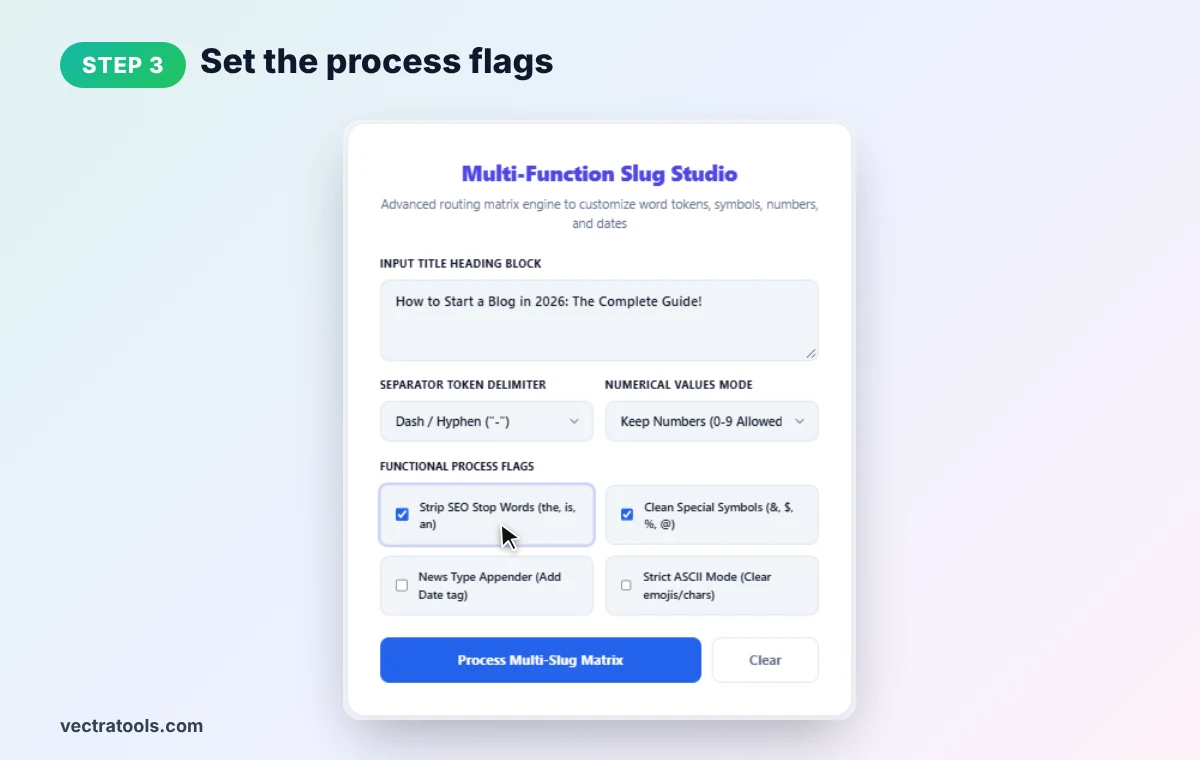
Tick the options you need: Strip SEO Stop Words (removes words like the, a, to, in), Clean Special Symbols (&, $, %, @), News Type Appender (adds a date tag) and Strict ASCII Mode (removes emojis and non-English characters). We keep the first two on.
Step 4: Generate and Copy the Slug
Click Process Multi-Slug Matrix. The URL slug generator outputs start-blog-2026-complete-guide and reports that symbols were normalized and 5 stop words removed. Click Copy Slug to use it in WordPress or your CMS.
URL Slug Generator Examples
| Title | Settings | Slug |
|---|---|---|
| How to Start a Blog in 2026: The Complete Guide! | Dash, stop words removed | start-blog-2026-complete-guide |
| How to Start a Blog in 2026: The Complete Guide! | Dash, stop words kept | how-to-start-a-blog-in-2026-the-complete-guide |
| 10 Best Free SEO Tools & Tips | Dash, symbols cleaned | 10-best-free-seo-tools-tips |
| Best Free Tools | Underscore | best_free_tools |
URL Slug Generator SEO Best Practices
- Use hyphens, not underscores. Google treats hyphens as word separators; underscores can join words together.
- Keep it short. Three to five meaningful words is usually enough.
- Include the main keyword. Put the topic people search for in the slug.
- Use lowercase only. Mixed case can create duplicate URLs on some servers.
- Think twice about years. A year in the slug dates the page; strip numbers for evergreen guides you plan to update.
- Never change a live slug casually. If you must, add a 301 redirect from the old URL.
Common URL Slug Generator Mistakes
- Copying the full title. Long slugs are cut off in search results and hard to share.
- Leaving symbols. Characters like & and ? break URLs or get encoded into %26 and %3F.
- Keyword stuffing. best-seo-tools-seo-tools-free looks spammy.
- Removing too many words. Make sure the slug still reads naturally after stop words are stripped.
Need to encode a value instead? Use our URL encoder decoder. To format the title itself, try the title case converter.
Frequently Asked Questions
What does a URL slug generator do?
It converts a title into a clean, lowercase, hyphen-separated string that can be used as the readable part of a URL.
Should I use hyphens or underscores in slugs?
Use hyphens. Google reads hyphens as spaces between words, while underscores may join words together.
Should I remove stop words from slugs?
Often yes, because it makes the slug shorter. Check that the result still makes sense to a reader.
How long should a URL slug be?
Short is best: usually three to five meaningful words, well under about 75 characters.
Can it remove emojis and accents?
Yes. Turn on Strict ASCII Mode to strip emojis and non-English characters.
Is this URL slug generator free?
Yes. It is free, needs no sign-up, and runs entirely in your browser.