

Text Case Converter – UPPERCASE, lowercase, Title and Sentence Case
Text Case Converter
Transform string alphabetic case parameters instantly across multiple semantic layout models

Quick answer
A text case converter changes the capitalization of your text without retyping it. Paste your text, then click UPPERCASE, lowercase, Title Case or Sentence Case. For example, "how to START a blog" becomes "How to start a blog" in sentence case and "HOW TO START A BLOG" in uppercase.
Our free text case converter fixes text typed with Caps Lock on, tidies headings, and formats titles and lists in seconds. It also shows a live character and word count, and a Copy button puts the result straight on your clipboard. Everything happens in your browser.
Text Case Converter Styles Explained
| Case | Example | Best for |
|---|---|---|
| UPPERCASE | HOW TO START A BLOG IN 2026. | Short labels, acronyms, warnings |
| lowercase | how to start a blog in 2026. | Hashtags, usernames, code values |
| Title Case | How To Start A Blog In 2026. | Headings, product names, button labels |
| Sentence case | How to start a blog in 2026. | Body text, meta descriptions, UI messages |
The Title Case button here capitalizes the first letter of every word. For a tool built only for headlines, use our dedicated title case converter.
How to Use the Text Case Converter
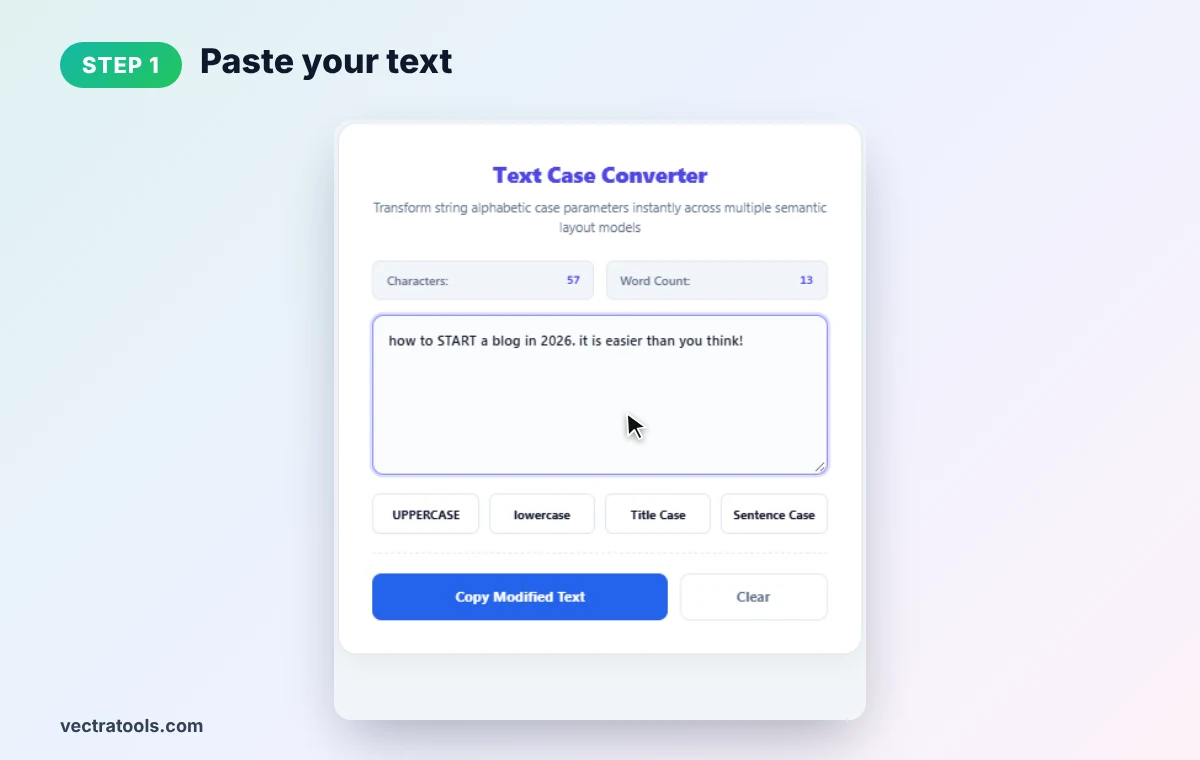
Step 1: Paste Your Text
Type or paste your text into the workspace. The character and word counters update as you go. Our sample, "how to START a blog in 2026. it is easier than you think!", has 57 characters and 13 words.
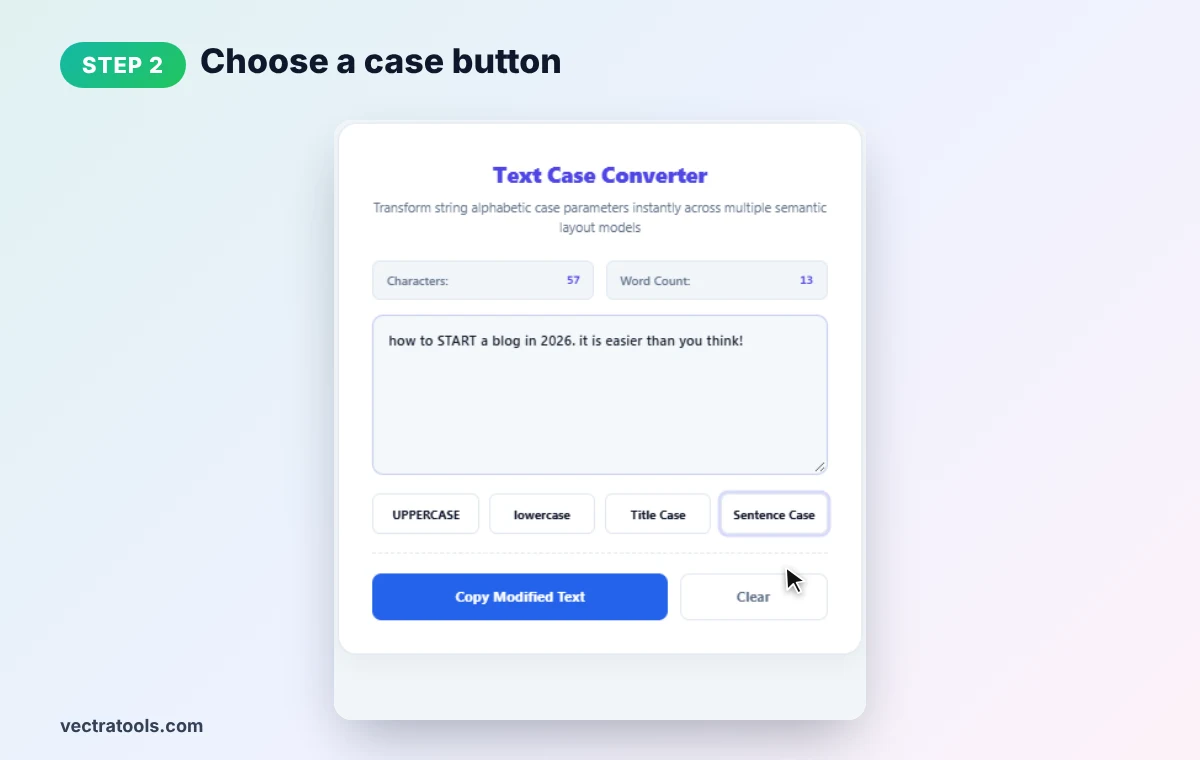
Step 2: Choose a Case Button
Click UPPERCASE, lowercase, Title Case or Sentence Case. We pick Sentence Case to clean up the random capitals.
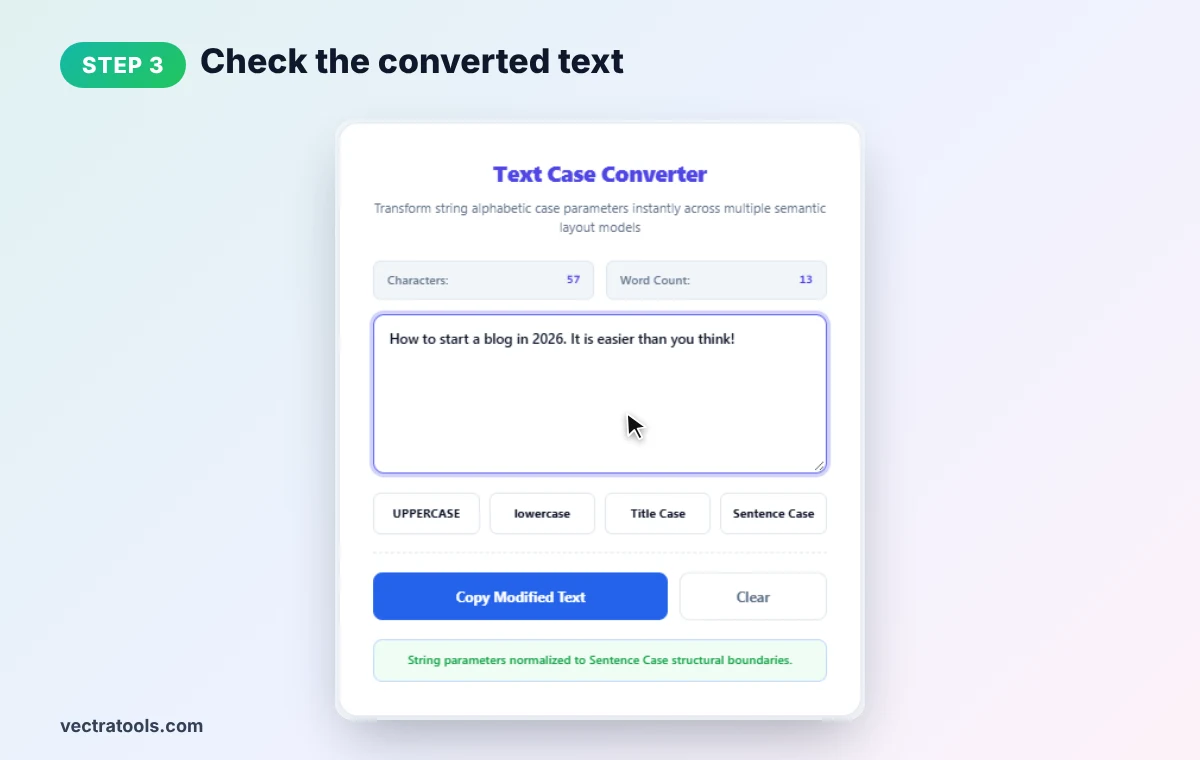
Step 3: Check the Converted Text
The text case converter rewrites the text in place: "How to start a blog in 2026. It is easier than you think!" A green status bar confirms the change. Click another button any time to try a different style.
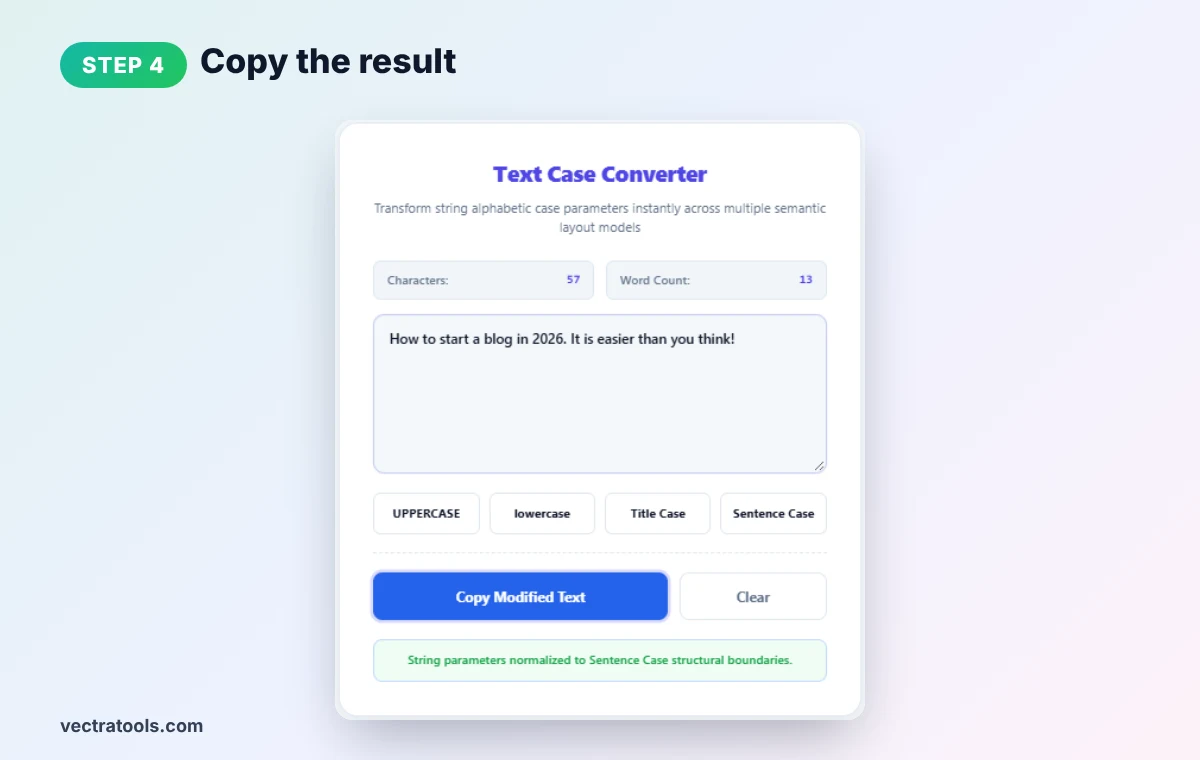
Step 4: Copy the Result
Press Copy Modified Text to copy the text case converter output and paste it wherever you need. Use Clear to empty the workspace.
When to Use a Text Case Converter
- Fix Caps Lock mistakes: open the text case converter, paste the shouting text and click Sentence Case.
- Blog headings: Title Case makes H2 and H3 headings look consistent.
- Meta descriptions: Sentence case reads naturally in search results.
- Social handles and tags: lowercase keeps usernames and hashtags uniform.
- Spreadsheets: clean up imported names and product lists before sorting.
Writing Tips for Capitalization
- Avoid long all-caps text. It is harder to read and can look like shouting.
- Keep brand names as they are. Check names like iPhone or eBay after converting.
- Re-check acronyms. Sentence case may turn "SEO" into "Seo"; fix those by hand.
- Pick one heading style. Use either title case or sentence case for all headings on a site.
For developer formats, see our camel case converter, and for sentence-only formatting the sentence case converter.
Frequently Asked Questions
What does a text case converter do?
It changes the capitalization of text, for example to UPPERCASE, lowercase, Title Case or Sentence case, without retyping anything.
How do I fix text typed in Caps Lock?
Paste it into the tool and click Sentence Case. Each sentence will start with a capital and the rest will be lowercase.
What is the difference between title case and sentence case?
Title case capitalizes the first letter of every word. Sentence case capitalizes only the first word of each sentence.
Will it change numbers or punctuation?
No. Only letters change. Numbers, spaces and punctuation stay exactly as they were.
Does it count words too?
Yes. Live character and word counters sit above the text box.
Is this text case converter free?
Yes. It is free, needs no sign-up, and runs entirely in your browser.