

Certificate Generator – Printable Certificates of Completion and Achievement
Certificate Generator
Design a printable certificate of completion, achievement or appreciation and download it as a high-resolution PNG or PDF
Quick answer
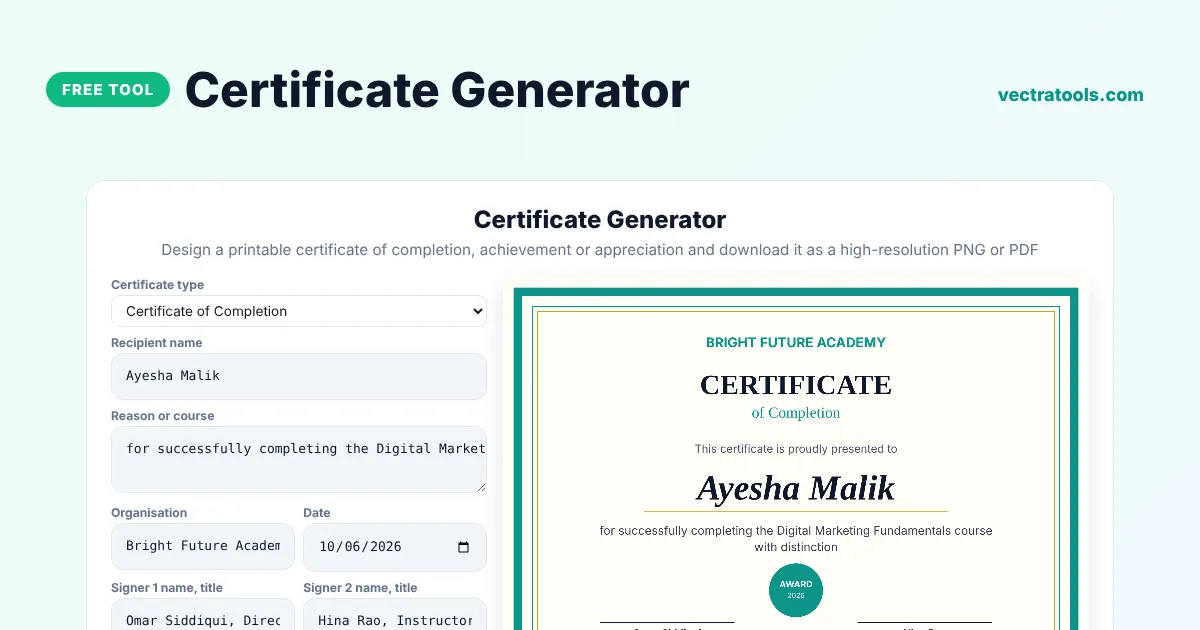
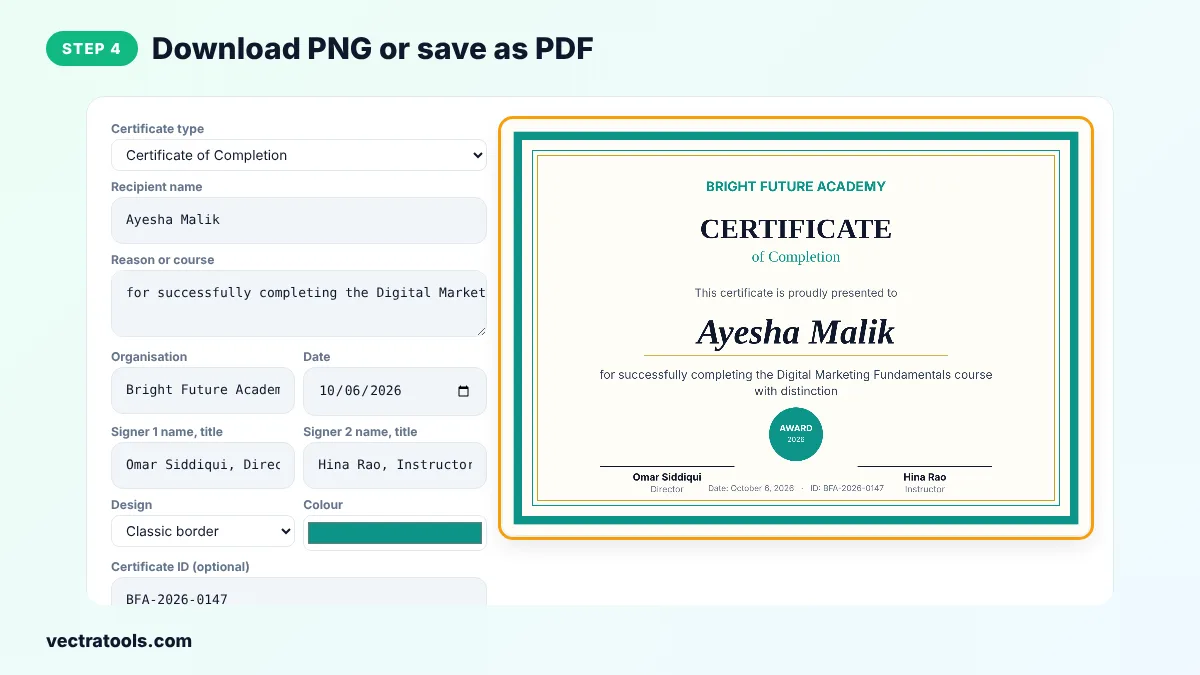
A certificate generator lets you design a professional certificate in minutes. Choose a type such as Certificate of Completion, enter the recipient's name, the reason or course, your organisation, the date and up to two signers, pick a design and colour, and download a high-resolution PNG or print it to PDF in A4 landscape.
Our free certificate generator is made for teachers, trainers, HR teams, clubs, event organisers and online course creators. It creates a 2000 x 1414 pixel certificate in the A4 ratio, adds an optional certificate ID for verification and works entirely in your browser, so names are never uploaded.
Certificate Types
| Type | Typical use |
|---|---|
| Completion | Courses, workshops and training programmes |
| Achievement | Exams, competitions and milestones |
| Appreciation | Volunteers, speakers and staff |
| Participation | Events, hackathons and sports days |
| Excellence | Top performers and awards |
| Employee of the Month | Workplace recognition |
What You Can Customise
- Certificate type and the reason or course name.
- Recipient name, sized automatically to fit.
- Organisation name, date and an optional certificate ID.
- Two signature lines with name and title.
- Classic border, modern band or minimal design, in any colour.
How to Use the Certificate Generator
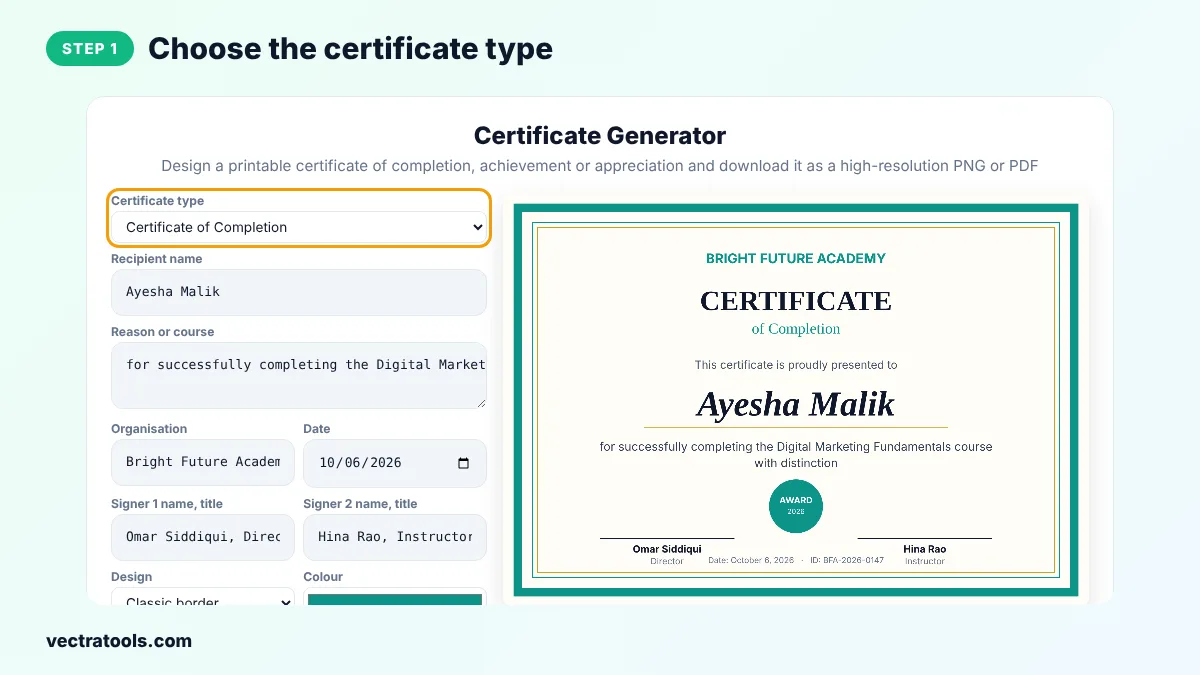
Step 1: Choose the Certificate Type
Open the Certificate type menu and choose completion, achievement, appreciation, participation, excellence or employee of the month.
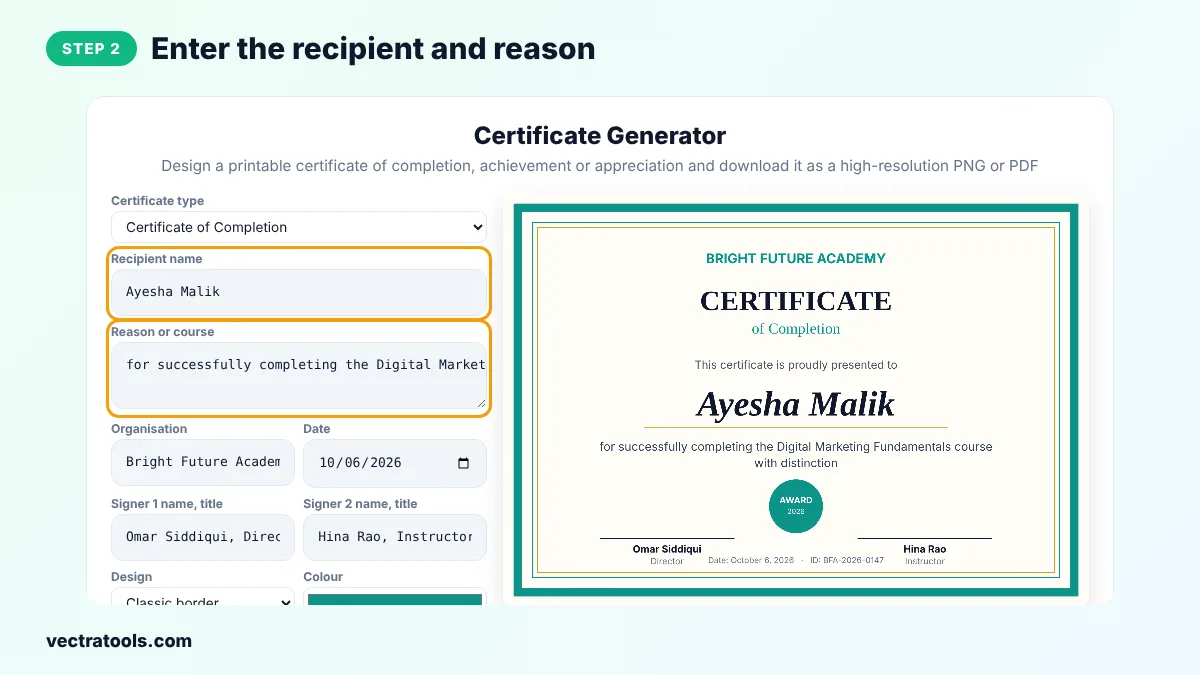
Step 2: Enter the Recipient and Reason
Type the recipient's full name and the reason, such as the course they completed or what they achieved.
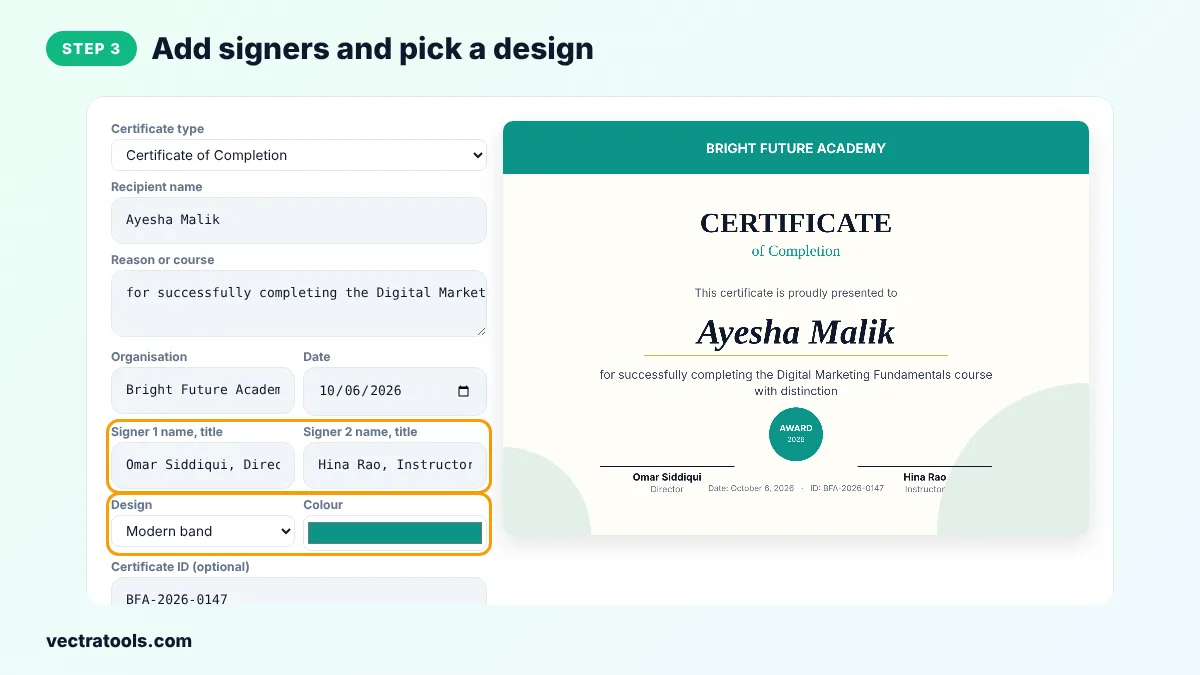
Step 3: Add Signers and Pick a Design
Add your organisation, date and up to two signers with their titles. Choose Classic border, Modern band or Minimal and pick your brand colour.
Step 4: Download PNG or Save as PDF
Click Download PNG for a high-resolution image, or Print / Save as PDF to print on A4 landscape paper.
A good certificate generator saves hours compared with a design app, because the layout, fonts and spacing are already done. Use this certificate generator for school awards, online course completions, staff recognition and event participation, and keep the PNG files as a record of every certificate you issue.
Teachers use the certificate generator for end-of-term awards, companies for training records and communities for volunteer thanks. Because the certificate generator draws everything in your browser, you can create certificates for a whole class one after another without uploading anything.
Tips for Professional Certificates
- Use the recipient's full name exactly as they want it to appear.
- Keep the reason short and specific, such as the course title and level.
- Print on 200 to 300 gsm card for a premium feel.
- Add a certificate ID so employers or schools can confirm it with you.
- Sign printed certificates by hand above the signature lines.
Making Many Certificates
For a group, change the name, download the PNG and repeat. The other settings stay the same, so each certificate takes only a few seconds.
Frequently Asked Questions
Is this certificate generator free?
Yes. It is free with no sign-up and no watermark.
What size is the certificate?
The PNG is 2000 x 1414 pixels, the same ratio as A4 landscape, so it prints sharply on A4 or US Letter.
How do I print the certificate?
Click Print / Save as PDF, choose landscape and your printer, or save as PDF to email it.
Can I add a real signature?
Print the certificate and sign by hand, or create a signature image with our signature generator.
Can I change the colours?
Yes. Pick any brand colour. The border, band, seal and highlights all use it.
Is a certificate made here officially recognised?
A certificate shows that your organisation recognises the person. Its value depends on your organisation, not on the tool.
Are names uploaded anywhere?
No. Everything happens in your browser.