

Signature Generator – Draw or Type Your Signature Online
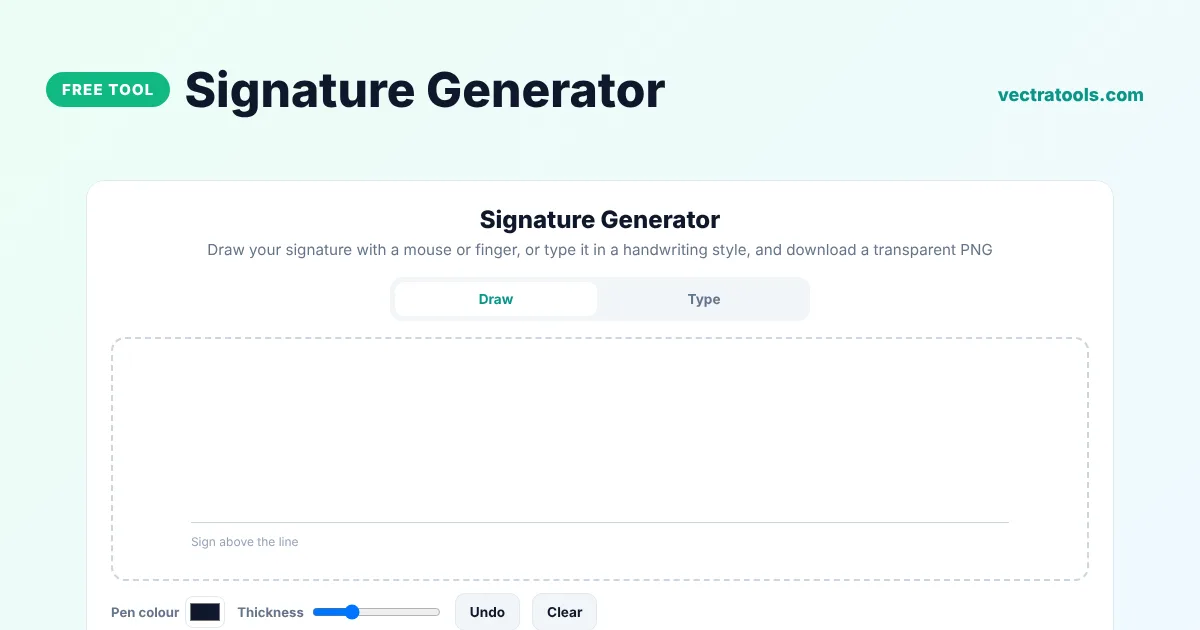
Signature Generator
Draw your signature with a mouse or finger, or type it in a handwriting style, and download a transparent PNG
Quick answer
A signature generator creates an image of your signature that you can add to documents, emails and PDFs. Draw your signature on the pad with a mouse, finger or stylus, or type your name and pick a handwriting style, then download it as a transparent PNG that sits cleanly on any background.
Our free signature generator has a smooth drawing pad with undo, pen colour and thickness controls, plus six handwriting fonts with ink colour and slant. The downloaded image is trimmed to your signature and saved at high resolution. Nothing you draw or type is uploaded.
Draw or Type?
| Method | Best for |
|---|---|
| Draw | A signature that looks like your real one, especially on a phone or with a stylus |
| Type | A neat, consistent signature for email signatures and quick documents |
Where to Use Your Signature Image
- Signing PDFs in Adobe Acrobat, Preview on Mac or Microsoft Edge.
- Adding a signature to Word or Google Docs documents.
- Email signatures in Gmail and Outlook.
- Invoices, quotes, letters and certificates.
- Approving forms and internal documents.
How to Use the Signature Generator
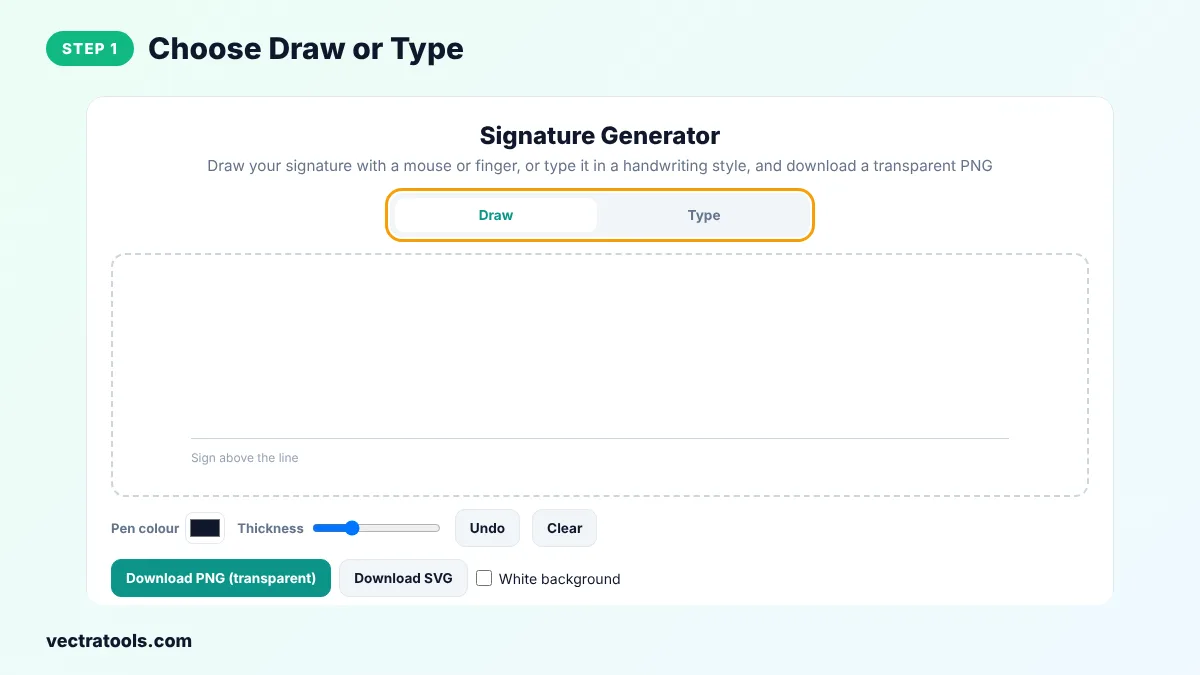
Step 1: Choose Draw or Type
Pick Draw to sign by hand, or Type to create a signature from your name.
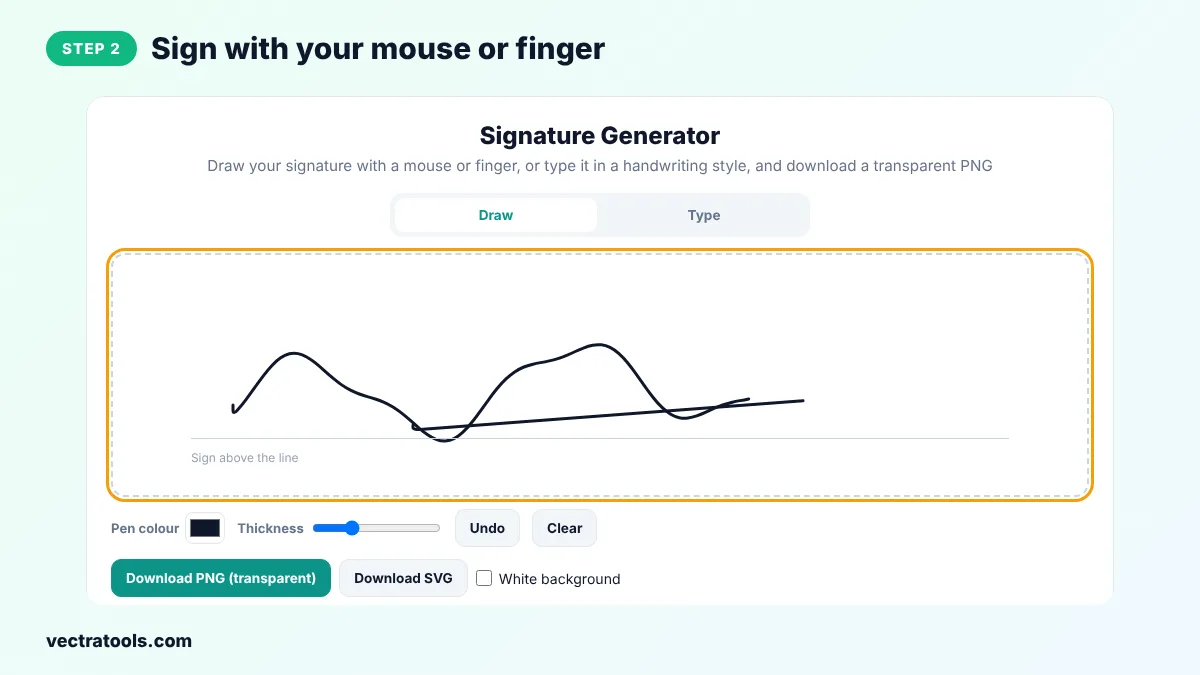
Step 2: Sign with Your Mouse or Finger
Sign above the line on the pad. Change the pen colour and thickness, and use Undo or Clear to try again.
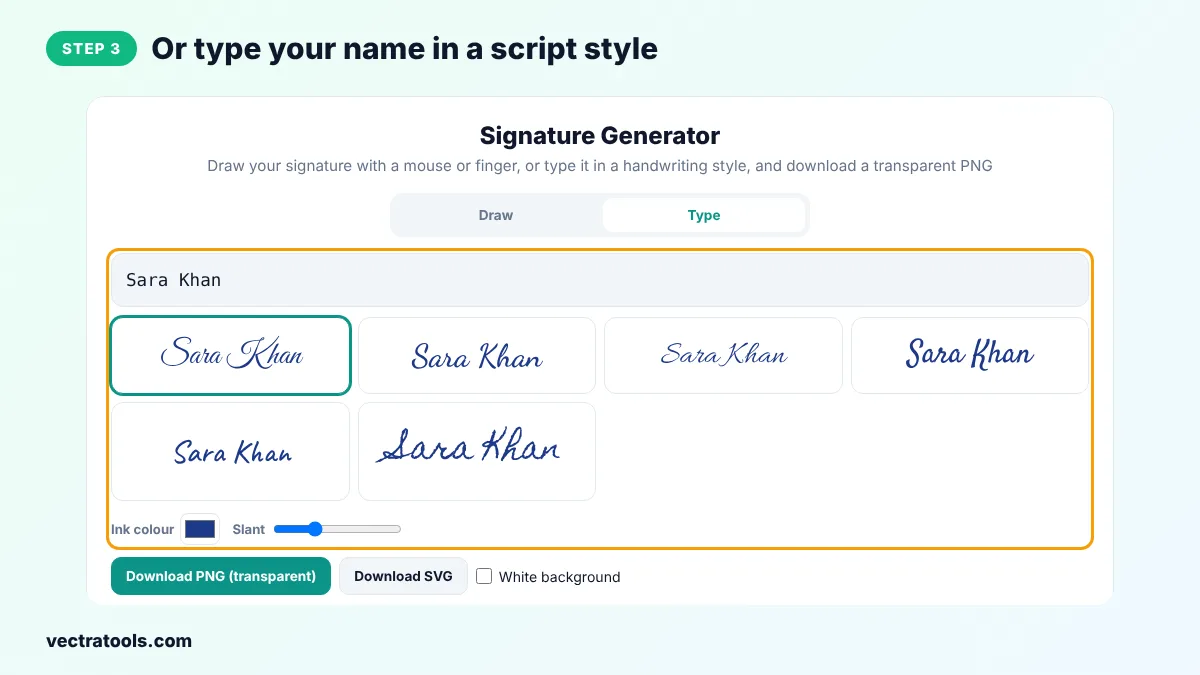
Step 3: Or Type Your Name in a Script Style
Type your name and click one of the six handwriting styles. Change the ink colour and slant to suit you.
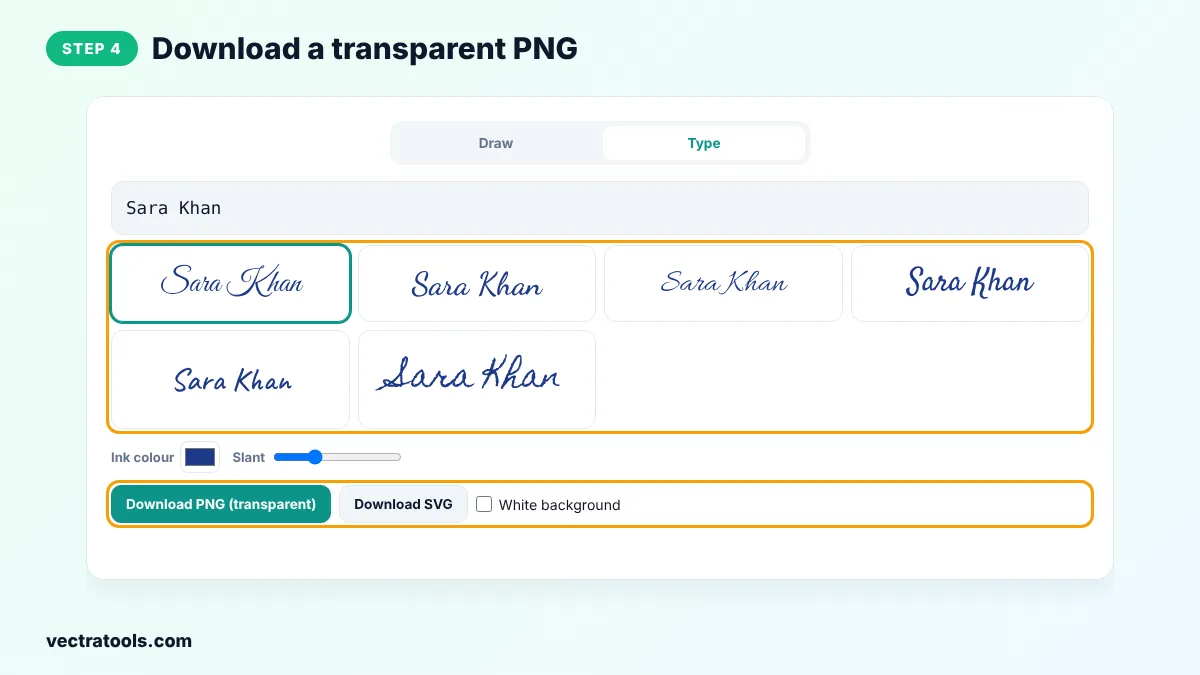
Step 4: Download a Transparent PNG
Click Download PNG (transparent) to save a high-resolution image, or Download SVG for a vector file. Tick White background if you need one.
A signature generator is the quickest way to sign a document when you are away from a printer. Create your signature once with the signature generator, save the PNG and reuse it on invoices, letters, contracts and forms whenever you need it.
Freelancers, landlords, HR teams and anyone who signs documents remotely use a signature generator to save printing and scanning. This signature generator keeps your signature on your device, which matters for something so personal.
Is an Electronic Signature Legally Valid?
In many countries, including the USA (ESIGN Act), the UK and the EU (eIDAS), simple electronic signatures are legally valid for most everyday agreements. Some documents, such as wills or property deeds, may need a witnessed or qualified signature. Check the rules for your country and document type. This is general information, not legal advice.
Signature Generator Tips
- Draw slowly for smoother lines, especially with a mouse.
- Use dark blue or black ink so the signature looks natural when printed.
- Keep the downloaded PNG in a safe folder and do not share it publicly.
- Use the same signature style on all your documents.
Frequently Asked Questions
Is this signature generator free?
Yes. It is free, needs no sign-up and adds no watermark.
Is the PNG background transparent?
Yes, unless you tick White background. A transparent PNG sits cleanly on top of any document.
Can I sign with my finger on a phone?
Yes. The pad works with touch screens and styluses as well as a mouse.
How do I add the signature to a PDF?
Open the PDF in a reader that supports images or signatures, such as Acrobat or Preview, and insert the PNG.
Are my signatures stored?
No. Everything happens in your browser and nothing is uploaded.
Why do the fonts look different on my device?
The handwriting fonts load from Google Fonts. If they are blocked on your network, your browser uses a fallback font.
Is a drawn signature the same as a digital signature?
No. A digital signature is a cryptographic certificate. A signature image is a simple electronic signature.