

Italic Text Generator – 500 Italic Fonts to Copy and Paste
500+ Italic Text Generator
Jo bhi text daalo, sahi convert hoga
Quick answer
An italic text generator converts normal letters into slanted Unicode characters that keep their italic look when pasted into apps without formatting, like Instagram, X and TikTok. Type Free Tools and copy styles such as 𝐹𝑟𝑒𝑒 𝑇𝑜𝑜𝑙𝑠 (serif italic), 𝘍𝘳𝘦𝘦 𝘛𝘰𝘰𝘭𝘴 (sans italic) or 𝑭𝒓𝒆𝒆 𝑻𝒐𝒐𝒍𝒔 (bold italic). Our tool lists 500 styles.
Our free italic text generator converts as you type and gives every style its own Copy button. Use it for elegant bios, quotes, captions, names and highlights in posts where the app has no italic option.
How the Italic Text Generator Works
Formatting like <i> or Ctrl+I is removed when you paste into most social apps. Unicode solves this with full italic alphabets in its "Mathematical Alphanumeric Symbols" block. The italic text generator swaps each letter for its italic Unicode version, so the slant is part of the characters themselves and survives copy and paste.
| Style | Example |
|---|---|
| Serif Italic | 𝐹𝑟𝑒𝑒 𝑇𝑜𝑜𝑙𝑠 |
| Sans Italic | 𝘍𝘳𝘦𝘦 𝘛𝘰𝘰𝘭𝘴 |
| Bold Serif Italic | 𝑭𝒓𝒆𝒆 𝑻𝒐𝒐𝒍𝒔 |
| Bold Sans Italic | 𝙁𝙧𝙚𝙚 𝙏𝙤𝙤𝙡𝙨 |
| Script Calligraphy | 𝓕𝓻𝓮𝓮 𝓣𝓸𝓸𝓵𝓼 |
| Decorated | 🦋 𝐹𝑟𝑒𝑒 𝑇𝑜𝑜𝑙𝑠 🦋 |
How to Use the Italic Text Generator
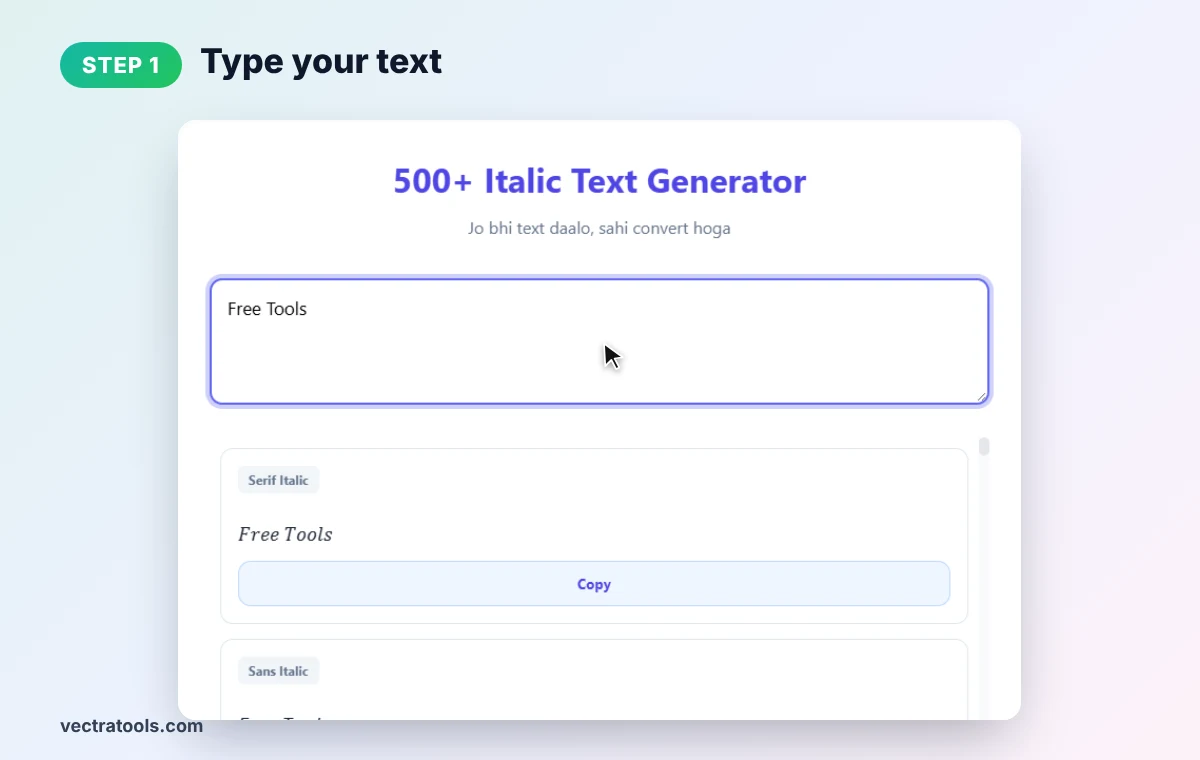
Step 1: Type Your Text
Clear the box and type the words you want in italics. We type Free Tools. The styles below update instantly.
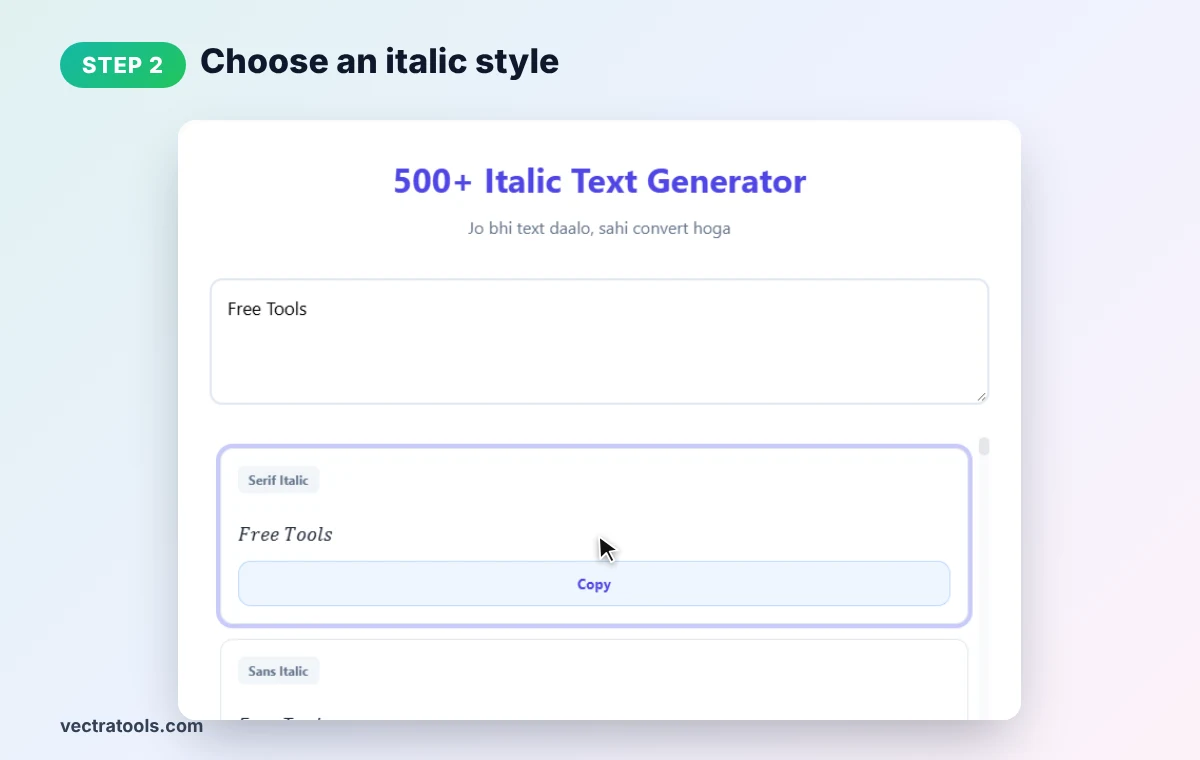
Step 2: Choose an Italic Style
Each card shows a style name and your text. Serif Italic is the classic look; Sans Italic is cleaner and modern.
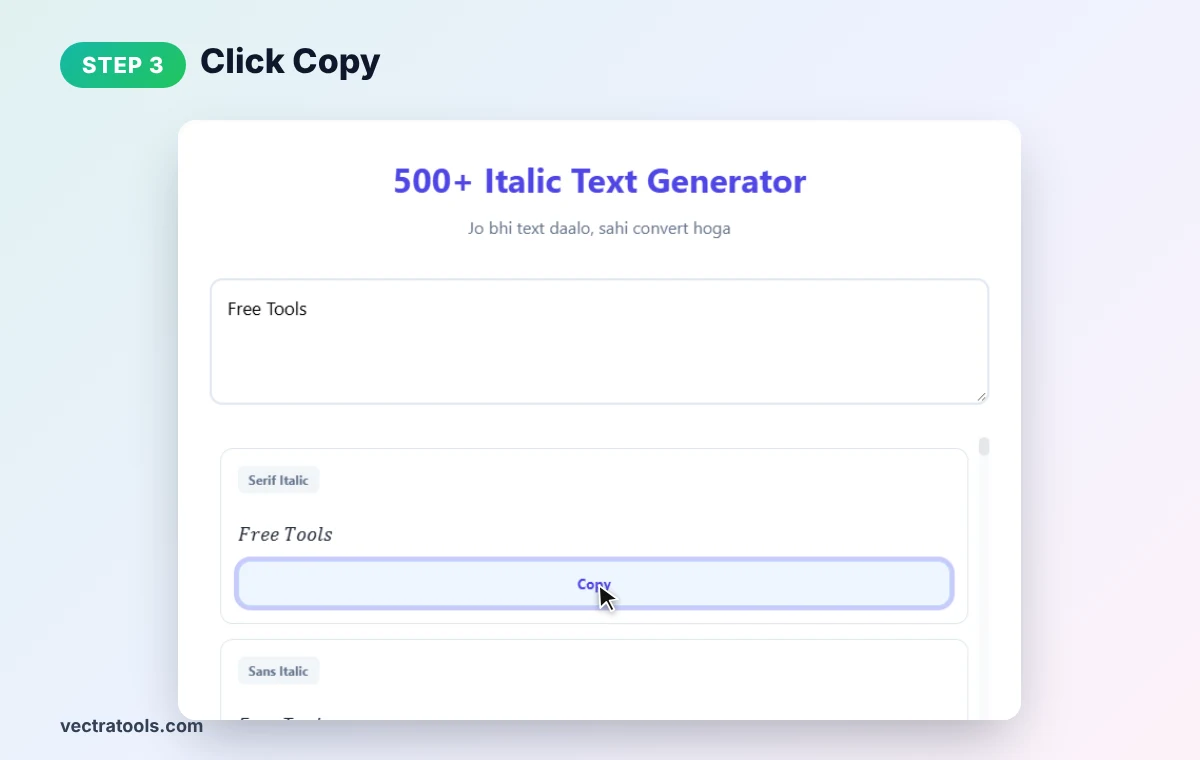
Step 3: Click Copy
In the italic text generator, press Copy on the card you want. The italic text is now on your clipboard.
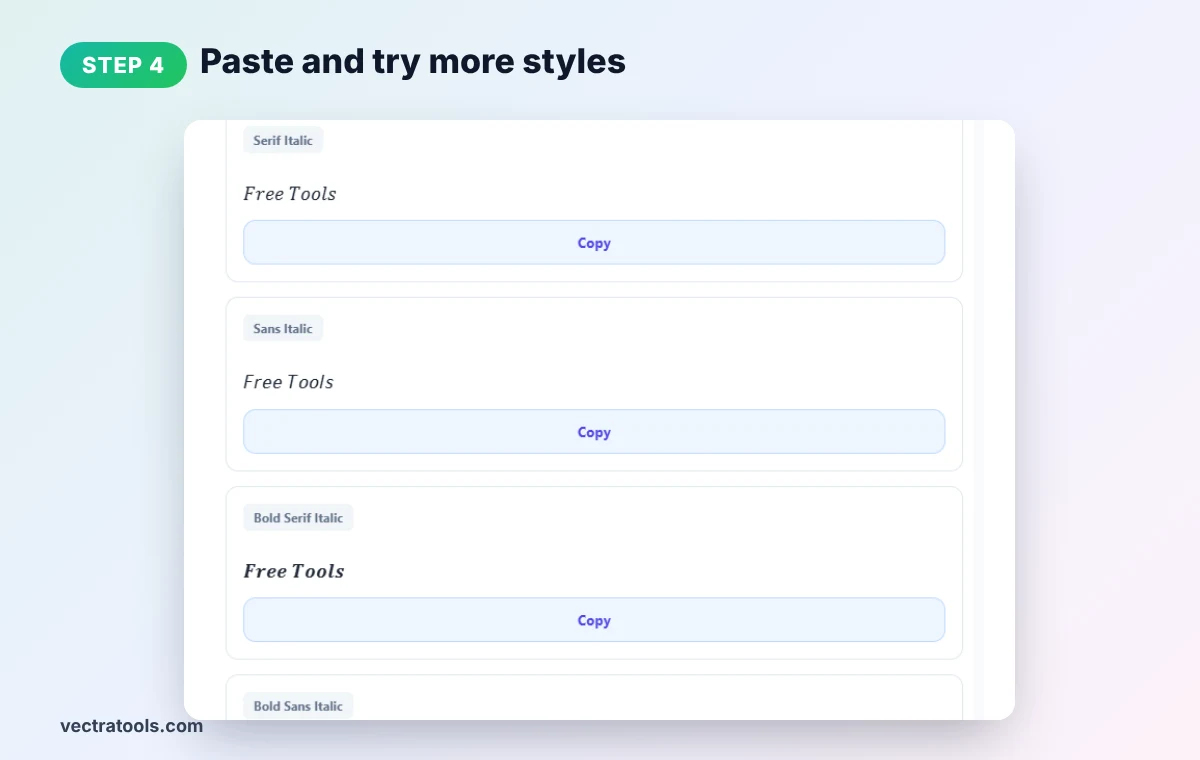
Step 4: Paste and Try More Styles
Paste into your post, bio or message. Scroll for Sans Italic, Bold Serif Italic, Bold Sans Italic, Script and hundreds of decorated designs.
Where Italic Text Generator Output Works
- Instagram: bios, captions, comments and story text.
- X (Twitter): highlight a quote or a title inside a post.
- TikTok and YouTube: profile names and comments.
- Facebook and LinkedIn: emphasise a phrase in a post (use sparingly).
- WhatsApp and Discord: they also support native italics with _text_ or *text*.
Italic Text Generator Tips
- Use italics for emphasis, titles and quotes. It reads as softer than bold.
- Keep it short. Long italic paragraphs are harder to read on phones.
- Accessibility matters. Screen readers may not read Unicode italics as normal words.
- Keep SEO text plain. Search engines treat these characters differently from normal letters.
- Some characters stay normal. Accented letters and many symbols have no italic Unicode version.
Need heavier text? Use our bold text generator. For handwriting looks, try the cursive text generator.
Frequently Asked Questions
How do I write in italics on Instagram?
Type your text into the italic text generator, click Copy on a style and paste it into Instagram.
Is this real italic formatting?
No. It uses italic-looking Unicode characters, which is why it works where formatting is not supported.
How many italic styles are there?
The tool lists 500 styles, from serif and sans italic to bold italic, script and decorated versions.
Does italic text work on X and TikTok?
Yes. Unicode italics display on most modern platforms and devices.
Can I use italic text in my username?
Many apps allow it, but some restrict special characters in usernames. Display names usually work.
Is this italic text generator free?
Yes. It is free, needs no sign-up, and runs entirely in your browser.