

Strikethrough Font Generator – 100 Cross-Out Text Styles to Copy
100+ Strikethrough & Cool Fonts Engine
Type your phrase below to instantly populate 100 unique cross-out variations, code decorations, and symbols matrices
Quick answer
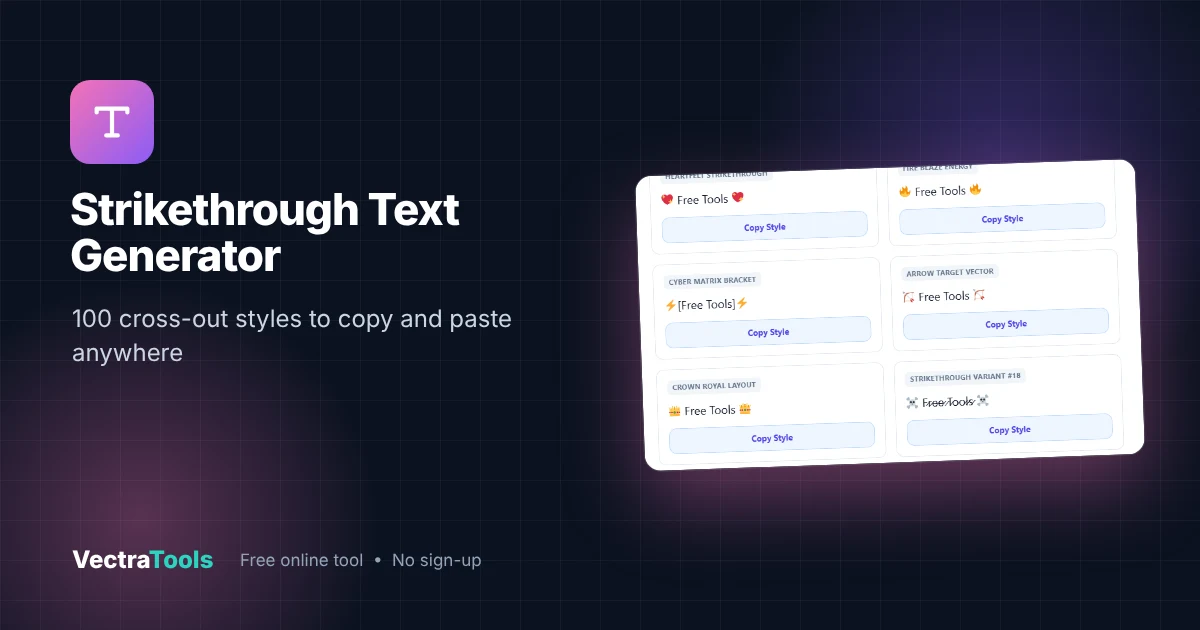
Strikethrough text is text with a line through it, like F̶r̶e̶e̶ ̶T̶o̶o̶l̶s̶. Apps such as Instagram and X do not have a strikethrough button, so this generator adds a Unicode "combining" line character after every letter. Type your text once and copy any of 100 styles, including classic cross-out, slash-through, double line, wave, overline and decorated emoji versions.
Our free strikethrough font generator updates all 100 styles live as you type. Each style has its own Copy Style button, so you can paste crossed-out text into bios, captions, comments, chats and documents in seconds.
How the Strikethrough Font Generator Works
Unicode includes combining characters that draw on top of the letter before them. The long stroke overlay (U+0336) draws a horizontal line, the long solidus overlay (U+0338) draws a slash, and others add lines above, below or through. Because these are real characters, not formatting, the strikethrough survives copy and paste into almost any app.
| Style | Example | How it looks |
|---|---|---|
| Classic Strikethrough | F̶r̶e̶e̶ ̶T̶o̶o̶l̶s̶ | Single line through each letter |
| Slash-Through | F̷r̷e̷e̷ ̷T̷o̷o̷l̷s̷ | Diagonal slash through letters |
| Strike-Under Stack | F̶̲r̶̲e̶̲e̶̲ | Strike line plus underline |
| Wave Strike | F̰r̰ḛḛ | Wavy mark under letters |
| Overline | F̅r̅e̅e̅ | Line above each letter |
| Decorated variants | ☠️ F̷r̷e̷e̷ ̷T̷o̷o̷l̷s̷ ☠️ | Strike styles wrapped in emojis or symbols |
Some decorated styles in the list add emojis or brackets around plain text rather than a line, for extra variety. Exactly how each line looks depends on the font of the app where you paste it.
How to Use the Strikethrough Font Generator
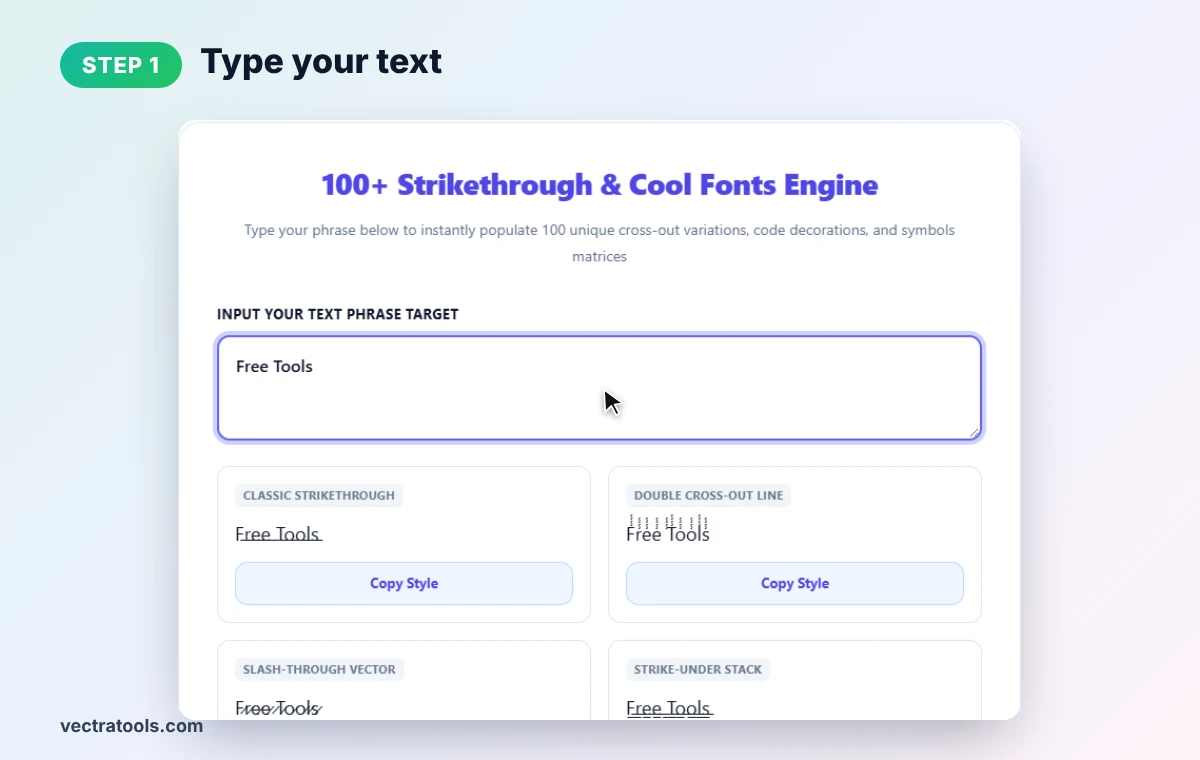
Step 1: Type Your Text
Open the strikethrough font generator and enter your words in Input Your Text Phrase Target. We type Free Tools. All styles update instantly.
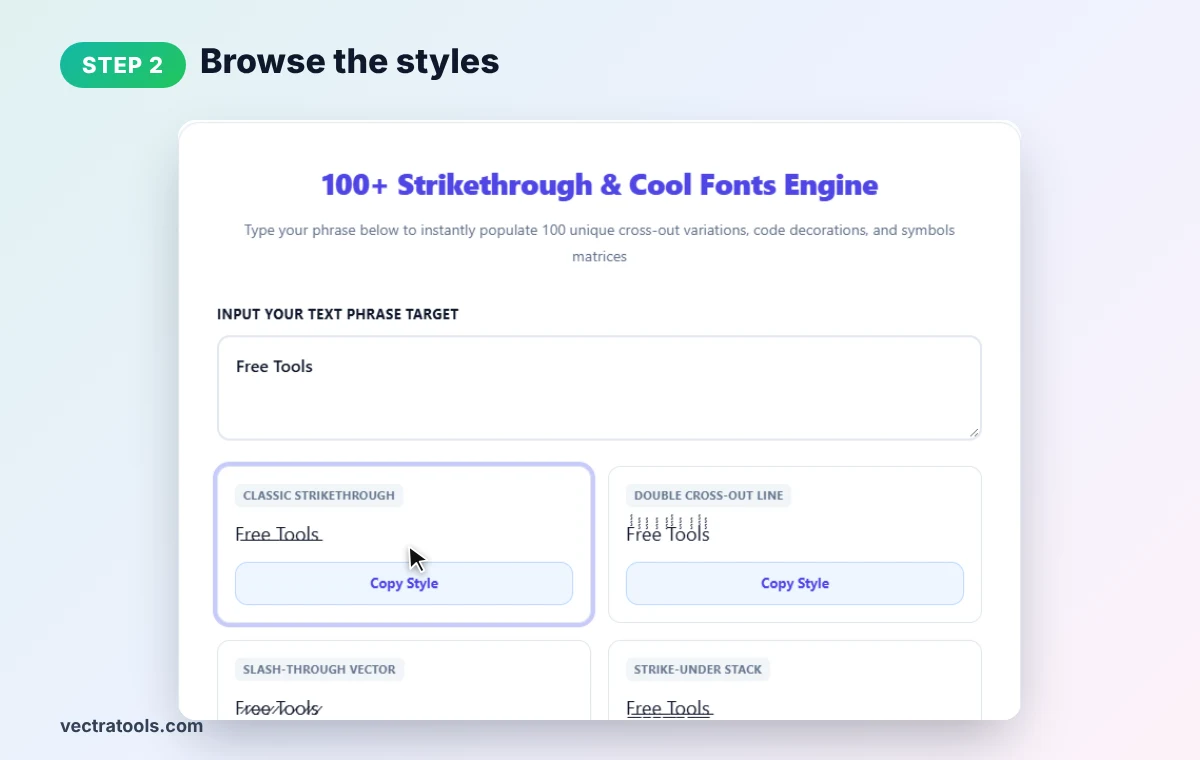
Step 2: Browse the Styles
Scroll through the style cards. Each shows its name, such as Classic Strikethrough or Slash-Through Vector, and a live preview of your text.
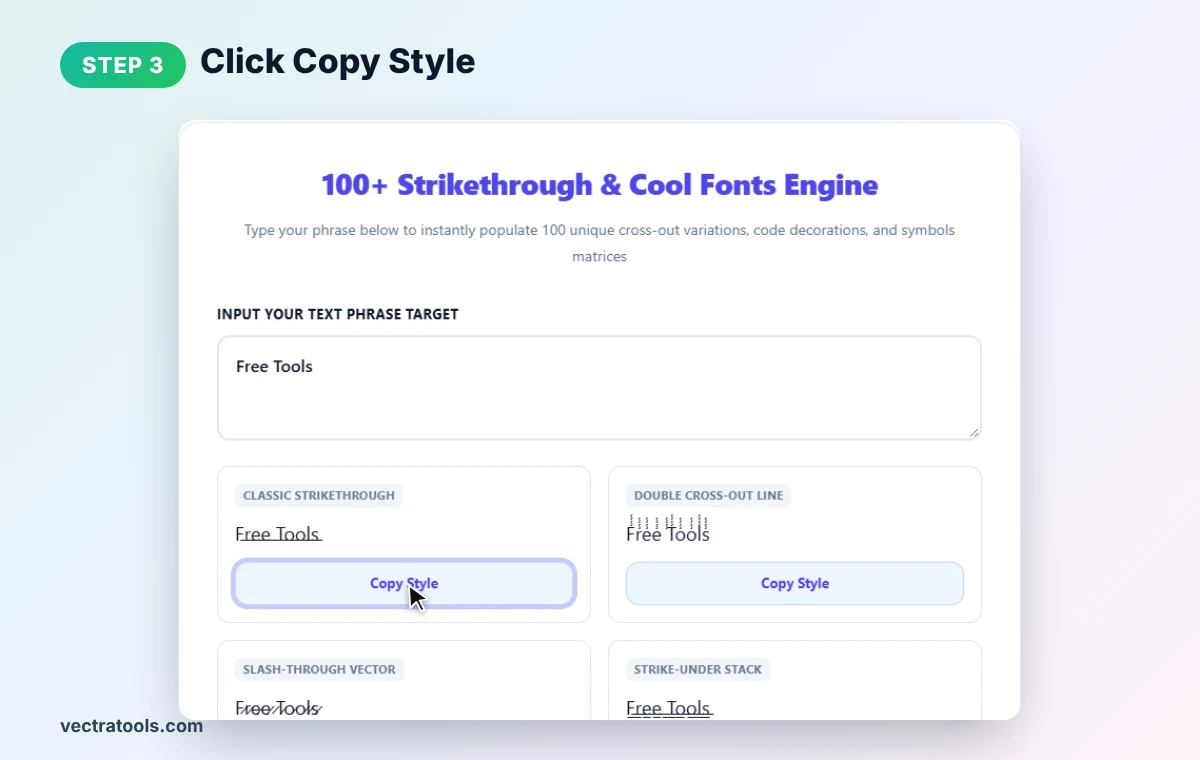
Step 3: Click Copy Style
In the strikethrough font generator, press Copy Style under the version you like. The strikethrough text is copied to your clipboard.
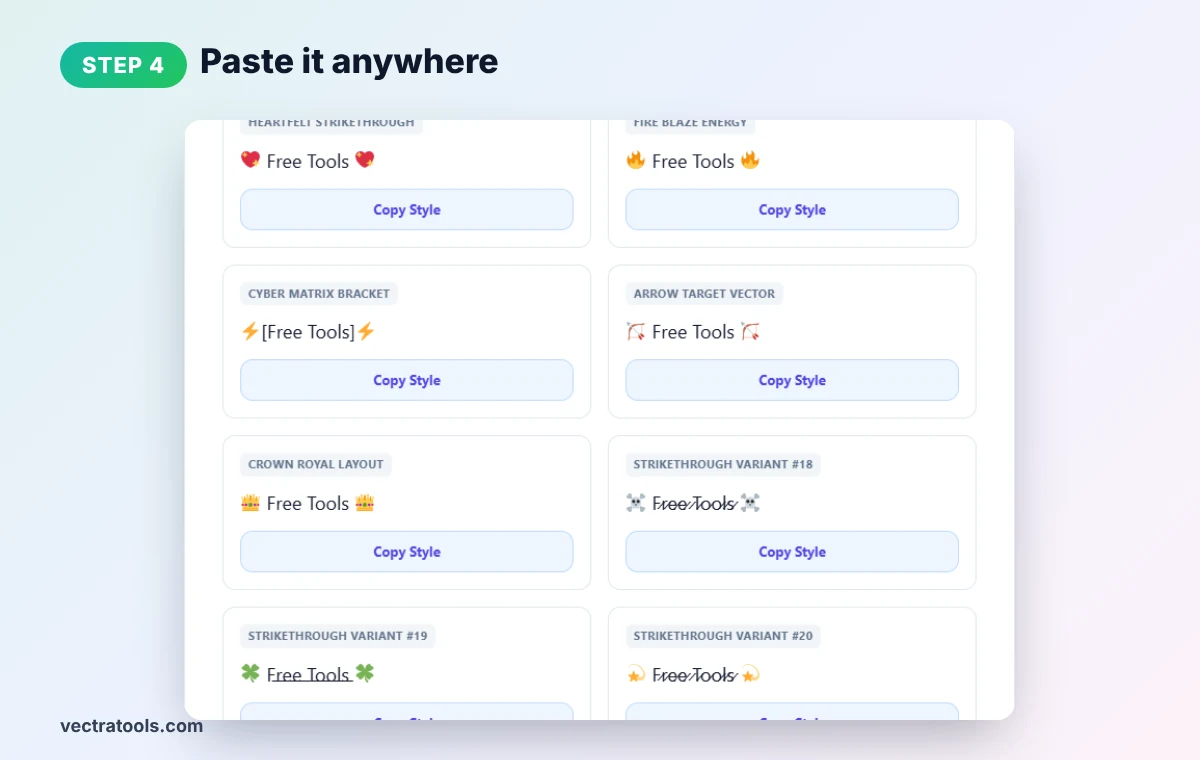
Step 4: Paste It Anywhere
Paste into Instagram, Facebook, X, TikTok, WhatsApp, Discord or a document. Scroll further for decorated variants with skulls, stars, clovers and more.
Where to Use Text From a Strikethrough Font Generator
- Sale prices: show the old price crossed out, like $̶4̶9̶ $29.
- Humour: cross out the "honest" version of a sentence and leave the polite one.
- Edits and corrections: show what changed without deleting it.
- To-do lists in chats: cross off tasks in WhatsApp or Telegram.
- Bios and captions: add personality to profile text.
Built-in Strikethrough Shortcuts
| App | Native strikethrough |
|---|---|
| Wrap text in tildes: ~text~ | |
| Discord | Two tildes each side: ~~text~~ |
| Slack | One tilde each side: ~text~ |
| Markdown | ~~text~~ |
| Instagram, X, TikTok, Facebook | No native option: use Unicode strikethrough text |
Strikethrough Font Generator Tips
- Accessibility: screen readers may read each combining character, so avoid long strikethrough sentences.
- Search: strikethrough text is not indexed as normal words, so keep it out of SEO titles.
- Fonts differ: the line may sit a little higher or lower depending on the app.
- Character limits: each letter counts as two characters, so captions fill up faster.
Want other looks? Try our bold text generator, italic text generator or upside down text generator.
Frequently Asked Questions
How do I make strikethrough text?
Type your text into the generator, pick a style and click Copy Style. Paste it wherever you want crossed-out text.
Does strikethrough text work on Instagram?
Yes. It uses Unicode characters, so it shows in Instagram bios, captions and comments.
How do I strikethrough in WhatsApp?
Put a tilde on each side, like ~text~, or paste Unicode strikethrough text from this tool.
Why does the line look different in some apps?
Each app uses its own font, and fonts draw combining line characters in slightly different positions.
How many styles are there?
The tool shows 100 styles, from classic strikethrough to slash, wave, overline and decorated versions.
Is this strikethrough font generator free?
Yes. It is free, needs no sign-up, and runs entirely in your browser.