

Fancy Text Generator – 500 Cool Fonts to Copy and Paste
500+ Premium Fancy Fonts Studio
Generate highly decorated textual variations, cool symbols matrices, and artistic aesthetic layout vectors instantly
Quick answer
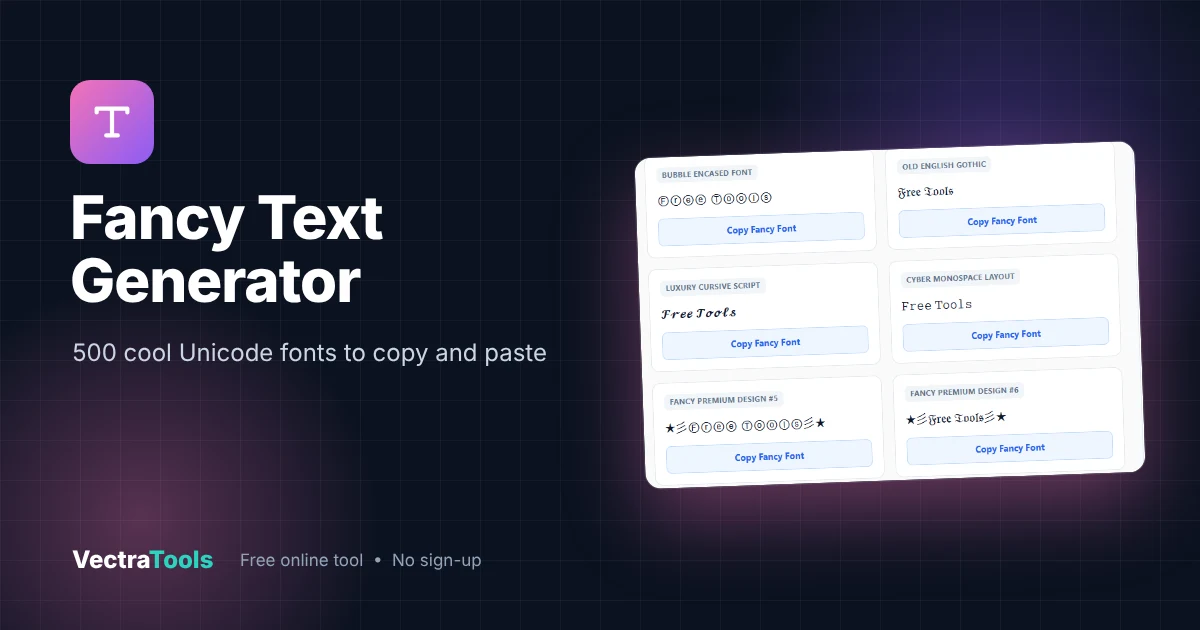
A fancy text generator turns ordinary text into decorative Unicode styles you can paste anywhere. Type Free Tools and copy versions such as Ⓕⓡⓔⓔ Ⓣⓞⓞⓛⓢ (bubble), 𝔉𝔯𝔢𝔢 𝔗𝔬𝔬𝔩𝔰 (Old English gothic), 𝓕𝓻𝓮𝓮 𝓣𝓸𝓸𝓵𝓼 (script) or ★彡Ⓕⓡⓔⓔ Ⓣⓞⓞⓛⓢ彡★ (decorated). Our tool shows 500 styles at once.
Our free fancy text generator builds every style live as you type, each with a Copy Fancy Font button. Use it for aesthetic Instagram bios, TikTok and YouTube names, gaming nicknames, Discord servers and eye-catching captions.
How the Fancy Text Generator Works
Unicode includes many alternative alphabets: enclosed (bubble) letters, Fraktur gothic, script, monospace and more, plus thousands of symbols like ★, 彡 and 『』. The fancy text generator maps each letter to these alphabets and then wraps the result in decorative symbol combinations. Because everything is plain Unicode text, it copies and pastes without any special font.
| Style | Example |
|---|---|
| Bubble Encased | Ⓕⓡⓔⓔ Ⓣⓞⓞⓛⓢ |
| Old English Gothic | 𝔉𝔯𝔢𝔢 𝔗𝔬𝔬𝔩𝔰 |
| Luxury Cursive Script | 𝓕𝓻𝓮𝓮 𝓣𝓸𝓸𝓵𝓼 |
| Cyber Monospace | 𝙵𝚛𝚎𝚎 𝚃𝚘𝚘𝚕𝚜 |
| Star wings | ★彡Ⓕⓡⓔⓔ Ⓣⓞⓞⓛⓢ彡★ |
| Skull brackets | ☠️[Ⓕⓡⓔⓔ Ⓣⓞⓞⓛⓢ]☠️ |
| Lightning corners | ⚡『Ⓕⓡⓔⓔ Ⓣⓞⓞⓛⓢ』⚡ |
How to Use the Fancy Text Generator
Step 1: Type Your Text
Clear the box and type your name, nickname or phrase. We type Free Tools.

Step 2: Pick a Fancy Style
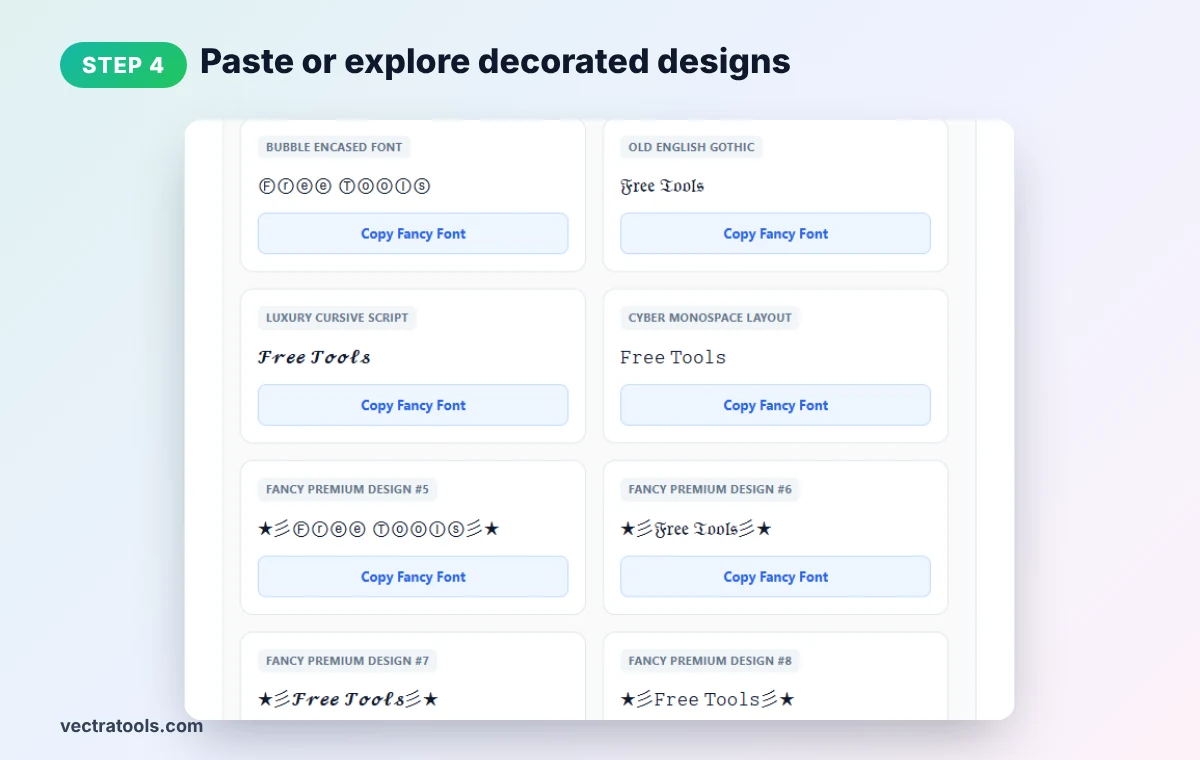
Browse the cards. The first four are base styles (Bubble, Gothic, Script, Monospace); the rest combine them with decorations.

Step 3: Click Copy Fancy Font
In the fancy text generator, press Copy Fancy Font on the style you like. It is now on your clipboard.

Step 4: Paste or Explore Decorated Designs
Paste the text into your bio, game name or post. Scroll further for hundreds of premium designs with stars, skulls, lightning and brackets.
Where to Use Fancy Text Generator Styles
- Instagram and TikTok bios: give your profile an aesthetic look.
- Gaming names: PUBG, Free Fire, Fortnite and Roblox players use fancy text for unique nicknames (check each game's character rules).
- Discord: style server names, channel names and roles.
- Captions and comments: make a key word pop.
- Posters and invites: quick decorative headings for social graphics.
Fancy Text Generator Tips
- Test on your platform. Some games and apps block certain symbols in usernames.
- Readability first. Bubble and gothic letters are fun but slower to read; keep them short.
- Accessibility. Screen readers may read fancy characters as symbol names.
- Not for SEO. Keep page titles and important text in normal letters.
- Character limits. Decorations add characters, so check bio and name limits.
Prefer a cleaner style? Use our bold text generator or cursive text generator.
Frequently Asked Questions
What is a fancy text generator?
It converts normal text into decorative Unicode letters and symbol designs that you can copy and paste into apps, games and websites.
Can I use fancy text in my game name?
Often yes, but each game has its own character rules. Try a few styles to see which ones are accepted.
Does fancy text work on Instagram?
Yes. Fancy Unicode text displays in Instagram bios, names, captions and comments.
How many fancy styles are there?
The tool shows 500 styles: four base alphabets combined with many decorative symbol sets.
Why do some symbols show as boxes?
Very old devices may lack fonts for rare Unicode symbols. Choose a simpler style for wider support.
Is this fancy text generator free?
Yes. It is free, needs no sign-up, and runs entirely in your browser.