

Bold Text Generator – 500+ Bold Fonts to Copy and Paste
500+ Luxury Bold Fonts Studio
Input your copy text below to generate over 500 custom unicode variations, rare bracket systems, and premium decorators instantly

Quick answer
A bold text generator turns normal letters into bold-looking Unicode characters you can paste where bold formatting is not available, such as Instagram bios, X posts and YouTube comments. Type Free Tools and copy styles like 𝐅𝐫𝐞𝐞 𝐓𝐨𝐨𝐥𝐬 (serif bold) or 𝗙𝗿𝗲𝗲 𝗧𝗼𝗼𝗹𝘀 (sans-serif bold). Our tool shows 500+ styles at once.
Our free bold text generator updates every style live as you type. Pick serif bold, sans-serif bold, bold italic, script, gothic fraktur, monospace or hundreds of decorated versions with stars, sparkles and symbols, then click Copy Style. No app, font install or sign-up needed.
How a Bold Text Generator Works
Social apps strip formatting like <b> tags, so true bold cannot be pasted. Unicode, however, includes a "Mathematical Alphanumeric Symbols" block with complete bold, italic, script and other alphabets. A bold text generator swaps each letter for its bold Unicode twin. Because these are characters, not styling, they stay bold wherever you paste them.
| Style | Example |
|---|---|
| Serif Bold | 𝐅𝐫𝐞𝐞 𝐓𝐨𝐨𝐥𝐬 |
| Sans-Serif Bold | 𝗙𝗿𝗲𝗲 𝗧𝗼𝗼𝗹𝘀 |
| Serif Italic Bold | 𝑭𝒓𝒆𝒆 𝑻𝒐𝒐𝒍𝒔 |
| Calligraphy Script Bold | 𝓕𝓻𝓮𝓮 𝓣𝓸𝓸𝓵𝓼 |
| Gothic Fraktur | 𝔉𝔯𝔢𝔢 𝔗𝔬𝔬𝔩𝔰 |
| Monospace | 𝙵𝚛𝚎𝚎 𝚃𝚘𝚘𝚕𝚜 |
| Decorated | ⭐ 𝐅𝐫𝐞𝐞 𝐓𝐨𝐨𝐥𝐬 ⭐ |
How to Use the Bold Text Generator
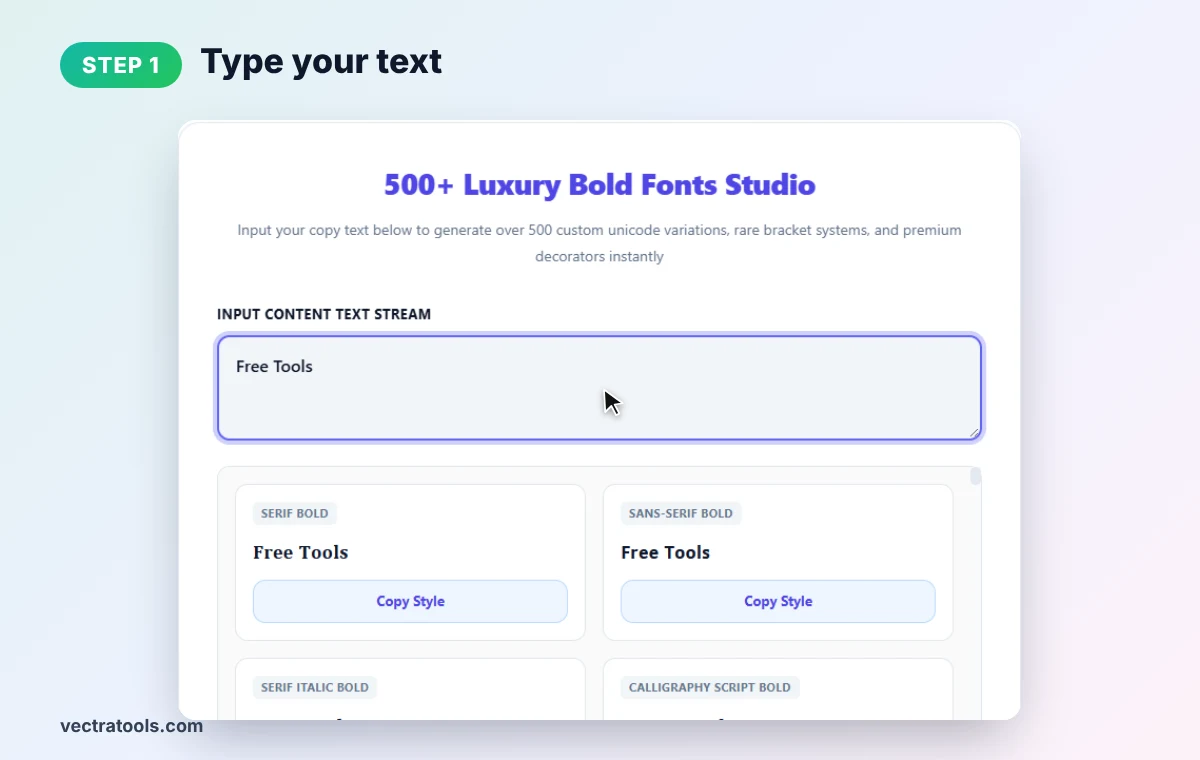
Step 1: Type Your Text
Clear the box and type your words in Input Content Text Stream. We type Free Tools.
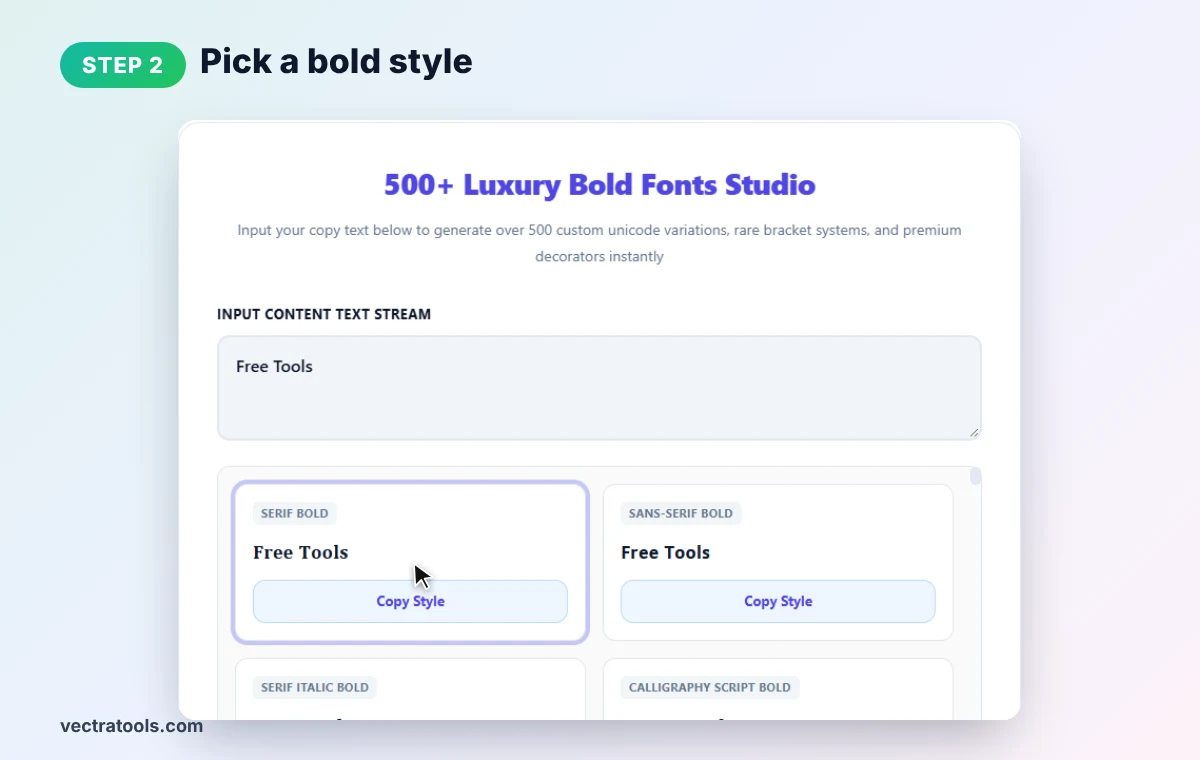
Step 2: Pick a Bold Style
Browse the style cards below. The first ones are the classics, Serif Bold and Sans-Serif Bold, followed by italic bold, script, gothic, monospace and decorated designs.
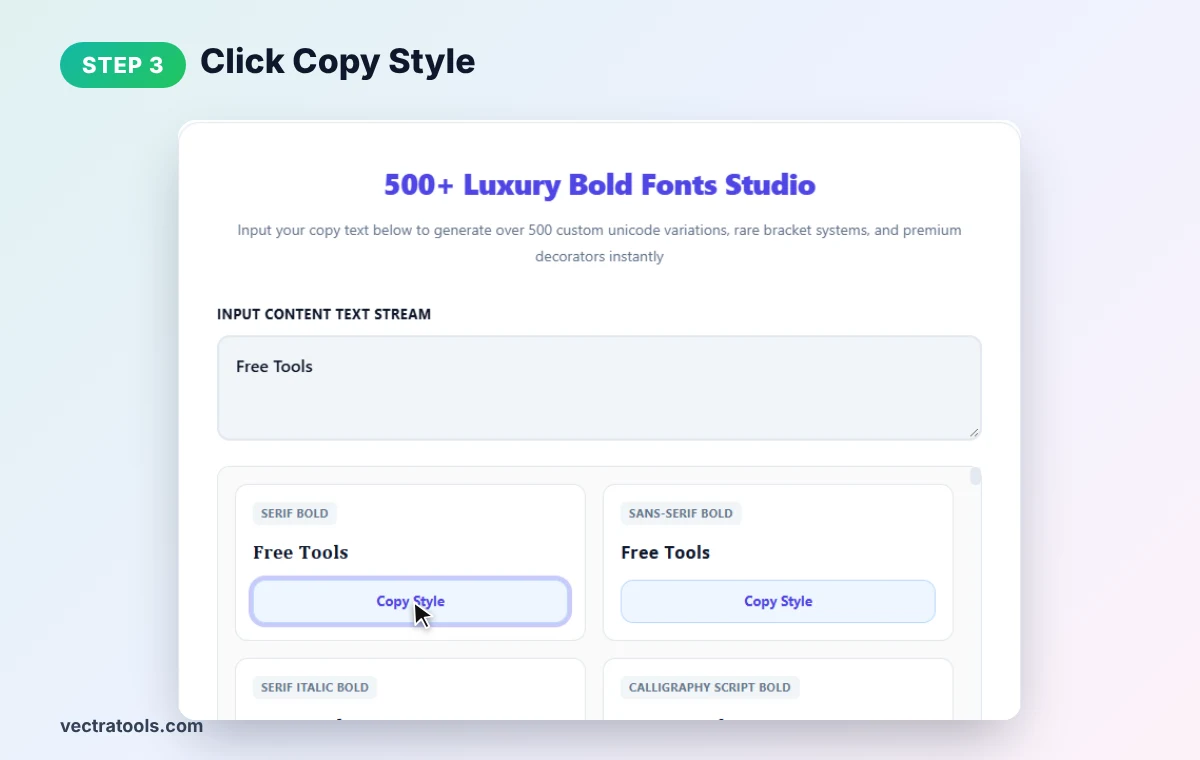
Step 3: Click Copy Style
Press Copy Style on the card you like to copy the bold text to your clipboard.
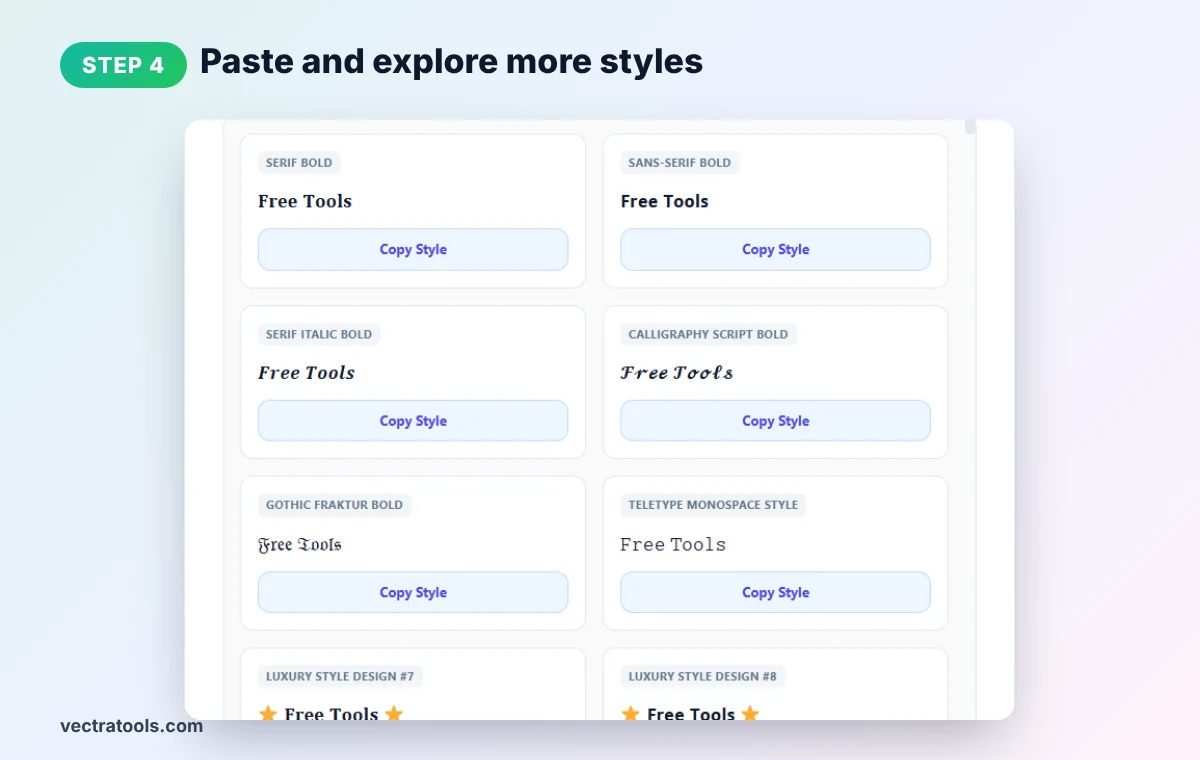
Step 4: Paste and Explore More Styles
Paste it into your bio, caption, post or chat. Scroll down to find bold italic, calligraphy, gothic fraktur, monospace and hundreds of luxury decorated styles.
Where Bold Text Works
| Platform | Native bold? | Use the bold text generator? |
|---|---|---|
| Instagram bio and captions | No | Yes |
| X (Twitter) posts | No | Yes |
| Facebook posts | No (except some groups) | Yes |
| LinkedIn posts | No | Yes, but use sparingly |
| TikTok and YouTube comments | No | Yes |
| Yes: *text* | Optional | |
| Discord | Yes: **text** | Optional |
Bold Text Generator Tips
- Bold only key words. A bold name or headline stands out; a whole paragraph is hard to read.
- Think about accessibility. Screen readers may spell out Unicode bold letters one by one.
- Avoid it in SEO text. Search engines may not read Unicode bold as normal words, so keep titles plain.
- Check on mobile. A few rare decorative symbols may not show on older phones.
- Numbers are supported in many styles, but some symbols and accented letters stay normal.
Want slanted or crossed-out text instead? Try our italic text generator or strikethrough font generator.
Frequently Asked Questions
How do I make bold text for Instagram?
Type your text into the bold text generator, click Copy Style on a bold font, and paste it into your Instagram bio or caption.
Is this real bold formatting?
No. It uses bold-looking Unicode characters, which is why it works in apps that do not support bold formatting.
Does bold text work on Facebook and X?
Yes. Unicode bold shows in posts, comments and profiles on most platforms.
How many bold styles are there?
The tool shows more than 500 styles, including serif, sans-serif, italic bold, script, gothic, monospace and decorated designs.
Can screen readers read bold Unicode text?
Not always well. Use it for short highlights rather than important information.
Is this bold text generator free?
Yes. It is free, needs no sign-up, and runs entirely in your browser.