

Cursive Text Generator – Script and Handwriting Fonts to Copy
500+ Elegant Cursive Fonts Studio
Convert plain string copy blocks into handwritten scripts, fluent mathematical calligraphies, and aesthetic layout styles instantly
Quick answer
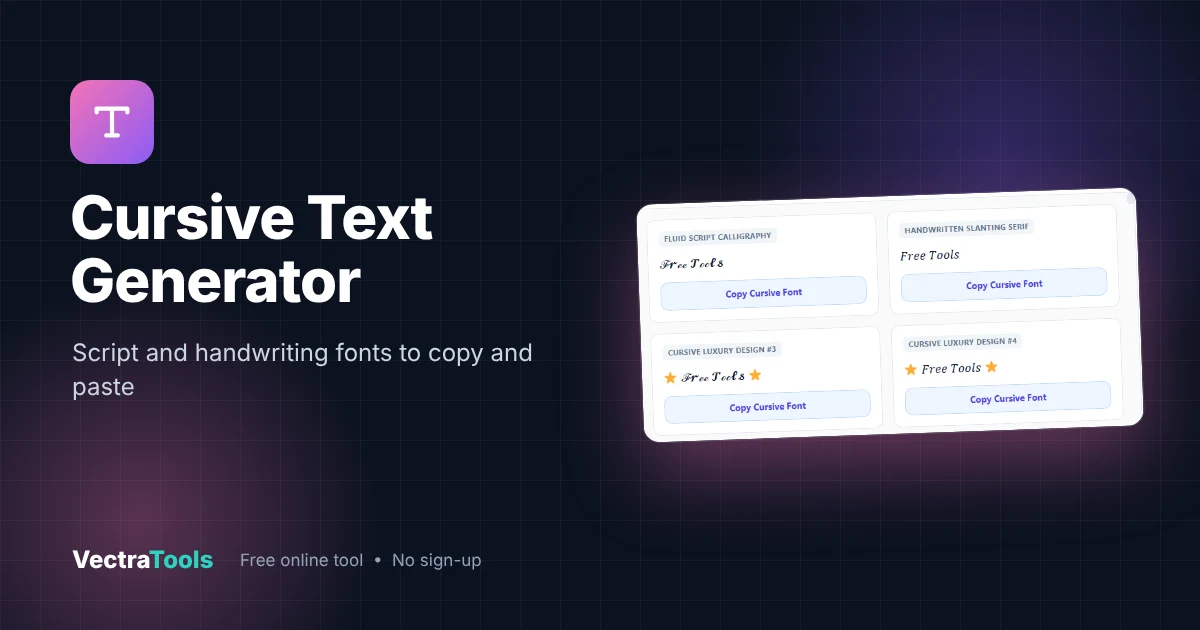
A cursive text generator turns normal letters into script-style Unicode characters that look handwritten, like ℱ𝓻ℯℯ 𝓣ℴℴ𝓵𝓼. Because the letters are real Unicode symbols, the cursive look stays when you paste it into Instagram, TikTok, X, Discord or WhatsApp. Type once, then copy a plain script style or a decorated version with stars, fire and other emojis.
Our free cursive text generator creates every style live as you type. It is ideal for elegant bios, wedding and event captions, signatures in chats, quotes and aesthetic profile names. No fonts to install and no sign-up needed.
How the Cursive Text Generator Works
Unicode contains script alphabets in its Mathematical Alphanumeric Symbols block and its Letterlike Symbols block (for example ℱ, ℯ and ℴ). The cursive text generator swaps each normal letter for its script twin. Since these are characters, not a font file, they keep their shape anywhere text is accepted.
| Style | Example | Look |
|---|---|---|
| Fluid Script Calligraphy | ℱ𝓻ℯℯ 𝓣ℴℴ𝓵𝓼 | Flowing script, closest to handwriting |
| Handwritten Slanting Serif | 𝐹𝑟𝑒𝑒 𝑇𝑜𝑜𝑙𝑠 | Elegant slanted serif |
| Luxury decorated | ⭐ ℱ𝓻ℯℯ 𝓣ℴℴ𝓵𝓼 ⭐ | Script wrapped in emojis or symbols |
How to Use the Cursive Text Generator
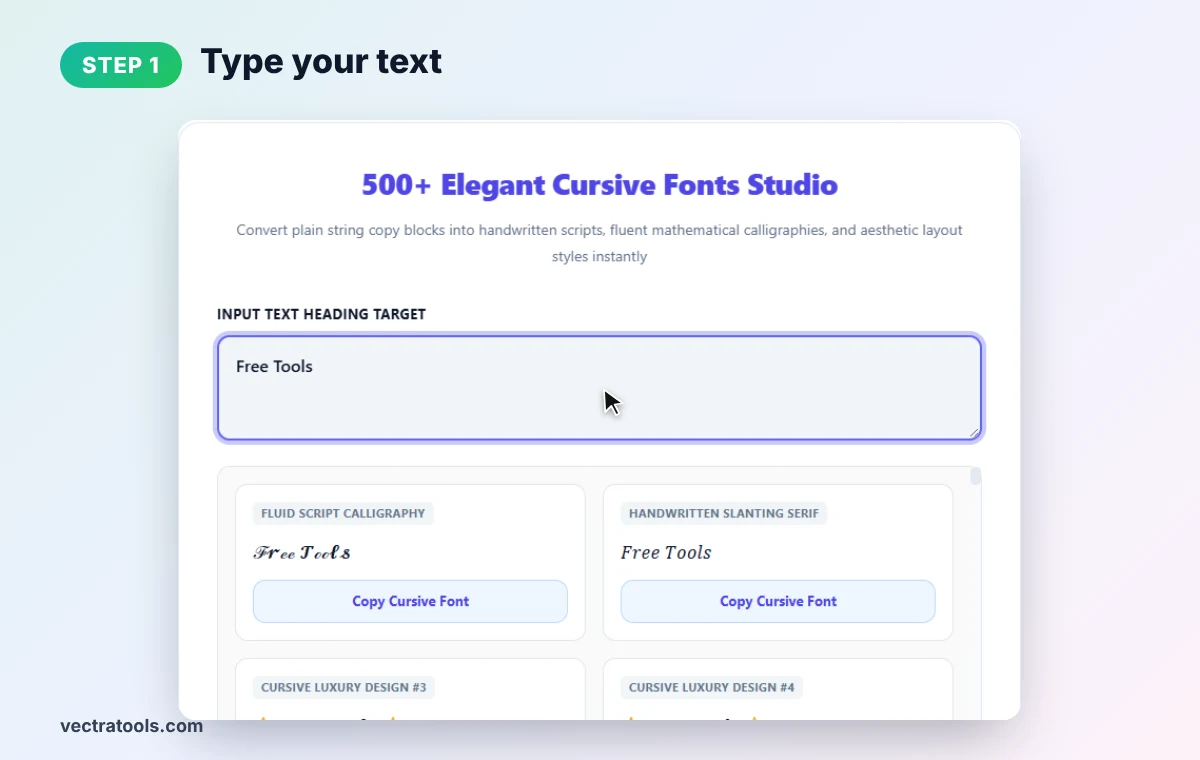
Step 1: Type Your Text
Clear the box and type your words. We type Free Tools. Every style card updates as you type.
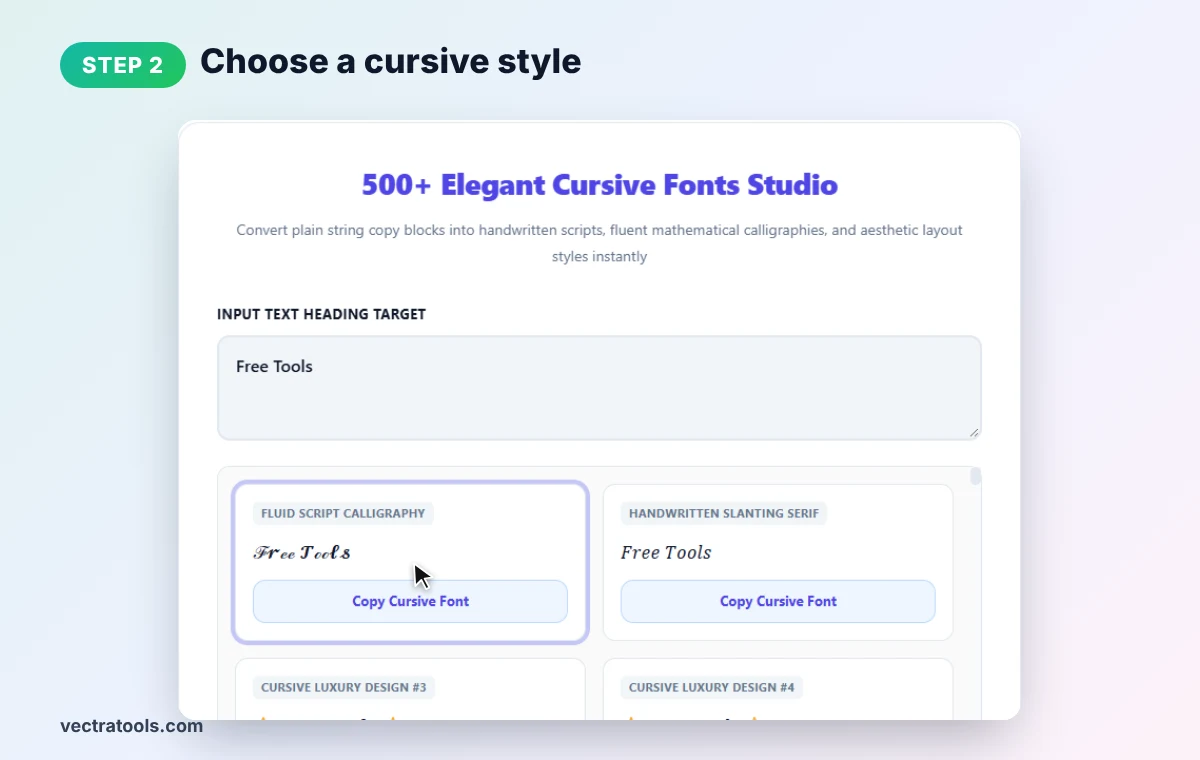
Step 2: Choose a Cursive Style
Start with Fluid Script Calligraphy for a handwritten feel, or Handwritten Slanting Serif for a cleaner look.
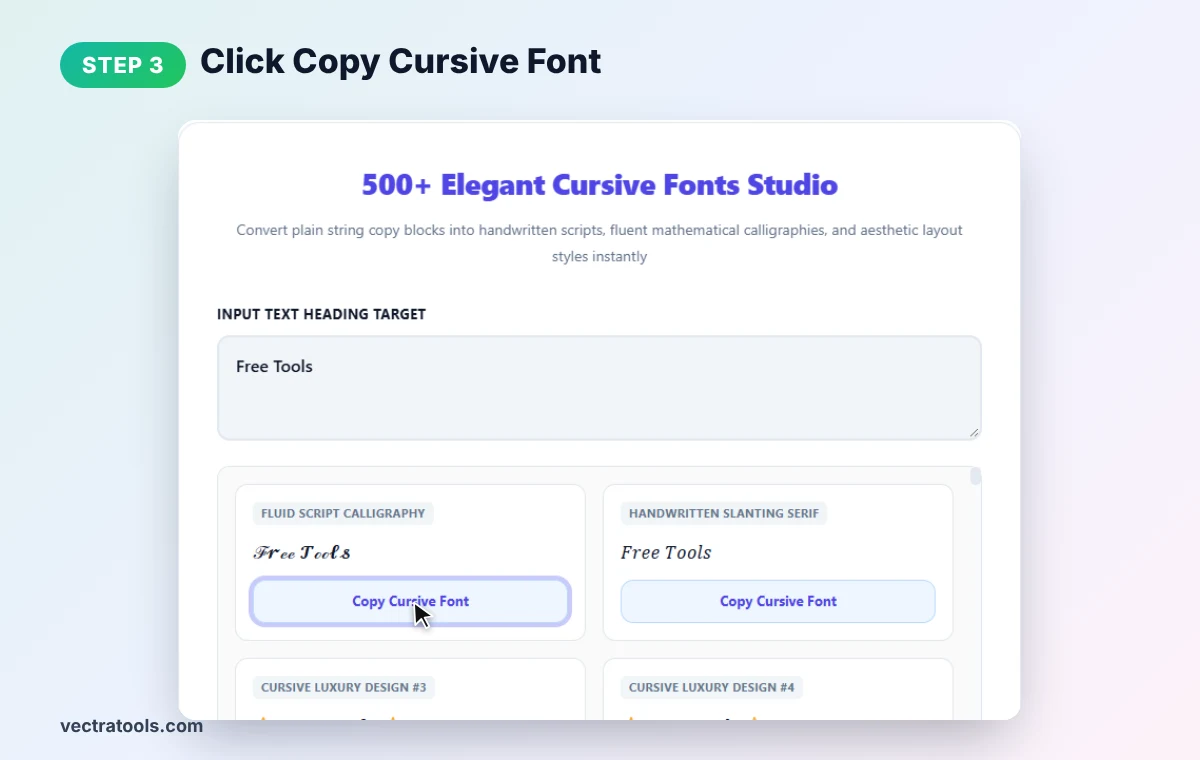
Step 3: Click Copy Cursive Font
In the cursive text generator, press Copy Cursive Font on your chosen card to copy it to the clipboard.
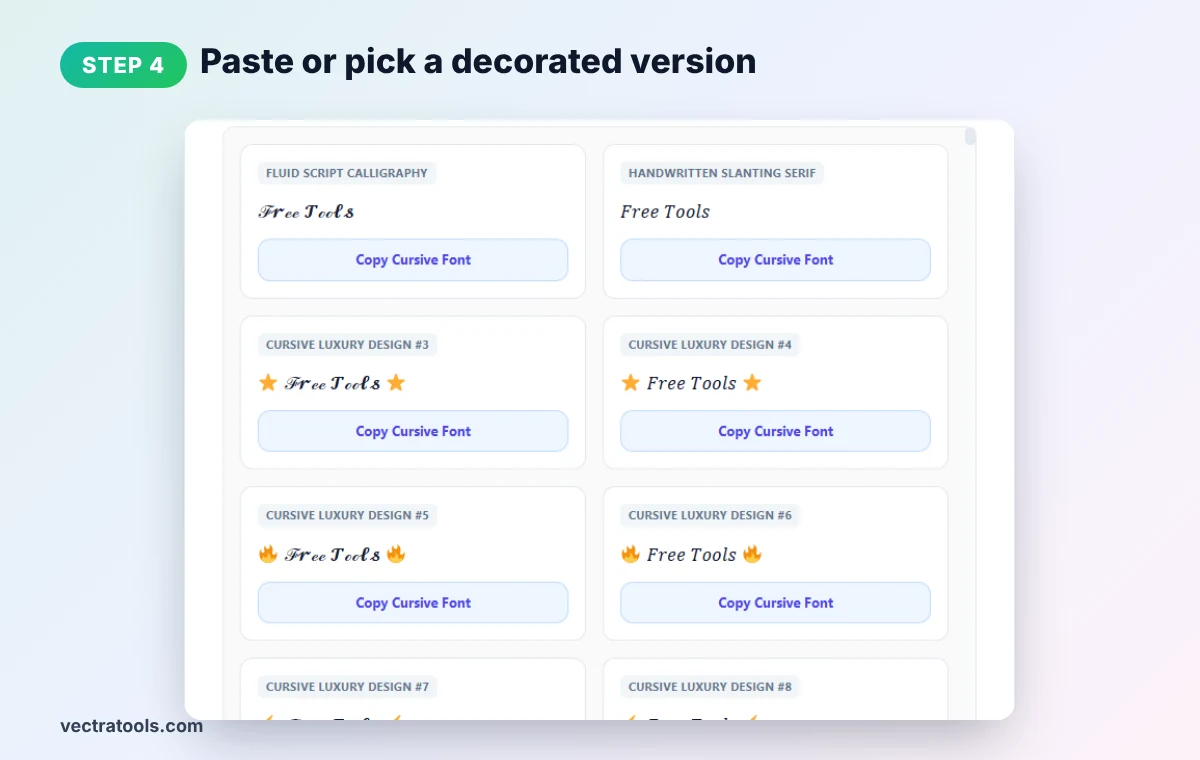
Step 4: Paste or Pick a Decorated Version
Paste it where you like, or scroll down for luxury designs that wrap your cursive text in stars, fire, sparkles and other symbols.
Best Uses for a Cursive Text Generator
- Instagram bios: make your name or tagline look elegant.
- Wedding, birthday and event posts: add a handwritten invitation feel.
- Quotes and captions: highlight a line of poetry or a favourite saying.
- Gaming and Discord names: stand out in member lists.
- Small business posts: beauty, bakery and boutique brands often use script styles.
Cursive Text Generator Tips
- Keep it short. Script is lovely for a name or headline but tiring to read in long paragraphs.
- Check readability on mobile. Some script capitals look very different from normal letters.
- Not for SEO or important info. Search engines and screen readers may not read Unicode script as normal words.
- Numbers and accents may stay plain. Unicode script covers A–Z and a–z only.
- Mixed letter weights. A few script letters (such as ℯ and ℴ) come from a different Unicode block, so they can look slightly lighter.
For other looks, try our fancy text generator, italic text generator or bold text generator.
Frequently Asked Questions
How do I get cursive text for Instagram?
Type your text into the cursive text generator, click Copy Cursive Font on a style and paste it into your Instagram bio or caption.
Is cursive text a real font?
No. It uses script-style Unicode characters, so it works anywhere text can be pasted, without installing a font.
Does cursive text work on TikTok and WhatsApp?
Yes. Most modern apps and phones display Unicode script characters.
Can I make numbers cursive?
Unicode has no cursive numbers, so digits stay in their normal form.
Why do some letters look slightly different?
A few script letters come from Unicode's Letterlike Symbols block, which is designed slightly differently from the main script alphabet.
Is this cursive text generator free?
Yes. It is free, needs no sign-up, and runs entirely in your browser.