

Coupon Code Generator – Unique Promo and Discount Codes in Bulk
Coupon Code Generator
Create unique, hard-to-guess discount and promo codes in bulk with your own prefix and suffix, ready to import into your store
Quick answer
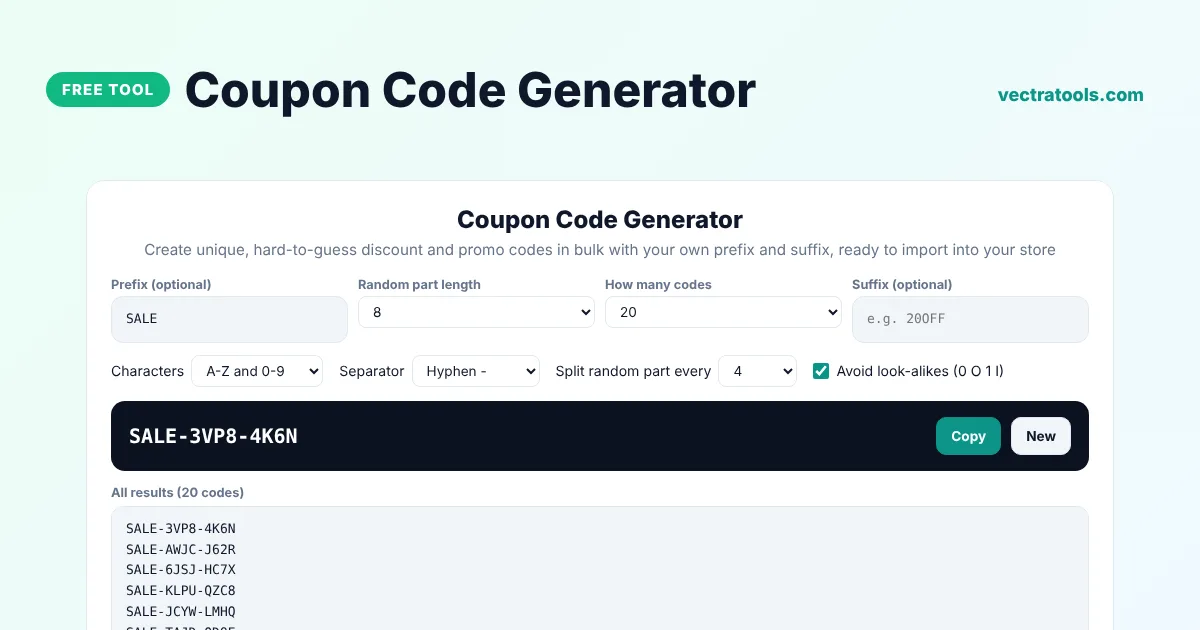
A coupon code generator creates unique discount codes for your store or campaign. Add a prefix such as SALE or SUMMER, choose the length of the random part and how many codes you need, and the tool creates a list of unique codes such as SALE-7KQ2-MX9P. Download them as a CSV file and import them into Shopify, WooCommerce or your email tool.
Our free coupon code generator creates up to 5,000 codes in one click, guarantees that every code in the list is unique and uses secure randomness so codes are hard to guess. You can avoid look-alike characters, split the random part into groups and add a suffix such as 20OFF to show the discount.
Why Use Unique Coupon Codes?
- Stop sharing: one-use codes cannot be posted on coupon sites and used by everyone.
- Track results: give each influencer, email list or event its own prefix to see which works best.
- Prevent guessing: long random codes make it practically impossible to guess a valid code.
- Personalise offers: send each customer their own code in a thank-you or win-back email.
Coupon Code Examples
| Settings | Example code |
|---|---|
| Prefix SALE, 8 characters, split every 4 | SALE-7KQ2-MX9P |
| Prefix WELCOME, 6 characters, suffix 10OFF | WELCOME-H4TR9Z-10OFF |
| No prefix, numbers only, 10 digits | 4829157306 |
| Prefix VIP, letters only, 6 characters | VIP-KQTRMX |
How to Use the Coupon Code Generator
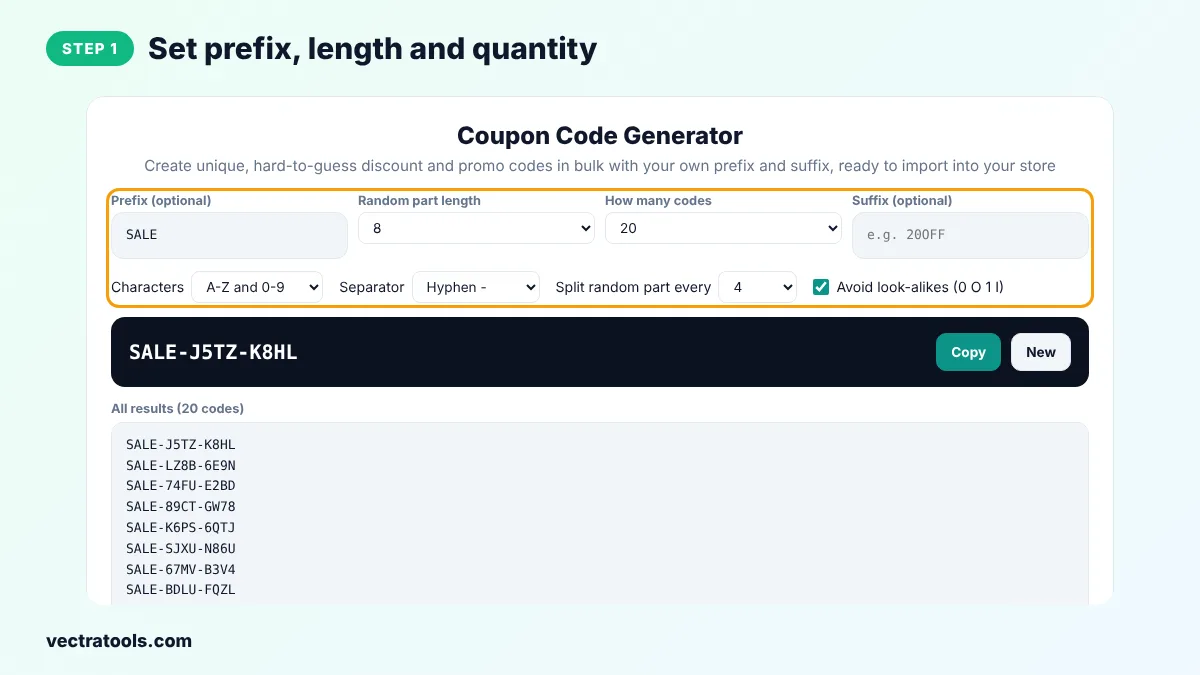
Step 1: Set Prefix, Length and Quantity
Type a prefix and an optional suffix, choose the length of the random part and how many codes you need. Pick the characters, separator and grouping.
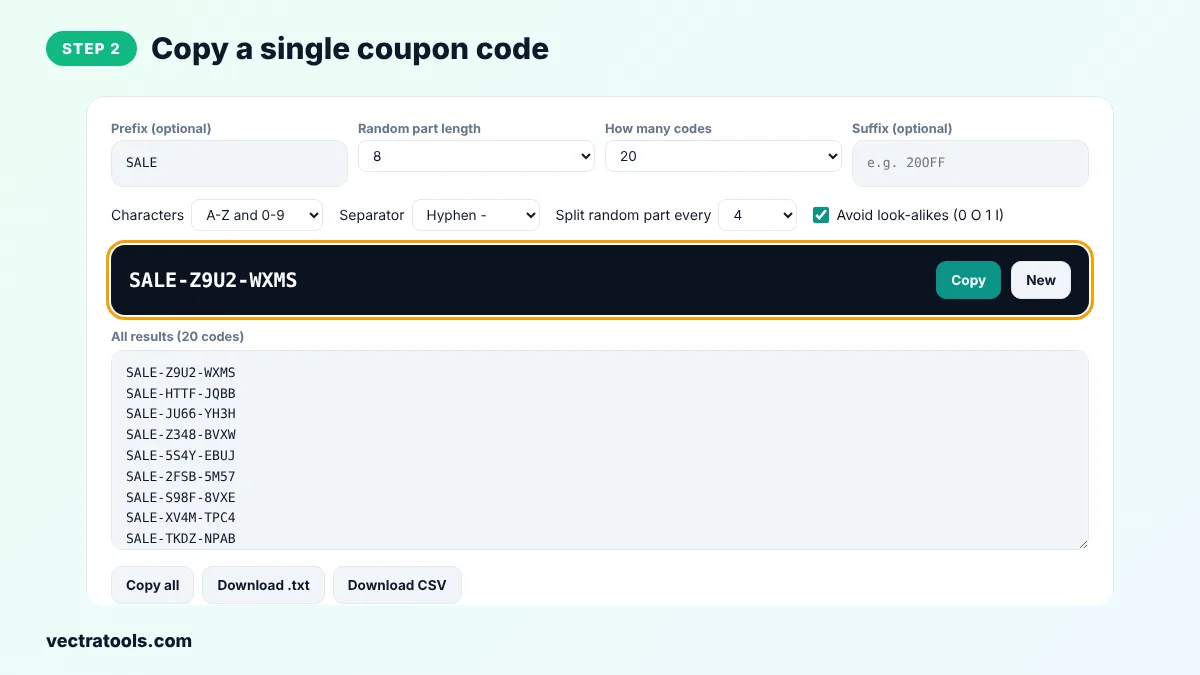
Step 2: Copy a Single Coupon Code
The first code appears in the dark box. Click Copy to use it straight away, or New to make a fresh list.
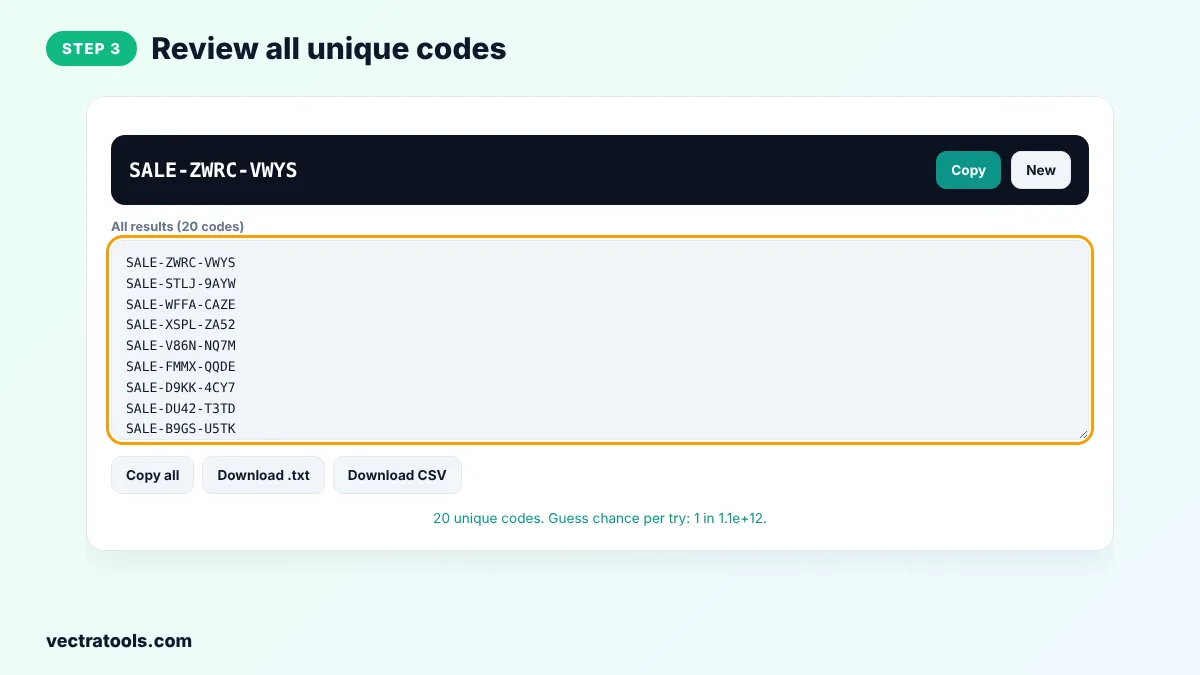
Step 3: Review All Unique Codes
Every code in the list is unique. Scroll the box to review them before you import them.
Step 4: Download Codes as TXT or CSV
Click Download CSV to get a file with a code column for your store's import tool, or Download .txt for a simple list.
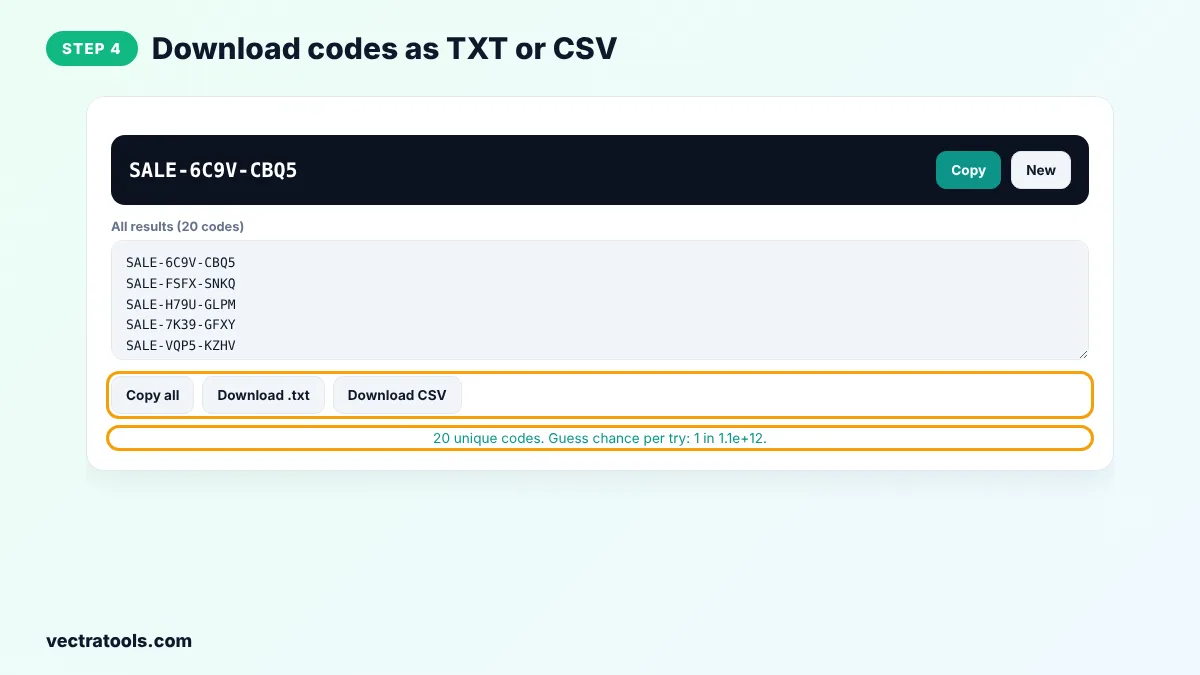
Shop owners, marketers and event organisers use the coupon code generator for flash sales, newsletter offers, referral programmes and printed vouchers. The coupon code generator does not connect to your store, so create the discount rule there first, then import the codes.
How to Import Codes into Your Store
- Shopify: create a discount, then use a bulk code app or the Shopify API to add the codes from the CSV.
- WooCommerce: use a coupon import plugin and map the code column, then set the amount and usage limit.
- Email tools: upload the CSV as a custom field so each subscriber gets their own code.
Coupon Code Generator Tips
- Use 8 or more random characters for single-use codes to make guessing impractical.
- Set a usage limit of one per code and an expiry date in your store.
- Keep prefixes short and meaningful, such as the campaign name.
- Avoid look-alike characters for printed codes that customers type by hand.
Frequently Asked Questions
How does the coupon code generator work?
It builds each code from your prefix, a random part made with secure randomness and your suffix, and skips any duplicates so every code is unique.
How many codes can I create?
Up to 5,000 codes in one click. Generate again for more.
Will the codes work in my store automatically?
No. Create the discount in your store first, then import the codes so each one applies that discount.
Are the codes hard to guess?
Yes. With 8 random characters there are more than a trillion possible codes, so guessing a valid one is extremely unlikely.
Can I make codes with numbers only?
Yes. Choose Numbers only in the Characters menu.
What is the best length for a coupon code?
6 to 8 random characters plus a short prefix is a good balance between security and ease of typing.
Is the coupon code generator free?
Yes. It is free, needs no sign-up and runs in your browser.