

Secure OTP Generator – Random One-Time Passcodes
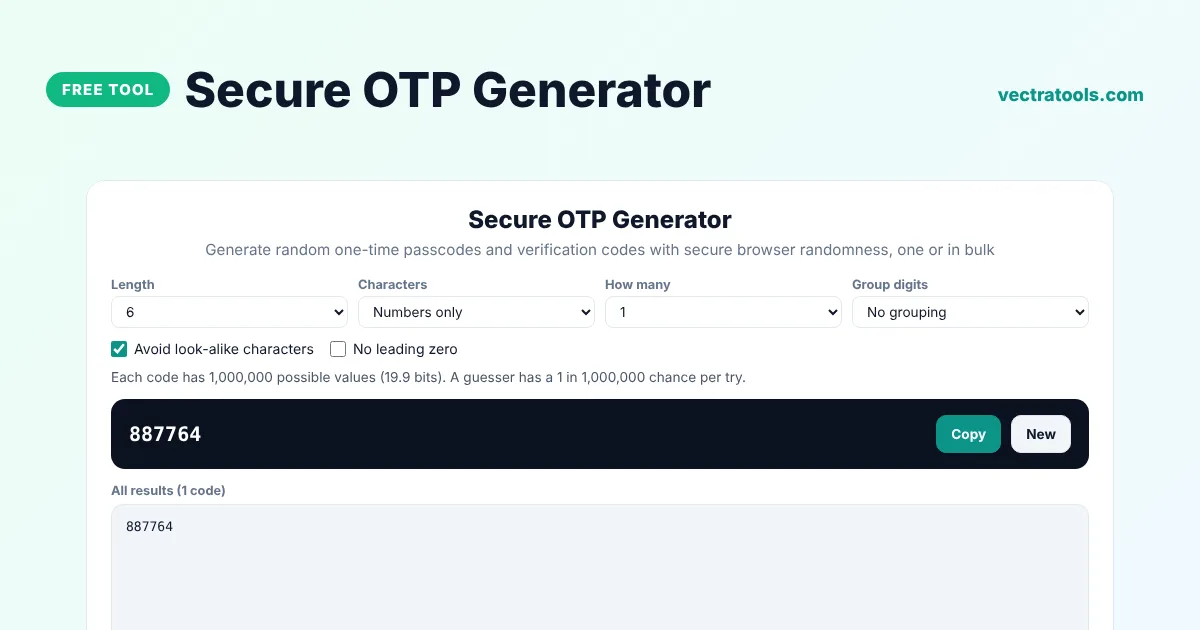
Secure OTP Generator
Generate random one-time passcodes and verification codes with secure browser randomness, one or in bulk
Quick answer
An OTP generator creates one-time passcodes, short random codes used once to confirm an action such as a login, a sign-up or a payment. Choose the length and characters, and the tool generates the code with your browser's cryptographic random generator. You can also create codes in bulk for testing, vouchers or event check-in.
Our free secure OTP generator makes numeric codes such as 482915, alphanumeric codes such as K7Q2-MX9P and hexadecimal codes. It shows how many possible codes exist for your settings, avoids look-alike characters and can group digits so codes are easier to read out loud.
What Is an OTP?
A one-time password or passcode is valid for a single use, often for only a few minutes. Websites send OTPs by SMS or email, or show them in an authenticator app, as a second step after your password. Even if someone steals your password, they cannot log in without the current code.
Code Length and Security
| Code | Possible values | Typical use |
|---|---|---|
| 4 digits | 10,000 | Low-risk confirmations, PINs |
| 6 digits | 1,000,000 | Login and sign-up verification |
| 8 digits | 100,000,000 | Payments and sensitive actions |
| 8 letters and numbers | about 1.1 trillion | Backup codes and vouchers |
How to Use the Secure OTP Generator
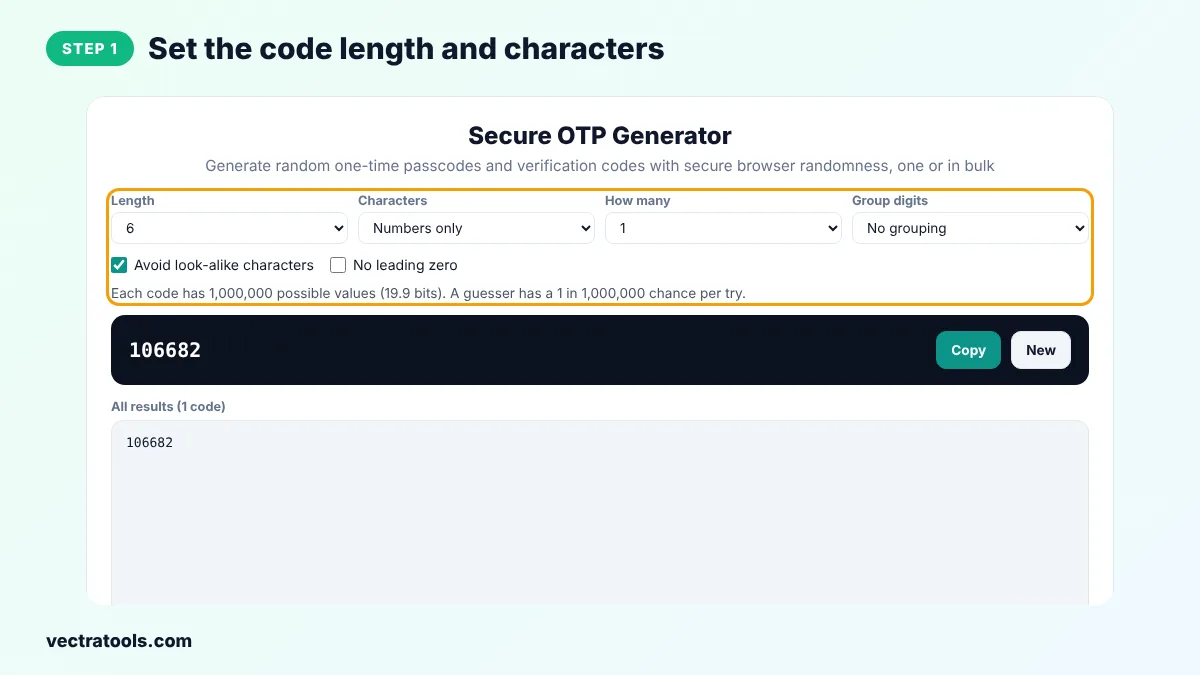
Step 1: Set the Code Length and Characters
Choose a length from 4 to 12 and whether the code uses numbers only, uppercase and numbers, letters and numbers or hexadecimal.
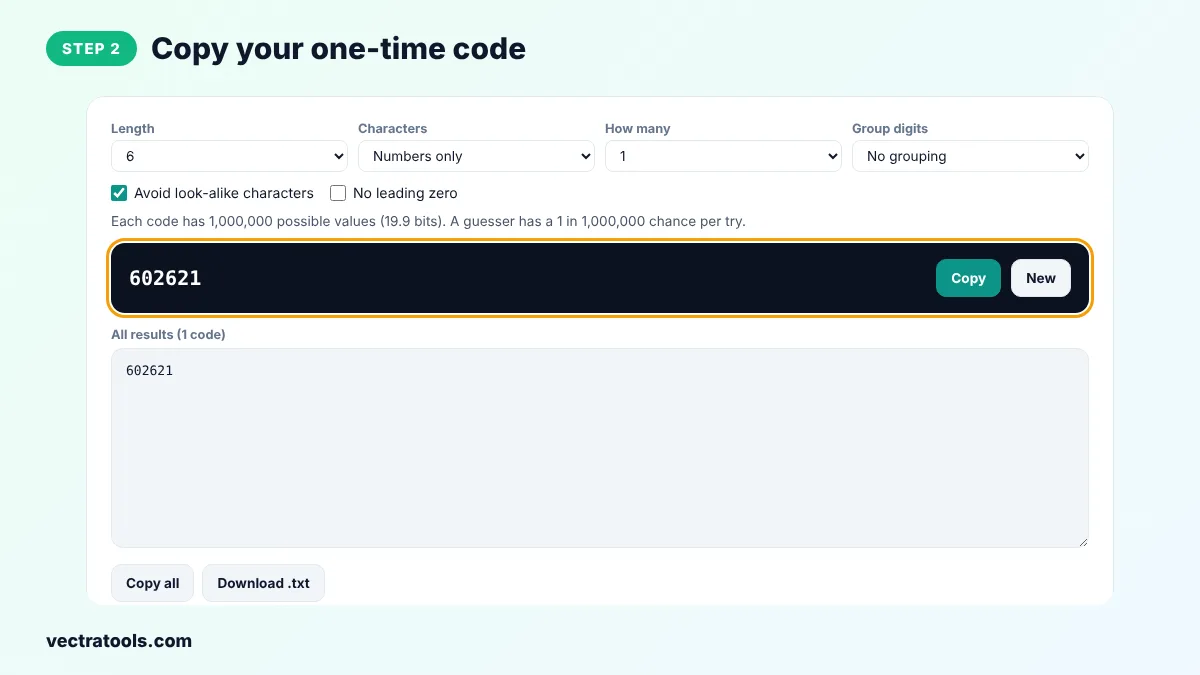
Step 2: Copy Your One-Time Code
The new code appears in the dark box. Click Copy to copy it or New for another one.
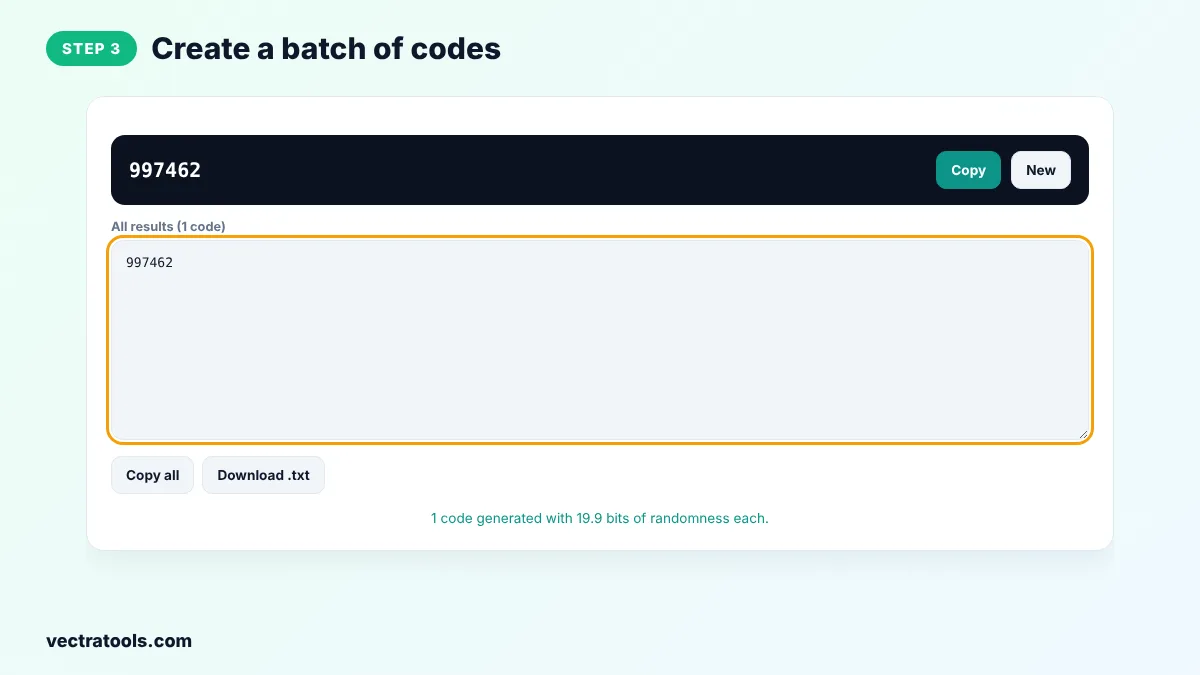
Step 3: Create a Batch of Codes
Set How many to 10, 50 or 100 to create a list of unique random codes, one per line.
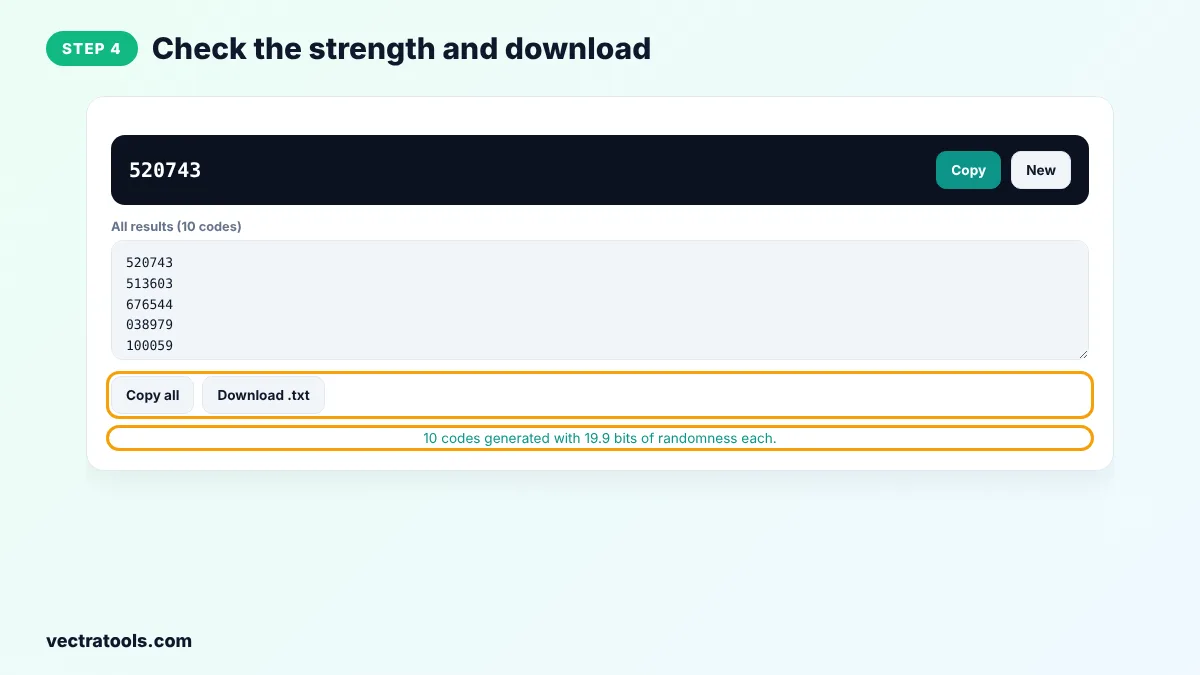
Step 4: Check the Strength and Download
The tool tells you how many possible codes exist. Click Copy all or Download .txt to save the list.
Developers use the OTP generator to create test codes for verification flows, and organisers use it for check-in codes and printed vouchers. Codes from this OTP generator are random but not linked to any account, so they cannot be used to log in anywhere.
TOTP vs Random OTP
Authenticator apps such as Google Authenticator use TOTP: a code calculated from a shared secret and the current time, which changes every 30 seconds. Codes from this tool are simple random codes. Your server must store each code and check it, for example by saving a hash with an expiry time.
Best Practices for OTP Codes
- Expire codes after a short time, such as 5 to 10 minutes.
- Allow each code to be used only once.
- Limit the number of wrong attempts to stop guessing.
- Never show the code in a URL or a log file.
- Use at least 6 digits for logins and 8 for payments.
Frequently Asked Questions
What is an OTP generator?
It is a tool that creates random one-time passcodes, short codes used once to verify a user or an action.
Are the codes secure?
Yes. They are created with crypto.getRandomValues, the secure random generator in your browser, so they cannot be predicted.
Can I use these codes to log in to my accounts?
No. Login codes are created by the service you are logging into. This tool is for developers, testing, vouchers and similar uses.
How long should an OTP be?
Six digits is the common standard for logins. Use 8 digits or letters and numbers for higher security.
What does Avoid look-alike characters do?
It removes characters such as O, 0, I and 1 that are easy to confuse when reading a code.
What is the difference between OTP and TOTP?
An OTP is any one-time code. A TOTP is a time-based OTP calculated from a secret key and the current time.
Is the OTP generator free?
Yes. It is free, needs no sign-up and runs in your browser.