

Upside Down Text Generator – Flip Text Upside Down
Upside Down Text Generator
Transform standard string fonts into 180-degree flipped unicode representations instantly

Quick answer
Upside down text swaps each letter for a Unicode character that looks like it has been rotated 180 degrees, then (optionally) reverses the order so it reads correctly when the screen is turned over. "Hello World" becomes plɹoM ollǝH. Because it uses real Unicode characters, you can paste it into Instagram bios, TikTok, WhatsApp, X and most other apps.
Our free upside down text generator flips letters and numbers in one click. Choose Upside Down + Reverse for the classic flipped look, or Upside Down Only to keep the original left-to-right order. No fonts or apps are needed, and nothing is uploaded.
How Upside Down Text Works
Unicode includes thousands of characters from many alphabets and symbol sets. Some of them happen to look like ordinary letters turned upside down, such as ǝ for e, ɹ for r and ʍ for w. The generator maps each letter to its look-alike. To make the result read naturally when the phone is rotated, it also reverses the character order. Letters that are already symmetrical, like o, s, x and z, stay the same.
| Mode | "Hello World 123" |
|---|---|
| Upside Down + Reverse | ƐᄅƖ plɹoM ollǝH |
| Upside Down Only | Hǝllo Moɹlp ƖᄅƐ |
How to Use the Upside Down Text Generator
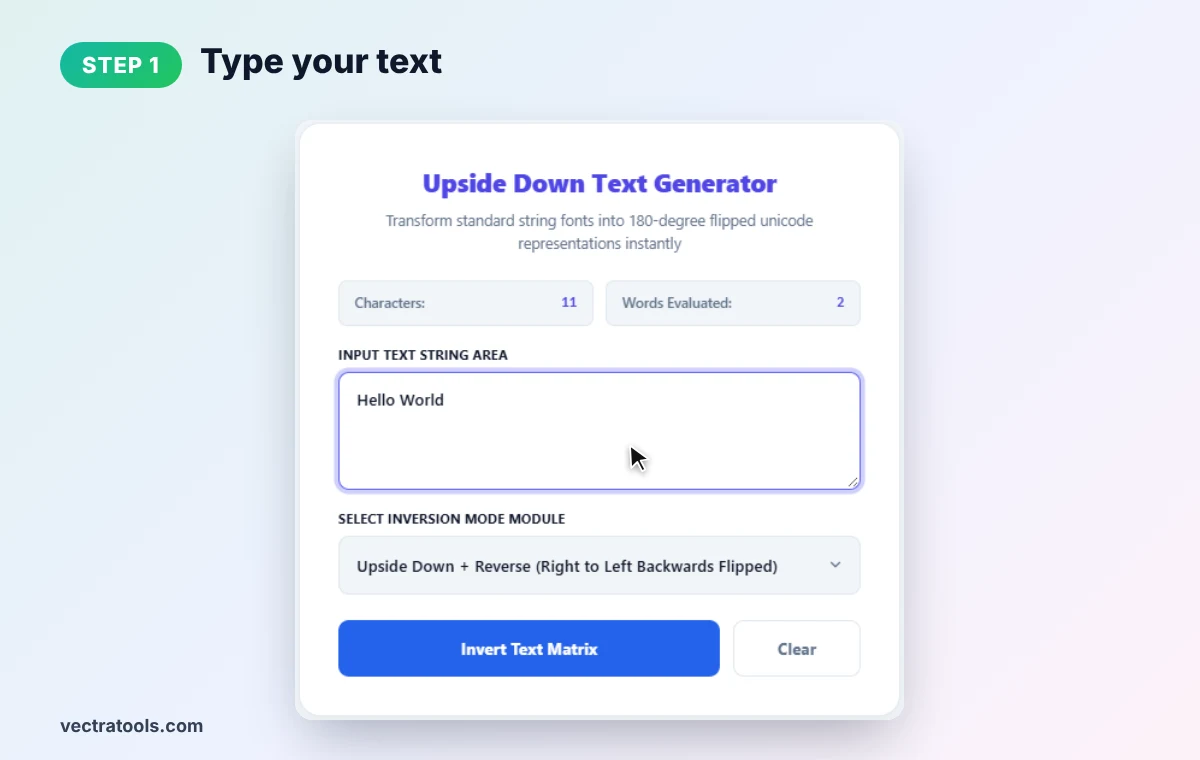
Step 1: Type Your Text
Enter your words in the input box. We type Hello World (11 characters, 2 words).
Step 2: Choose the Flip Mode
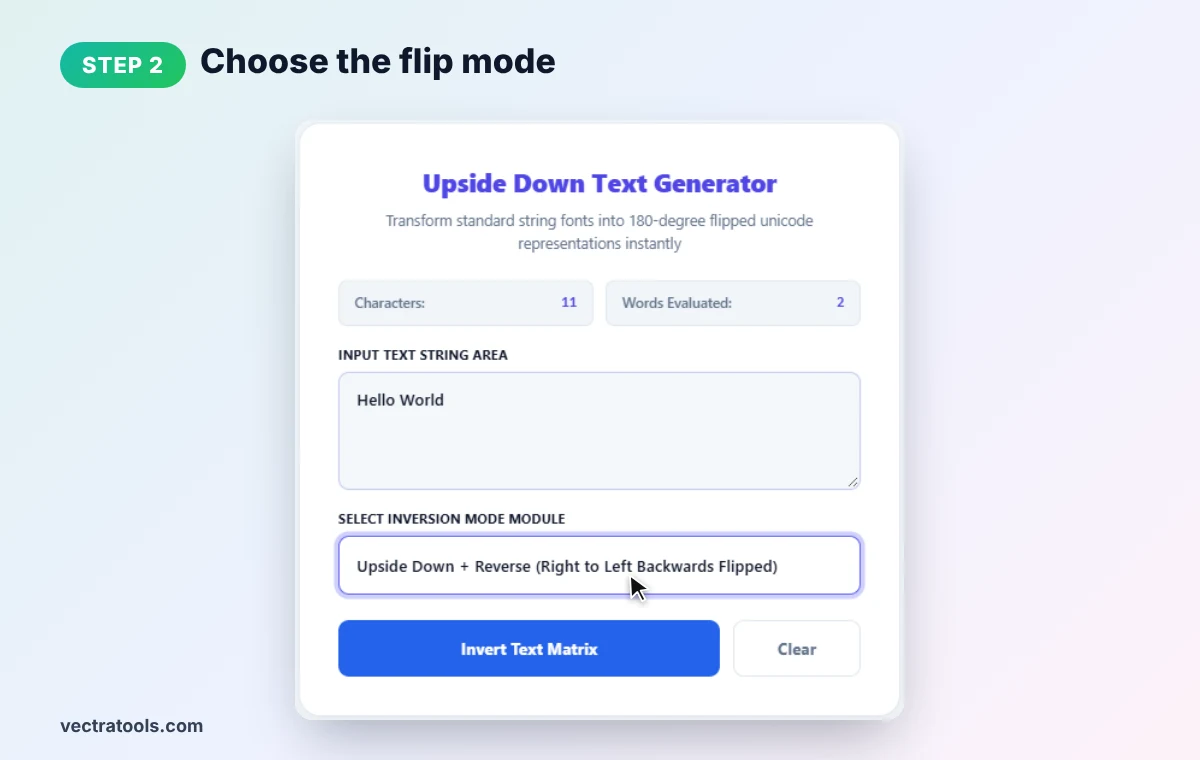
Select Upside Down + Reverse for text that reads correctly when rotated, or Upside Down Only to flip letters but keep their order.
Step 3: Click Invert Text Matrix
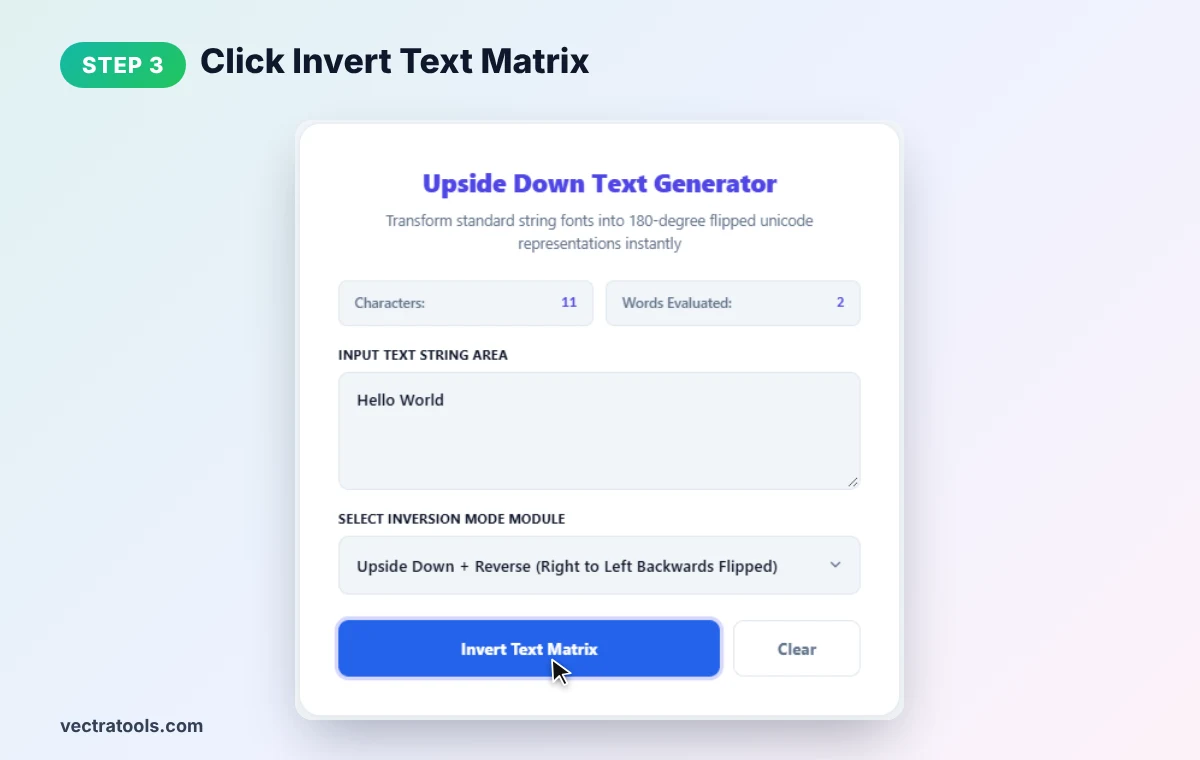
Press Invert Text Matrix to generate your upside down text.
Step 4: Copy and Paste Anywhere
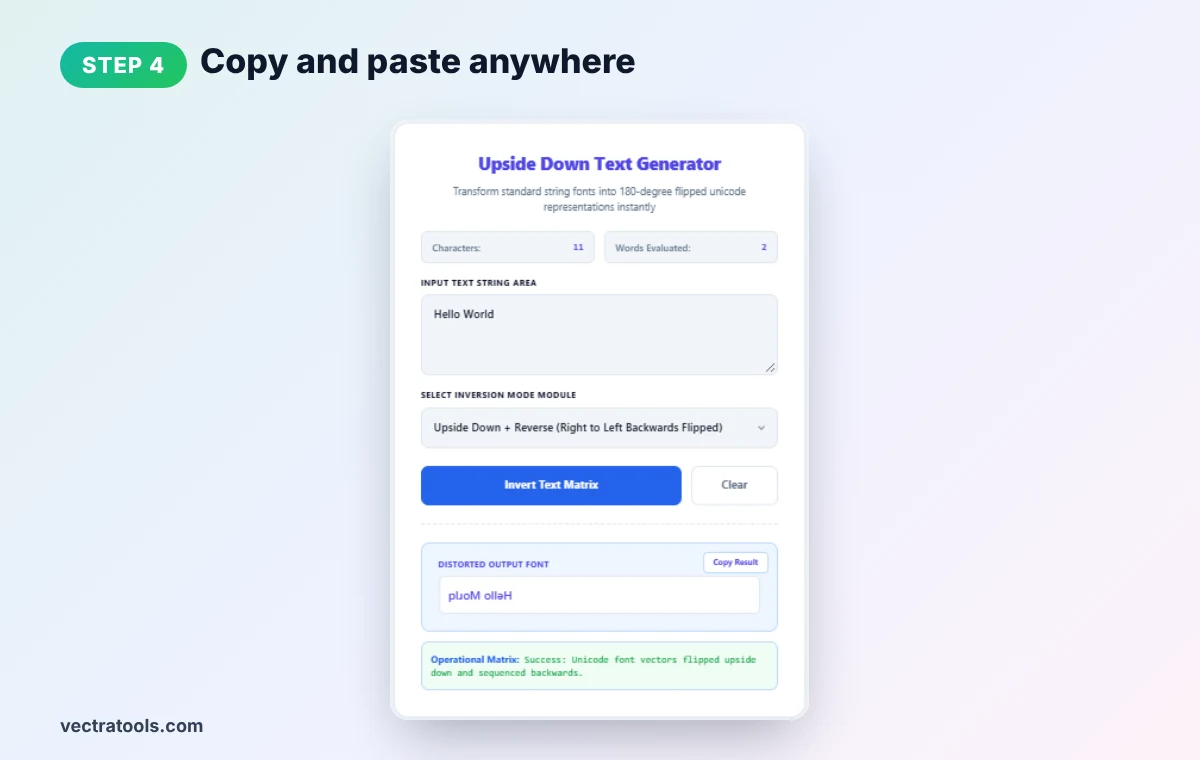
The output shows plɹoM ollǝH. Click Copy Result and paste it into a bio, comment, chat or post.
Upside Down Letter Chart
| Normal | Flipped | Normal | Flipped |
|---|---|---|---|
| a | ɐ | m | ɯ |
| b | q | n | u |
| c | ɔ | p | d |
| d | p | r | ɹ |
| e | ǝ | t | ʇ |
| f | ɟ | v | ʌ |
| g | ƃ | w | ʍ |
| h | ɥ | y | ʎ |
| k | ʞ | W | M |
Where to Use Upside Down Text
- Social bios and usernames: stand out on Instagram, TikTok and Twitch.
- Comments and replies: add humour or a playful "flip the table" moment.
- Games and puzzles: create clues that need the phone turned over.
- April Fools' posts: simple and harmless prank text.
Things to Keep in Mind
- Screen readers cannot read it well. Avoid using upside down text for important information.
- Search engines do not index it as normal words. Do not use it in titles or SEO text.
- Some characters have no perfect match. Certain capitals and symbols may look slightly different.
- Fonts vary. Rare characters may look different on older devices.
Want text reversed but not flipped? Use our text reverser. For other styles, try the bold text generator.
Frequently Asked Questions
How do I type upside down text?
Type your words into the generator, choose a flip mode and click Invert. Copy the result and paste it wherever you like.
Does upside down text work on Instagram and WhatsApp?
Yes. It uses standard Unicode characters that most modern apps display correctly.
Why is the text also reversed?
So it reads correctly when the screen is turned upside down. Choose Upside Down Only if you want the original order.
Can numbers be flipped too?
Yes. Numbers like 1, 2 and 3 are swapped for look-alike characters.
Is upside down text good for SEO?
No. Search engines treat these as different characters, so keep normal text for titles and content.
Is this upside down text generator free?
Yes. It is free, needs no sign-up, and runs entirely in your browser.