

Word Search Puzzle Maker – Create Printable Word Searches
Word Search Maker
Type your word list below to generate a custom word search puzzle. Perfect for teachers, parents, and vocabulary building.
Quick answer
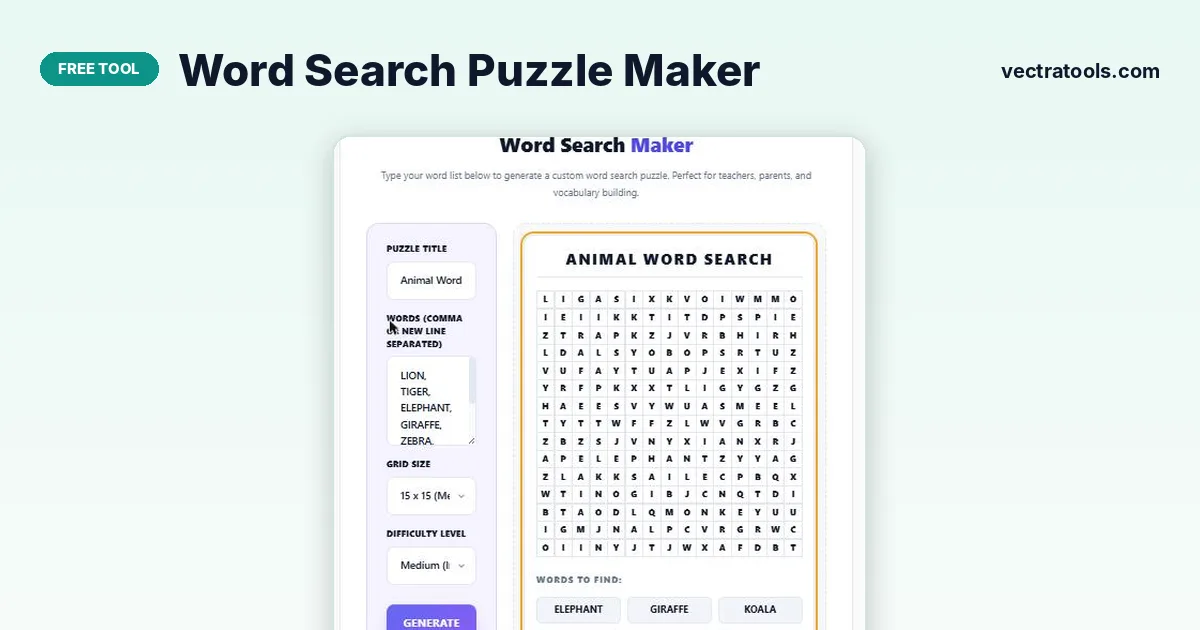
To make a word search, type a title and your list of words, pick a grid size from 10×10 to 20×20 and a difficulty, then press Generate Puzzle. The word search puzzle maker hides every word in a grid of random letters and lists the words to find underneath. Press Print Puzzle to get a clean paper copy.
Word searches are a quick way to practise spelling and new vocabulary. Teachers use them for topic revision, parents use them for rainy days, and they work well as warm-ups at events and parties.
This word search puzzle maker builds a fresh puzzle from your own words in a second. You control the title, the size of the grid and which directions words can run, and the finished puzzle prints on a single page.
Grid Sizes and Difficulty Levels
| Setting | Option | Best for |
|---|---|---|
| Grid size | 10 × 10 | Young children, 5–8 short words |
| Grid size | 12 × 12 | Standard classroom puzzles |
| Grid size | 15 × 15 | Longer lists, older students |
| Grid size | 20 × 20 | Big lists and long words |
| Difficulty | Easy | Words run forward and down only |
| Difficulty | Medium | Adds diagonal words |
| Difficulty | Hard | Adds backwards and reversed directions |
A word longer than the grid cannot fit, so the tool skips it. If a word goes missing from the list, increase the grid size and generate again.
How to Use the Word Search Puzzle Maker
You only need a list of words. Separate them with commas or put each one on a new line.
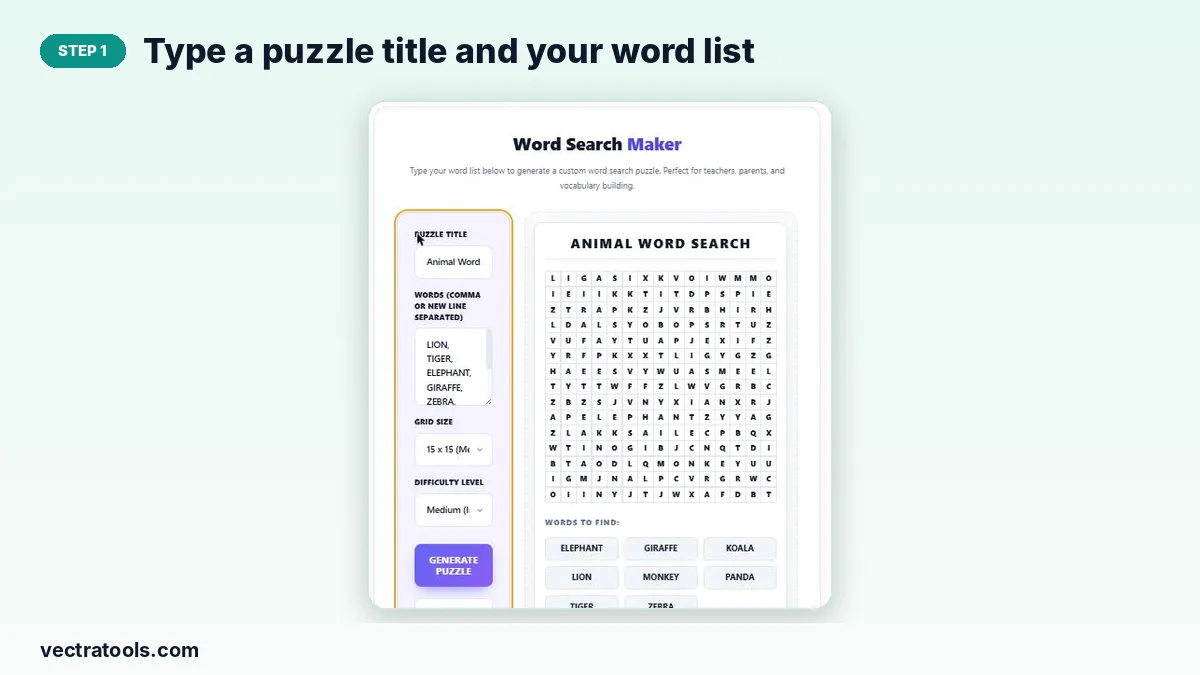
Step 1: Type a puzzle title and your word list
Enter a heading in Puzzle Title, then add your words in the Words box, separated by commas or new lines. Spaces inside a word are removed, so “ice cream” becomes ICECREAM.
Step 2: Pick a grid size and difficulty level
Choose a grid from 10×10 to 20×20 and a difficulty. Easy places words forward and down, Medium adds diagonals and Hard also places words backwards.

Step 3: Generate the puzzle, then print it
Press Generate Puzzle to build the grid. Not happy with the layout? Press it again for a new arrangement. Print Puzzle opens a print-ready view without the site around it.

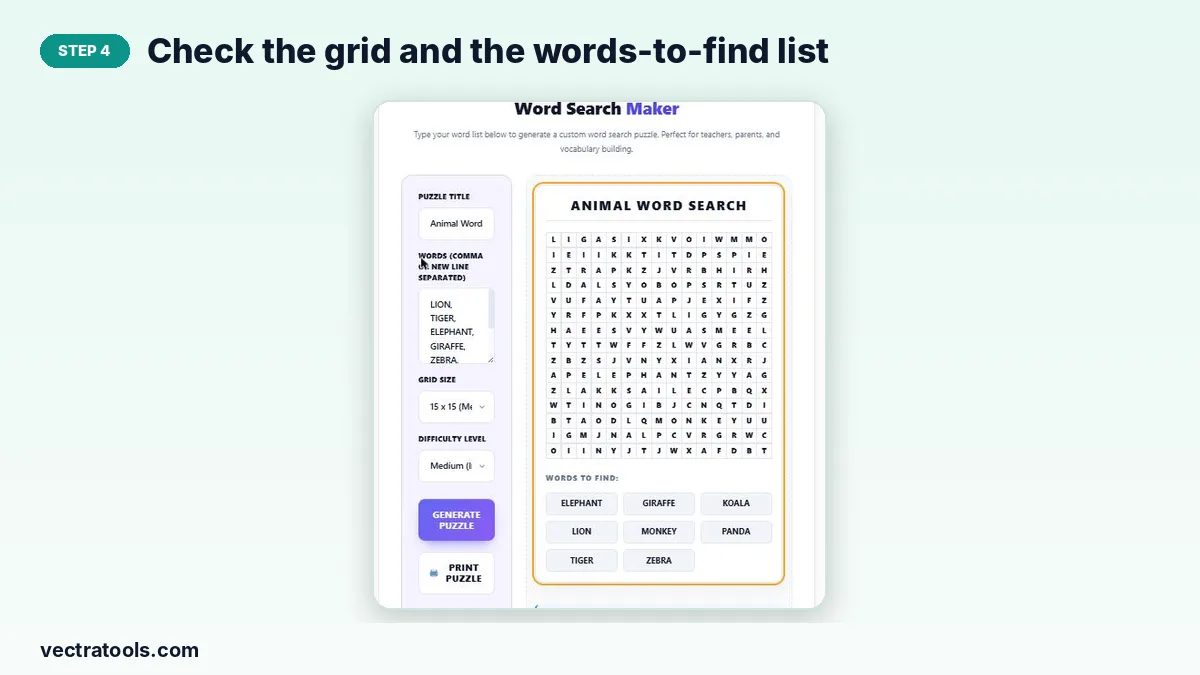
Step 4: Check the grid and the words-to-find list
The grid shows every letter in upper case and the Words to Find list sits below it, sorted alphabetically. Make sure every word from your list appears there before you print.
Ideas for Word Lists
- Spelling lists: this week’s spelling words for a class.
- Topic revision: planets, body parts, chemistry terms or history names.
- Language learning: food, colours or verbs in the language you are learning.
- Events: names of guests, holiday words or a wedding theme for a party table.
Tips for a Better Puzzle
- Keep 8–15 words for a 12×12 grid; more words make a busier, harder puzzle.
- Use Easy for children under eight, since diagonal and backward words are much harder to spot.
- Avoid very short words of two letters, which often appear by accident in the random letters.
- Generate a few times and print the version you like best.
Why Use an Online Word Search Puzzle Maker
Drawing a word search by hand takes a long time and it is easy to leave gaps or misspell a hidden word. A word search puzzle maker places every word for you, fills the gaps with random letters and gives you a print-ready page. Because each puzzle is generated fresh, the same word search puzzle maker can produce a different version for every student, which stops copying in class.
In short, the word search puzzle maker turns any list of words into a printable activity in under a minute. Bookmark this word search puzzle maker for weekly spelling tests, topic reviews and party games.
Frequently Asked Questions
Is the word search puzzle maker free?
Yes. You can make and print as many word searches as you like without an account.
How many words can I add?
There is no fixed limit, but the grid must have room. About 8–12 words suit a 10×10 grid and 20 or more fit a 20×20 grid.
Why is one of my words missing?
A word that is longer than the grid, or that cannot be placed after many attempts, is skipped. Pick a larger grid or remove a few words and generate again.
Can I make a word search with an answer key?
The tool prints the puzzle and the list of words. For an answer copy, solve one printout yourself and keep it as the key.
Can words go diagonally or backwards?
Yes. Medium difficulty adds diagonal words and Hard also places words in reverse.
Does it work on phones?
Yes. The layout stacks on small screens and the grid scales to fit.