

Stopwatch Online – Free Stopwatch with Laps and Milliseconds
Stopwatch Online Studio
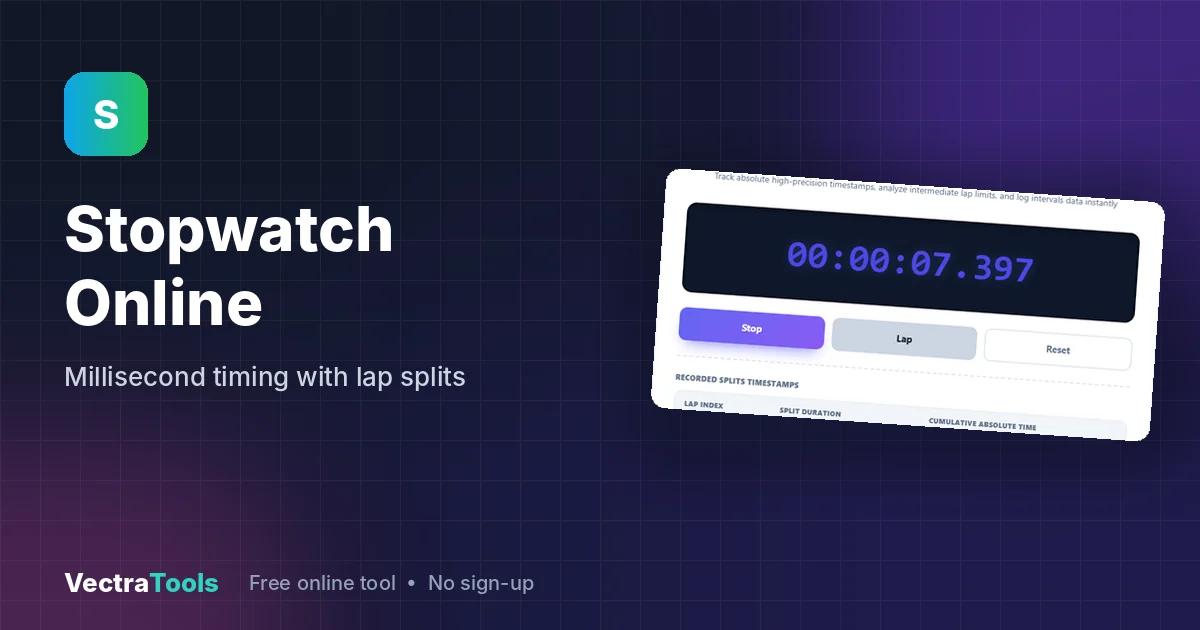
Track absolute high-precision timestamps, analyze intermediate lap limits, and log intervals data instantly
Quick answer
This online stopwatch measures elapsed time to the millisecond. Click Start to begin, Lap to record split times while it keeps running, Stop to pause, and Reset to clear everything. Each lap shows its own split duration and the total time since you started.
Our free stopwatch online runs in any browser on a phone, tablet or computer. The large HH:MM:SS.mmm display is easy to read at a glance, and the lap table makes it useful for running, swimming, workouts, speech practice, timing experiments and tracking how long tasks really take.
How the Online Stopwatch Works
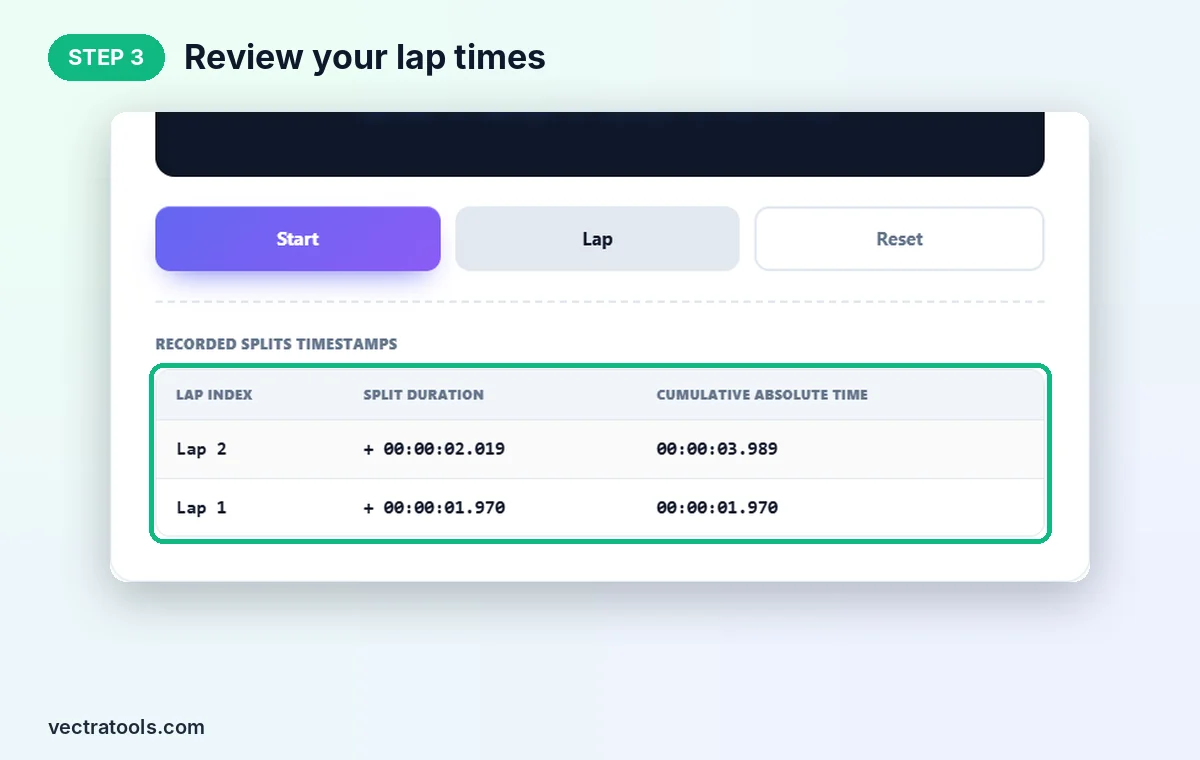
The stopwatch reads your browser's high-precision clock and refreshes the display every 10 milliseconds. Pressing Lap stores two values: the split duration, which is the time since the previous lap, and the cumulative absolute time, which is the total since you pressed Start. The newest lap appears at the top of the table.
| Lap index | Split duration | Cumulative absolute time |
|---|---|---|
| Lap 2 | + 00:00:02.019 | 00:00:03.989 |
| Lap 1 | + 00:00:01.970 | 00:00:01.970 |
In this test run, lap 1 was recorded after 1.970 seconds and lap 2 came 2.019 seconds later, for a total of 3.989 seconds.
How to Use the Stopwatch Online
Step 1: Click Start
Open the stopwatch online. The display reads 00:00:00.000. Click Start and the time begins counting immediately.

Step 2: Press Lap to Record Splits
While the stopwatch is running, the Start button becomes Stop. Click Lap at the end of each lap, round or interval. The main time keeps running.

Step 3: Review Your Lap Times
Your laps appear under Recorded Splits Timestamps. Each row shows the lap number, its split duration and the cumulative time, with the latest lap first.
Step 4: Stop or Reset
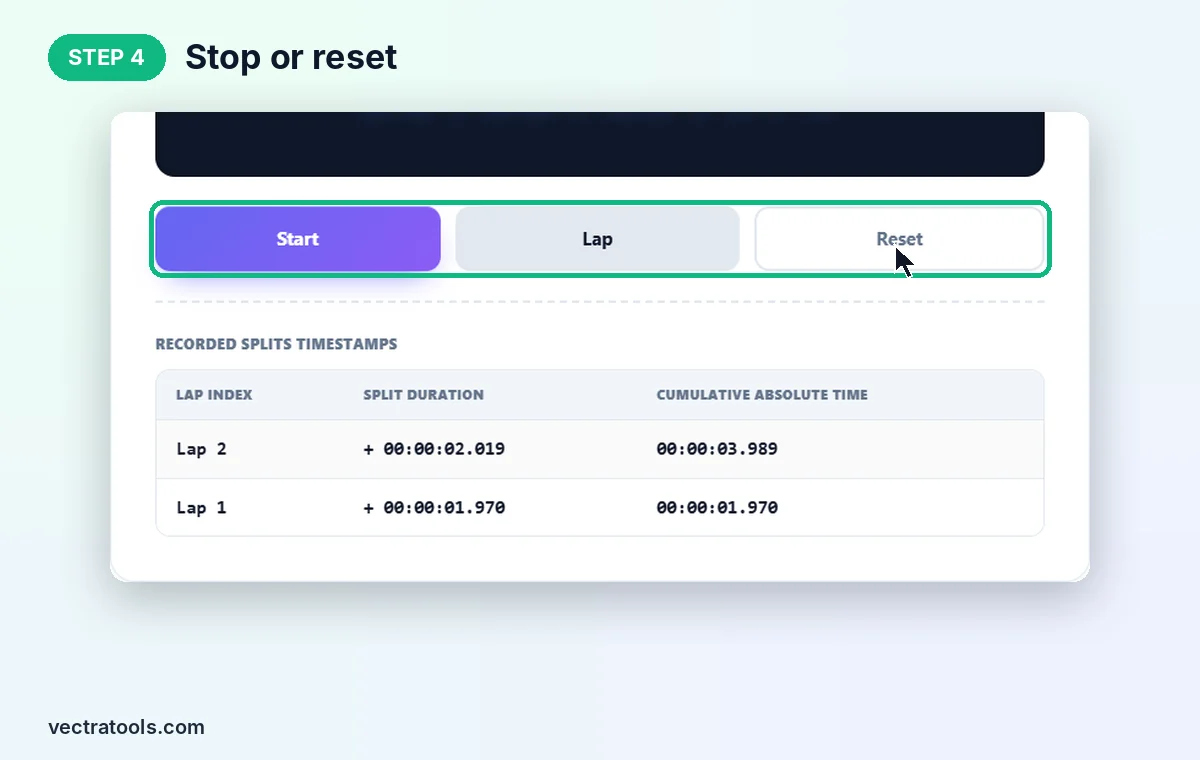
Click Stop to pause; click Start again to continue from the same time. Click Reset to return to zero and clear the lap table.
What You Can Time with a Stopwatch Online
- Running and swimming: record each lap or length and compare splits.
- Workouts: time sets, rest periods and circuits.
- Speeches and presentations: check that each section fits its time slot.
- Science and school: time experiments, reaction tests and races.
- Productivity: measure how long tasks really take, then plan better.
Stopwatch Online Tips
- Lap only records while the stopwatch is running. Press Start first.
- Laps are not saved after a reset or page reload, so note down important times before clearing.
- Keep the tab open while timing. Closing the tab stops the stopwatch.
- Need to count down instead of up? Use the countdown timer.
The stopwatch online is free, needs no download or sign-up, and works offline once the page has loaded.
Frequently Asked Questions
How accurate is this online stopwatch?
It shows time to the millisecond using your browser's high-precision clock. Real accuracy also depends on how quickly you click.
How do I record laps?
Click Start, then click Lap at the end of each lap. The table shows each split and the total time.
What is the difference between split duration and cumulative time?
Split duration is the time for that lap only. Cumulative absolute time is the total time since you pressed Start.
Can I pause and resume?
Yes. Click Stop to pause and Start to continue from the same time.
Does Reset delete my laps?
Yes. Reset sets the time back to zero and clears the lap table.
Is this stopwatch online free?
Yes. It is free, needs no sign-up, and runs entirely in your browser.