

Random Joke Quote Generator – Free Quotes and Jokes in One Click
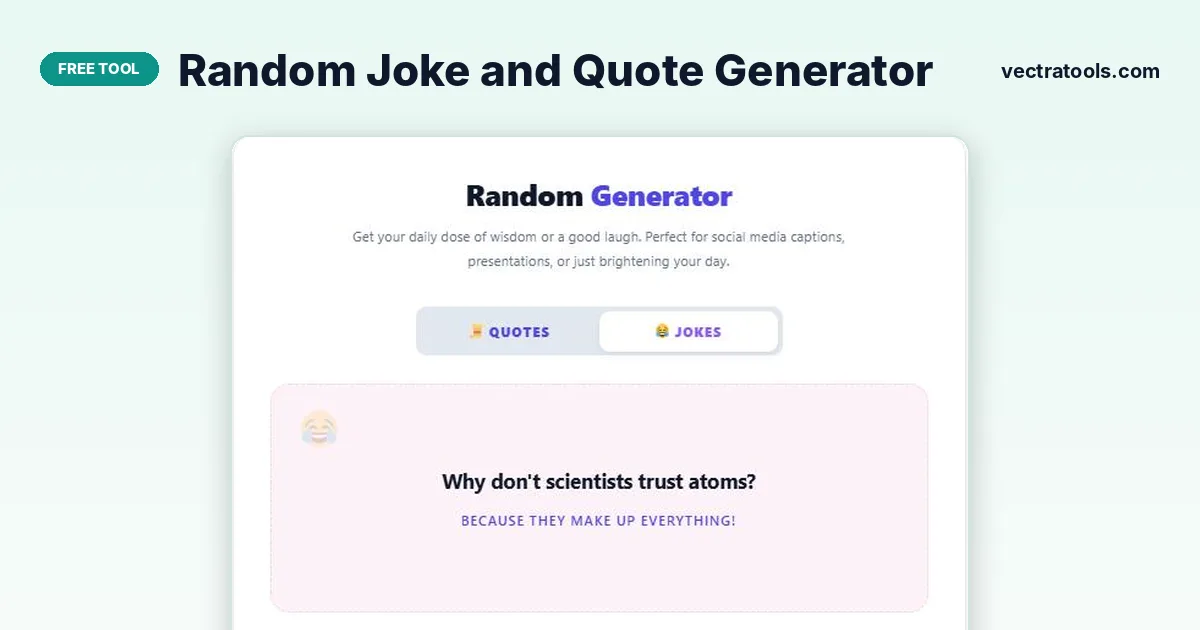
Random Generator
Get your daily dose of wisdom or a good laugh. Perfect for social media captions, presentations, or just brightening your day.
Quick answer
A random joke quote generator gives you a fresh quote or a short, clean joke every time you click. Choose Quotes or Jokes, press Generate, and copy the result with one click. It is ideal for social media captions, class openers, presentations, team chats or simply brightening your day.
Our free random joke quote generator keeps two collections in one place: motivational quotes from well-known authors, leaders and entrepreneurs, and family-friendly one-liners and question-and-answer jokes. There is nothing to install and no account to create.
Quotes show the author name under the text, so you can credit the source when you share it. Jokes are kept short and clean, so they are safe for school, work and family groups.
Quotes vs Jokes Mode
| Mode | What you get | Best for |
|---|---|---|
| Quotes | A short motivational or thoughtful quote with the author name | Captions, slides, journal prompts and morning messages |
| Jokes | A clean one-liner or a question with a punchline | Ice breakers, kids, team chats and light posts |
How to Use the Random Joke Quote Generator
Using the random joke quote generator takes just a few seconds.
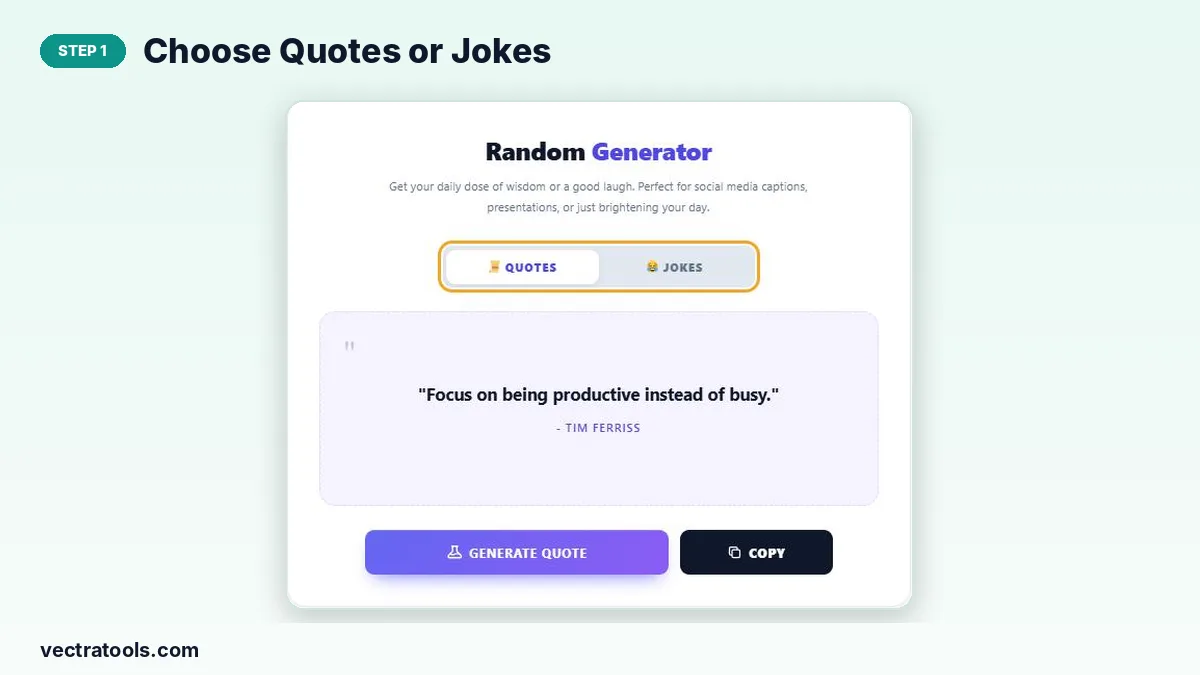
Step 1: Choose Quotes or Jokes
Use the switch at the top of the tool. Select Quotes for wisdom and motivation, or Jokes for something funny.
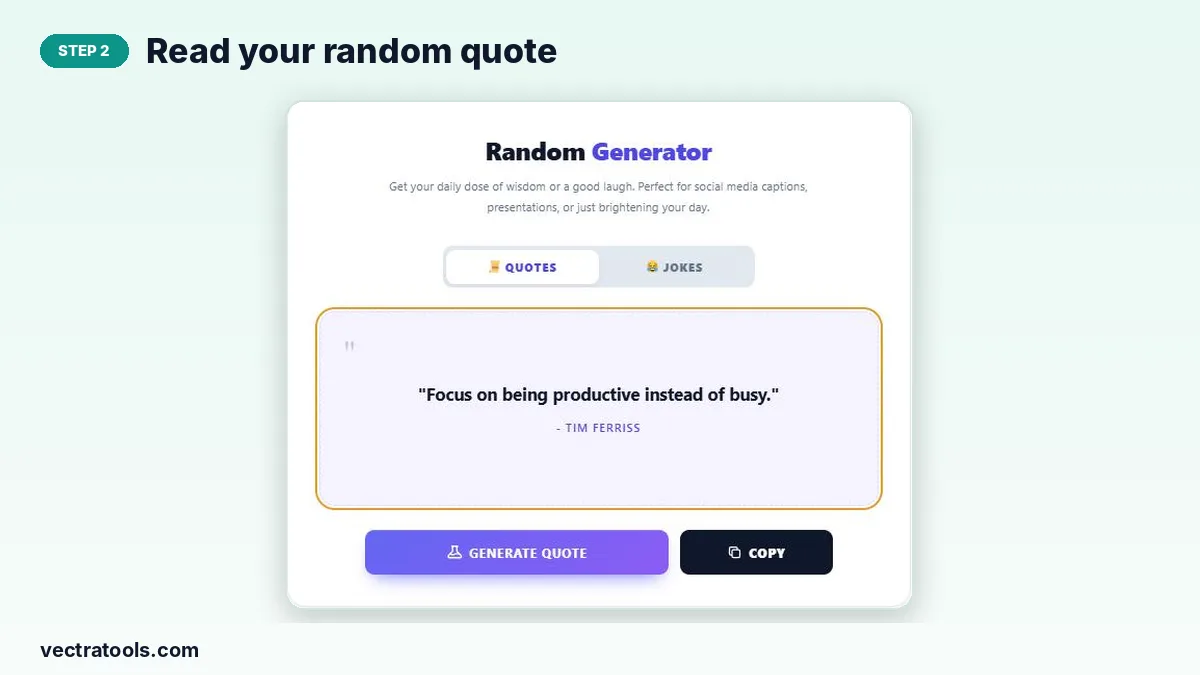
Step 2: Read Your Random Quote
Click Generate Quote. A new quote appears in the card with the author name underneath, such as a line from Tim Ferriss or Winston Churchill.
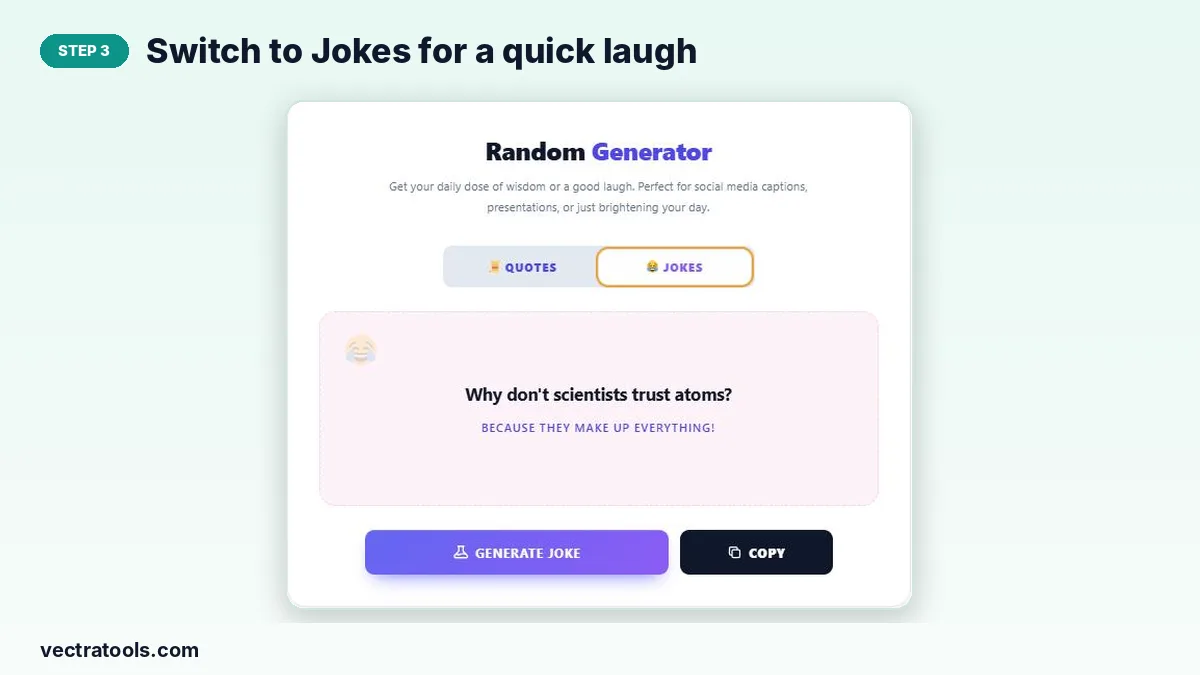
Step 3: Switch to Jokes for a Quick Laugh
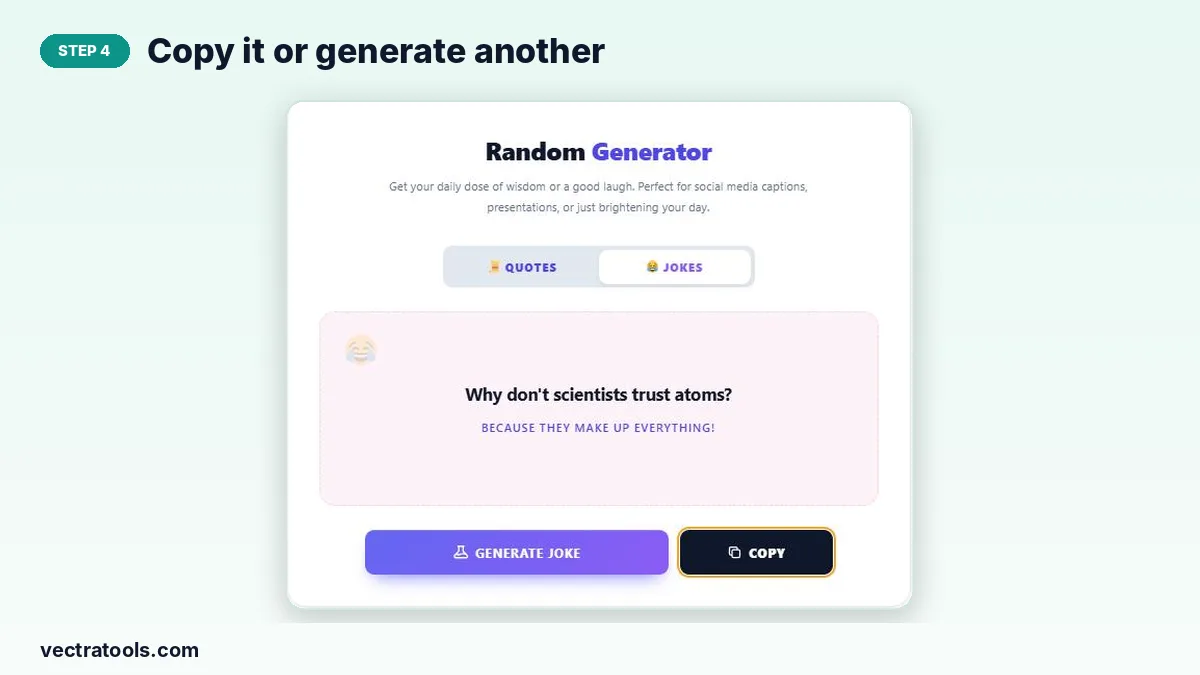
Select Jokes and click Generate Joke. The setup appears in bold and the punchline appears underneath.
Step 4: Copy It or Generate Another
Click Copy to place the quote or joke on your clipboard, ready to paste into a caption, slide or chat. Click Generate again for a new one.
Ways to Use a Random Joke Quote Generator
- Social media: pair a quote with a photo for Instagram, Facebook or LinkedIn.
- Teaching: open a class with a quote of the day or a light joke to settle students.
- Presentations: start or end a talk with a memorable line.
- Team chats: share a joke on Monday morning to lift the mood.
- Writing prompts: use a quote as a starting point for journaling or a blog post.
Why Use a Random Joke Quote Generator?
Searching for the right quote or joke can take longer than writing the post itself. A random joke quote generator gives you a ready line in one click, and if it does not fit, the next one is just another click away.
Because the tool picks at random, you also discover quotes and jokes you might not have searched for, which keeps your content varied from day to day.
Tips for Sharing Quotes and Jokes
- Always keep the author name with a quote when you post it.
- Match the tone to your audience: quotes for formal settings, jokes for casual ones.
- Keep captions short; one quote and a line of your own works well.
- Save favourites in a note so you can reuse them for a series of posts.
What Makes This Random Joke Quote Generator Different?
Most sites offer either jokes or quotes. This random joke quote generator puts both in one card, so you can switch from a serious line to a funny one without opening another page.
The random joke quote generator also keeps the design clean, with a large readable card that looks good in screenshots. Take a screenshot of the card and you have a ready-made image for a story or status update.
- Two modes in one random joke quote generator: Quotes and Jokes.
- One-click copy for fast sharing.
- Works on mobile, tablet and desktop browsers.
Frequently Asked Questions
Is this random joke and quote generator free?
Yes. It is free with no sign-up and no limit on how many quotes or jokes you generate.
Are the jokes family friendly?
Yes. The jokes are short and clean, so they suit school, work and family chats.
Does each quote show the author?
Yes. Every quote shows the author name under the text so you can credit it when sharing.
How do I copy a quote or joke?
Click the Copy button and paste the text wherever you need it.
Can I use these quotes on social media?
Yes. Short quotes with the author credited are commonly shared in captions and posts.
Does the tool need an internet connection after loading?
The quotes and jokes are built into the page, so new ones appear instantly once the page has loaded.