

Job Application Tracker Online – Organise Your Job Search
Job Application Tracker
Keep your career search organized. Log every job you apply for, monitor interview stages, and secure your next big offer.
Quick answer
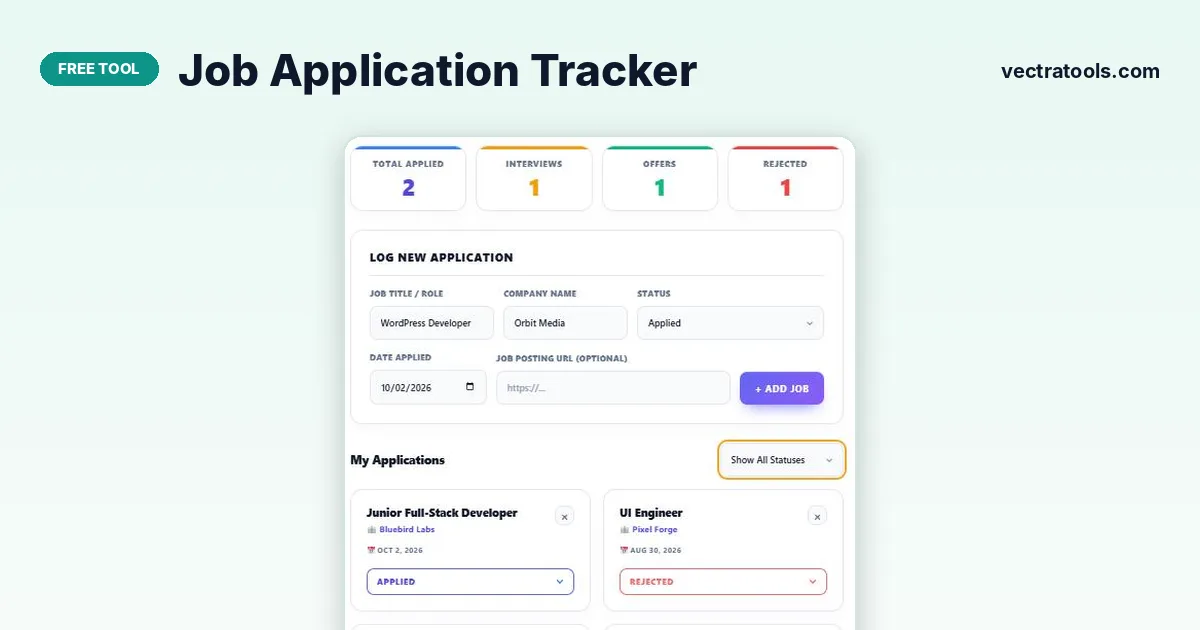
Enter the job title, company, status, date applied and (optionally) the posting URL, then press + Add Job. The job application tracker shows each application as a card whose status you can change from Applied to Interviewing, Offer Received or Rejected. Counters at the top show how many are in each stage, and the filter shows just one status.
A serious job search can mean dozens of applications. Without a system it is easy to forget where you applied, when to follow up or which interview is next.
This job application tracker keeps every application in one place, colour-coded by status. It runs in your browser with no sign-up, and your job hunt data stays on your device.
Application Statuses
| Status | Meaning | Next step |
|---|---|---|
| Applied | Application sent | Follow up after 7–10 days if no reply |
| Interviewing | At least one interview booked or done | Prepare, then send a thank-you note |
| Offer Received | You have an offer | Compare offers and negotiate |
| Rejected | Not moving forward | Ask for feedback and move on |
The four counters at the top (Applied, Interviews, Offers, Rejected) update automatically as you change statuses.
How to Use the Job Application Tracker
Add every application the day you send it, including the link to the job ad in case it is taken down later.
Step 1: Log the role, company, status, date and job link
Fill in Job Title / Role, Company Name, Status, Date Applied and the Job Posting URL if you have it, then press + Add Job.

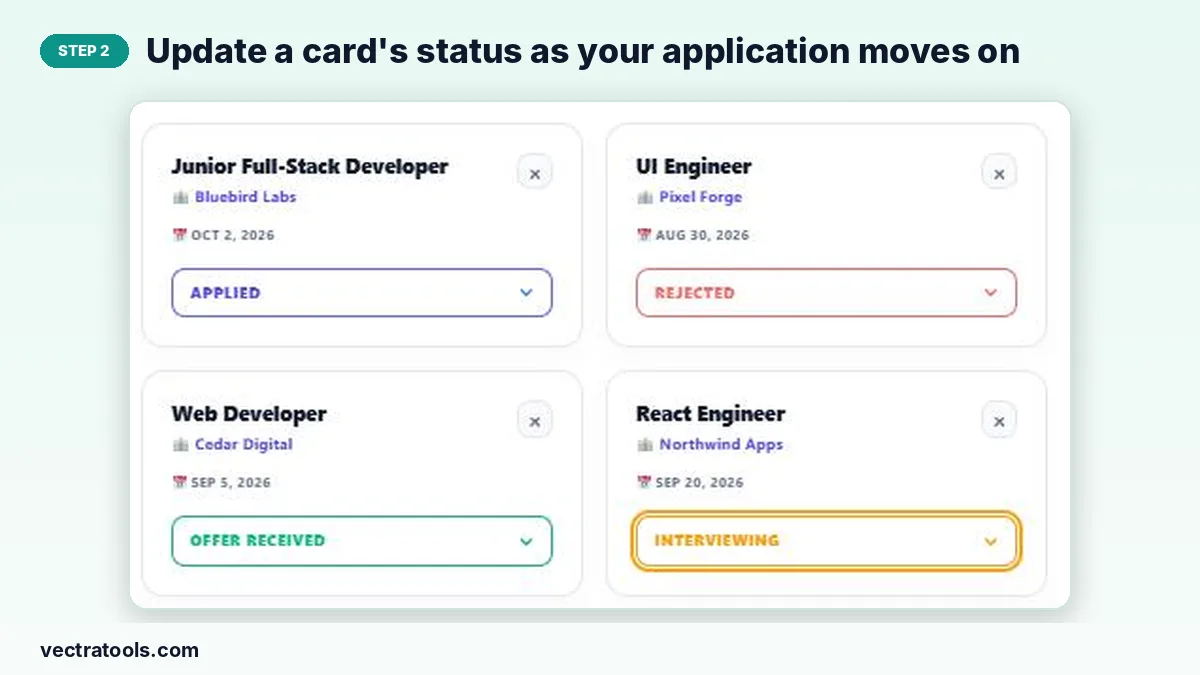
Step 2: Update a card’s status as your application moves on
Each application has a status menu on its card. Change it to Interviewing, Offer Received or Rejected and the card colour and counters update. Delete a card with ×.
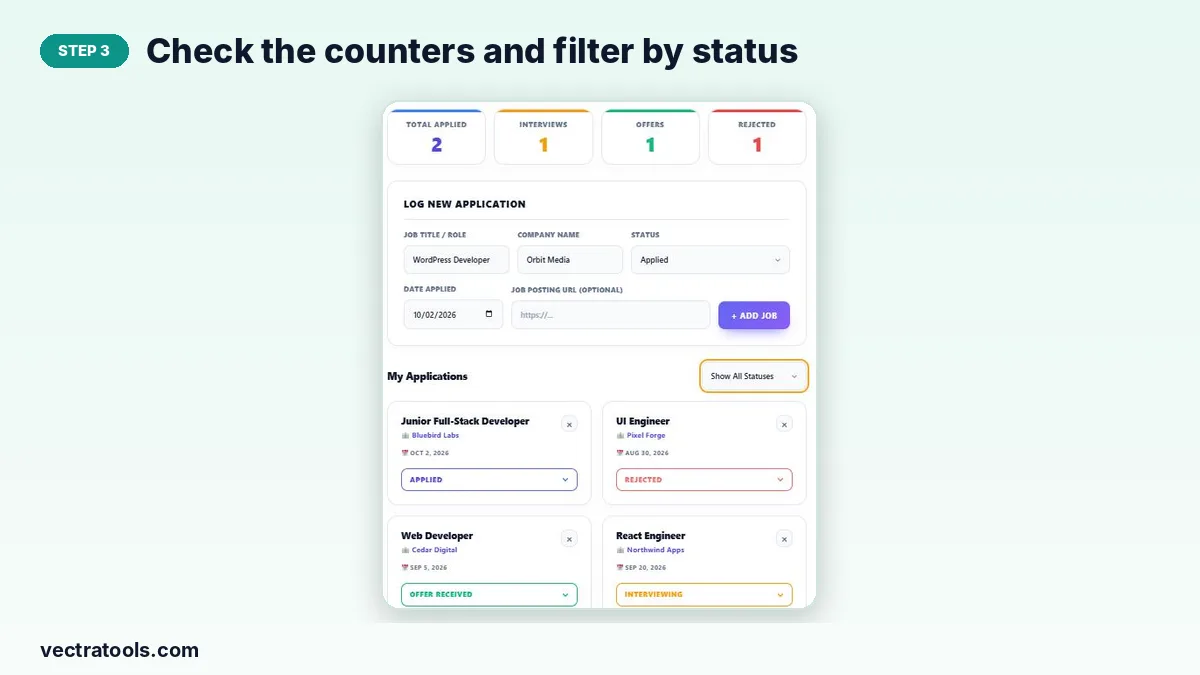
Step 3: Check the counters and filter by status
The counters show your pipeline at a glance. Use “Show All Statuses” to filter the list, for example to see only interviews coming up.
Job Search Tips
- Aim for quality: tailor your CV and cover letter to each role.
- Follow up politely if you have not heard back in about a week or two.
- Track rejections too; patterns can show which roles fit you best.
- Keep your list going after an offer until the contract is signed.
Why Use a Job Application Tracker
Spreadsheets work, but they take setting up and are awkward on a phone. A job application tracker gives you a ready-made board with statuses and counters from the first click. Use this job application tracker throughout your search to see how many applications are active, which companies have replied and where you need to follow up.
Frequently Asked Questions
Is this job application tracker free?
Yes. It is free with no account or limits.
Is my job search data private?
Yes. Everything is stored in your browser’s local storage and never uploaded.
Can I change an application’s status later?
Yes. Use the status menu on the card at any time.
What does the Applied counter show?
The number of applications currently in the Applied status. Interviews, Offers and Rejected each have their own counter.
Can I save the job ad link?
Yes. Paste it into Job Posting URL when you add the application.
How do I delete everything?
Press Delete Entire Job History. This cannot be undone.