

Habit Tracker Online – Build Daily Routines with a 7-Day Tracker
Habit Tracker
Build powerful routines by tracking your 7-day streak. Add a habit and click the circles to mark your daily progress.

Quick answer
Type a habit such as “Read for 30 minutes”, press “+ Add Habit”, then click the Monday to Sunday circles on the days you complete it. Each habit shows a progress bar and weekly percentage (4 of 7 days = 57%). The habit tracker online saves in your browser, and “Reset All Weekly Progress” clears the ticks for a new week.
Habits are built through repetition, and seeing that repetition is a powerful motivator. A row of ticks you do not want to break is one of the simplest tricks for sticking with a new routine.
This habit tracker online shows each habit as a card with seven day circles and a progress bar. Add as many habits as you like, tick them off through the week, and start fresh every Monday.
How the Weekly Percentage Works
| Days completed | Weekly progress |
|---|---|
| 1 of 7 | 14% |
| 2 of 7 | 29% |
| 4 of 7 | 57% |
| 5 of 7 | 71% |
| 7 of 7 | 100% |
The percentage is simply the number of ticked days divided by seven. Aim for steady progress rather than a perfect week; five days out of seven is a strong result for a new habit.
How to Use the Habit Tracker Online
Start with one to three habits. It is easier to keep a few habits well than many habits badly.
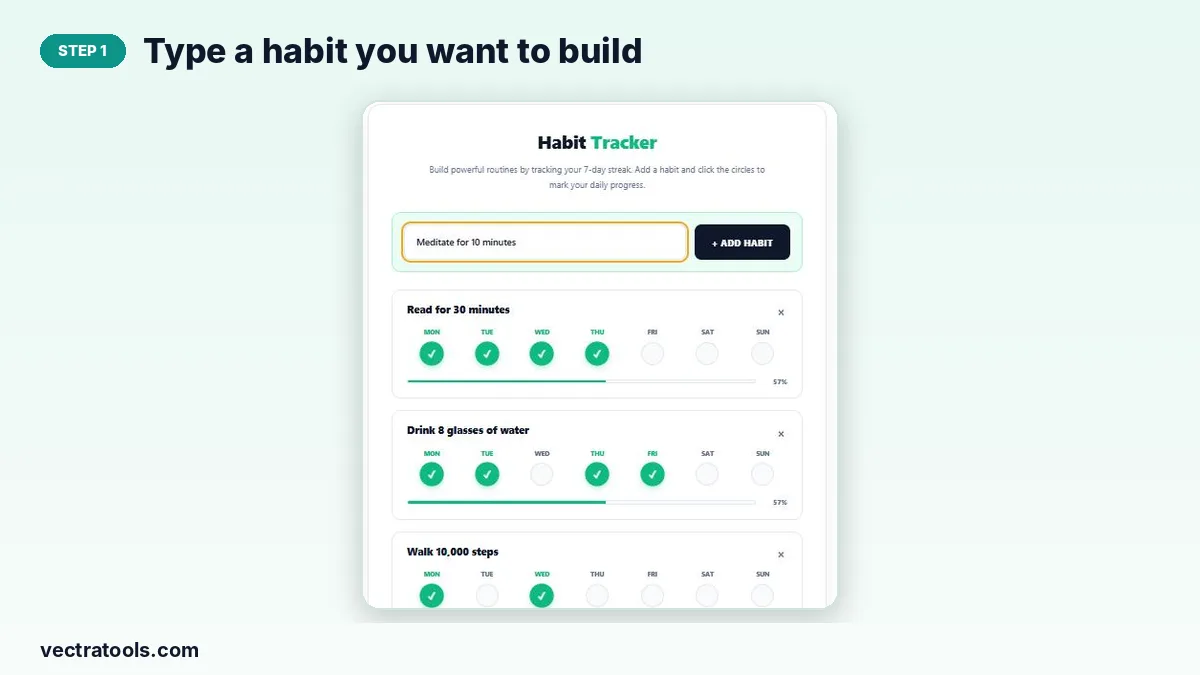
Step 1: Type a habit you want to build
Click the habit box and write a clear, measurable habit, for example “Meditate for 10 minutes” rather than “Be calmer”.
Step 2: Press Add Habit
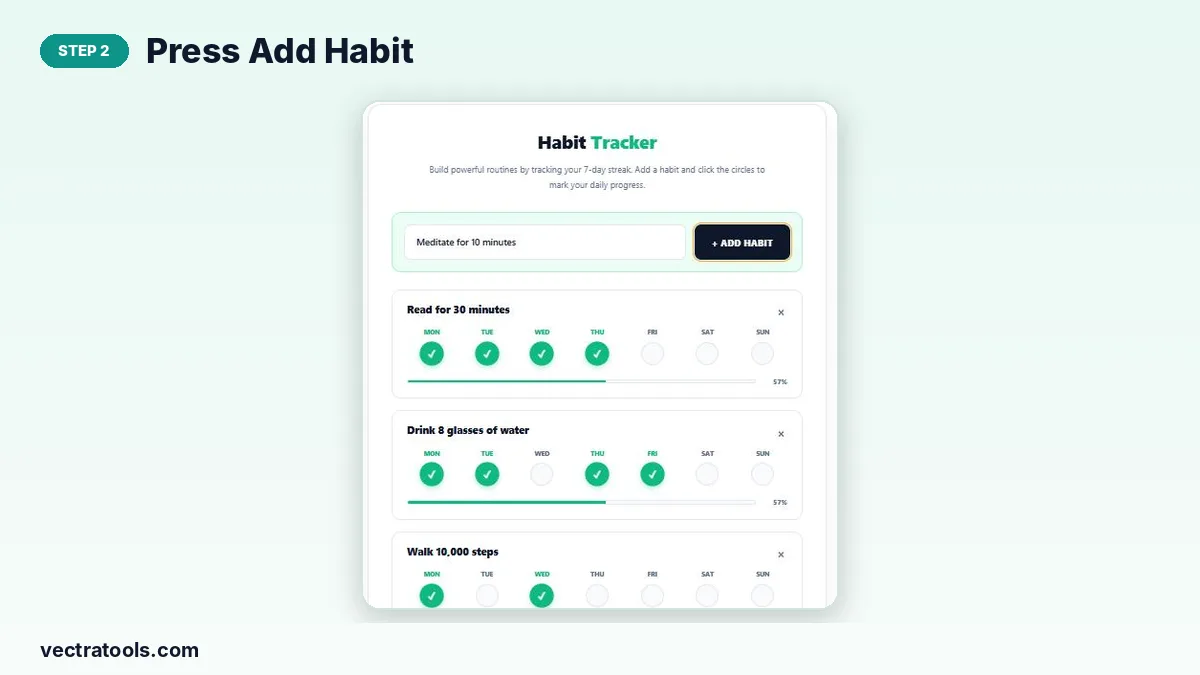
Click “+ Add Habit” or press Enter. A new card appears with seven empty circles for Monday to Sunday.
Step 3: Tick a circle each day you complete it
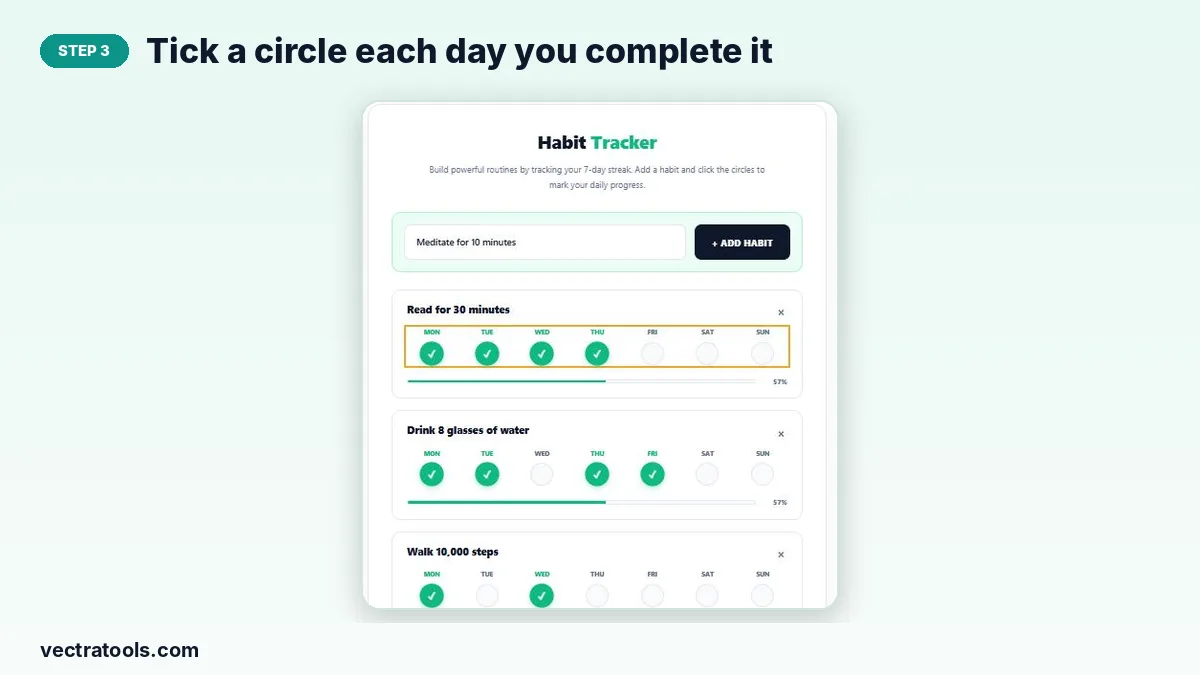
Click the circle under the day when you do the habit. It turns green with a tick. Click it again to undo a mistake.
Step 4: Watch your weekly percentage grow
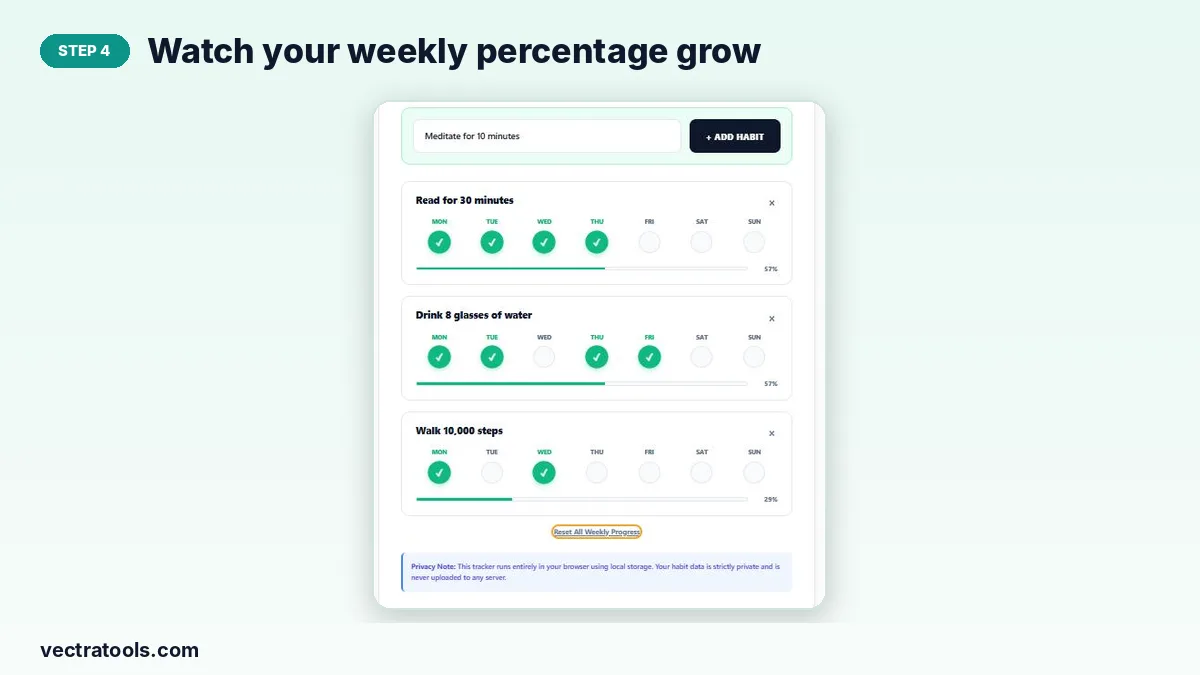
The progress bar and percentage update with every tick. At the end of the week press “Reset All Weekly Progress” to clear the ticks but keep your habits. Use × to remove a habit you no longer track.
Tips for Building Habits That Stick
- Make it small: “one page” is easier to start than “one chapter”.
- Attach it to something you already do, such as reading right after dinner.
- Never miss twice: one missed day is normal, two in a row starts a new pattern.
- Tick the circle straight after you finish; the instant reward helps.
Ideas for Habits to Track
| Area | Example habits |
|---|---|
| Health | Drink 8 glasses of water, walk 10,000 steps, sleep by 11 pm |
| Learning | Read 30 minutes, practise a language for 15 minutes |
| Work | Plan tomorrow before logging off, inbox zero by 5 pm |
| Wellbeing | Meditate 10 minutes, write three things you are grateful for |
Why Use a Habit Tracker Online
A paper chart gets lost and a phone app keeps nagging you to upgrade. A habit tracker online opens in any browser, saves automatically and stays private. Keep this habit tracker online in a pinned tab and tick your habits each evening as part of your wind-down routine.
Frequently Asked Questions
Is this habit tracker online free?
Yes. It is free with no account and no limit on habits.
Is my progress saved?
Yes. Habits and ticks are stored in your browser and reload next time you visit on the same device.
How do I start a new week?
Press “Reset All Weekly Progress”. All ticks are cleared, but your habits stay.
Can I untick a day?
Yes. Click a green circle again to clear it.
Does it track long streaks across weeks?
It tracks one week at a time. Note your weekly percentage before resetting if you want a long-term record.
Can others see my habits?
No. Everything stays in your own browser and is never uploaded.