

Business Days Calculator – Count Working Days Between Dates
Business Days Calculator
Quick answer
To count business days between two dates, count every day in the range and leave out weekends and public holidays. October 2026 has 31 days, 9 of which are Saturdays or Sundays, so it has 22 business days. Add one holiday and it drops to 21. This calculator also adds or subtracts business days from a date, for example 10 business days after 6 October 2026 is 20 October.
Our free business days calculator is built for deadlines, delivery estimates, notice periods, payment terms and project plans. You choose which days are your weekend, so it works for Saturday-Sunday weeks as well as Friday-Saturday or six-day weeks.
How Business Days Are Counted
A business day, or working day, is any day that is not a weekend day or a public holiday. The calculator walks through the dates one by one and sorts each day into one of three groups: weekend, holiday or business day. By default both the start and end date are counted, which is how most people count working days in a month.
| Period (2026) | Calendar days | Weekend days | Business days |
|---|---|---|---|
| 1-31 October | 31 | 9 | 22 |
| 1-31 October, 2 Oct holiday | 31 | 9 | 21 |
| 2-31 October (start not counted) | 30 | 9 | 21 |
| 6 Oct + 10 business days | 14 | 4 | Ends Tue 20 Oct |
How to Use the Business Days Calculator
Step 1: Enter the Start and End Date
Open the business days calculator and stay on Count business days. Choose a start and end date, for example 1 October and 31 October 2026. The result appears straight away: 22 business days.

Step 2: Choose Your Days Off and Holidays
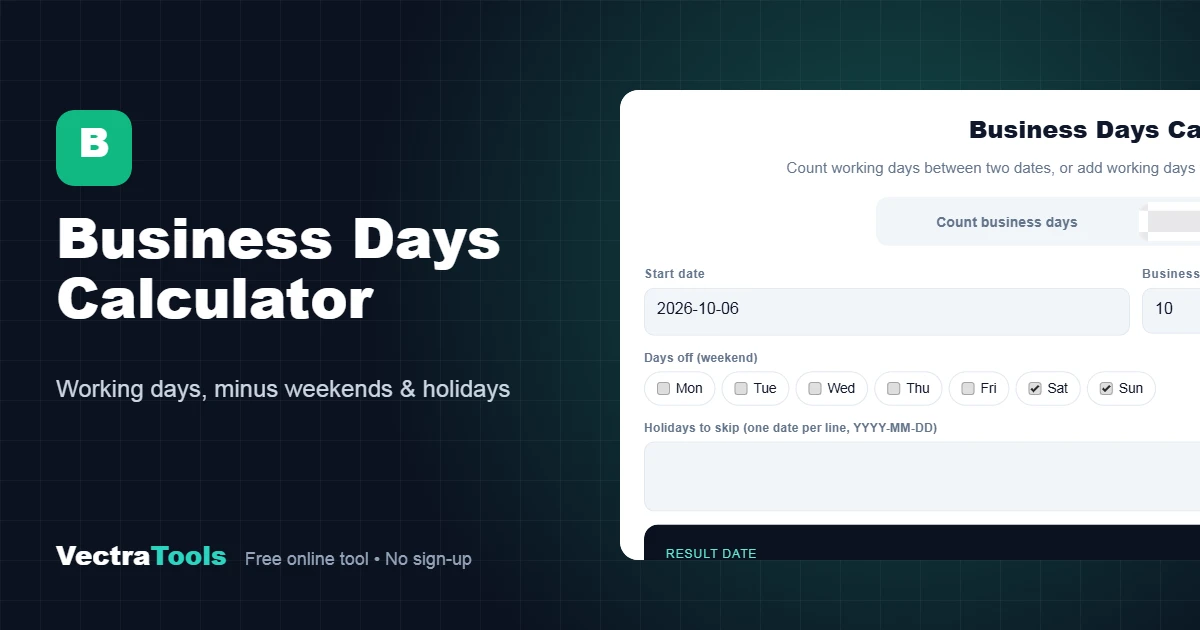
Saturday and Sunday are ticked as days off by default. Change them if your week is different, such as Friday and Saturday. Type any public holidays in the box, one date per line in YYYY-MM-DD format. Adding 2026-10-02 lowers the count to 21.

Step 3: Read the Business Day Count
The result shows the number of business days and the exact date range. The cards below show calendar days (31), weekend days (9), holidays skipped (1) and the number of working weeks. Untick Include both the start and end date if the start day should not be counted.

Step 4: Add Business Days to a Date
Switch to Add business days, choose a start date and type the number of working days. 10 business days after Tuesday 6 October 2026 is Tuesday 20 October 2026. Use a minus number, such as -5, to count backwards.

Common Uses
- Delivery and shipping: work out the arrival date when a seller promises delivery in 5 to 7 business days.
- Payment terms: find the due date for invoices with terms such as 30 working days.
- Notice periods and HR: count working days of leave, or the last day of a notice period.
- Legal and government deadlines: many filing deadlines are set in working days.
- Project planning: see how many working days a sprint or phase really has.
Tips for Accurate Results
- Public holidays differ by country and sometimes by region, so add the ones that apply to you. A holiday that falls on a weekend is not counted twice.
- Check whether your deadline counts the start day. Many rules start counting on the next business day, so untick the include option for those.
- Saturdays are working days in some countries and offices. Untick Sat to count a six-day week.
- The calculator runs in your browser, so your dates and holidays are never uploaded.
Frequently Asked Questions
How do I calculate business days between two dates?
Count all the days in the range, then take away weekends and holidays. The calculator does this day by day, so the result is exact.
How many business days are in October 2026?
October 2026 has 22 business days with a Saturday and Sunday weekend and no public holidays.
Does the count include the start and end date?
Yes, by default both dates are included. Untick the option to leave out the start date.
How do I add business days to a date?
Choose Add business days, pick the start date and enter the number of days. Weekends and any holidays you list are skipped.
Can I change which days are the weekend?
Yes. Tick any days that are not working days, for example Friday and Saturday, or only Sunday for a six-day week.
Does it know public holidays?
No, because they differ by country. Type your holidays into the box, one per line, and they are skipped.
Is this business days calculator free?
Yes. It is free, needs no account and works on any device.