

Billable Hours Tracker Online – Log Hours and Calculate Earnings
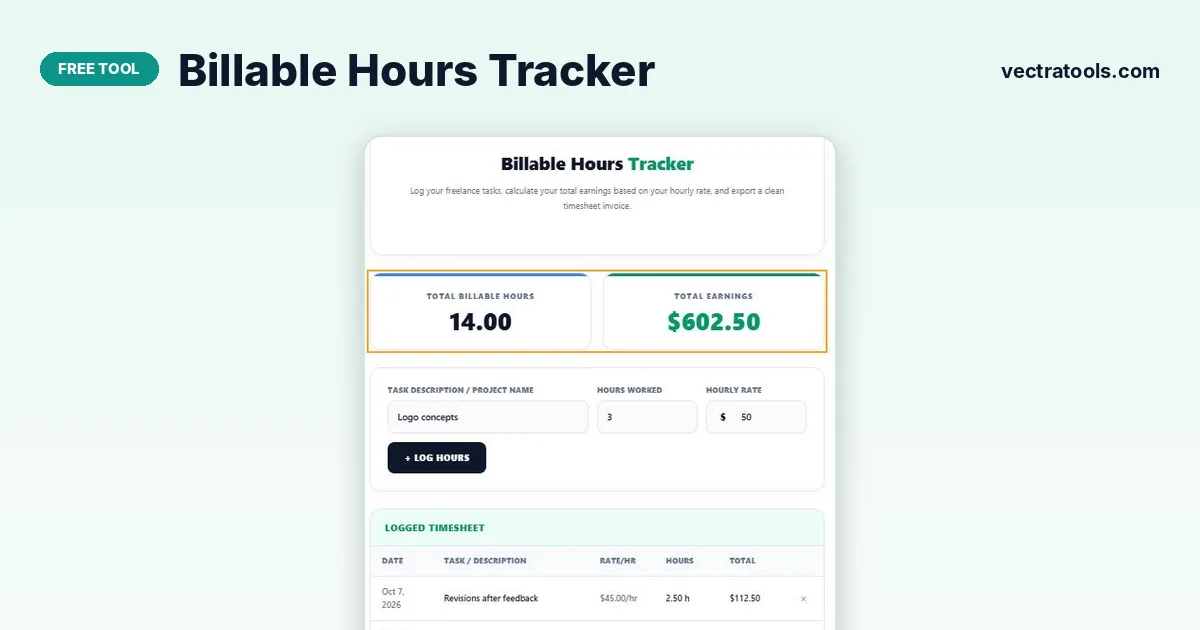
Billable Hours Tracker
Log your freelance tasks, calculate your total earnings based on your hourly rate, and export a clean timesheet invoice.
| Date | Task / Description | Rate/hr | Hours | Total |
|---|
Quick answer
Type the task, the hours worked (decimals like 2.5 are fine), choose $, € or £ and enter your hourly rate, then press + Log Hours. The billable hours tracker adds the entry to the timesheet with its total and updates Total Billable Hours and Total Earnings. Print / Save Invoice gives a clean timesheet to send to the client.
For freelancers and consultants, every untracked hour is lost income. Logging billable hours as you go makes invoicing quick and accurate and avoids awkward disputes with clients.
This billable hours tracker combines a timesheet and an earnings calculator. Each line stores the date, task, rate and hours, and the tool works out the line total and the overall total for you. Different tasks can have different rates.
Worked Example
| Task | Rate | Hours | Total |
|---|---|---|---|
| Website wireframes | $40/hr | 4.5 | $180.00 |
| Client meeting | $40/hr | 1.0 | $40.00 |
| Homepage design | $45/hr | 6.0 | $270.00 |
| Revisions after feedback | $45/hr | 2.5 | $112.50 |
| Total | 14.0 | $602.50 |
Line total = hours × hourly rate. The tool remembers your last rate and currency, so you do not have to retype them for each entry.
How to Use the Billable Hours Tracker
Log hours at the end of each task or each day while the details are fresh.
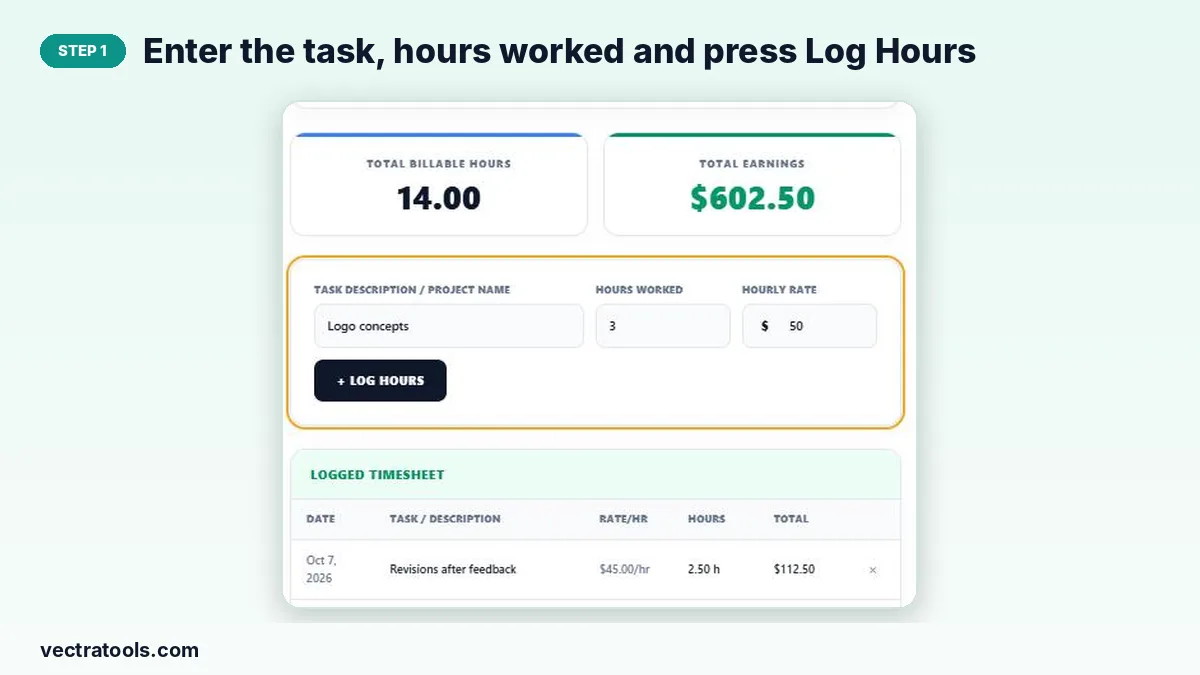
Step 1: Enter the task, hours worked and press Log Hours
Describe the work in Task Description / Project Name and type the hours worked, using decimals for part hours (1.5 = 1 hour 30 minutes). Press + Log Hours.
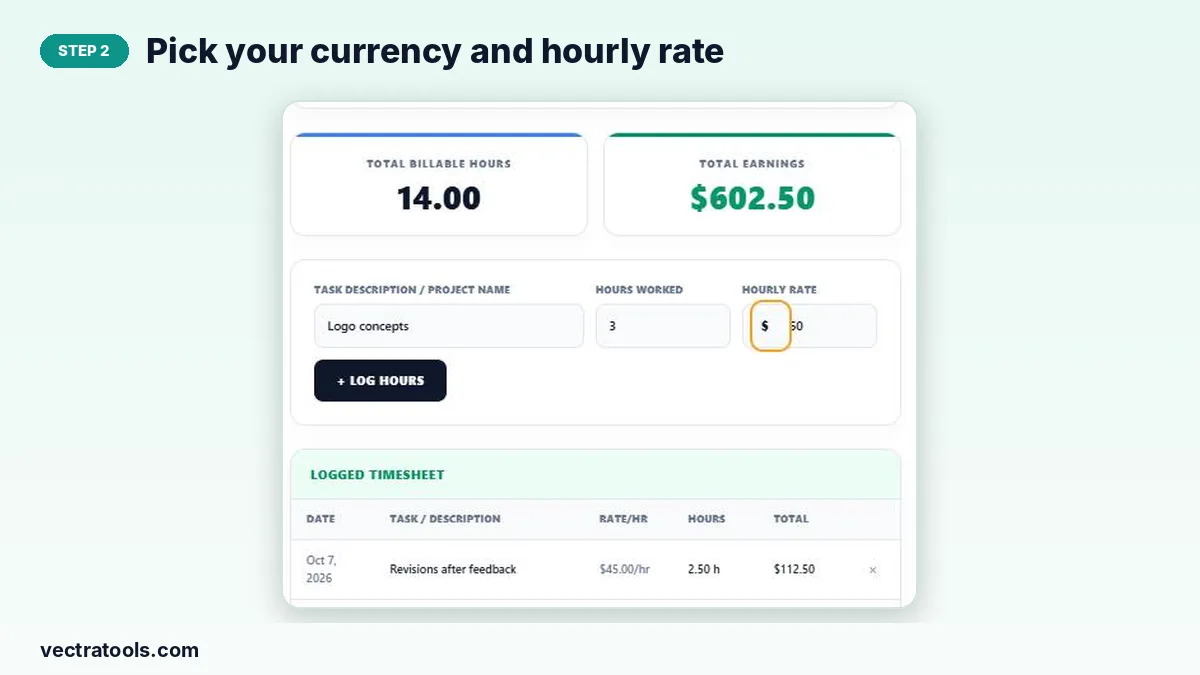
Step 2: Pick your currency and hourly rate
Choose $, € or £ from the currency menu and enter your hourly rate. Rates can differ between entries, for example a higher rate for design than for meetings.
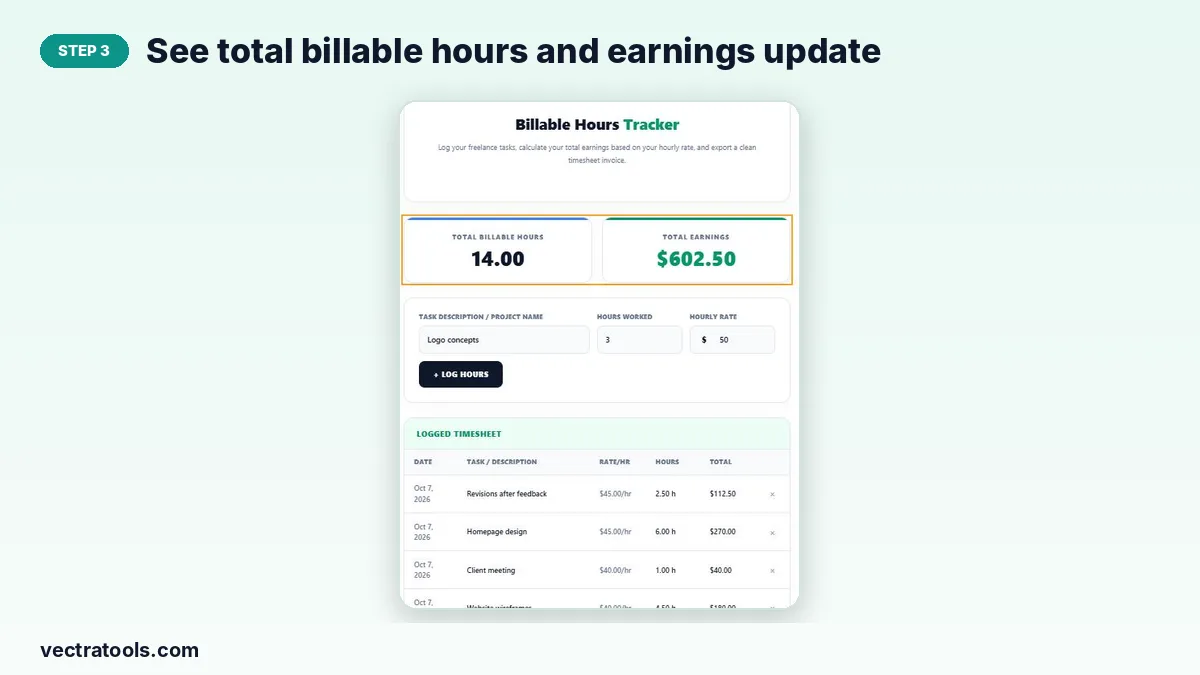
Step 3: See total billable hours and earnings update
The two cards at the top add up all logged hours and earnings. The timesheet below lists each entry with date, rate, hours and line total; remove mistakes with ×.
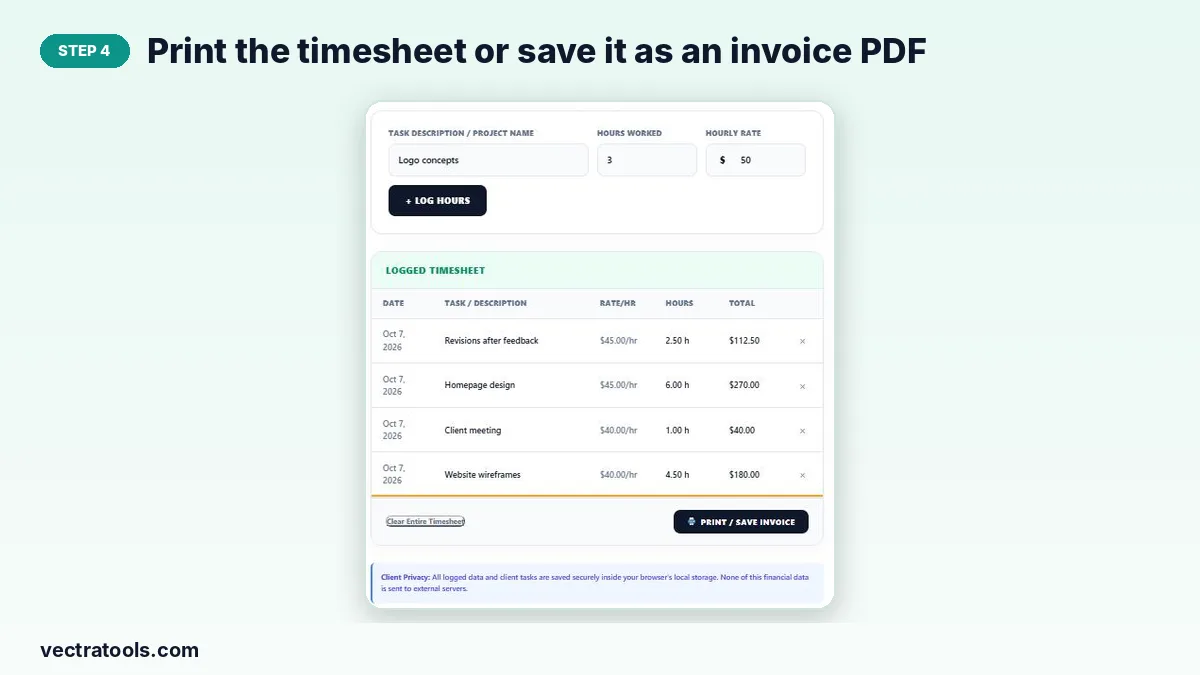
Step 4: Print the timesheet or save it as an invoice PDF
Press Print / Save Invoice to print the timesheet or choose “Save as PDF” to attach it to an invoice. Clear Entire Timesheet starts a new billing period.
Converting Minutes to Decimal Hours
| Minutes | Decimal hours |
|---|---|
| 15 min | 0.25 |
| 30 min | 0.5 |
| 45 min | 0.75 |
| 1 h 20 min | 1.33 |
| 2 h 40 min | 2.67 |
Divide minutes by 60 and add to the whole hours.
Tips for Freelance Time Billing
- Agree in advance whether meetings, emails and revisions are billable.
- Round consistently, for example to the nearest 15 minutes.
- Send the timesheet with every invoice so the client can see exactly what they are paying for.
- Clear the timesheet after each invoice so the next period starts at zero.
Why Use a Billable Hours Tracker
Spreadsheets need formulas and invoicing software usually needs a subscription. A billable hours tracker in the browser does the essential job for free: log the work, multiply by the rate and total it up. This billable hours tracker suits freelancers, consultants, tutors and agencies who bill by the hour and want a quick, private timesheet.
Frequently Asked Questions
Is this billable hours tracker free?
Yes. It is free, with no account and no limit on entries.
Can I use different hourly rates?
Yes. Each entry stores its own rate, so you can bill tasks at different rates on the same timesheet.
Which currencies are supported?
US dollar ($), euro (€) and British pound (£).
Is my timesheet saved?
Yes. Entries, currency and last rate are stored in your browser and reload when you return on the same device.
Can I track time with a timer instead?
Use the Time Tracker to time your work, then enter the hours here to calculate earnings.
Does it create a full invoice?
It prints a clean timesheet with totals that you can attach to an invoice or send as a simple invoice PDF.