

Bill Splitter Calculator – Split the Bill, Tip and Tax Evenly
Bill Splitter App
Divide your restaurant bill instantly with this bill splitter calculator. Calculate the tip, add tax, and figure out exactly how much each person needs to pay.

Quick answer
Enter the total bill, set the tip and tax percentages with the sliders and type the number of people. The bill splitter calculator adds tax to the bill, works out the tip on that subtotal and divides the grand total equally. Example: $120 + 8% tax + 18% tip split 4 ways = $38.23 each.
Splitting a restaurant bill at the table always takes longer than it should, especially once tip and tax come into it. A bill splitter calculator does it in seconds and avoids awkward rounding arguments.
This bill splitter calculator updates live as you type or move the sliders. It shows the amount each person owes, the total tip and the grand total, so everyone can see the numbers.
How the Bill Splitter Calculator Works
- Tax amount = bill × tax %
- Subtotal = bill + tax
- Tip = subtotal × tip %
- Grand total = subtotal + tip
- Amount per person = grand total ÷ number of people
Note that the tip is calculated on the bill including tax. Many people prefer to tip on the pre-tax amount; if so, set tax to 0% and add the tax to the bill yourself afterwards.
Worked Example
| Item | Amount |
|---|---|
| Bill | $120.00 |
| Tax 8% | $9.60 |
| Subtotal | $129.60 |
| Tip 18% | $23.33 |
| Grand total | $152.93 |
| Per person (4 people) | $38.23 |
How to Use the Bill Splitter Calculator
Have the bill in front of you. If the menu prices already include tax, leave tax at 0%.
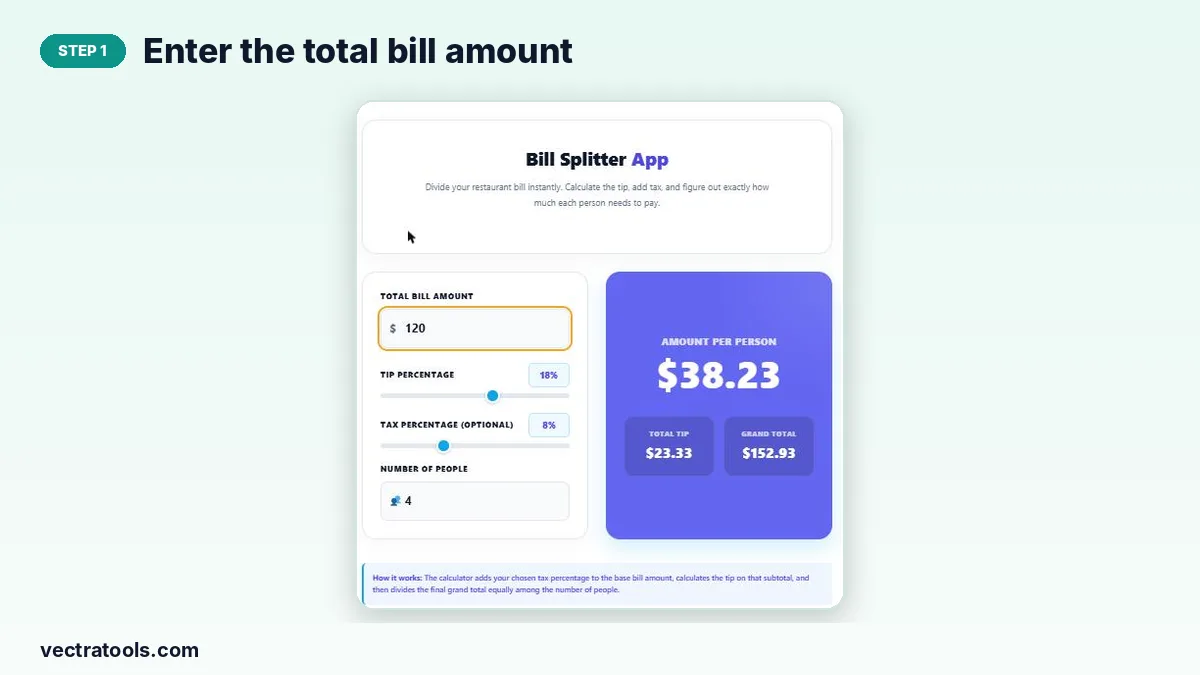
Step 1: Enter the total bill amount
Type the bill total before tip in Total Bill Amount, for example 120.
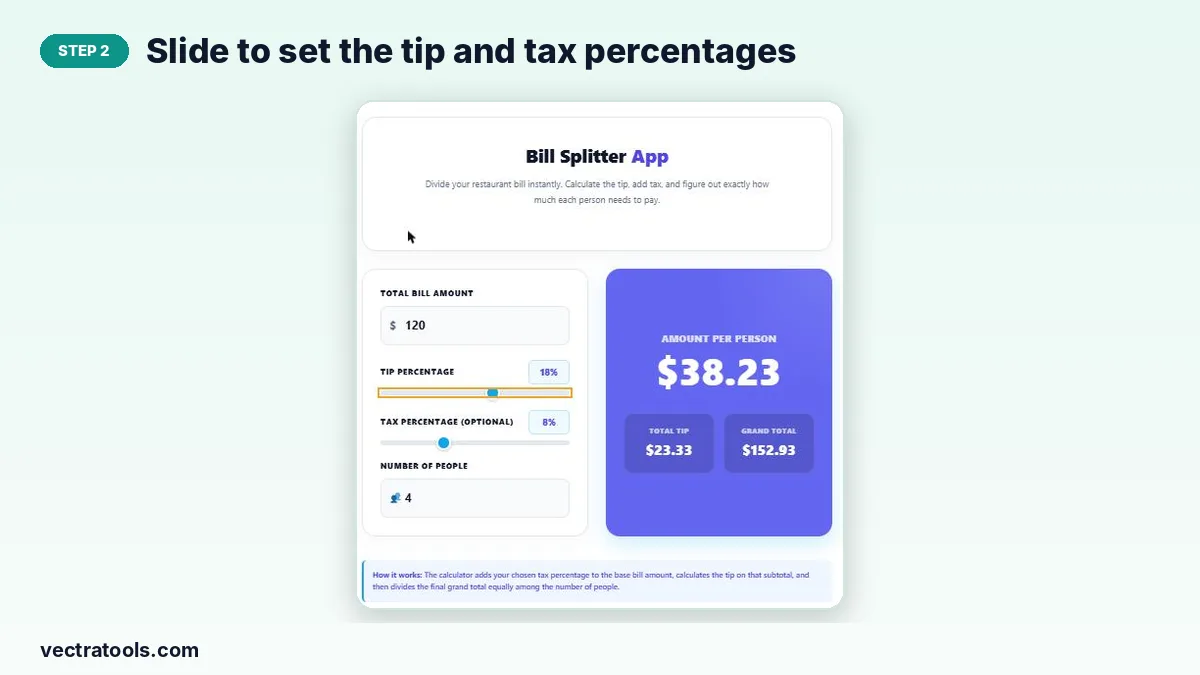
Step 2: Slide to set the tip and tax percentages
Drag the Tip Percentage slider to the tip you want to leave and, if tax is not already included, drag the Tax Percentage slider. The chosen percentage appears next to each label.
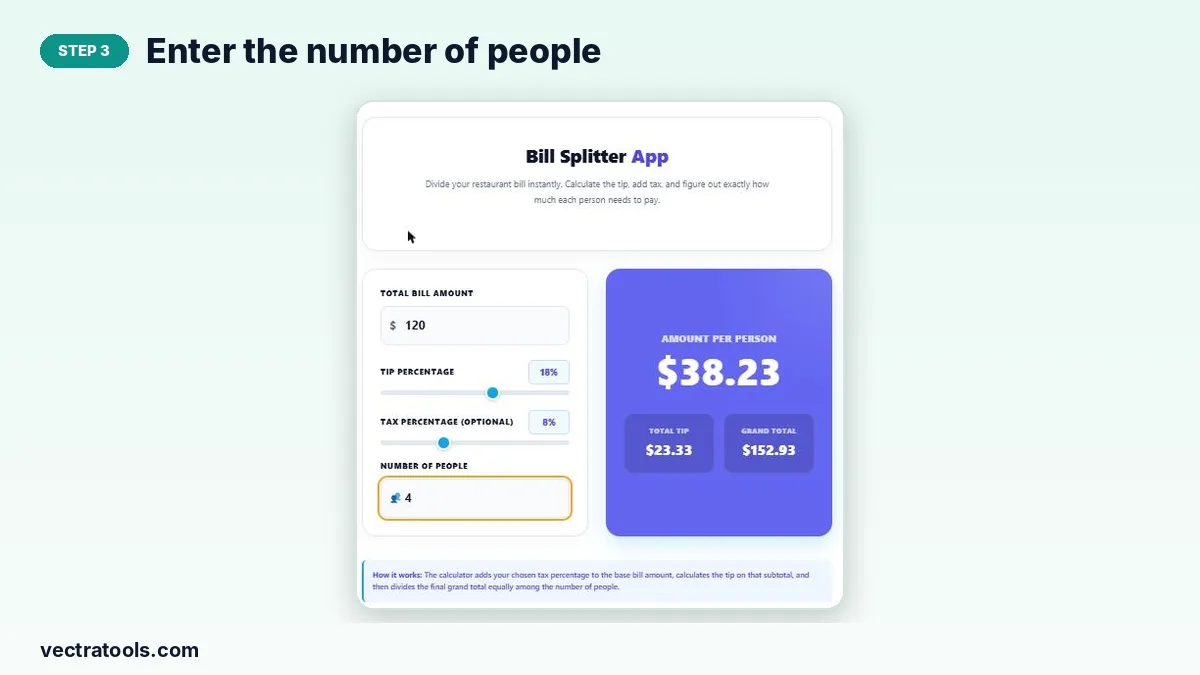
Step 3: Enter the number of people
Type how many people are sharing the bill. The results update instantly.
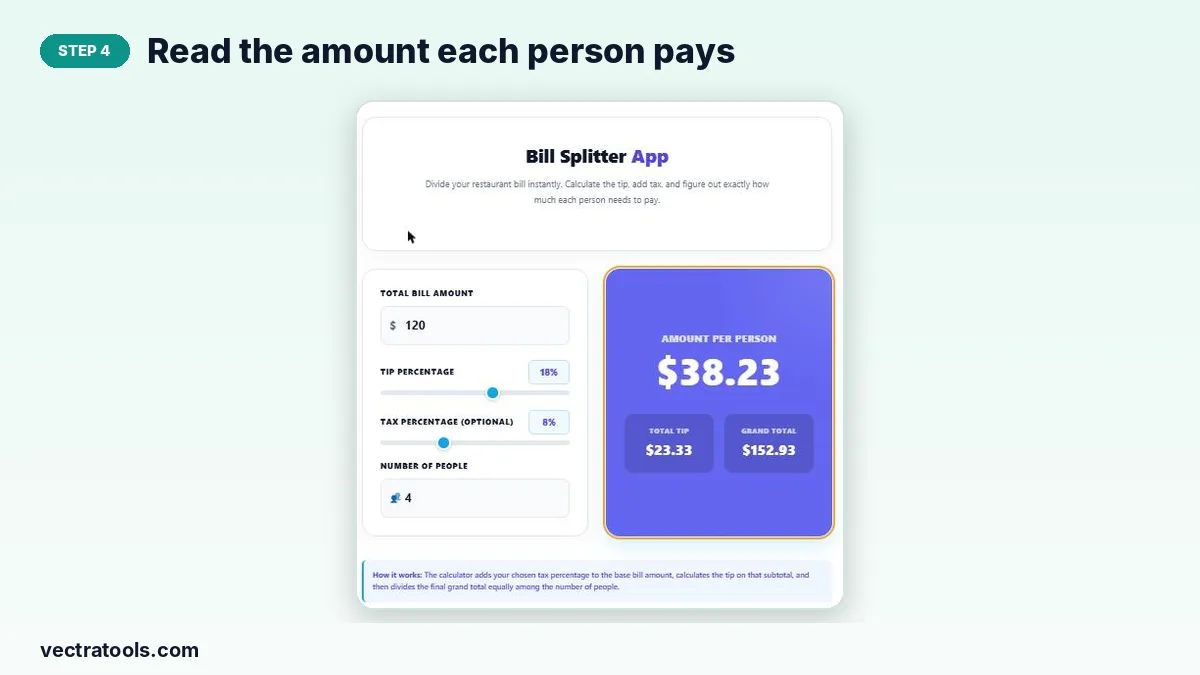
Step 4: Read the amount each person pays
The purple panel shows Amount Per Person in large type, with the Total Tip and Grand Total underneath.
Typical Tip Percentages
| Service | Common tip (US) |
|---|---|
| Sit-down restaurant | 15–20% |
| Excellent service | 20–25% |
| Café or counter service | 0–10% |
| Delivery | 10–15% |
Tipping customs vary widely between countries. In many places service is included in the bill, so check before adding a tip.
Tips for Fair Splitting
- If someone ordered much more, split the shared items evenly and add individual items separately.
- Round the per-person amount up slightly to cover rounding differences.
- Agree on the tip before the bill arrives to avoid debate.
Why Use a Bill Splitter Calculator
Doing the maths on a phone calculator means several steps and easy mistakes. A bill splitter calculator handles tax, tip and the split in one go, with sliders for quick changes. The tip slider goes from 0% to 30% and tax from 0% to 25%, so this bill splitter calculator covers almost any restaurant or group outing.
Frequently Asked Questions
How do I split a bill with tip?
Enter the bill, choose the tip percentage and the number of people. The bill splitter calculator adds the tip and divides the total equally.
Is the tip calculated before or after tax?
After tax: the tool adds tax first and calculates the tip on that subtotal. Set tax to 0% if you prefer to tip on the pre-tax amount.
Can I split a bill unevenly?
No. The calculator divides the grand total equally. For uneven splits, calculate each person’s items separately.
Does it work for any currency?
Yes. The $ sign is only a label; the maths is the same for any currency.
Why is the per-person amount rounded?
Results are shown to two decimal places, so the shares may differ from the grand total by a cent or two.
Is the bill splitter calculator free?
Yes, it is free and runs in your browser with no sign-up.