

Strong Password Generator – Passphrases and Password Checker
Strong Password Generator
Make a strong random password or an easy-to-remember passphrase, and check how strong your current password is
Quick answer
A strong password generator helps you create passwords that are hard to crack but still practical to use. Make a passphrase of random words such as Elbow-Globe-Yellow-Music5-Dune, or a fully random password, and copy it into your password manager. You can also test your current password to see how strong it really is.
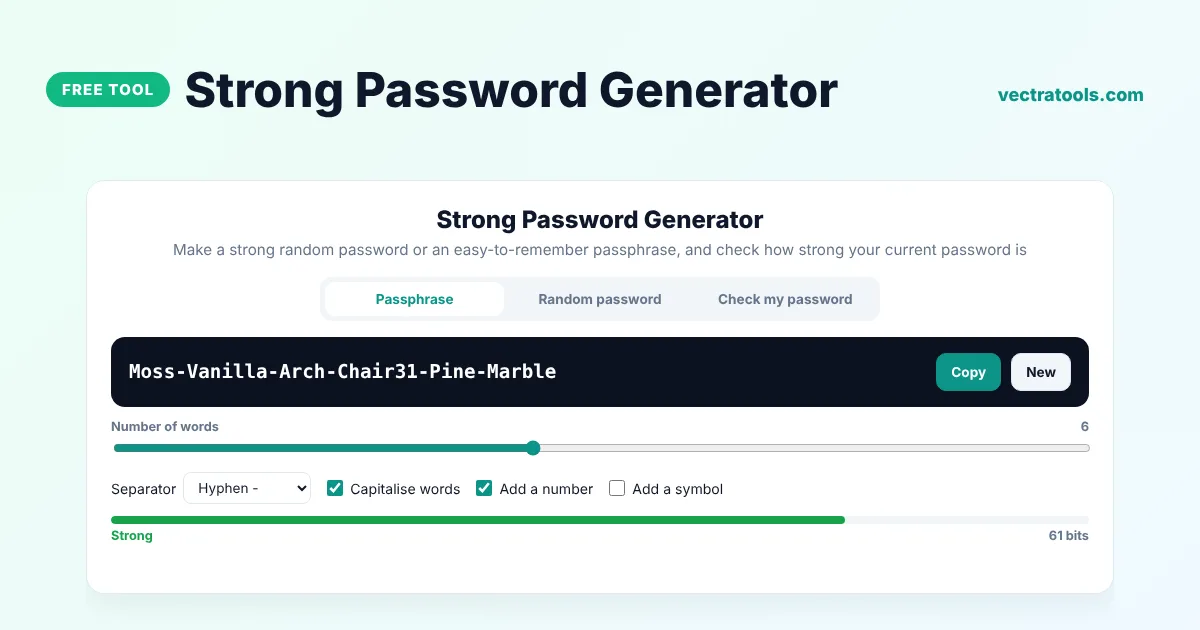
Our free strong password generator has three modes: Passphrase for passwords you need to remember, Random password for maximum strength, and Check my password to find weaknesses such as common words, years and keyboard patterns. Everything runs in your browser and nothing you type is sent anywhere.
Passphrase or Random Password?
| Type | Example | Best for |
|---|---|---|
| Passphrase | Maple-Rocket-Ocean-Violin7-Cedar-Globe | Passwords you type often: computer login, password manager master password |
| Random password | q7#Vt2!mRk9$wL4@pZ8e | Everything saved in a password manager |
A six-word passphrase from this tool has about 60 bits of entropy, which is strong and much easier to remember than a random string. Random passwords give more strength per character and are ideal when you never need to type them.
What the Password Checker Looks For
- Very common passwords and words, including simple swaps such as @ for a and 0 for o.
- Dictionary words that make short passwords easy to guess.
- Years, which are often birth years or the current year.
- Keyboard and number sequences such as qwer and 1234.
- The same character repeated three or more times.
- Passwords shorter than 12 characters.
How to Use the Strong Password Generator
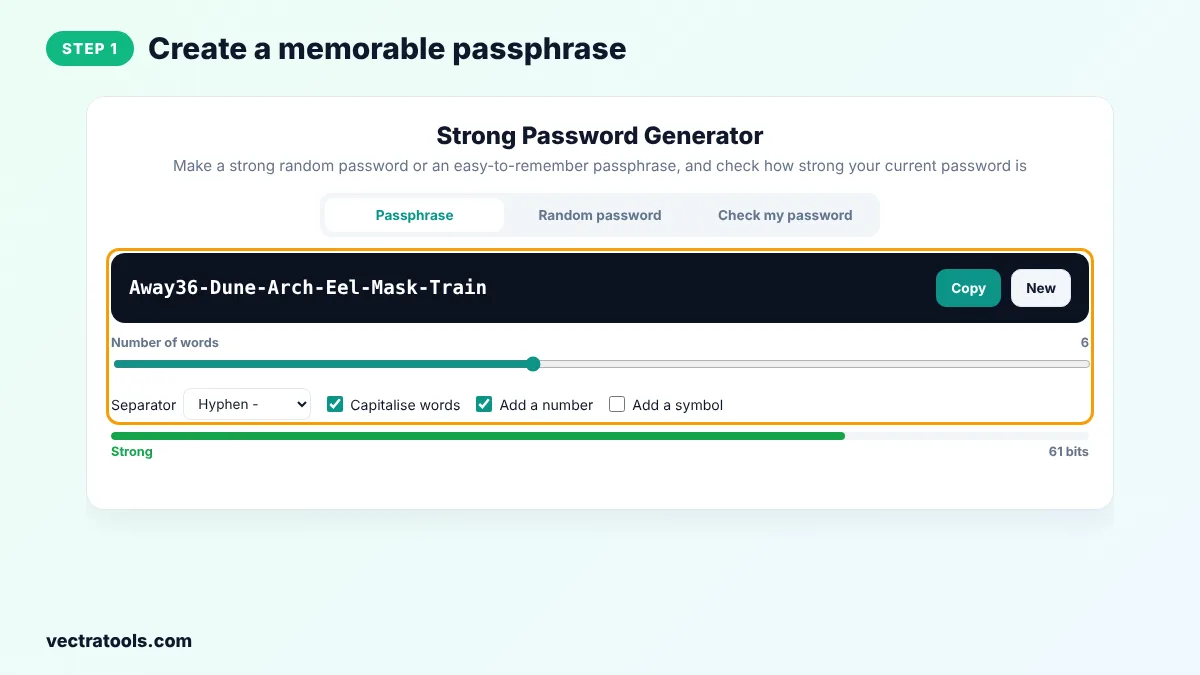
Step 1: Create a Memorable Passphrase
Stay on the Passphrase tab, choose the number of words and a separator, and decide whether to capitalise words and add a number or symbol.
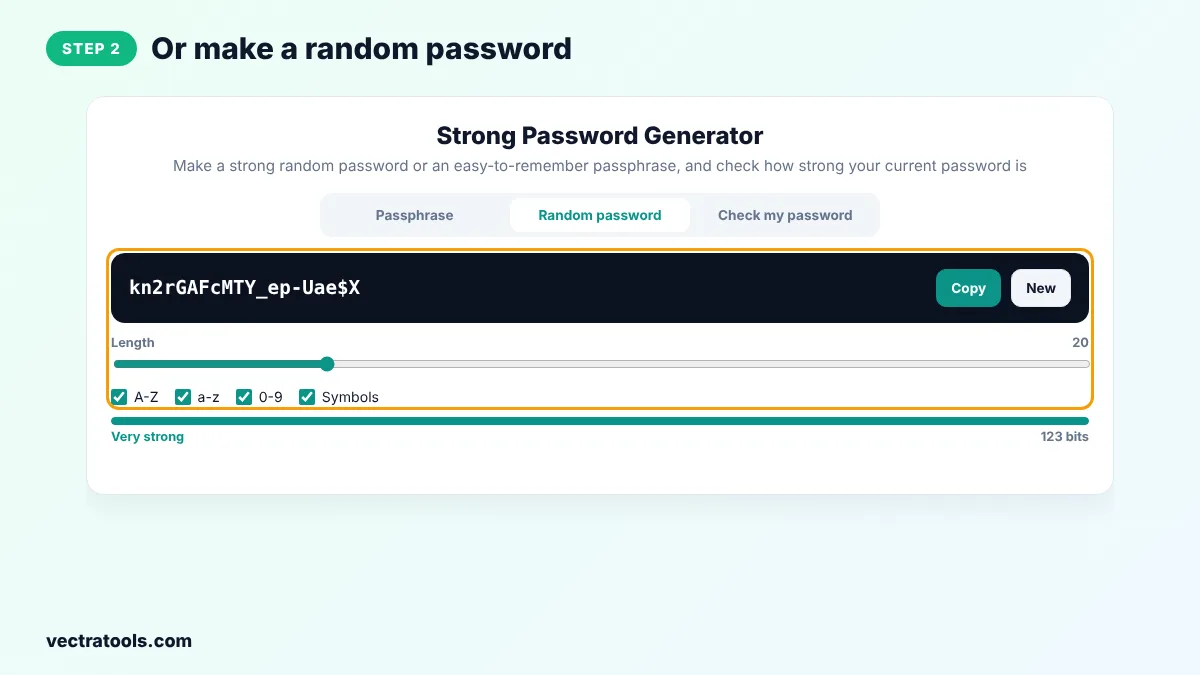
Step 2: Or Make a Random Password
Open Random password, set the length and character types and click New until you like the result. Click Copy to copy it.
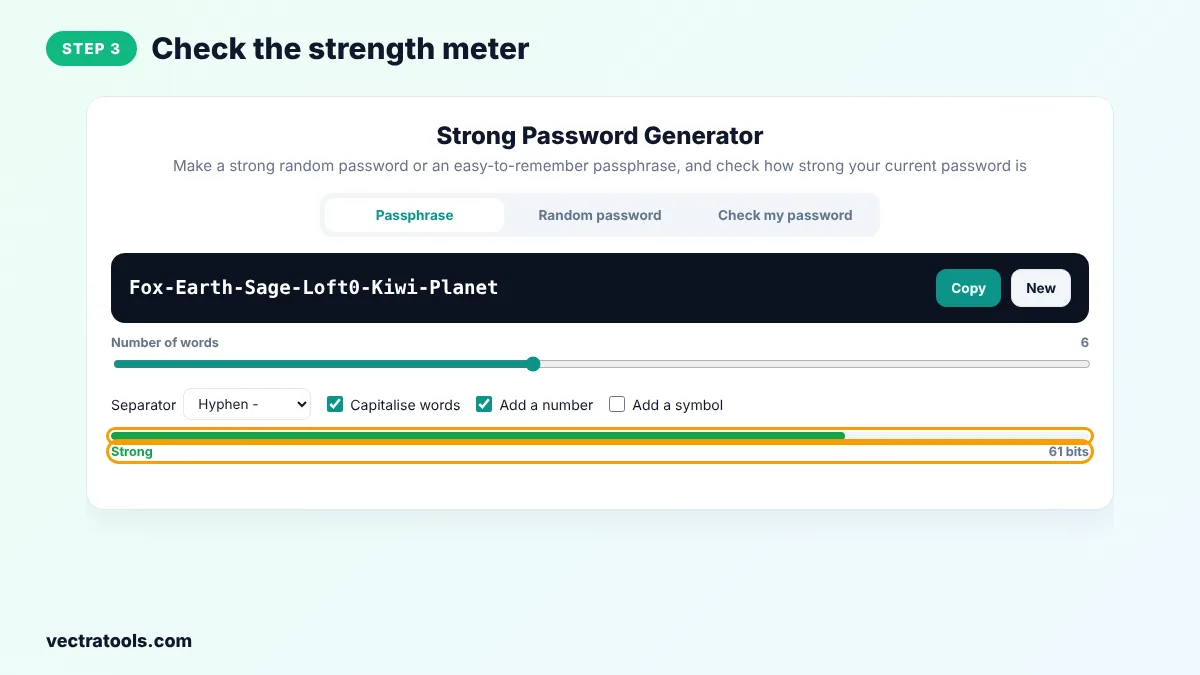
Step 3: Check the Strength Meter
The meter under each password shows whether it is Weak, Fair, Strong or Very strong, along with its entropy in bits.
Step 4: Test Your Own Password
Open Check my password and type a password you already use. The tool lists any weaknesses it finds and estimates its real strength.
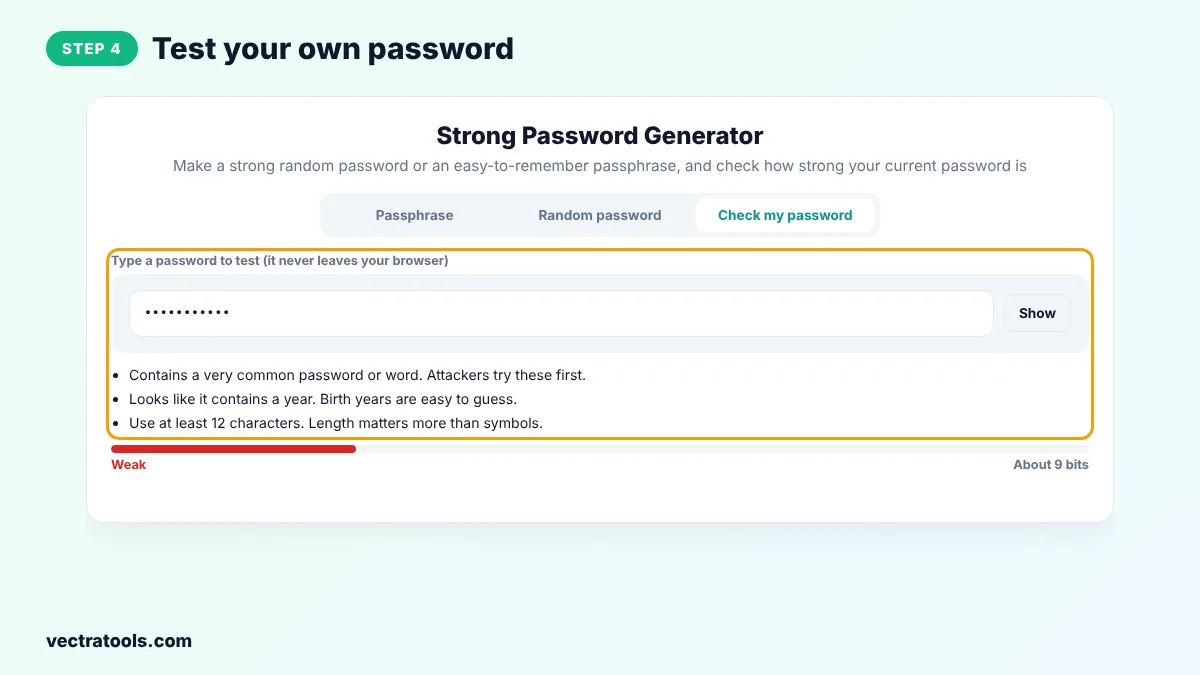
The strong password generator is useful when you set up a new device, choose a master password or audit the passwords you already use. Like every VectraTools security tool, the strong password generator runs locally, so your passwords never leave your device.
Why Passwords Like Summer2024! Are Weak
It has capitals, numbers and a symbol, so many websites call it strong. But it follows the most common pattern there is: a word, a year and an exclamation mark. Password cracking tools try these patterns first, so it can be found in seconds. A random passphrase or a random password is far safer.
Strong Password Generator Tips
- Use a password manager and let it remember the random passwords you make with the strong password generator.
- Make your master password a passphrase of at least six random words.
- Never build a password from personal details such as names, birthdays or pet names.
- Turn on two-factor authentication wherever it is offered.
Frequently Asked Questions
What is a strong password?
A strong password is long, random and unique to one account. At least 12 to 16 characters, or a passphrase of five or more random words.
Are passphrases safe?
Yes, when the words are chosen at random by a generator. A six-word random passphrase is stronger than most 10-character passwords and easier to remember.
Is it safe to type my password into the checker?
The checker runs entirely in your browser and sends nothing to a server. If you are unsure, test a similar password instead of your real one.
Why does the checker rate my password lower than other sites?
It looks for real-world patterns such as common words, years and keyboard sequences, which simple checkers ignore.
How many words should a passphrase have?
Five words is the minimum for important accounts, and six or more is recommended for a master password.
Should I change my passwords regularly?
Only when there is a reason, such as a data breach. Long, unique passwords do not need to be changed on a schedule.
Is the strong password generator free?
Yes. It is free, needs no sign-up and runs in your browser.