

IP Tracker Online – Look Up Any IP Address Location and ISP
IP Tracker
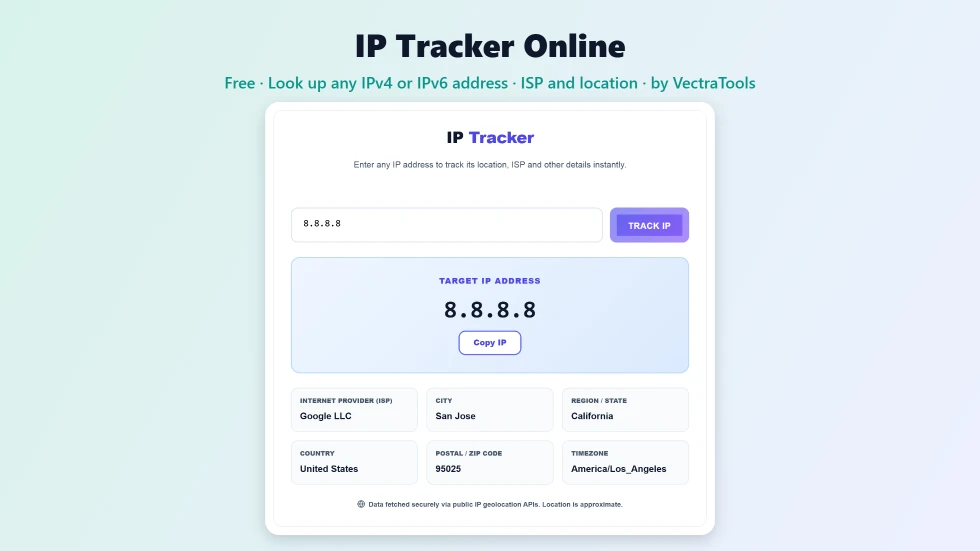
Use this free IP tracker online to look up any IPv4 or IPv6 address and see its ISP and approximate location.
Quick answer
To use this IP tracker online, type any IPv4 address (like 8.8.8.8) or IPv6 address into the box and press Track IP or Enter. The tool shows the internet provider, city, region, country, postal code and timezone for that address, and marks its approximate location on a map. When the page first opens it looks up your own public IP automatically. Invalid addresses are flagged straight away.
Every device on the internet talks through an IP address, and each address belongs to a provider in a particular region. This free IP tracker online looks up any IP address and shows who operates it and roughly where it is. It is handy for checking suspicious logins, reading server logs, investigating spam or just satisfying curiosity.
I added input validation so typing something like 999.1.1.1 or a word now shows a clear Invalid IP address message instead of stale results. The lookup uses public IP geolocation services with an automatic fallback, and nothing is stored by VectraTools.
IP Tracker Online Features
| Feature | How it works |
|---|---|
| Track any IP | Look up IPv4 and IPv6 addresses |
| Auto-detects your IP | Shows your own public IP when the page opens |
| ISP and organisation | See which provider or company owns the address |
| Location details | City, region, country, postal code and timezone |
| Interactive map | Approximate location shown on an OpenStreetMap map |
| Input validation | Invalid addresses are caught before the lookup |
| Dual API fallback | Switches to a second service if the first fails |
| Copy IP | Copy the tracked address in one click |
How to Use the IP Tracker Online
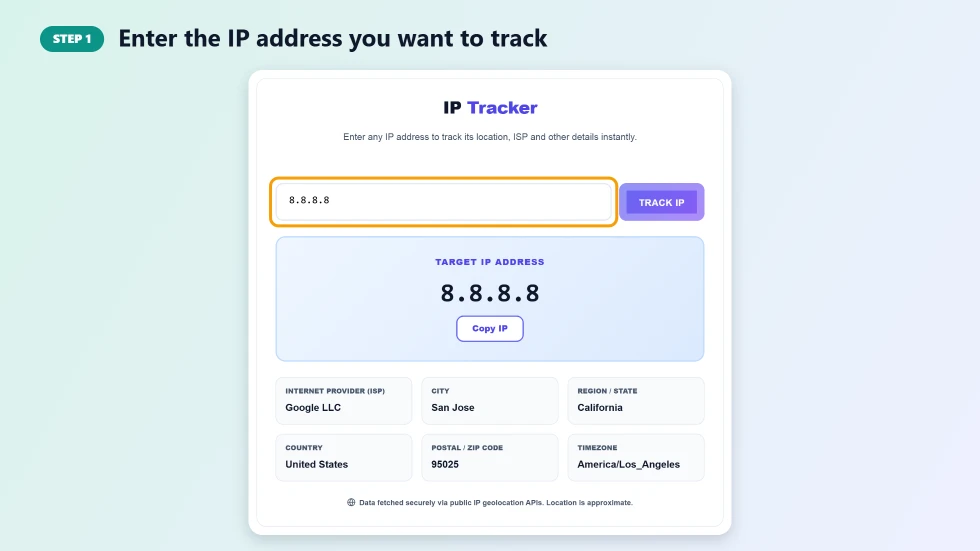
Step 1: Enter the IP address you want to track
Click the input box and type or paste an IP address, for example from a server log, an email header or a security alert. Both IPv4 (8.8.8.8) and IPv6 (2001:4860:4860::8888) formats are accepted.
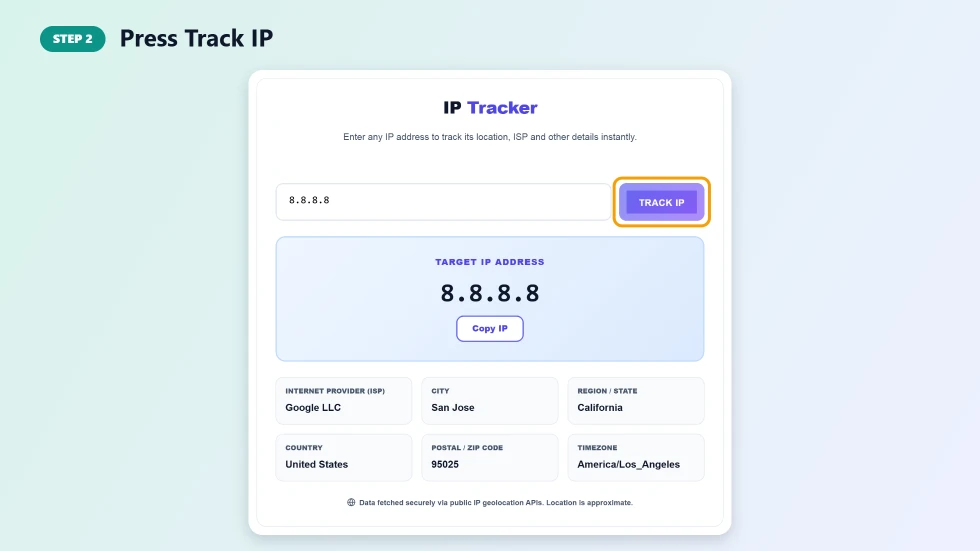
Step 2: Press Track IP
Press Track IP or hit Enter. The tool checks that the address is valid, then queries a public IP geolocation service. If that service does not respond, a backup service is used automatically.
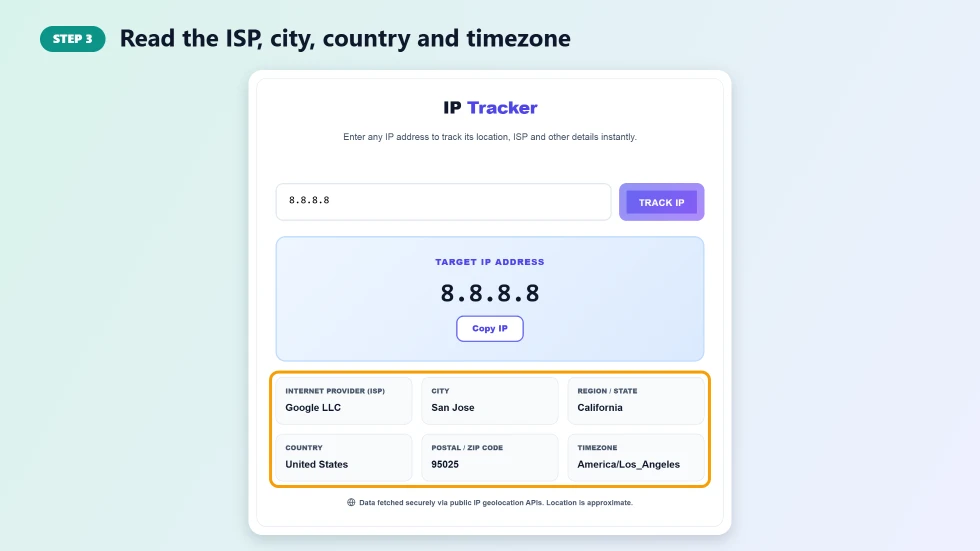
Step 3: Read the ISP, city, country and timezone
The result shows the tracked IP at the top and detail cards for Internet Provider, City, Region / State, Country, Postal / ZIP Code and Timezone. A map below marks the approximate network location. Remember this is where the network is registered, not a person's exact address.
What an IP Tracker Online Can Tell You
- Owner: the ISP, hosting company or organisation using the address, such as Google LLC.
- Region: the country, region and usually the city of the network.
- Timezone: useful for working out when a login or request happened locally.
- Type of network: the ISP name often reveals whether it is home broadband, mobile, a data centre or a VPN.
What It Cannot Tell You
An IP tracker cannot reveal a person's name, street address or phone number. Geolocation databases only know where an IP block is registered or routed. Mobile networks, VPNs, proxies and corporate networks can place an address hundreds of kilometres away from the real user. Only the ISP can link an IP to a subscriber, and usually only for legal requests.
Common Uses
- Checking where an unfamiliar login to your account came from.
- Reading web server and firewall logs.
- Identifying the hosting provider behind a suspicious website or email.
- Confirming that your VPN is showing a different country.
- Teaching how internet addressing and routing work.
Frequently Asked Questions
Is this IP tracker online free?
Yes. It is free with no sign-up or daily limit for normal use.
Can I find someone's exact address with an IP tracker?
No. IP geolocation only shows the approximate area of the network, usually the city or region. It never shows a street address or a name.
Does it work with IPv6?
Yes. You can track both IPv4 addresses like 8.8.8.8 and IPv6 addresses like 2001:4860:4860::8888.
Why is the location different from where the person really is?
Providers often route traffic through regional hubs, and VPNs or proxies hide the real location. The tool shows where the network is registered.
Why does the box show my IP when the page opens?
The tool automatically looks up your own public IP on load. Type any other address to track it instead.
Does VectraTools store the IPs I look up?
No. Lookups are made from your browser to public geolocation services, and VectraTools does not save them.