

Intermittent Fasting Timer – Track 16:8, 18:6, 20:4 and OMAD Fasts
Intermittent Fasting Timer
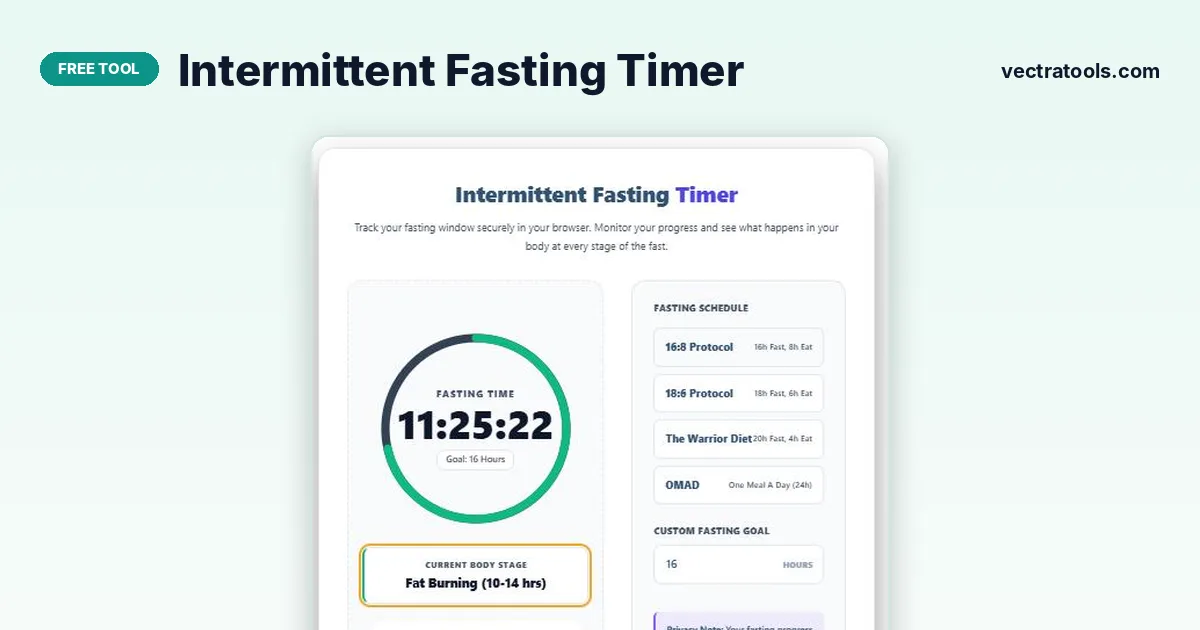
Track your fasting window securely in your browser. Monitor your progress and see what happens in your body at every stage of the fast.
Quick answer
An intermittent fasting timer tracks how long you have been fasting and how close you are to your goal. Choose a schedule such as 16:8, 18:6, the Warrior Diet (20:4) or OMAD, or type a custom number of hours, then press Start Fasting. A progress ring fills as time passes and a stage card describes what is generally happening in your body at that point.
Our free intermittent fasting timer saves your start time in your own browser, so you can close the tab and come back later without losing progress. Nothing is uploaded and no account is needed.
Intermittent fasting is not suitable for everyone. People who are pregnant or breastfeeding, under 18, underweight, have diabetes or take blood sugar medication, or have a history of disordered eating should speak to a doctor before fasting. Stop and seek advice if you feel dizzy, faint or unwell.
Intermittent Fasting Schedules
| Schedule | Fasting window | Eating window | Good for |
|---|---|---|---|
| 16:8 | 16 hours | 8 hours | Beginners and daily routine |
| 18:6 | 18 hours | 6 hours | People comfortable with 16:8 |
| Warrior Diet (20:4) | 20 hours | 4 hours | Experienced fasters |
| OMAD | About 24 hours | One meal | Occasional use for experienced fasters |
Fasting Stages Shown by the Timer
| Hours fasted | Stage label | What it means |
|---|---|---|
| 0 to 2 | Normal digestion | Your body is still using energy from your last meal |
| 2 to 10 | Blood sugar drop | Insulin and blood sugar fall as digestion finishes |
| 10 to 14 | Fat burning | Stored glycogen runs lower and fat use increases |
| 14 to 16 | Mild ketosis | The body starts producing more ketones |
| 16+ | Deeper ketosis | Ketone levels rise further in longer fasts |
These stages are approximate guides. Timing varies widely with diet, activity and individual metabolism, and research on processes such as autophagy in humans is still developing.
How to Use the Intermittent Fasting Timer
Use the intermittent fasting timer in four steps.
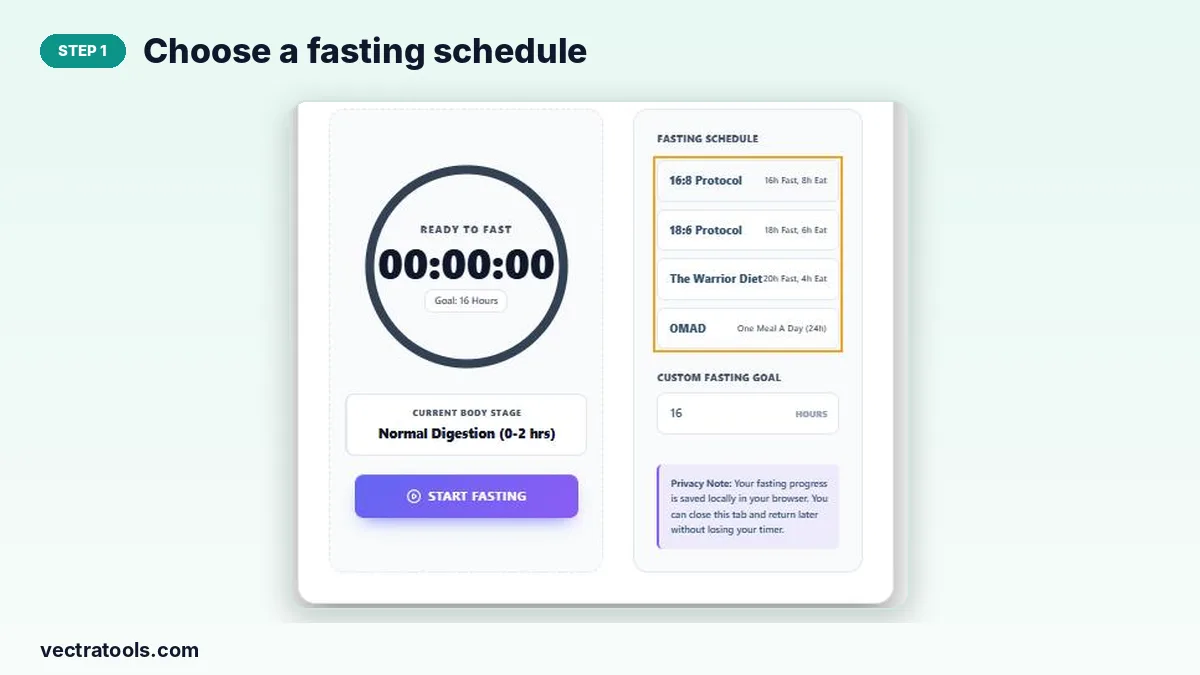
Step 1: Choose a Fasting Schedule
Tap 16:8, 18:6, The Warrior Diet or OMAD. The goal on the timer updates to match.
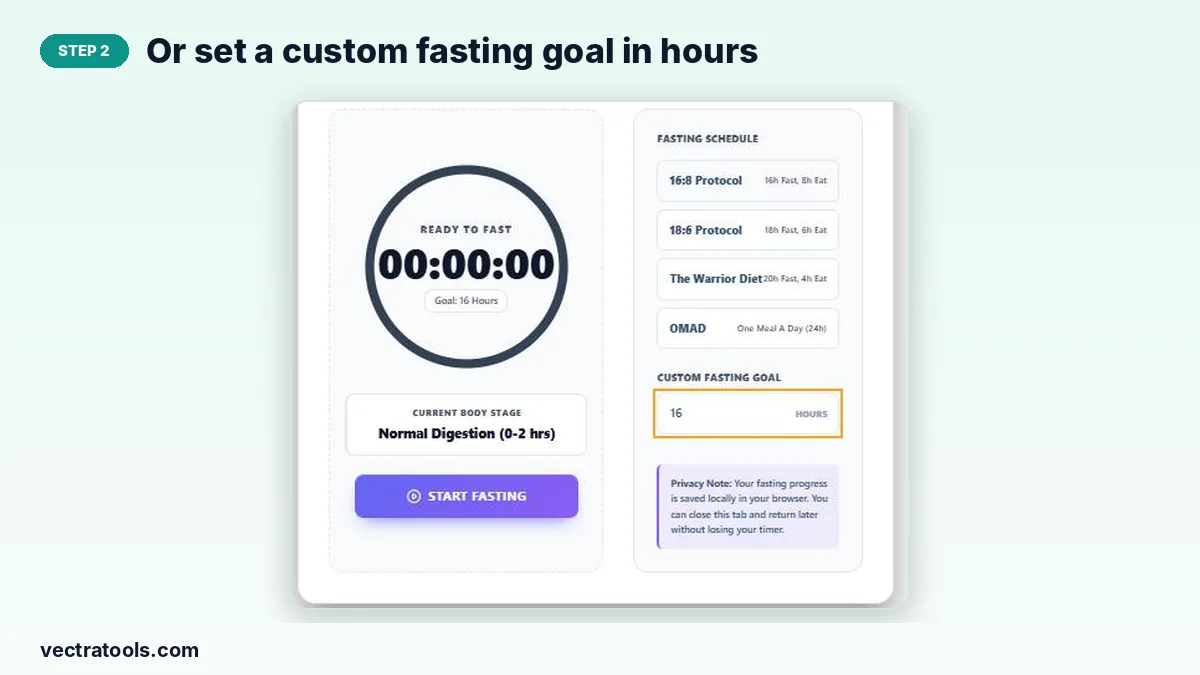
Step 2: Or Set a Custom Fasting Goal in Hours
Type any number of hours into Custom Fasting Goal, for example 14 for a gentler start.
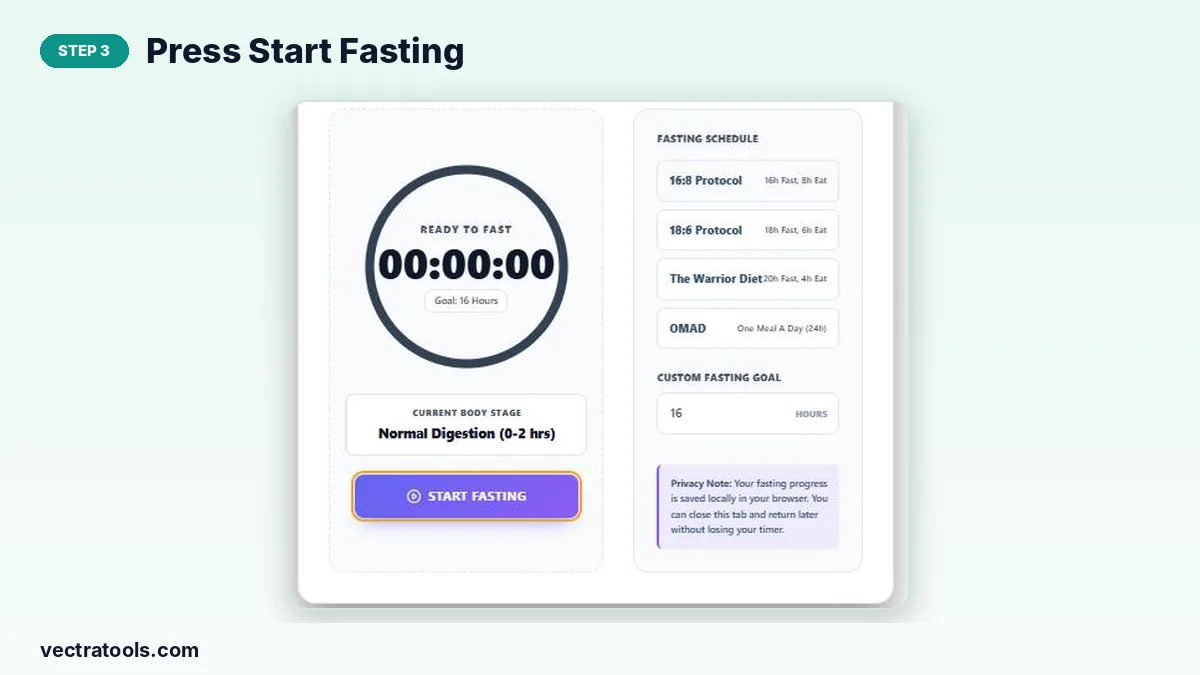
Step 3: Press Start Fasting
Press Start Fasting when you finish your last meal. The timer begins counting and remembers your start time.
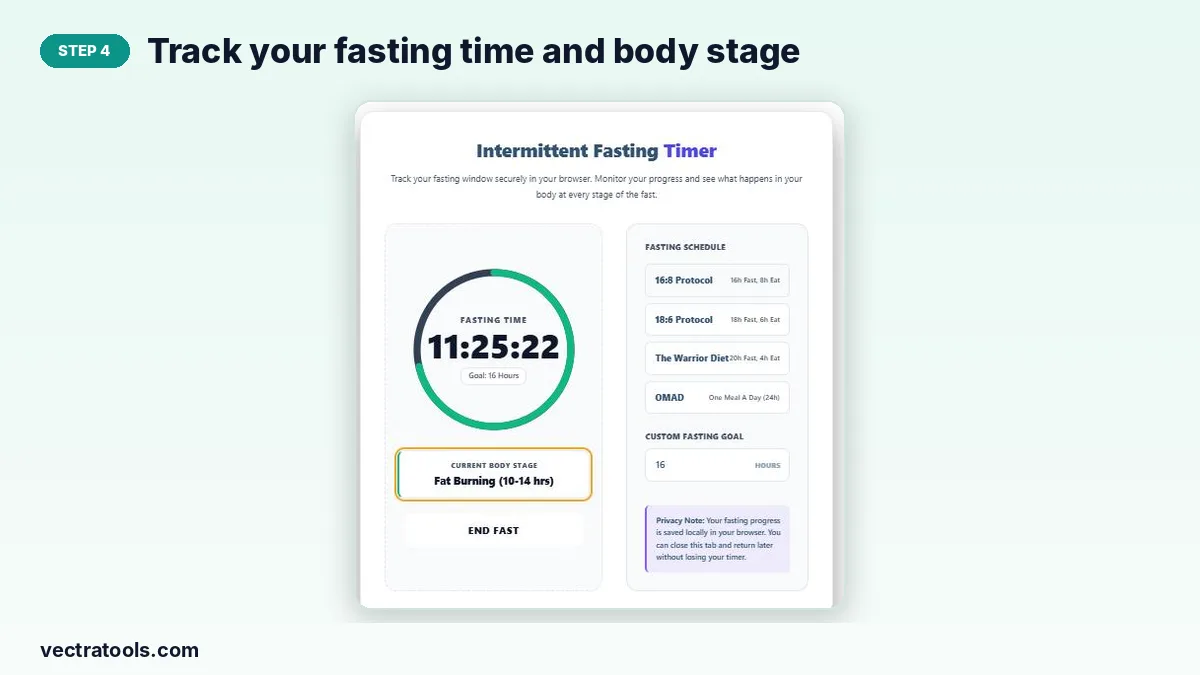
Step 4: Track Your Fasting Time and Body Stage
Watch the ring fill and the body stage update as hours pass. Press End Fast when you break your fast.
Tips for Successful Intermittent Fasting
- Start with 12 or 14 hours and build up to 16:8 over a week or two.
- Drink water, plain tea or black coffee during the fast.
- Break your fast with a balanced meal that includes protein, fibre and healthy fats.
- Keep total food quality high in your eating window; fasting does not cancel overeating.
- Be consistent: the same window each day is easier to stick to.
Why Use an Intermittent Fasting Timer?
It is easy to lose track of when a fast started, especially across a night’s sleep. An intermittent fasting timer shows exactly how long you have fasted and when you reach your goal, which makes it easier to stay consistent and to adjust your schedule based on how you feel.
Frequently Asked Questions
Is this intermittent fasting timer free?
Yes. It is free with no sign-up.
Will my fast be saved if I close the page?
Yes. The start time is stored in your browser, so the timer continues when you return on the same device.
What is the best fasting schedule for beginners?
16:8 is the most popular starting point, though 12 or 14 hours is a gentle first step.
Can I drink coffee while fasting?
Black coffee, plain tea and water are generally fine during a fast.
Is intermittent fasting safe?
It is safe for many healthy adults, but not for everyone. Check with a doctor if you have a medical condition or take medication.
Does fasting guarantee weight loss?
No. Weight loss still depends on total calories over time.