

Free Daily Planner Printable – Fill In Online, Then Print
Daily Planner Printable
Customize your personal daily planner template. Type directly into the fields before printing, or print it blank to write on later.
- 1
- 2
- 3
Quick answer
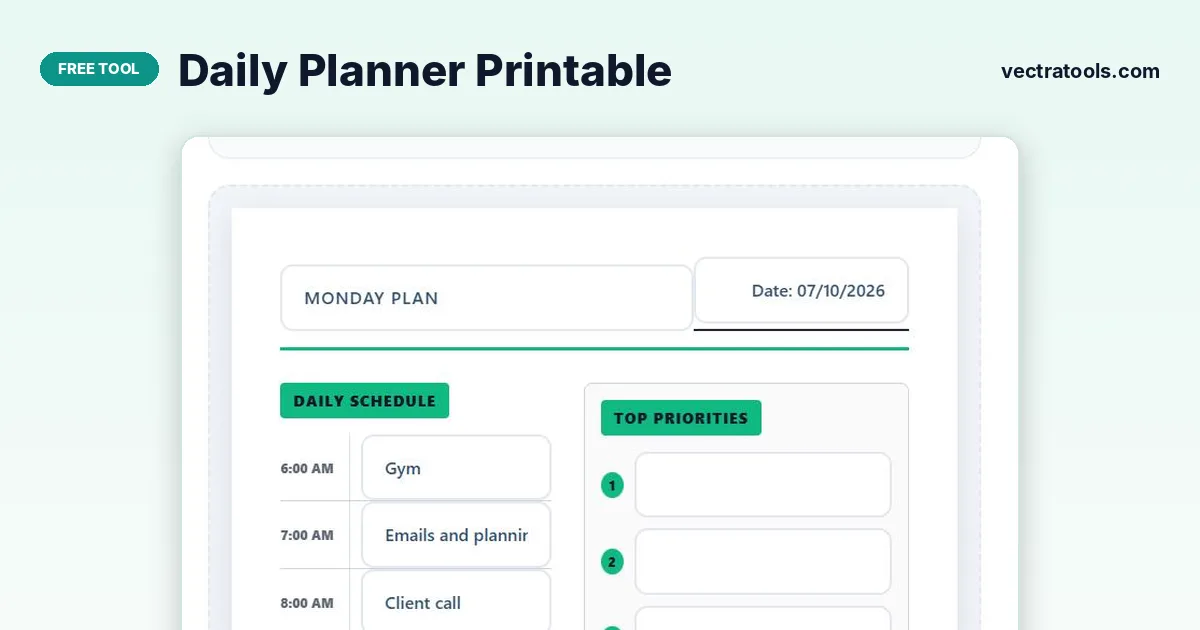
Type a planner title, pick a date and one of six theme colours, then click inside the A4 preview to fill in your hourly schedule (6 AM to 10 PM), top 3 priorities, to-do list and notes. Press Print Planner to print it or choose “Save as PDF”. You can also print the daily planner printable blank and write on it by hand.
Planning your day on paper has a lot going for it: no notifications, no app switching, and the satisfaction of ticking things off with a pen.
This daily planner printable is a ready-made A4 page that you can personalise before printing. Give it your own title and colour, type in what you already know, and leave the rest blank to fill in by hand.
What Is on the Planner Page
| Section | What it is for |
|---|---|
| Title and date | Your own heading and the day the plan is for |
| Daily Schedule | Hourly slots from 6:00 AM to 10:00 PM |
| Top Priorities | The three tasks that matter most today |
| To-Do List | Ten tick-box lines for smaller tasks |
| Water Tracker | Eight drops to colour in as you drink |
| Notes & Ideas | Free space for anything else |
Theme colours: Minimalist Black, Ocean Blue, Emerald Green, Rose Pink, Sunset Amber, Lavender Purple. The colour changes the section labels, priority numbers and divider line.
How to Use the Daily Planner Printable
The page preview below the settings is exactly what prints. Everything you type in it is printed too.
Step 1: Give your planner a title and date
Type a heading in Planner Title, such as “Monday Plan”, and pick a date. Both appear at the top of the printable page instantly.

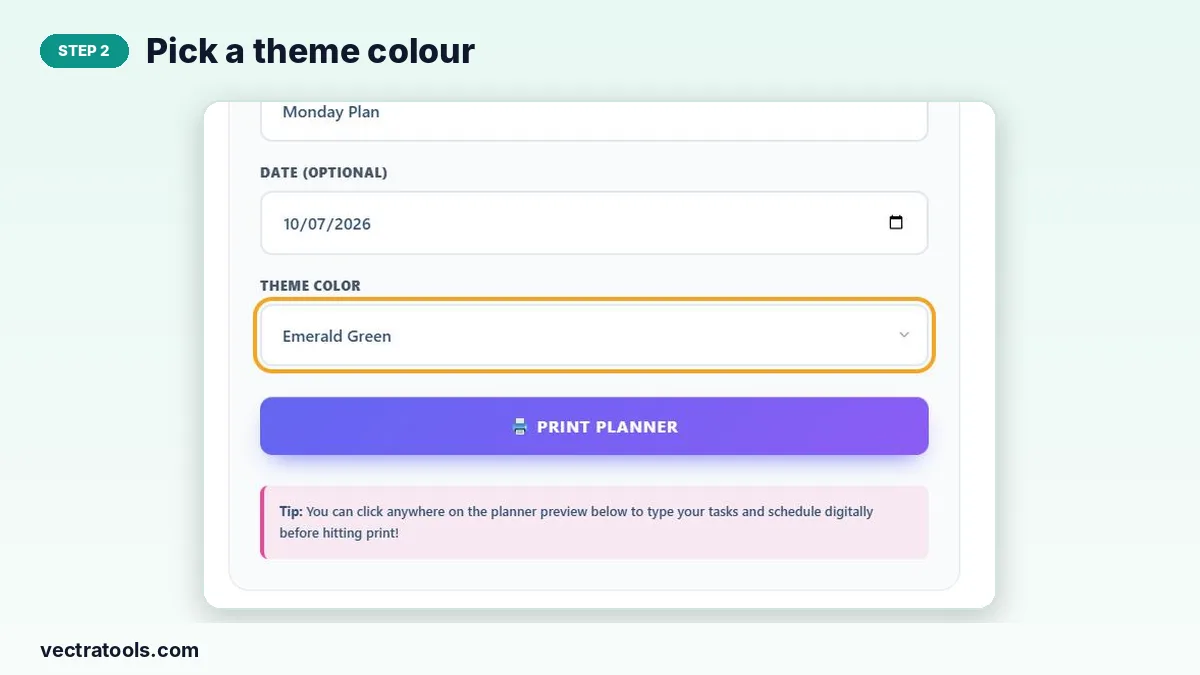
Step 2: Pick a theme colour
Choose a colour from Theme Color. The section labels and accents on the planner switch to that colour.
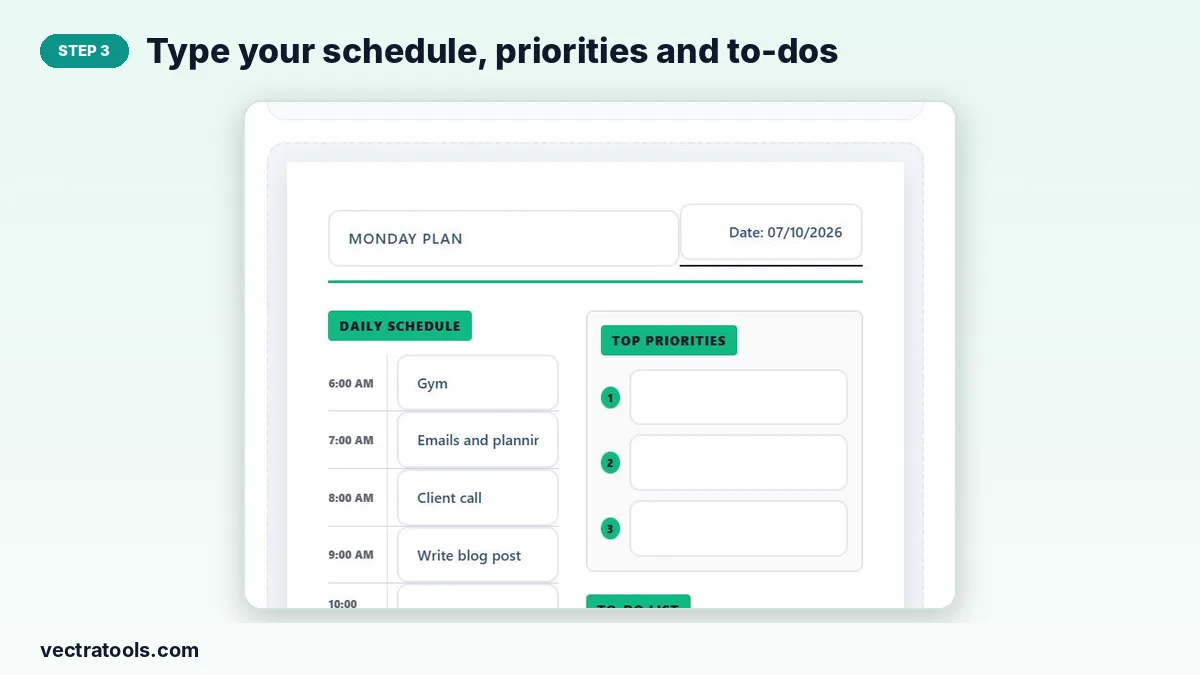
Step 3: Type your schedule, priorities and to-dos
Click any line on the planner preview and type: appointments in the hourly schedule, your top three priorities and the to-do list. Leave lines blank to fill in by hand.
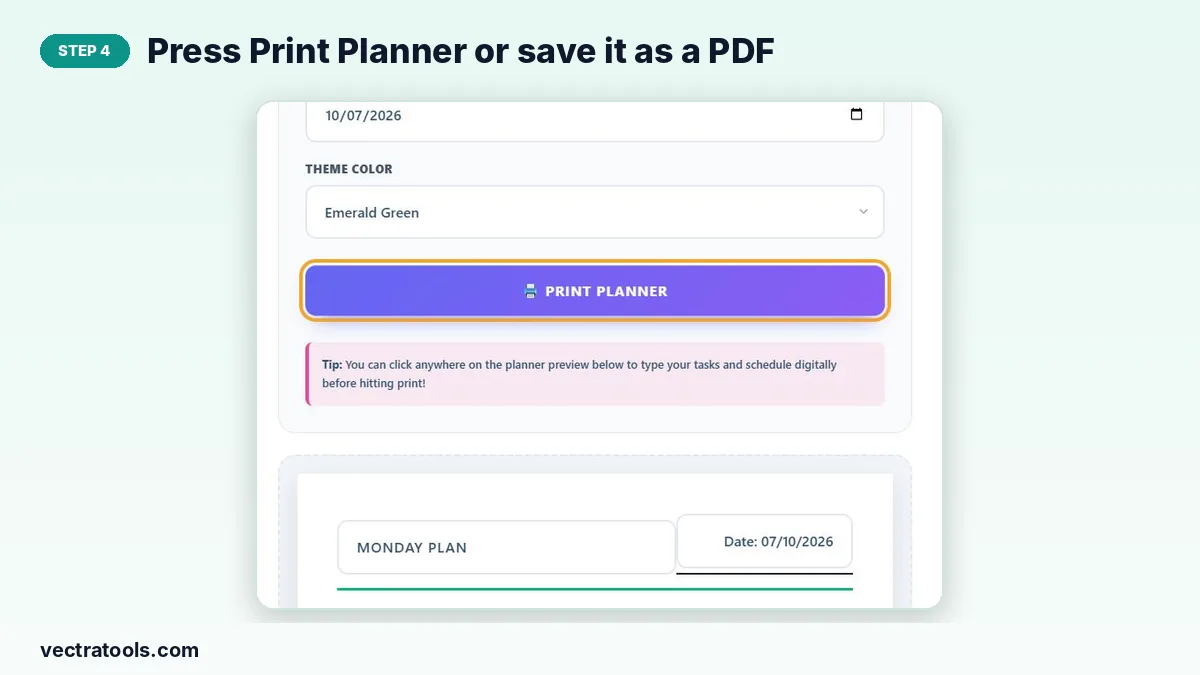
Step 4: Press Print Planner or save it as a PDF
Click Print Planner. Only the planner page is printed. In the print dialog, pick your printer or choose “Save as PDF” to keep a digital copy.
How to Plan Your Day in 5 Minutes
- Write the fixed appointments into the schedule first.
- Choose your top three priorities; if you only finish these, the day is a success.
- Block time in the schedule for each priority.
- List smaller tasks in the to-do section and fit them into gaps.
- At the end of the day, tick what is done and move the rest to tomorrow’s planner.
Printing Tips
- Use A4 or Letter paper in portrait orientation.
- Turn off “Headers and footers” in the print dialog for a cleaner page.
- Enable “Background graphics” if the coloured labels print white.
- Print a week’s worth of blank planners at once and keep them on your desk.
Why Use a Daily Planner Printable
A daily planner printable gives your day a clear shape on one sheet of paper. Unlike an app, it never buzzes or distracts you, and it sits on your desk where you can see it all day. Because this daily planner printable can be filled in on screen first, you can type the fixed parts of your day and still write the rest by hand.
Frequently Asked Questions
Is this daily planner printable free?
Yes. You can customise and print as many pages as you like for free.
Can I print it blank?
Yes. Leave the fields empty and press Print Planner to get a blank page to write on.
What paper size does it use?
The page is designed for A4 and also fits US Letter paper.
Can I save the planner as a PDF?
Yes. Press Print Planner and choose “Save as PDF” as the destination.
Is what I type saved?
No. Text you type stays only until you close or refresh the page, so print or save it as a PDF first.
Can I change the time slots?
The schedule runs hourly from 6 AM to 10 PM. You can write different times over a line by hand after printing.