

Cron Expression Generator – Build and Explain Cron Schedules
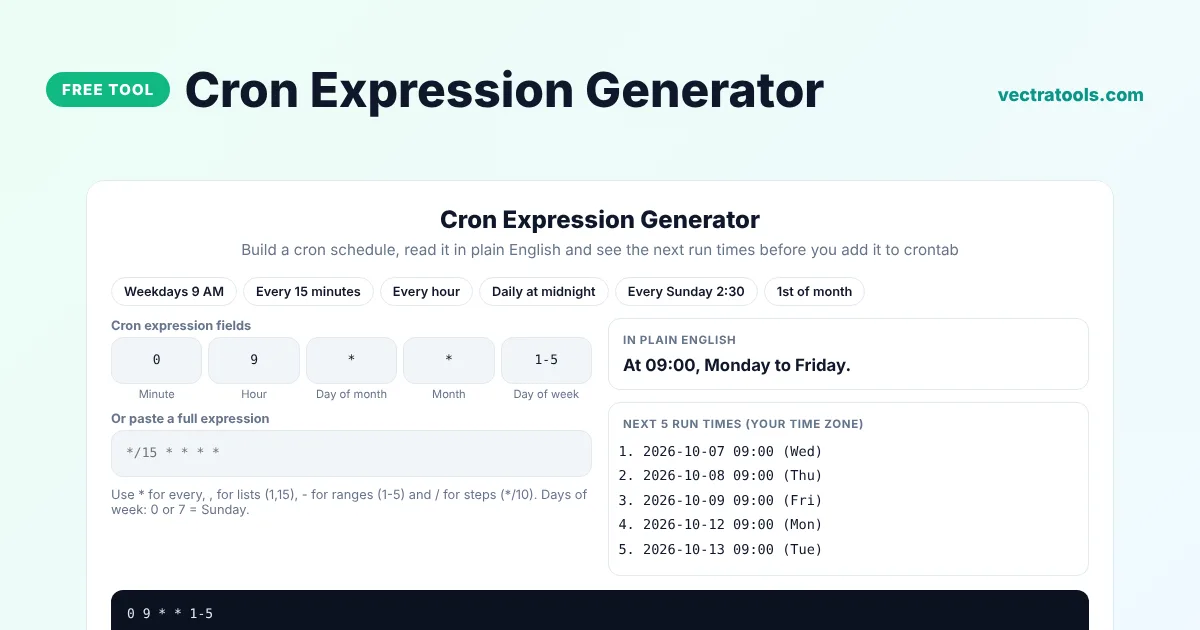
Cron Expression Generator
Build a cron schedule, read it in plain English and see the next run times before you add it to crontab
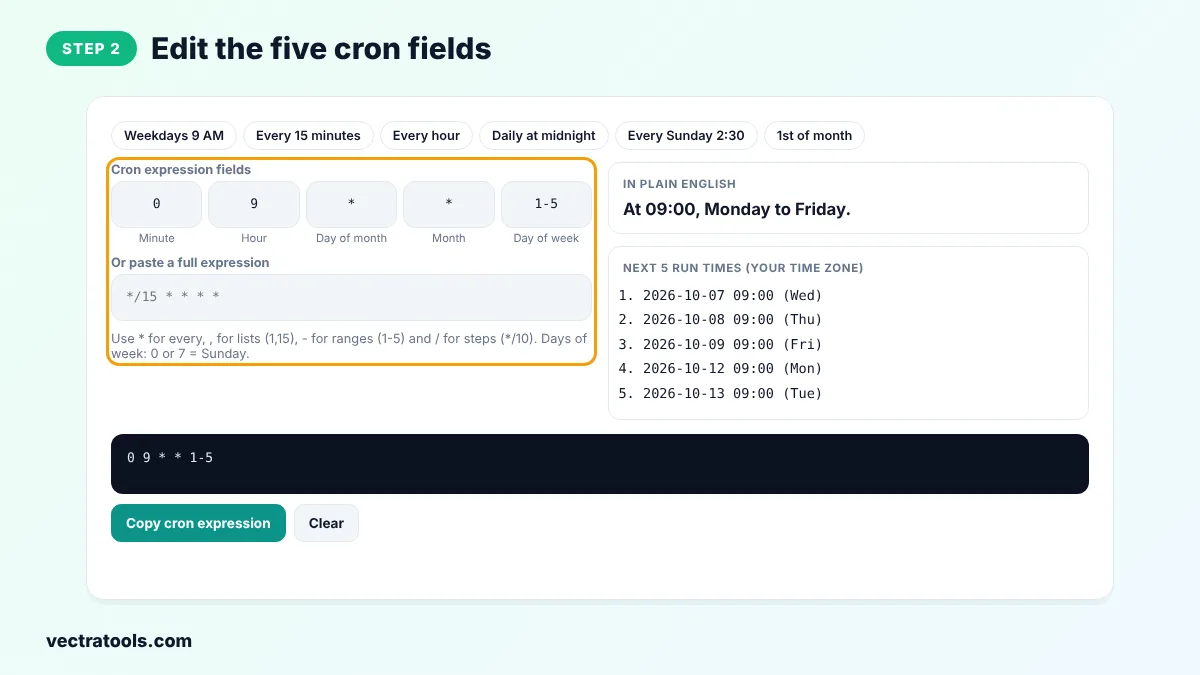
Use * for every, , for lists (1,15), - for ranges (1-5) and / for steps (*/10). Days of week: 0 or 7 = Sunday.
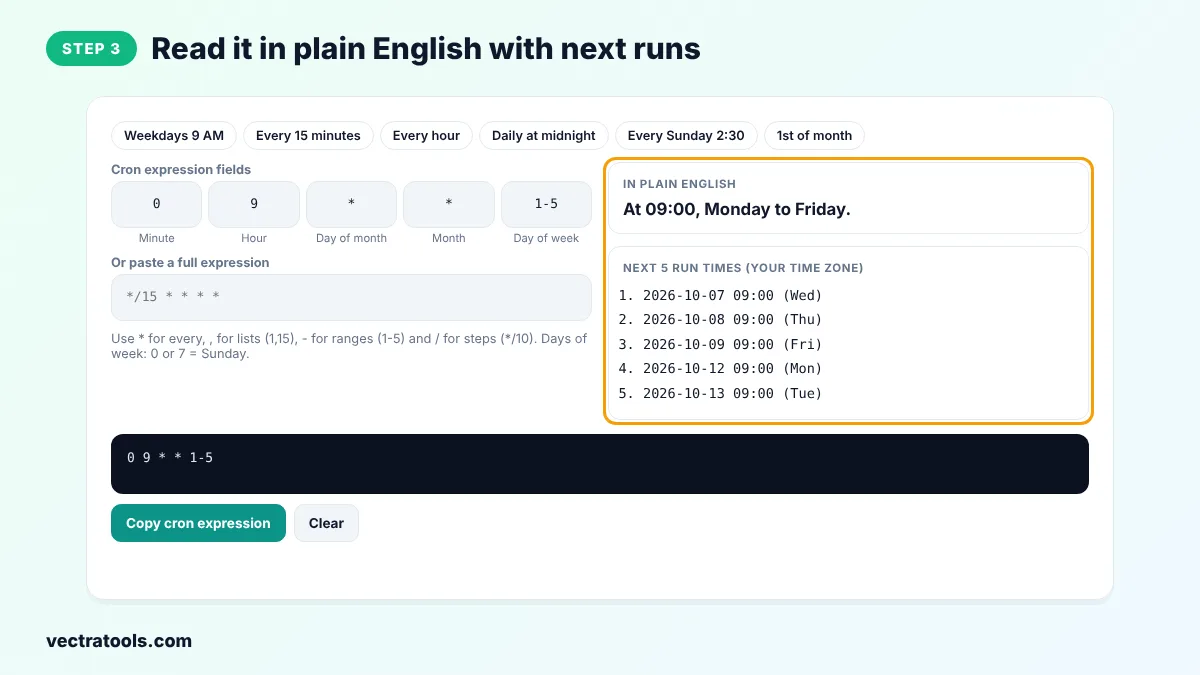
In plain English
Next 5 run times (your time zone)
Quick answer
A cron expression generator helps you write the five-field schedule used by cron and crontab without memorising the syntax. Fill in minute, hour, day of month, month and day of week, or pick a preset, and the tool explains the schedule in plain English and lists the next five run times. Copy the expression into your crontab, CI pipeline or scheduler.
Our free cron expression generator checks every field for errors, supports lists, ranges and steps, and calculates upcoming runs in your own time zone. You can also paste an existing expression to decode it. It works for Linux crontab, cPanel cron jobs, GitHub Actions, Kubernetes CronJobs and most job schedulers that use standard cron syntax.
Cron Expression Format
┌─ minute (0-59)
│ ┌─ hour (0-23)
│ │ ┌─ day of month (1-31)
│ │ │ ┌─ month (1-12)
│ │ │ │ ┌─ day of week (0-7, 0 and 7 = Sunday)
* * * * *| Symbol | Meaning | Example |
|---|---|---|
| * | Every value | * in hour = every hour |
| , | A list of values | 1,15 = the 1st and 15th |
| - | A range | 1-5 = Monday to Friday |
| / | A step | */10 = every 10 minutes |
Common Cron Expressions
| Expression | Runs |
|---|---|
* * * * * | Every minute |
*/15 * * * * | Every 15 minutes |
0 * * * * | Every hour, on the hour |
0 0 * * * | Every day at midnight |
0 9 * * 1-5 | At 09:00, Monday to Friday |
30 2 * * 0 | At 02:30 every Sunday |
0 6 1 * * | At 06:00 on the 1st of every month |
How to Use the Cron Expression Generator
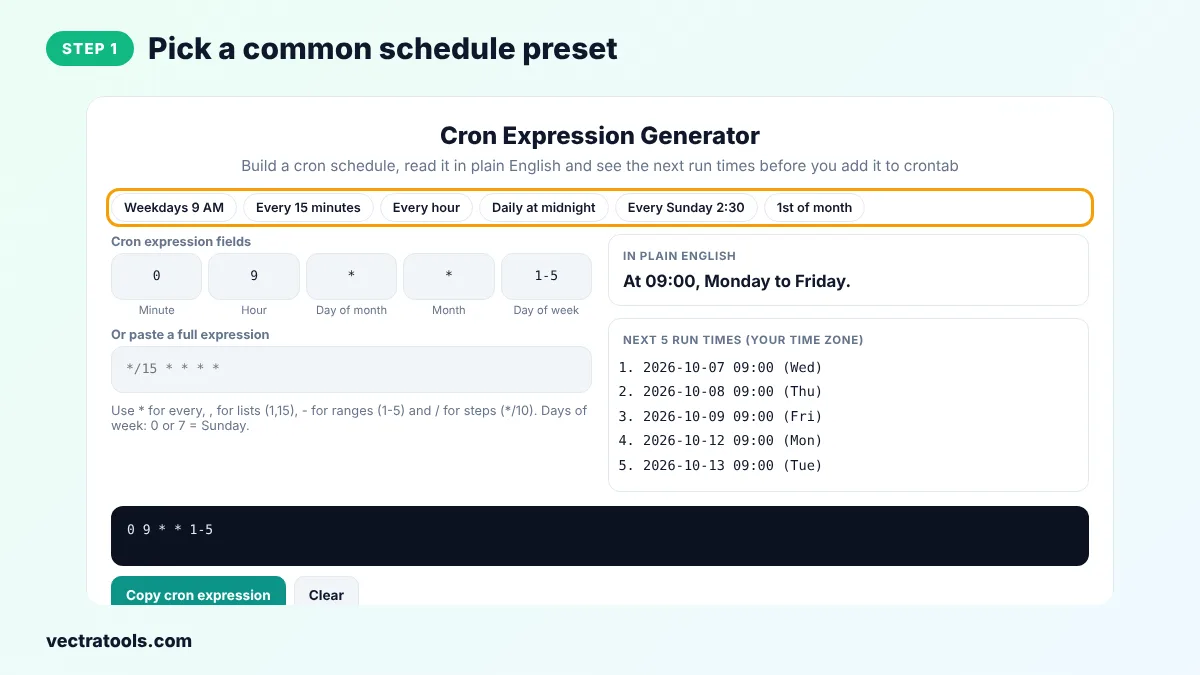
Step 1: Pick a Common Schedule Preset
Click a preset such as Weekdays 9 AM, Every 15 minutes or 1st of month to fill in all five fields at once.
Step 2: Edit the Five Cron Fields
Change minute, hour, day of month, month and day of week. Use * for every, commas for lists, dashes for ranges and slashes for steps. You can also paste a full expression in the box below.
Step 3: Read It in Plain English with Next Runs
The tool explains the schedule in plain English and lists the next five run times in your time zone, so you can be sure it runs when you expect.
Step 4: Copy the Cron Expression
Click Copy cron expression and paste it into crontab, followed by the command to run, for example 0 9 * * 1-5 /usr/bin/backup.sh.
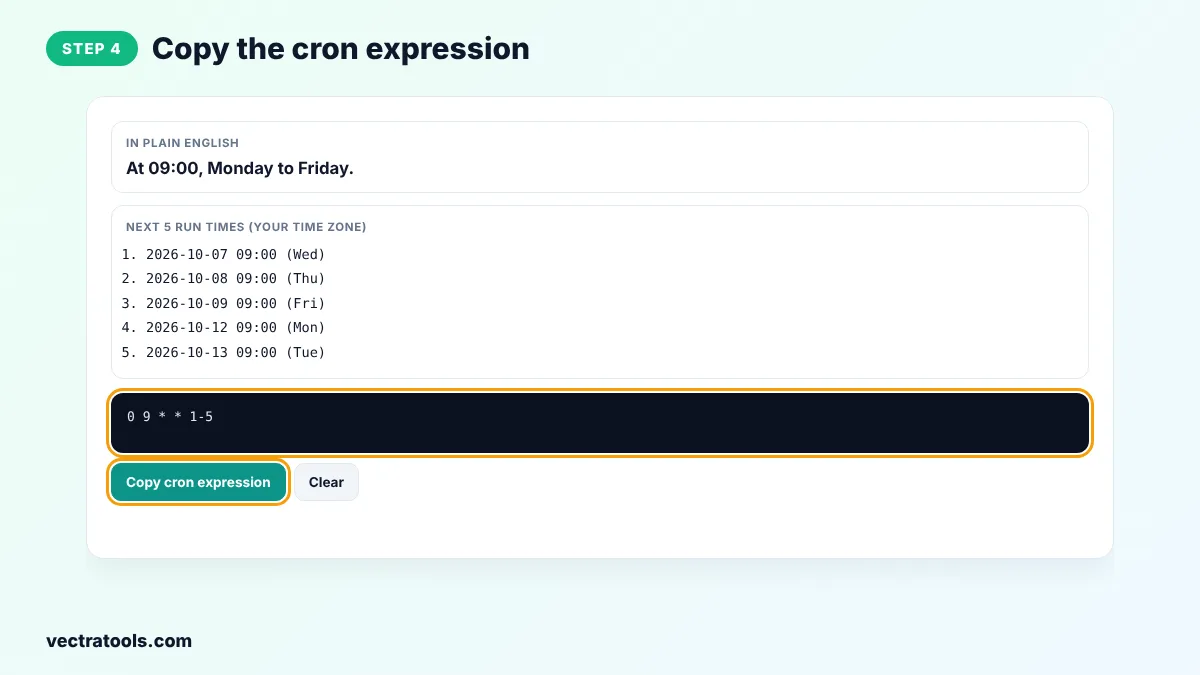
Developers, system administrators and DevOps engineers use a cron expression generator to avoid small mistakes that make jobs run at the wrong time, or not at all. Because this cron expression generator shows the next run times, you can catch problems such as a job set for 31 February before it reaches production. The cron expression generator is free and works without sign-up.
How to Add a Cron Job
# open your crontab
crontab -e

# run a backup script at 09:00 Monday to Friday
0 9 * * 1-5 /home/user/backup.sh >> /home/user/backup.log 2>&1
Cron uses the time zone of the server, which may differ from yours. Check it with the date command. GitHub Actions schedules always run in UTC.
Cron Expression Generator Tips
- If you set both day of month and day of week, cron runs when either one matches, not only when both do.
- Avoid scheduling many jobs at exactly minute 0. Spread them out, for example at minute 7 or 23, to reduce load.
- Use full paths to commands and scripts, because cron runs with a minimal environment.
- Redirect output to a log file so you can see errors.
- Test new schedules with the cron expression generator before you deploy them.
Frequently Asked Questions
What is a cron expression?
A cron expression is a string of five fields, minute, hour, day of month, month and day of week, that tells cron when to run a job.
How do I run a cron job every 5 minutes?
Use */5 * * * *. The */5 in the minute field means every fifth minute.
What does 0 0 * * * mean?
It runs once a day at midnight, minute 0 of hour 0.
Is Sunday 0 or 7 in cron?
Both. Most cron versions accept 0 and 7 for Sunday.
Does this tool support seconds or a year field?
No. It uses the standard five-field cron format used by Linux crontab and most schedulers. Quartz and some cloud services use six or seven fields.
Which time zone are the next run times in?
The next run times are shown in your browser's time zone. Your server may use a different one, often UTC.
Is this cron expression generator free?
Yes. It is free, needs no account and runs in your browser.