

Color Palette from Image – Extract Colours from Any Photo
Color Palette Generator
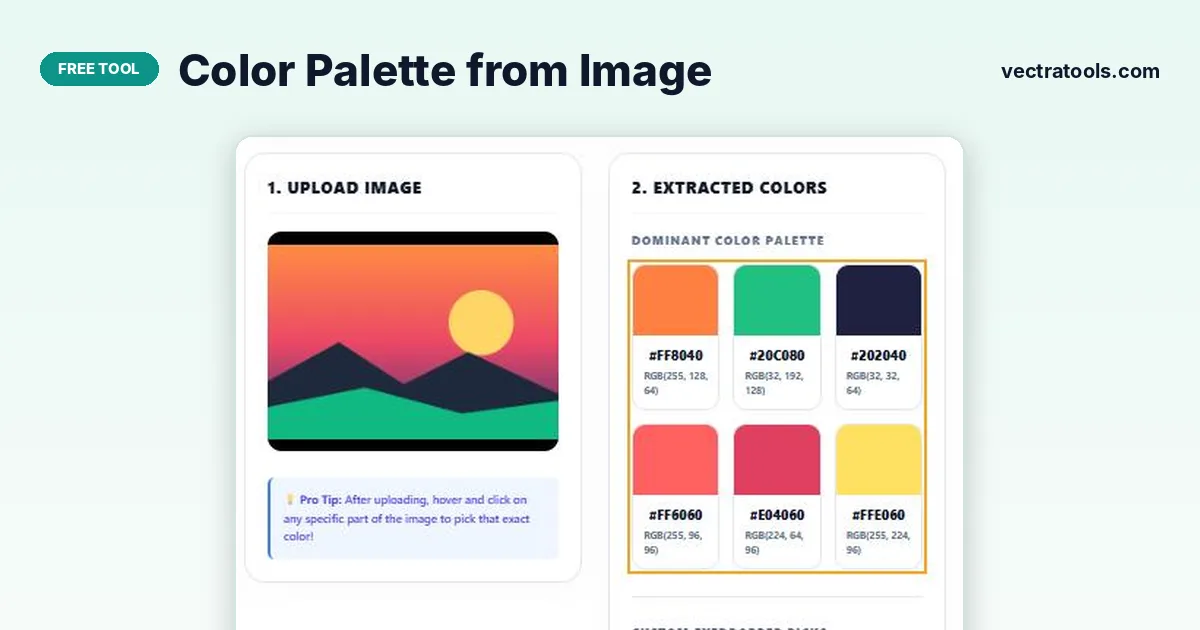
Get a color palette from image files instantly. Extract stunning, harmonious color palettes from any picture automatically, or click anywhere on the image to pick exact colors.
Quick answer
Upload or drag in a JPG, PNG or WEBP image. The color palette from image tool shows its six dominant colours with HEX and RGB codes; click any colour card to copy its HEX code. To grab an exact shade, click anywhere on the image and the colour is added to Custom Eyedropper Picks and copied to your clipboard.
Photos are one of the best sources of colour inspiration: a sunset, a product shot or a brand photo already contains colours that work together. Pulling those colours out by hand, though, is slow.
This color palette from image tool does it in a second. It scans the picture, groups similar shades and lists the most common colours as ready-to-use HEX and RGB values. An eyedropper lets you pick any specific pixel too. Your image never leaves your browser.
How the Palette Is Extracted
- The image is drawn onto a hidden canvas, scaled down to a maximum of 200 pixels for speed.
- Every pixel’s red, green and blue values are rounded into buckets of 32, so near-identical shades are grouped together.
- The buckets are counted, and the six most common colours become the dominant palette.
Because similar shades are grouped, the palette shows the main colour families in the image rather than hundreds of tiny variations. Use the eyedropper when you need one exact pixel colour.
How to Use the Color Palette from Image
Any photo, screenshot, logo or illustration works. Images with clear areas of colour give the most useful palettes.
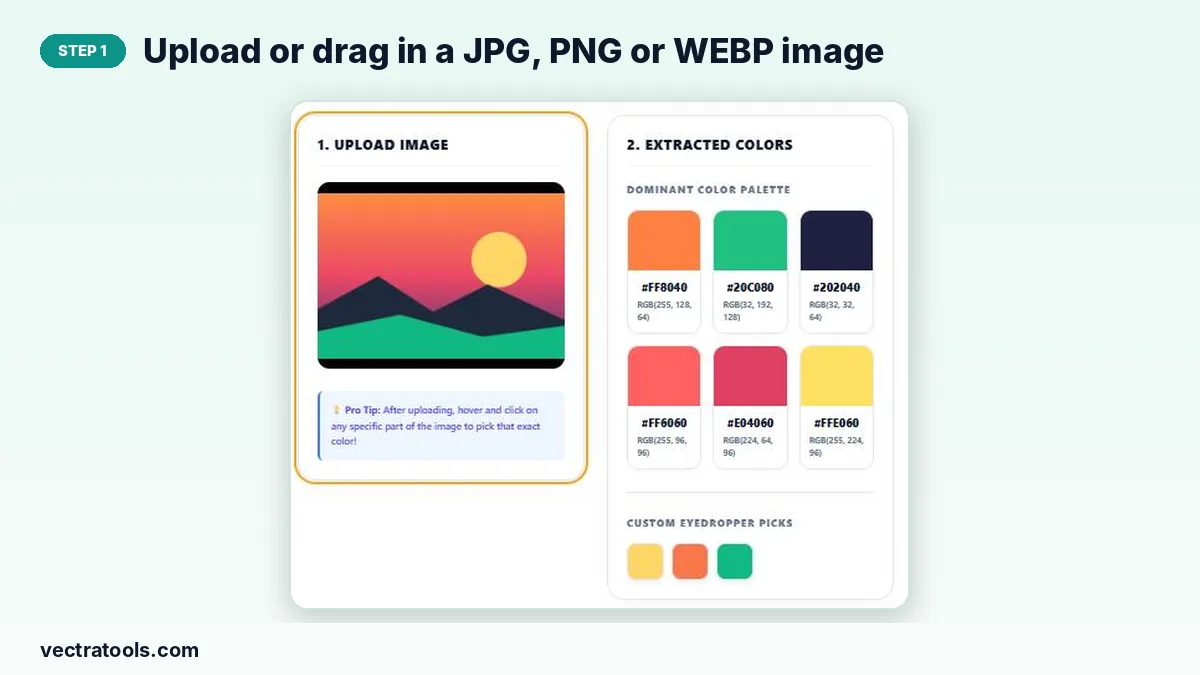
Step 1: Upload or drag in a JPG, PNG or WEBP image
Click the upload area or drag a file onto it. A preview of your image appears and the palette is generated straight away.
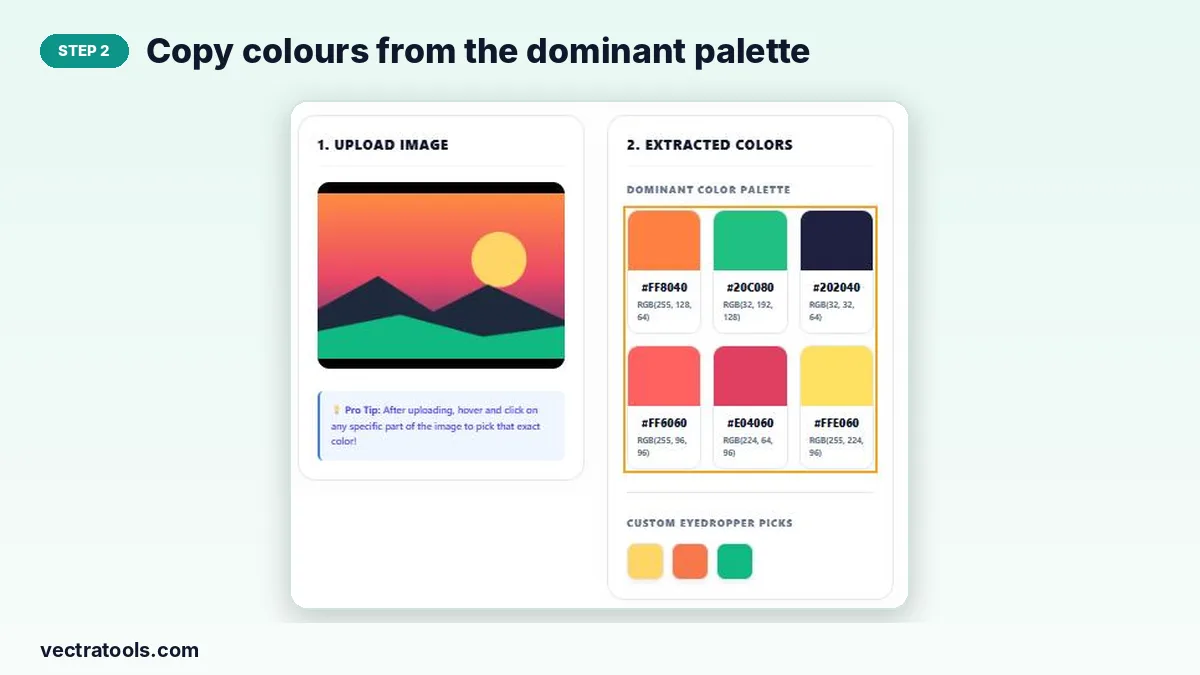
Step 2: Copy colours from the dominant palette
The six dominant colours are shown with HEX and RGB codes. Click a colour card to copy its HEX code to the clipboard.
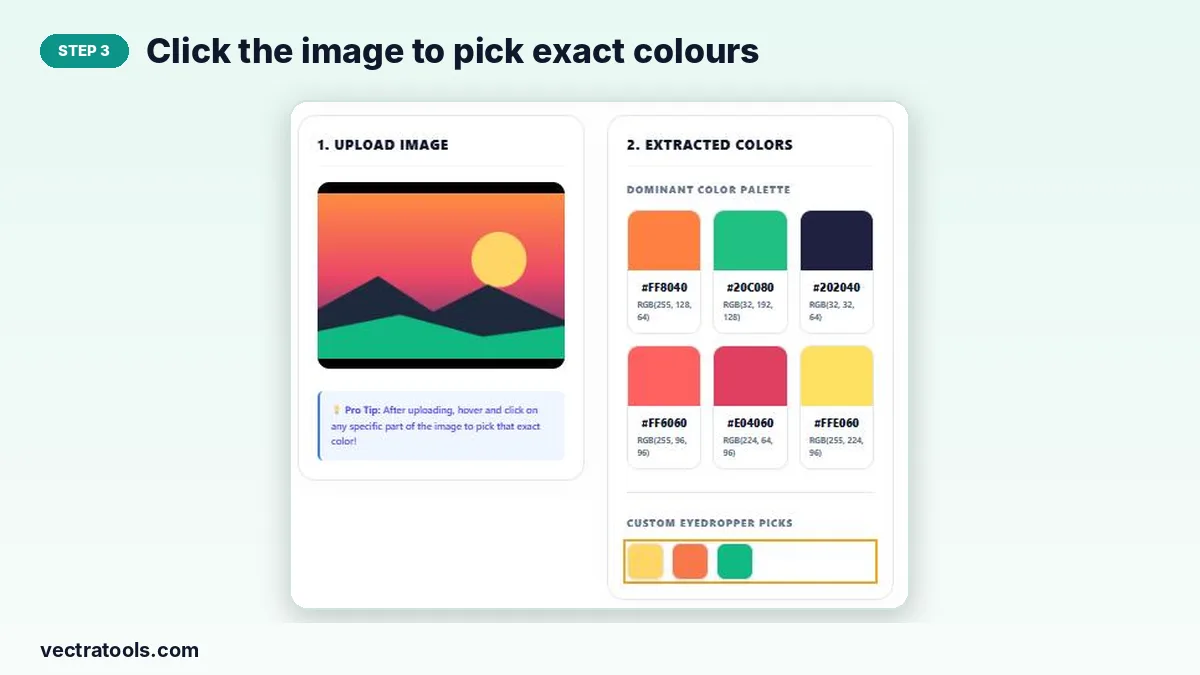
Step 3: Click the image to pick exact colours
Click any point on the image preview. The exact colour is added to Custom Eyedropper Picks and copied to your clipboard; click a pick to copy it again.
Ways to Use an Image Colour Palette
- Branding: build brand colours from a hero photo or product shot.
- Web design: match buttons and backgrounds to a header image.
- Presentations: make slide colours match a cover photo.
- Art and crafts: find paint or yarn colours from a reference picture.
HEX vs RGB
| Format | Example | Used in |
|---|---|---|
| HEX | #FF8040 | CSS, design tools, brand guides |
| RGB | rgb(255, 128, 64) | CSS, image editors, code |
Why Use a Color Palette from Image Tool
Guessing colours by eye, or sampling them one by one in an image editor, takes time. A color palette from image tool gives you the main colours in one step, with codes ready to paste. Designers, marketers, developers and hobbyists use this color palette from image tool to turn inspiration photos into usable colour schemes.
Frequently Asked Questions
Is my image uploaded to a server?
No. The image is read and analysed in your browser only.
How many colours does the palette show?
Six dominant colours, plus any number of exact colours you pick with the eyedropper.
Why are the palette colours slightly different from the exact pixels?
Similar shades are grouped to find the main colour families. Use the eyedropper for the exact colour of a single pixel.
Which file types work?
JPG, PNG and WEBP images.
How do I copy a colour?
Click a palette card or an eyedropper swatch and its HEX code is copied to your clipboard.
Is the color palette from image tool free?
Yes. It is free with no sign-up or limits.