

Trigonometry Calculator – Sin, Cos, Tan, Csc, Sec and Cot
Trigonometry Calculator
Enter an angle to instantly calculate its fundamental trigonometric values. Switch seamlessly between degrees and radians.
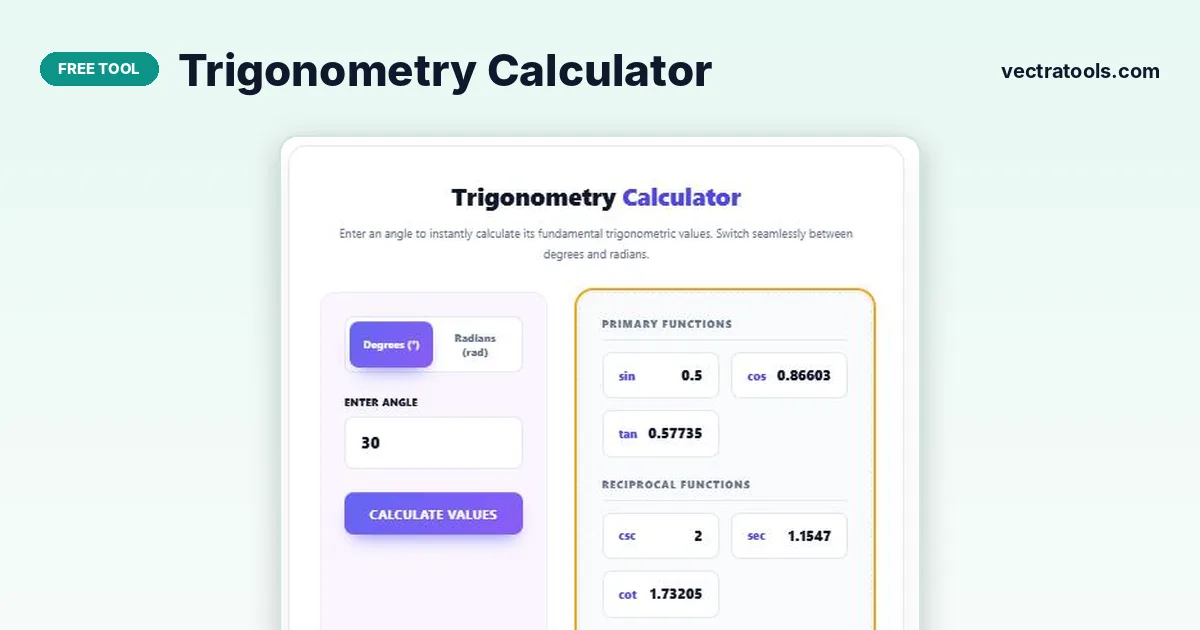
Quick answer
A trigonometry calculator finds the trigonometric values of an angle. Choose degrees or radians, type the angle and the tool instantly shows the three primary functions (sin, cos, tan) and the three reciprocal functions (csc, sec, cot). For example, 30° gives sin = 0.5, cos ≈ 0.86603 and tan ≈ 0.57735.
Our free trigonometry calculator updates as you type and rounds results to five decimal places, which is enough for school, university and most engineering work. Values that do not exist, such as tan 90°, are shown as Undefined rather than a misleading huge number.
Use this trigonometry calculator to check homework, verify exact values from the unit circle or switch between degree and radian answers.
Trigonometric Functions Explained
| Function | Definition (right triangle) | Reciprocal of |
|---|---|---|
| sin θ | opposite ÷ hypotenuse | csc θ |
| cos θ | adjacent ÷ hypotenuse | sec θ |
| tan θ | opposite ÷ adjacent | cot θ |
| csc θ | hypotenuse ÷ opposite | sin θ |
| sec θ | hypotenuse ÷ adjacent | cos θ |
| cot θ | adjacent ÷ opposite | tan θ |
Common Angle Values
| Angle | sin | cos | tan |
|---|---|---|---|
| 0° (0) | 0 | 1 | 0 |
| 30° (π/6) | 1/2 = 0.5 | √3/2 ≈ 0.86603 | 1/√3 ≈ 0.57735 |
| 45° (π/4) | √2/2 ≈ 0.70711 | √2/2 ≈ 0.70711 | 1 |
| 60° (π/3) | √3/2 ≈ 0.86603 | 1/2 = 0.5 | √3 ≈ 1.73205 |
| 90° (π/2) | 1 | 0 | Undefined |
How to Use the Trigonometry Calculator
Use the trigonometry calculator in four steps.
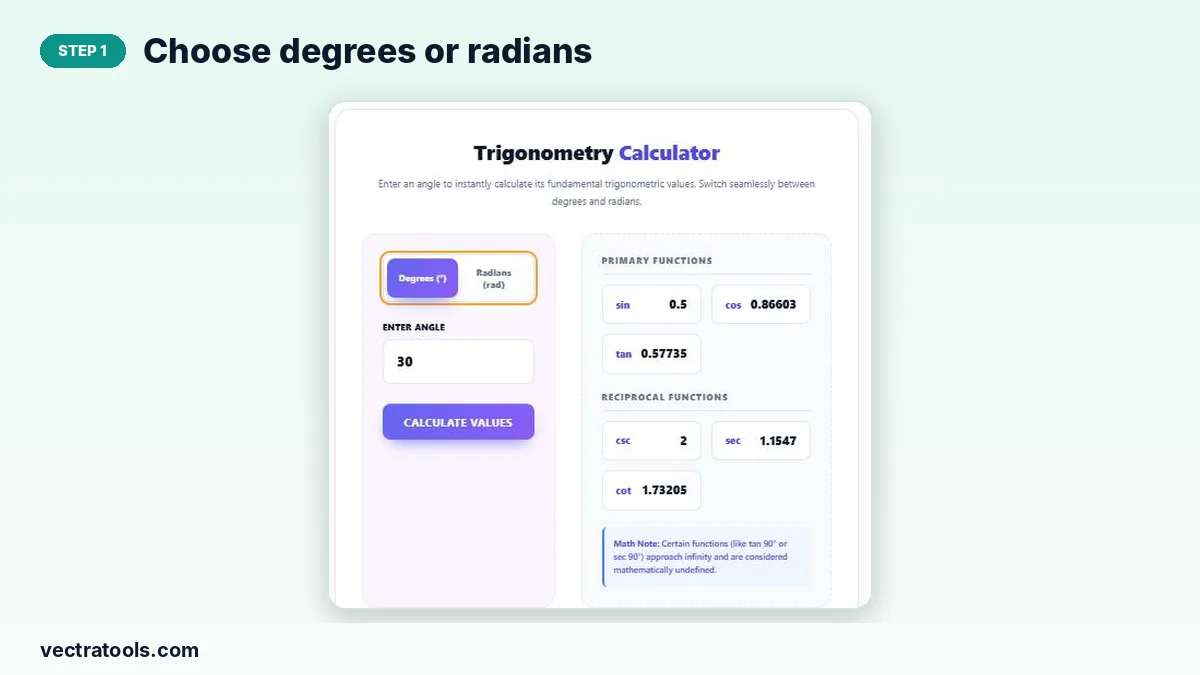
Step 1: Choose Degrees or Radians
Select Degrees (°) or Radians (rad) to match how your angle is written.
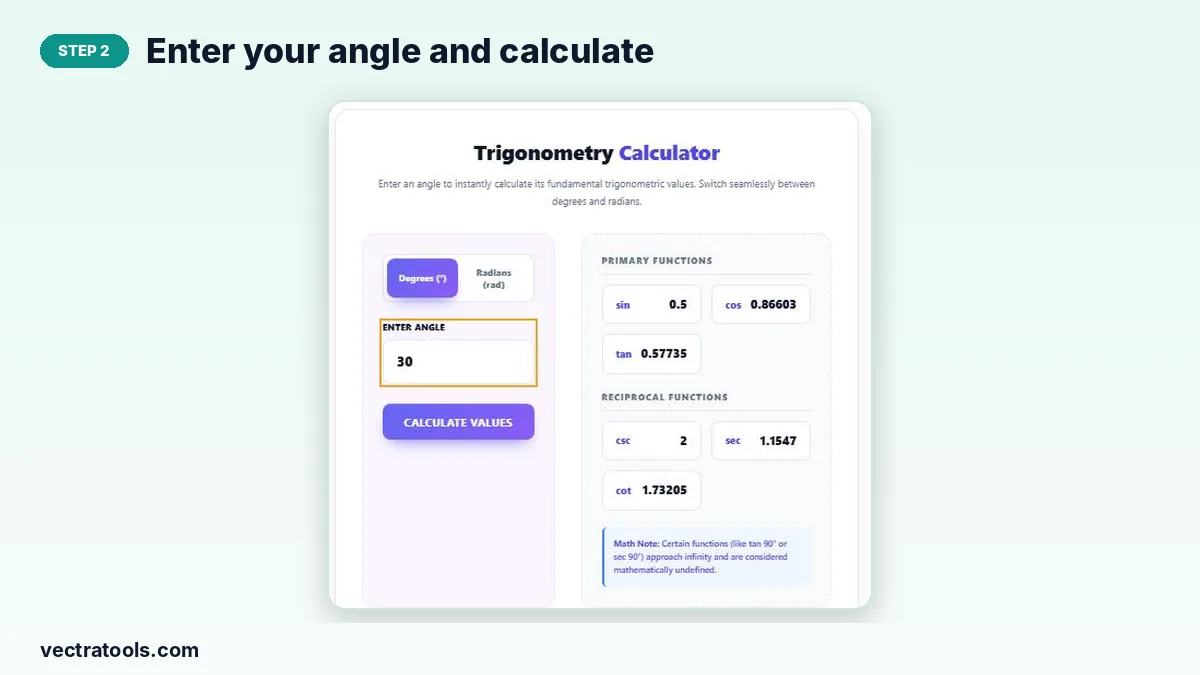
Step 2: Enter Your Angle and Calculate
Type the angle, for example 30, and click Calculate Values. Results also update as you type.
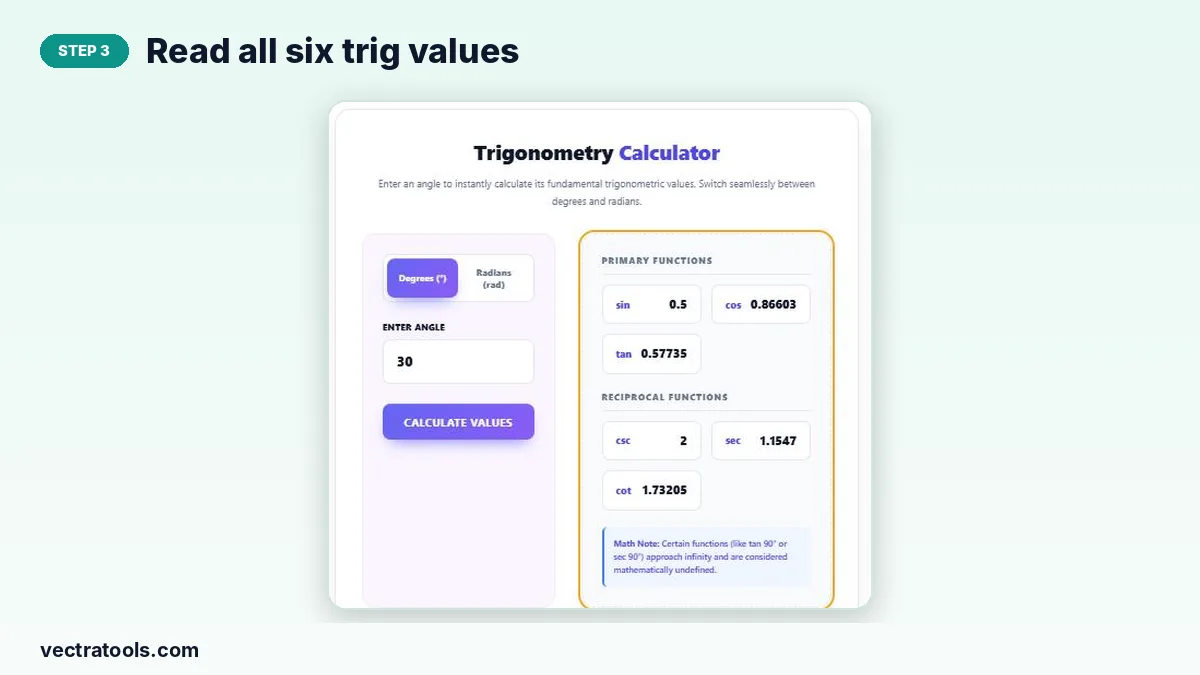
Step 3: Read All Six Trig Values
The results panel lists sin, cos and tan under Primary Functions and csc, sec and cot under Reciprocal Functions.
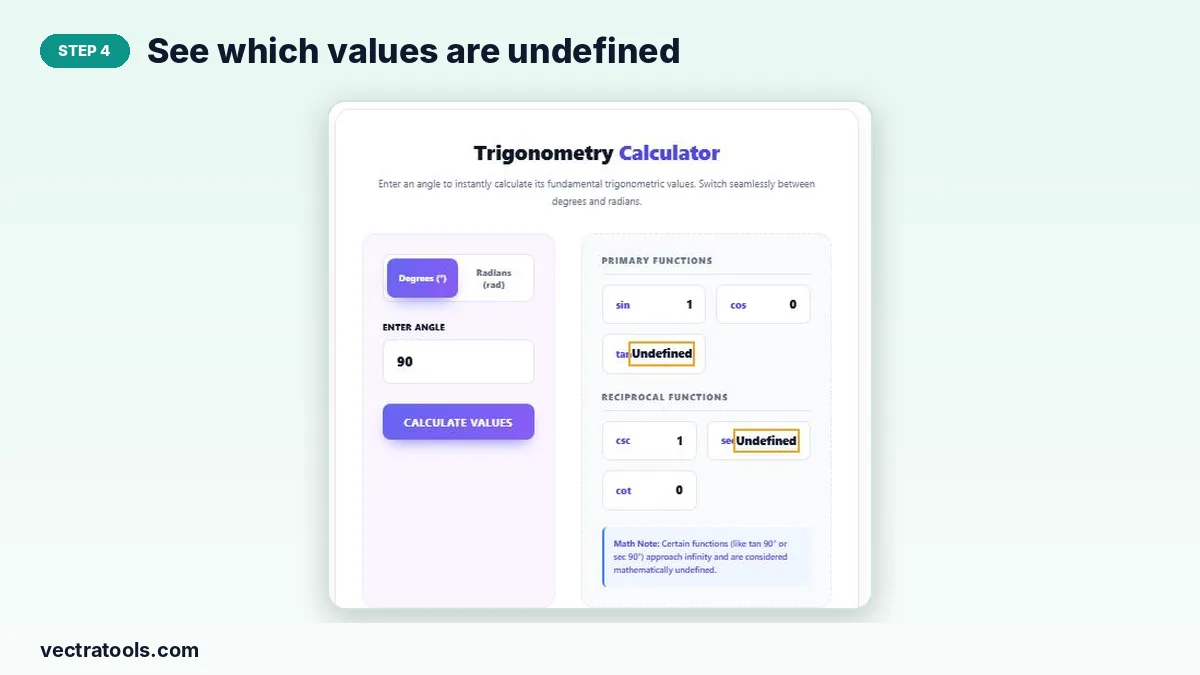
Step 4: See Which Values Are Undefined
For angles like 90°, functions that divide by zero, such as tan and sec, are shown as Undefined.
Degrees vs Radians
A full circle is 360° or 2π radians, so 180° = π radians. To convert degrees to radians, multiply by π/180; to convert radians to degrees, multiply by 180/π. For example, 60° × π/180 ≈ 1.0472 radians. Entering 1.0472 radians in the trigonometry calculator gives the same results as 60°, apart from tiny rounding differences.
Tips for Using a Trigonometry Calculator
- Check the unit first; most wrong answers come from using degrees instead of radians.
- Remember the signs by quadrant: all positive in Q1, sin in Q2, tan in Q3, cos in Q4.
- Use exact values (like √3/2) in exams and decimals for real-world calculations.
- For inverse functions such as arcsin, rearrange and check with known values.
Why Use a Trigonometry Calculator?
A trigonometry calculator saves time and removes errors when you need several functions at once. It is useful for geometry, physics, surveying, navigation, game development and any task that involves angles and triangles.
Frequently Asked Questions
Is this trigonometry calculator free?
Yes. It is free with no sign-up.
Does it work in radians?
Yes. Switch to Radians (rad) before entering your angle.
Why is tan 90° undefined?
tan 90° = sin 90° ÷ cos 90° = 1 ÷ 0, and division by zero is undefined.
What is csc?
Cosecant, the reciprocal of sine: csc θ = 1 ÷ sin θ.
How many decimal places are shown?
Results are rounded to up to five decimal places.
Can I enter negative angles?
Yes. Negative angles are measured clockwise and give the correct signs.