

Wheel Spinner – Random Decision Maker Wheel
Wheel Spinner
Add your options, spin the wheel and let chance decide: food, names, prizes, questions or anything else
Click Spin
Results

Quick answer
A wheel spinner is a digital prize wheel that picks one option at random. Type your options, one per line, and click Spin the wheel or the wheel itself. It spins and slows down, and the slice under the pointer is the winner. Tick Remove the winner to take each result off the wheel, which is handy for picking names in order.
Our free wheel spinner works as a random decision maker for what to eat, who goes first, which question to answer next or which prize someone wins. Each slice gets its own colour, long labels are shortened to fit, and the stopping point comes from your browser's secure random generator.
Ideas for Using the Wheel
| Use | Example options |
|---|---|
| What to eat | Pizza, Biryani, Sushi, Tacos |
| Classroom | Student names, quiz topics, reading pages |
| Games | Truth or dare, forfeits, challenges |
| Prizes | 10% off, Free shipping, Mystery gift |
| Chores | Dishes, Laundry, Vacuum, Bins |
| Teams | Who presents first, who picks the music |
Wheel Spinner Features
- Up to 100 options with automatic colours.
- A realistic spin that slows down before it stops.
- Remove the winner after each spin to draw names in order.
- Shuffle the options and keep a list of every result.
- Works with a mouse, a touch screen or the keyboard.
How to Use the Wheel Spinner
Step 1: Type Your Options, One per Line
Replace the sample options with your own in the Options box. The wheel updates as you type.

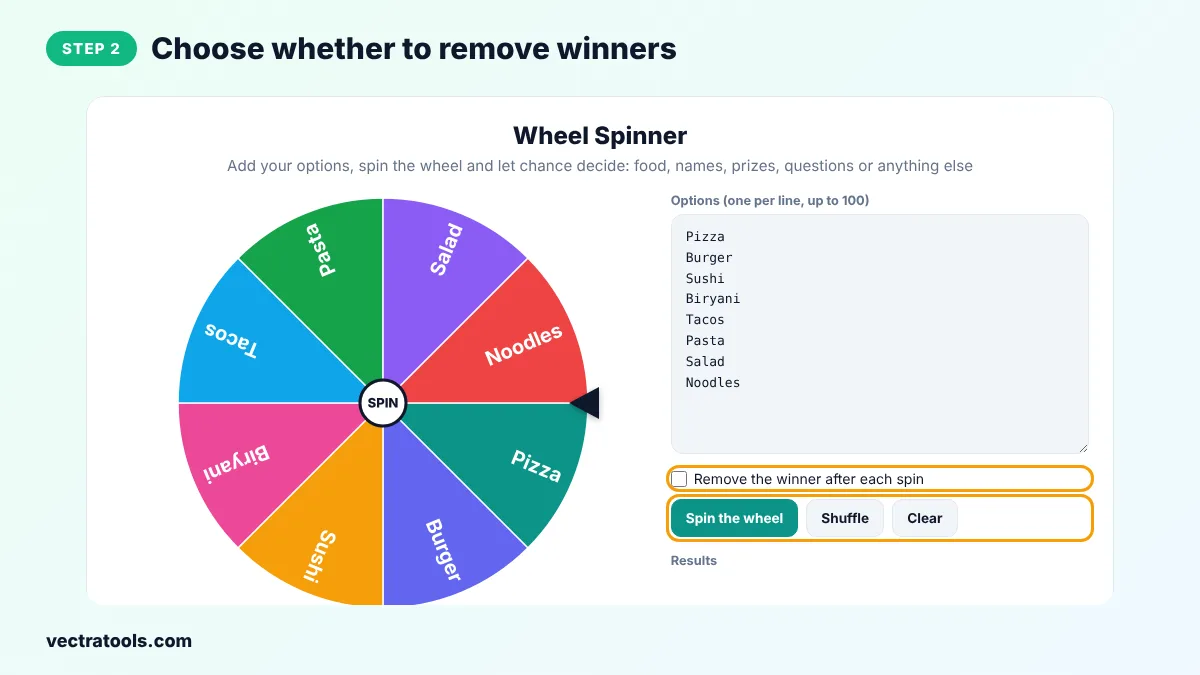
Step 2: Choose Whether to Remove Winners
Tick Remove the winner after each spin to take each result off the wheel. Use Shuffle to mix the order of the slices.
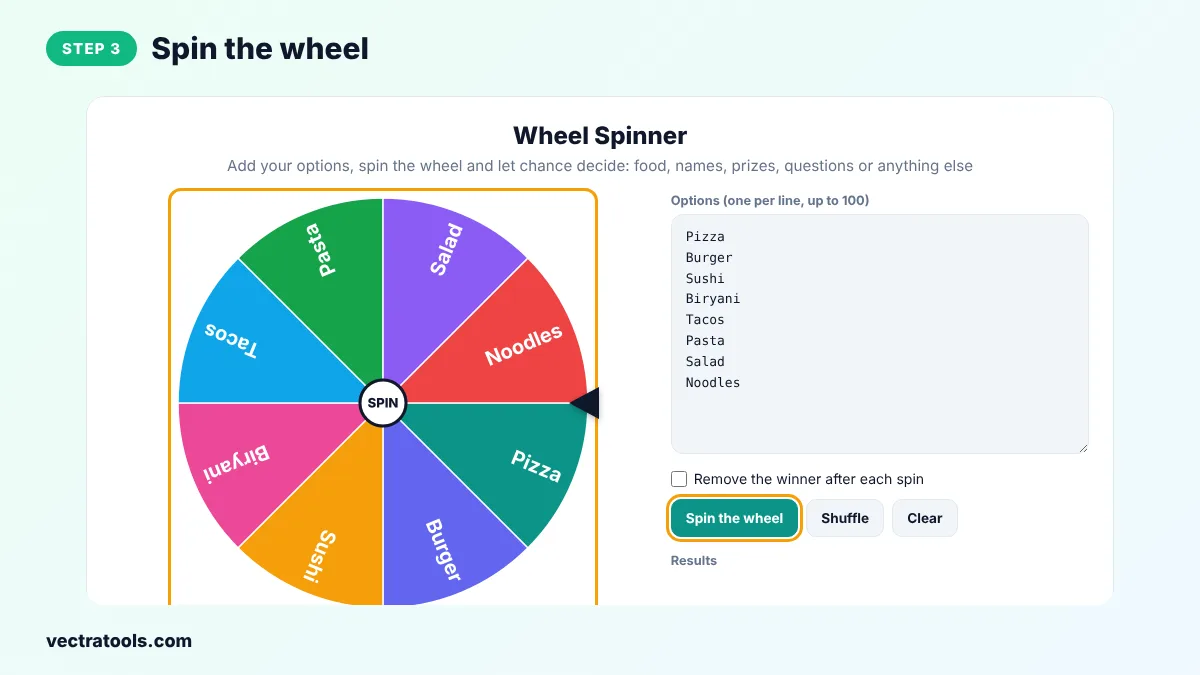
Step 3: Spin the Wheel
Click Spin the wheel or click the wheel itself. It spins for about four seconds and slows down.
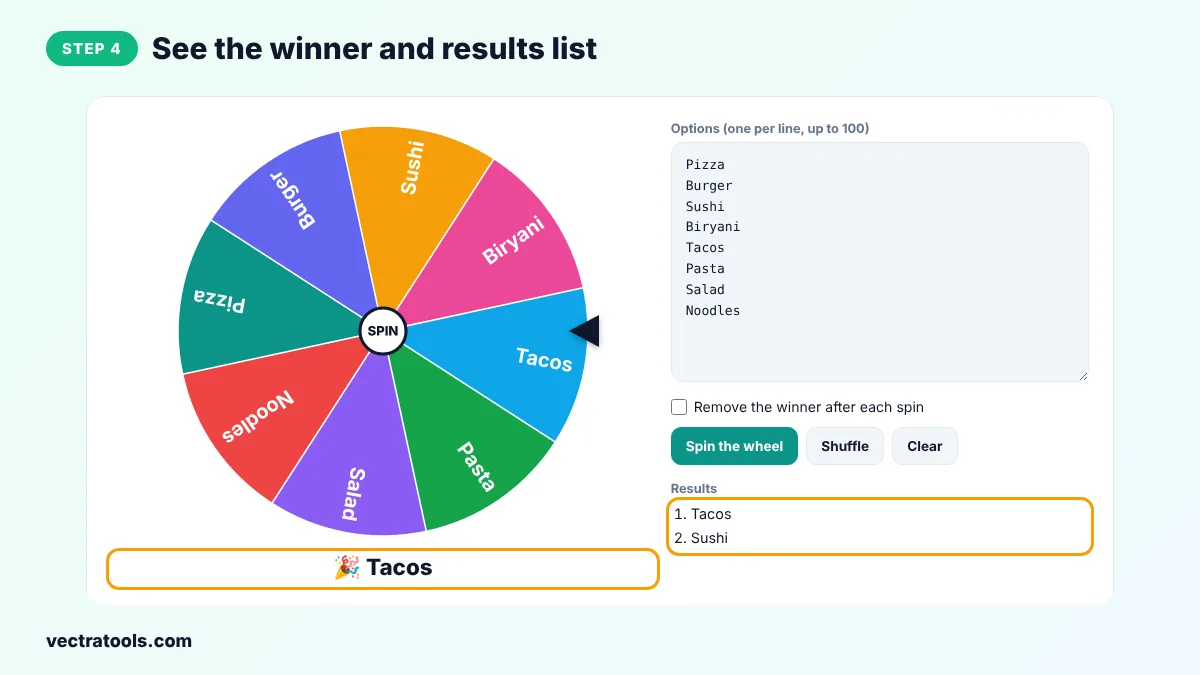
Step 4: See the Winner and Results List
The slice under the pointer is the winner. It appears under the wheel and is added to the Results list.
Teachers love a wheel spinner for picking students fairly, streamers use it for viewer challenges, and families use it to end the what's-for-dinner debate. The wheel spinner picks the final angle with crypto.getRandomValues, so each slice has the same chance.
Is the Wheel Really Random?
Yes. The total spin is five to eight full turns plus a random extra angle, all chosen with your browser's secure random generator. Every slice is the same size, so every option has exactly the same probability of landing under the pointer.
Wheel Spinner Tips
- Add an option twice to give it double the chance.
- Keep labels short so they are easy to read on the wheel.
- Put the wheel on a big screen in class or on a shared screen in video calls.
- Use Remove the winner to create a random order for presentations or turns.
Frequently Asked Questions
How does the wheel spinner choose a winner?
It spins the wheel by a random angle chosen with a secure random generator. The slice that stops under the pointer on the right is the winner.
How many options can I add?
Up to 100 options, one per line.
Can I give one option a better chance?
Yes. Add the same option more than once to give it more slices.
Can I remove an option after it wins?
Yes. Tick Remove the winner after each spin.
Does it work on phones?
Yes. Tap the wheel or the button to spin.
Can I save my wheel?
Copy the options from the box and paste them back next time.
Is the wheel spinner free?
Yes. It is free, needs no sign-up and runs in your browser.