

Essay Word Count Checker – Words, Characters, Sentences and Reading Time
Essay Word Count Checker
Type or paste your text below to instantly check word count, reading time, and keyword density for perfect SEO and academic formatting.
- Characters (No Spaces) 0
- Est. Reading Time 0 min
- Est. Speaking Time 0 min
| Keyword | Count |
|---|---|
| Type text to see analysis | |
Quick answer
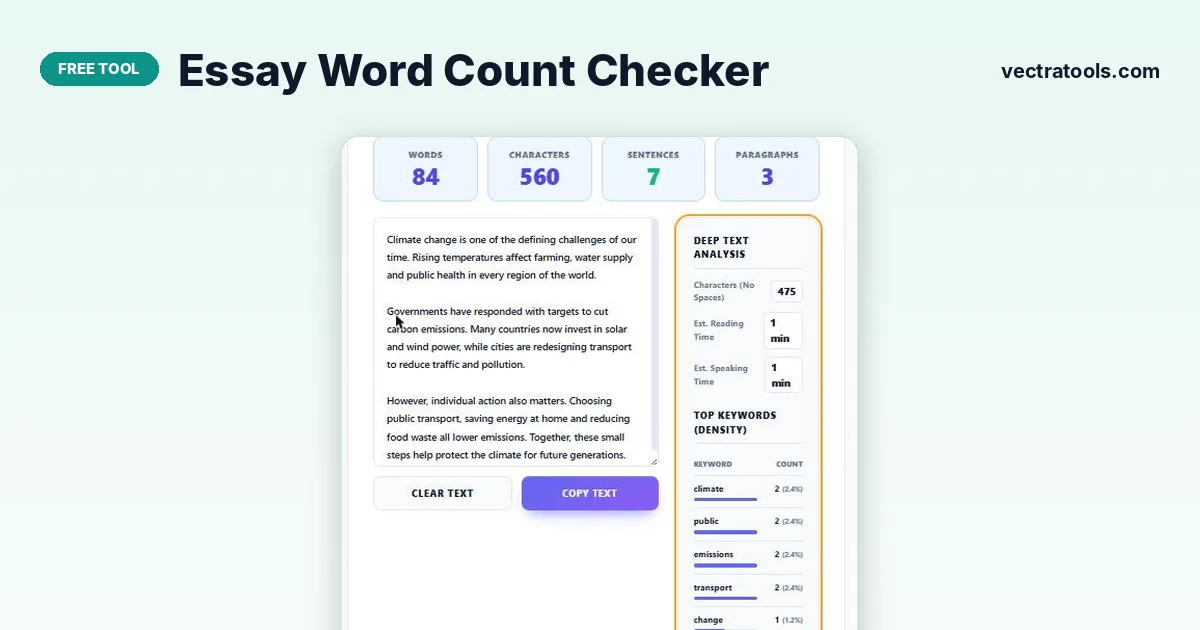
Paste or type your essay into the box and the essay word count checker updates instantly: words, characters with and without spaces, sentences, paragraphs, estimated reading time (225 words per minute), speaking time (130 words per minute) and your five most-used keywords.
Most essays, applications and assignments come with a word limit, and going far over or under it can cost marks. Checking the count as you edit is the easiest way to stay inside the range.
This essay word count checker counts as you type, so you can trim a paragraph and see the new total straight away. It also shows how long the text takes to read or present and which words you repeat most.
What the Essay Word Count Checker Measures
| Metric | How it is counted |
|---|---|
| Words | Groups of characters separated by spaces or line breaks |
| Characters | Every character, including spaces |
| Characters (no spaces) | Letters, numbers and punctuation only |
| Sentences | Text ending in . ! or ? |
| Paragraphs | Blocks separated by a line break |
| Reading time | Words ÷ 225, rounded up to the next minute |
| Speaking time | Words ÷ 130, rounded up to the next minute |
| Top keywords | The five most frequent words of 3+ letters, ignoring common words like “the” and “and” |
How to Use the Essay Word Count Checker
Write directly in the box or paste from Word, Google Docs or any other editor.
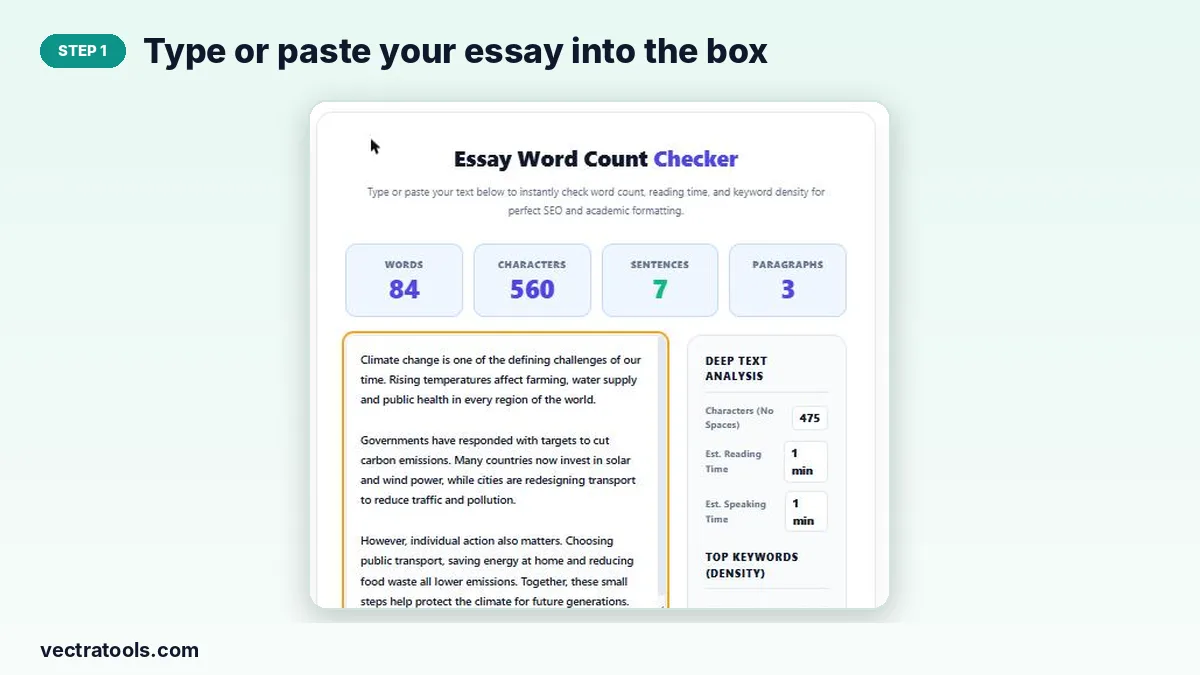
Step 1: Type or paste your essay into the box
Click the large text box and type, or paste your essay with Ctrl+V (Cmd+V on Mac). Keep paragraph breaks so the paragraph count is accurate.
Step 2: Read the live word, character and sentence counts
The four cards at the top show words, characters, sentences and paragraphs. They update with every key press.

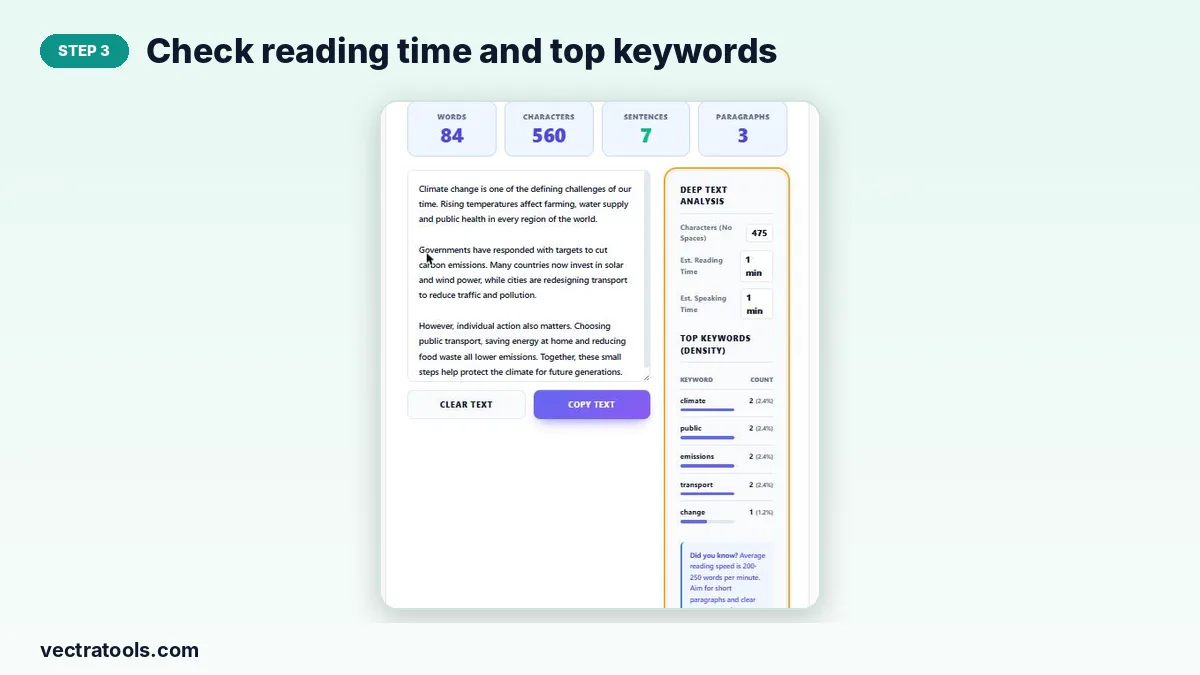
Step 3: Check reading time and top keywords
The Deep Text Analysis panel shows characters without spaces, reading time, speaking time and your top five keywords with their density. Use it to spot words you repeat too often.
Step 4: Copy or clear the text when you are done
Copy Text puts the edited essay on your clipboard so you can paste it back into your document. Clear Text empties the box for the next piece.

Typical Essay Word Counts
| Type of writing | Usual length |
|---|---|
| Short answer | 100–250 words |
| College application essay | 250–650 words |
| School essay | 500–1,000 words |
| University assignment | 1,500–3,000 words |
| Dissertation | 10,000+ words |
Many tutors allow about 10% over or under the limit, but always follow your own course rules.
Tips for Hitting Your Word Limit
- Too long? Cut filler phrases like “in order to” and “it is important to note that”, and merge repeated points.
- Too short? Add an example, a counter-argument or evidence rather than padding sentences.
- Check whether your limit includes the title, references and footnotes. Paste only the parts that count.
- Use the keyword list to replace overused words with synonyms.
Who Uses an Essay Word Count Checker
Students use an essay word count checker for coursework, personal statements and scholarship essays with strict limits. Writers and bloggers use the same essay word count checker to plan article length and reading time, and speakers use the speaking-time estimate to fit a talk into its slot.
Frequently Asked Questions
How does the essay word count checker count words?
It splits the text on spaces and line breaks, so hyphenated words like “well-known” count as one word, and numbers count as words.
Is my essay stored or uploaded?
No. Counting happens in your browser and the text is never sent to a server.
How is reading time calculated?
The word count is divided by 225 words per minute and rounded up. Speaking time uses 130 words per minute, a typical pace for presentations.
Does it count characters with and without spaces?
Yes. The top card shows all characters including spaces, and the analysis panel shows the count without spaces.
Why is the sentence count slightly different from Word?
Abbreviations such as “e.g.” or “Dr.” contain full stops, which can be read as sentence endings. Treat the sentence count as a close estimate.
Is there a length limit?
No fixed limit. Long dissertations work, although very large texts may update a little more slowly.