

Decimal to Binary Converter – With Division Steps and Bit Padding
Decimal to Binary Engine
Convert Base-10 numbers to precise machine binary streams with division logging

Quick answer
To convert decimal to binary, divide the number by 2 again and again, writing down each remainder (0 or 1), until the quotient is 0. Then read the remainders from the last one to the first. For example, 170 = 10101010 in binary and 13 = 1101 (or 00001101 as an 8-bit byte).
Our free decimal to binary converter does every division for you and shows the full working, so you can learn the method as well as get the answer. You can also pad the result to 4, 8, 16 or 32 bits, which is how values are stored in real computer memory.
How Decimal to Binary Conversion Works
Decimal (base 10) uses ten digits and each place is a power of 10. Binary (base 2) uses only 0 and 1, and each place is a power of 2: 1, 2, 4, 8, 16, 32, 64, 128 and so on. The repeated division method finds which powers of 2 add up to your number. Here is 170 worked by hand:
| Division | Quotient | Remainder |
|---|---|---|
| 170 ÷ 2 | 85 | 0 |
| 85 ÷ 2 | 42 | 1 |
| 42 ÷ 2 | 21 | 0 |
| 21 ÷ 2 | 10 | 1 |
| 10 ÷ 2 | 5 | 0 |
| 5 ÷ 2 | 2 | 1 |
| 2 ÷ 2 | 1 | 0 |
| 1 ÷ 2 | 0 | 1 |
Reading the remainders from bottom to top gives 10101010. Check it: 128 + 32 + 8 + 2 = 170.
How to Use the Decimal to Binary Converter
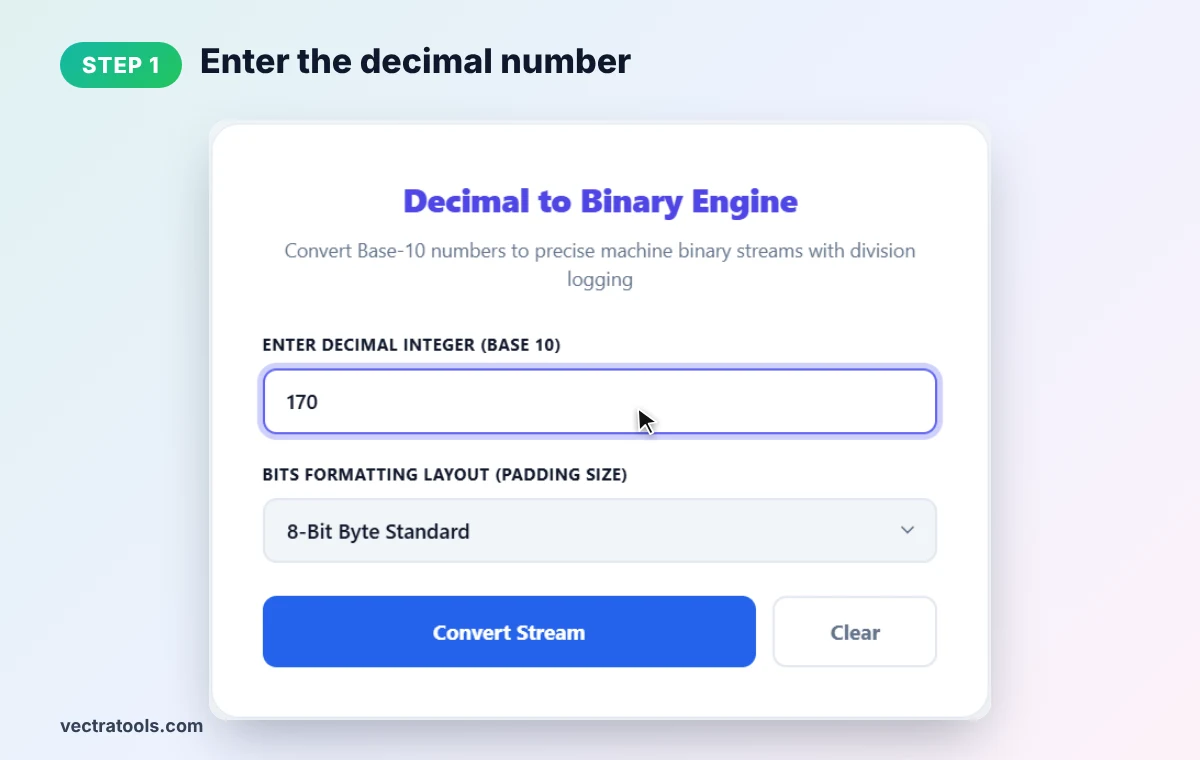
Step 1: Enter the Decimal Number
Type a whole, non-negative number into Enter Decimal Integer (Base 10). We enter 170.
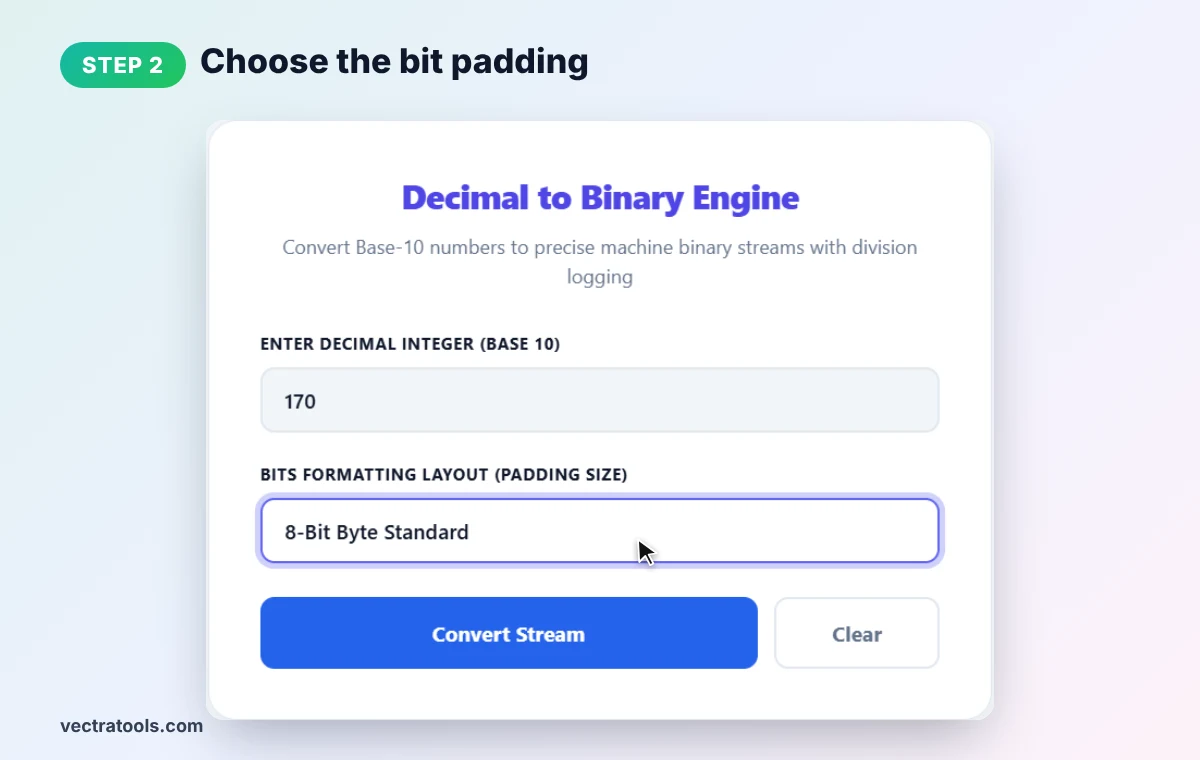
Step 2: Choose the Bit Padding
Pick a layout in Bits Formatting Layout: Auto (minimum bits), 4-bit nibble, 8-bit byte, 16-bit word or 32-bit double word. Padding adds leading zeros without changing the value. We choose 8-Bit Byte Standard.
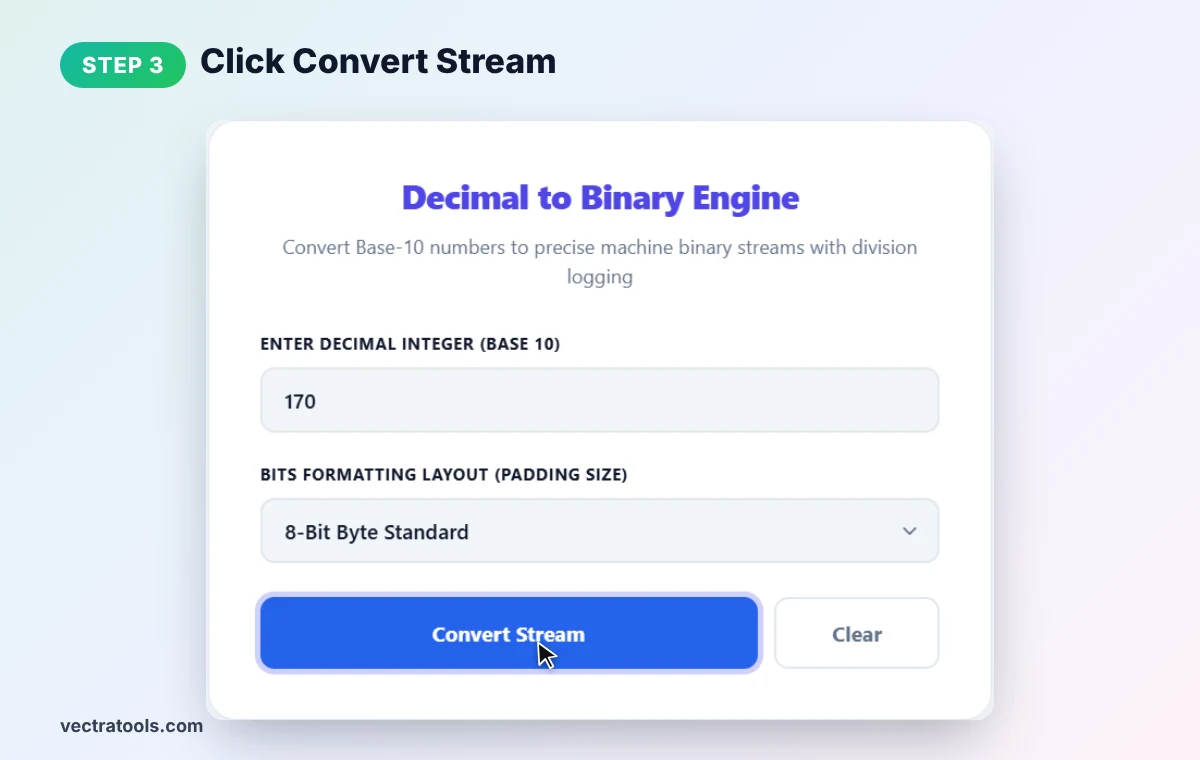
Step 3: Click Convert Stream
Press Convert Stream to run the decimal to binary conversion. Negative numbers and decimals such as 3.5 are not accepted, and the tool shows a short warning instead.
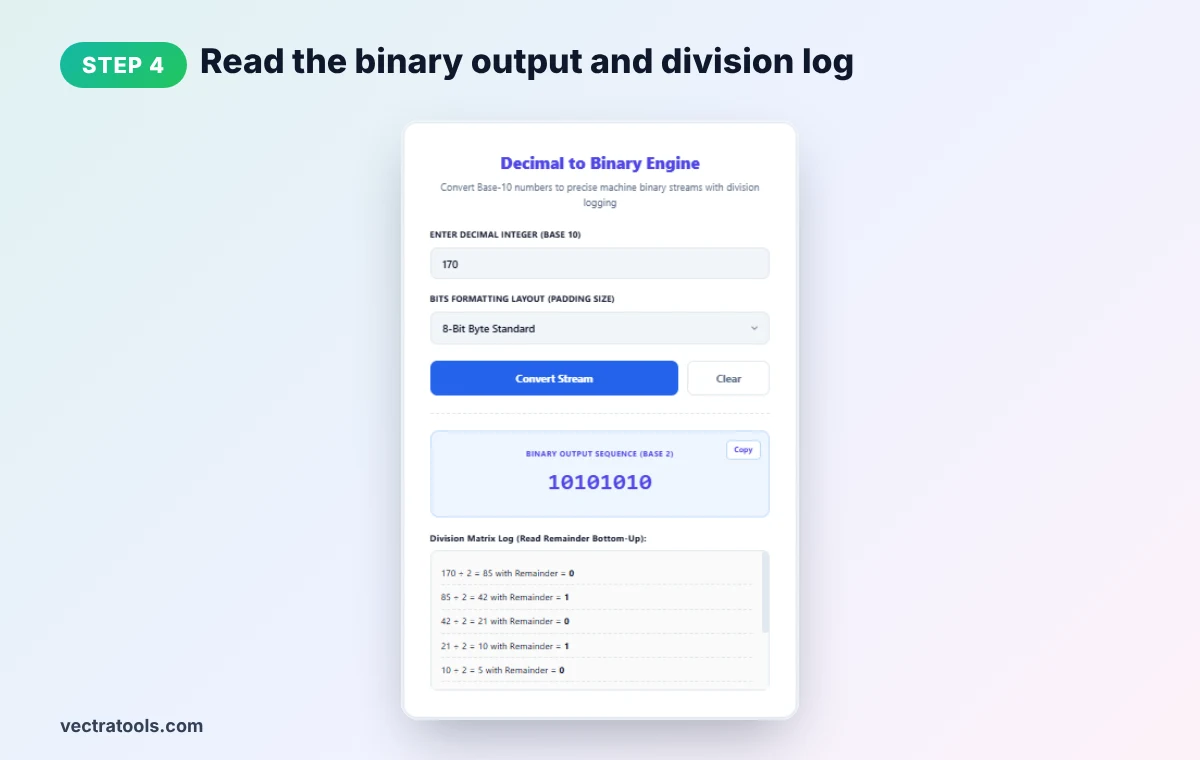
Step 4: Read the Binary Output and Division Log
The decimal to binary result shows 10101010 with a Copy button. The Division Matrix Log underneath lists every step (170 ÷ 2 = 85 remainder 0, and so on). Read the remainders bottom-up to see where the answer comes from.
Decimal to Binary Chart
| Decimal | Binary | 8-bit |
|---|---|---|
| 0 | 0 | 00000000 |
| 1 | 1 | 00000001 |
| 2 | 10 | 00000010 |
| 5 | 101 | 00000101 |
| 8 | 1000 | 00001000 |
| 10 | 1010 | 00001010 |
| 13 | 1101 | 00001101 |
| 15 | 1111 | 00001111 |
| 16 | 10000 | 00010000 |
| 25 | 11001 | 00011001 |
| 32 | 100000 | 00100000 |
| 50 | 110010 | 00110010 |
| 64 | 1000000 | 01000000 |
| 100 | 1100100 | 01100100 |
| 127 | 1111111 | 01111111 |
| 128 | 10000000 | 10000000 |
| 200 | 11001000 | 11001000 |
| 255 | 11111111 | 11111111 |
Numbers above 255 need more than 8 bits: 256 is 100000000, 1000 is 1111101000 and 1024 is 10000000000.
Why Bit Padding Matters
- Bytes: one byte is 8 bits and holds values 0–255. Networking, file formats and colors often work byte by byte.
- IP addresses: each part of an IPv4 address (like 192.168.1.10) is one byte, so subnet work uses 8-bit binary.
- Programming: 16-bit and 32-bit layouts match common integer types in languages like C and Java.
Common Mistakes to Avoid
- Reading remainders top to bottom. The first remainder is the last (rightmost) binary digit.
- Stopping too early. Keep dividing until the quotient reaches 0.
- Expecting fractions. This decimal to binary tool works with whole numbers only.
- Counting leading zeros as value. 00001101 and 1101 are the same number, 13.
To convert between all four bases at once, use our base converter and binary calculator.
Frequently Asked Questions
How do I convert decimal to binary?
Divide the number by 2 repeatedly, note each remainder, and read the remainders from last to first. 13 gives remainders 1, 0, 1, 1, so 13 = 1101.
What is 10 in binary?
10 in binary is 1010, or 00001010 as an 8-bit byte.
What is 255 in binary?
255 is 11111111, the largest number that fits in one byte.
What is 100 in binary?
100 in binary is 1100100.
Can I convert negative or decimal fractions?
No. This tool converts whole numbers of 0 or more. Negative numbers and fractions use other formats such as two's complement and floating point.
Is this decimal to binary converter free?
Yes. It is free, needs no sign-up, and runs entirely in your browser.